How to move from spreadsheets to startbuddi

You can move from spreadsheets to startbuddi by saving each sheet as a CSV file and importing it. Contacts go into Customers and products go into your online store. Your spreadsheet stays exactly as it was, so you can keep it as a backup.
Importing works on every plan, but your plan sets how many contacts you can keep: Free 250, Starter 2,500, Growth 15,000 and Scale 75,000. Check you have room before a big import. If you’re still deciding whether to switch, our post on CRM vs spreadsheet covers the trade-offs.
Before you move from spreadsheets: tidy the sheet
- Keep one row per person, with column names in the first row.
- Split names into first name and last name if you can.
- Put phone numbers in one format, with the country code (for example +234).
- Put tags in one column, separated by commas, such as vip, referral.
- Save a copy as CSV: in Google Sheets use File, Download, Comma-separated values; in Excel use Save As and choose CSV.
What to move first
Start with your customer list, because everything else links to it: bookings, invoices, forms and messages all land on the same contact. Then import products if you sell online. For open work, it’s usually quicker to create current projects and unpaid invoices fresh in Work and Money Manager than to copy old rows across. If your list lives in Google Sheets, you can also connect Google Sheets from Settings, then Integrations, and map its columns there. Our post on moving your business off spreadsheets covers the wider switch.
Steps
- Download the import template
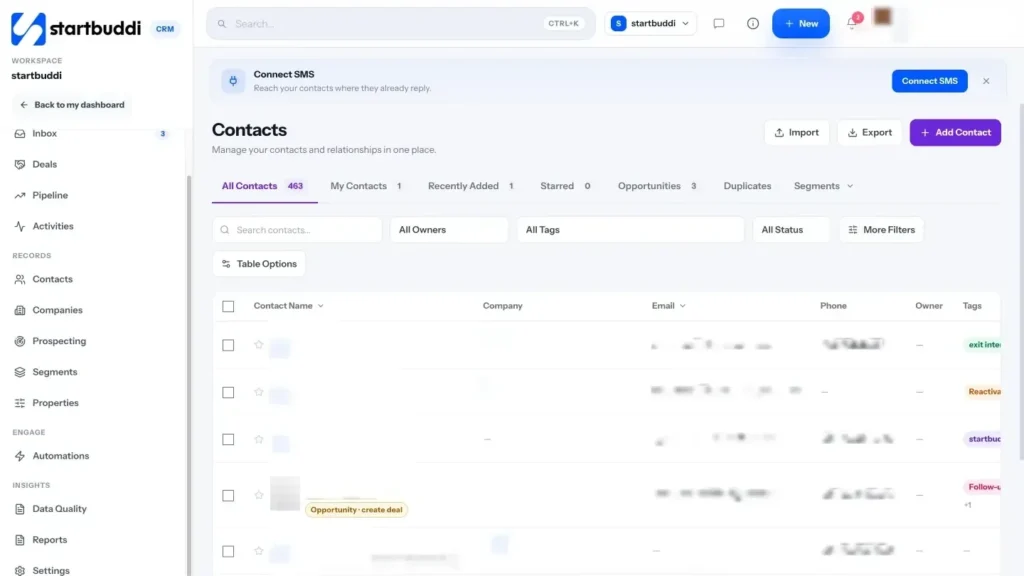
Open Customers, then your contacts list, and click More. Choose Download import template to see the columns startbuddi expects. You don't have to use it, but it helps if your sheet is messy.
- Open Import contacts
From the same More menu, choose Import contacts. Drop your CSV into the window, or choose the file. You can import up to 10,000 contacts at a time.
- Match your columns
For each Column in your file, check what it Goes to in startbuddi. The first value from your file is shown so you can spot mistakes. Set any column you don't want to Don't import, then click Continue.
- Review and import
The review shows how many contacts are in the file and how many are Already here. Choose Update them or Leave them alone for those. You can add everyone to a group, tag them or add a note, then click Import.
- Import your products
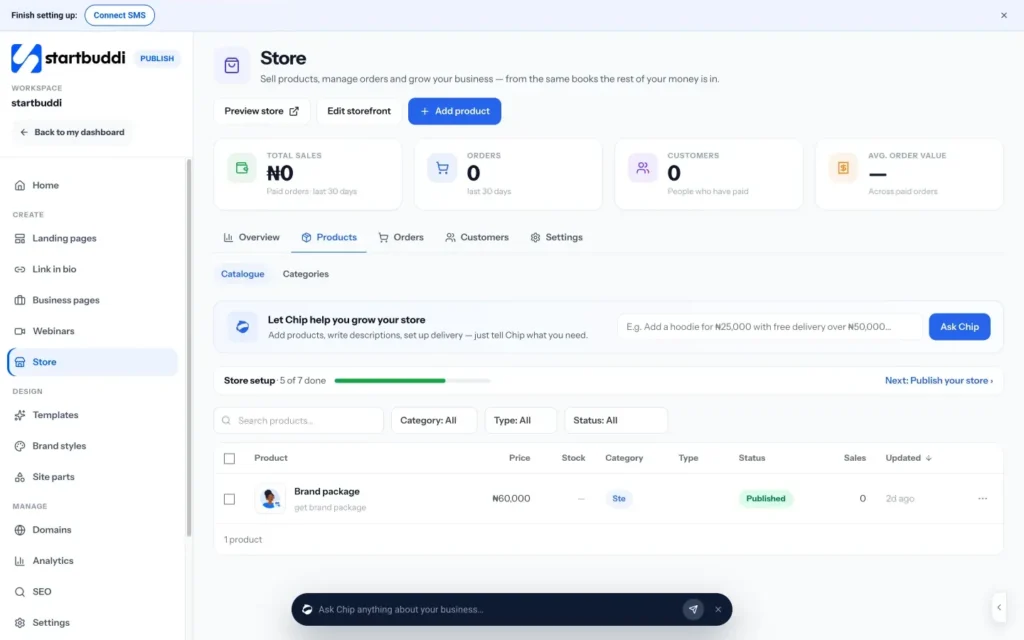
If you sell products, open Publish, then your store's products, and click Import CSV. Your file needs at least a name and a price column. Click Download the template for the optional columns, such as description and SKU.
- Check what came across
Back in your contacts, open More, then Import history, to see each import, who ran it and when. Open a few contacts to check names, phones and tags look right before you email anyone.
Troubleshooting
It says it can't read my file.
The file probably isn't a real CSV. Open it in Google Sheets or Excel, save it again as CSV (comma-separated), and try once more. Excel workbooks (.xlsx) aren't accepted.
The Continue button is greyed out.
Each contact needs something to be saved by. Point at least one column at a first name, email or phone, then Continue will work.
I imported the same list twice. Do I now have duplicates?
Contacts that match people already in startbuddi are shown as Already here during review. If you chose Update them, their details were refreshed rather than copied.
My contacts are in HubSpot or Mailchimp, not a spreadsheet.
Neither has a one-click connection yet. Export your contacts from HubSpot or Mailchimp as a CSV file and import it the same way as a spreadsheet, in Customers → Contacts → Import. Only contacts come across, not deals, workflows or templates.
Tiwalade Joanna Okedara-Kalu is the founder, CEO and CTO of startbuddi, the business system that brings clients, bookings, invoices, projects, marketing and the Chip AI assistant into one place. Tiwalade builds software around how service businesses really work day to day, and writes about client management, getting paid on time and why small businesses outgrow the tools they start with.
Founded startbuddi and leads its product and engineering