How to generate a timesheet report

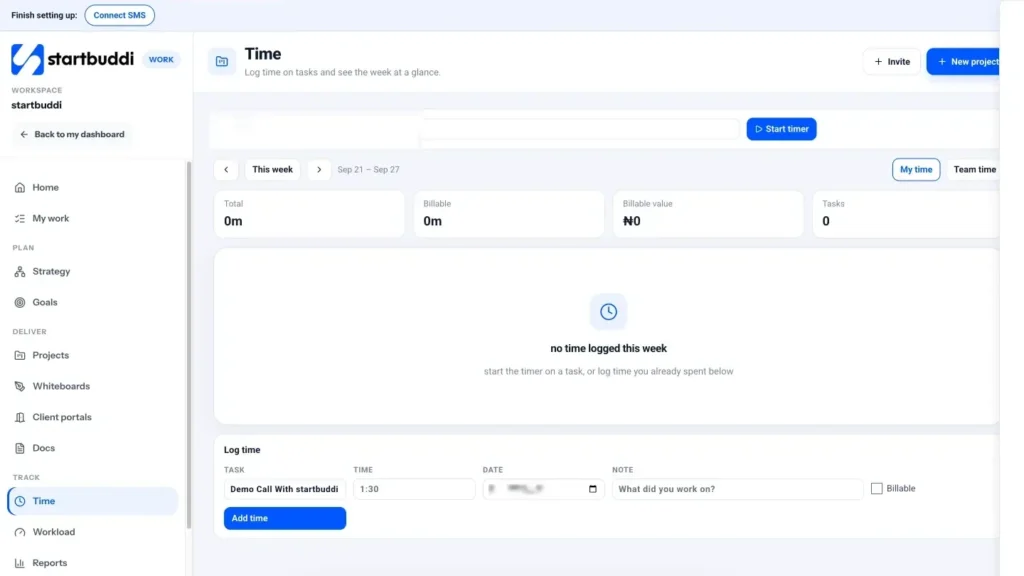
Your timesheet report lives on the Time page in Work. It shows a week at a time: hours per task per day, the total logged, how much was billable and what that is worth. You can switch between your own time and the whole team’s, and narrow it to a single project.
A weekly look takes five minutes and answers the questions that matter: did we log what we worked, how much of it can we bill, and is any project eating more hours than planned?
The report is only as good as what people log. Agree two simple rules with your team: log time against the real task (not a catch-all “admin” task), and tick Billable only for work the client has agreed to pay for. Then the numbers you see here are ones you can put on an invoice without second-guessing.
Time is on every plan. Team time is only for owners, admins and managers; everyone else sees My time. If you need a printable template for clients, the free timesheet template is a good start.
Steps
- Open Time in Work
Go to Work and click Time. You start on My time for the current week.
- Switch to Team time
Click Team time to see everyone's hours together. The Logged card then reads "Everyone, this week". If someone's week looks empty, a friendly reminder to log time on Friday afternoon usually fixes it.
- Pick the week
Use Previous week and Next week (the arrows) to move through weeks, and This week to jump back to today. Looking at last week every Monday morning is a simple habit that keeps billing on track.
- Read the totals
The summary shows Logged, Billable (with the share of time that was billable), Billable value at your bill rates, and Tasks. The grid lists each Task and its project by day, with a Total column and a Day total row. Click a task name to open it in its project.
- Narrow it to one project
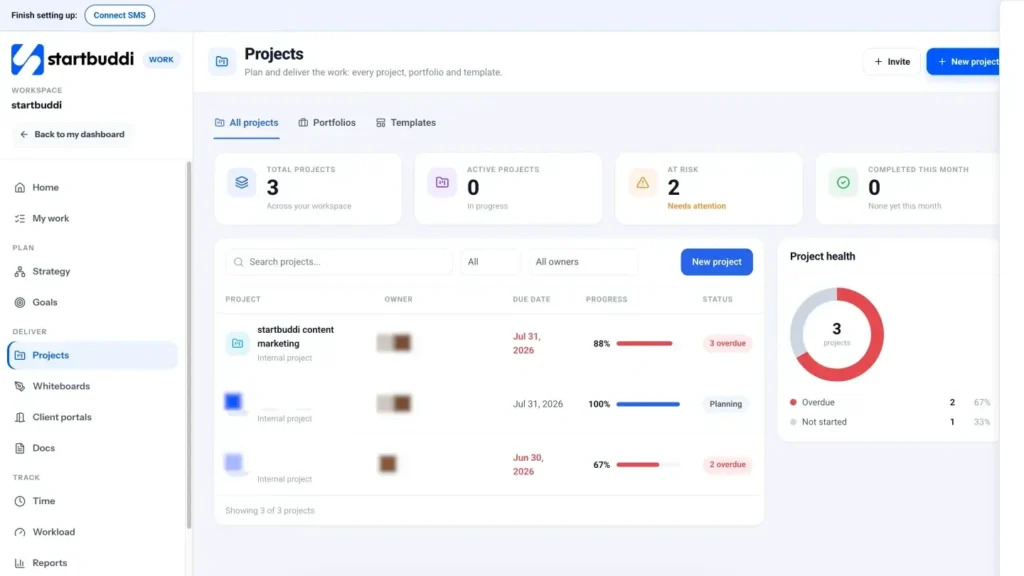
Open the project, click the More menu (three dots) and choose View project time. The Time page opens filtered to that project, so the totals only count its tasks. This is the view to use before you bill a client for hours.
- Compare time with the budget
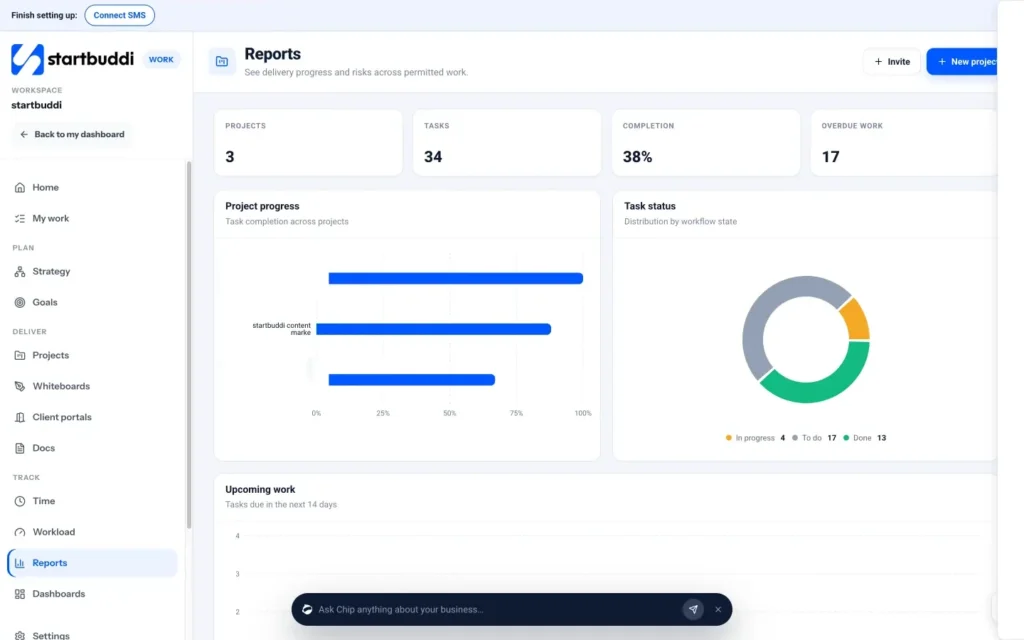
On the project's Budget tab, click Edit budget to set an Hours budget. The tab then shows Time logged, Spent so far, Still to do, Cost to complete and an Hours burn-down chart. For open tasks and estimated hours per person, see Reports in the Work menu. If a project keeps going over, read our guide to tracking billable hours for ways to quote more accurately next time.
Troubleshooting
I do not see Team time.
Team time is only for owners, admins and managers. Ask your workspace owner to change your role in Settings, then Team, if you need it.
Can I download the timesheet as a file?
The Time page has no download button today. You can copy the weekly totals, or share the project Budget tab and Reports with your team inside startbuddi.
A teammate's hours are missing.
Time only counts when it is logged against a task. Check they used the timer or Add time on the right task and date, and that you are looking at the right week.
Tiwalade Joanna Okedara-Kalu is the founder, CEO and CTO of startbuddi, the business system that brings clients, bookings, invoices, projects, marketing and the Chip AI assistant into one place. Tiwalade builds software around how service businesses really work day to day, and writes about client management, getting paid on time and why small businesses outgrow the tools they start with.
Founded startbuddi and leads its product and engineering