How to set up leave policies

Your leave policy decides which types of time off your team can take, how many days each person gets, how much notice they give and who approves it. You set it once in People, and every leave request then follows those rules: people see their balance, and requests go straight to the right approver.
Leave and attendance is part of People on every plan. HR admins and the workspace owner can edit the policy. People can only request leave once they have an employee record in People, and self-service needs them to be in your workspace.
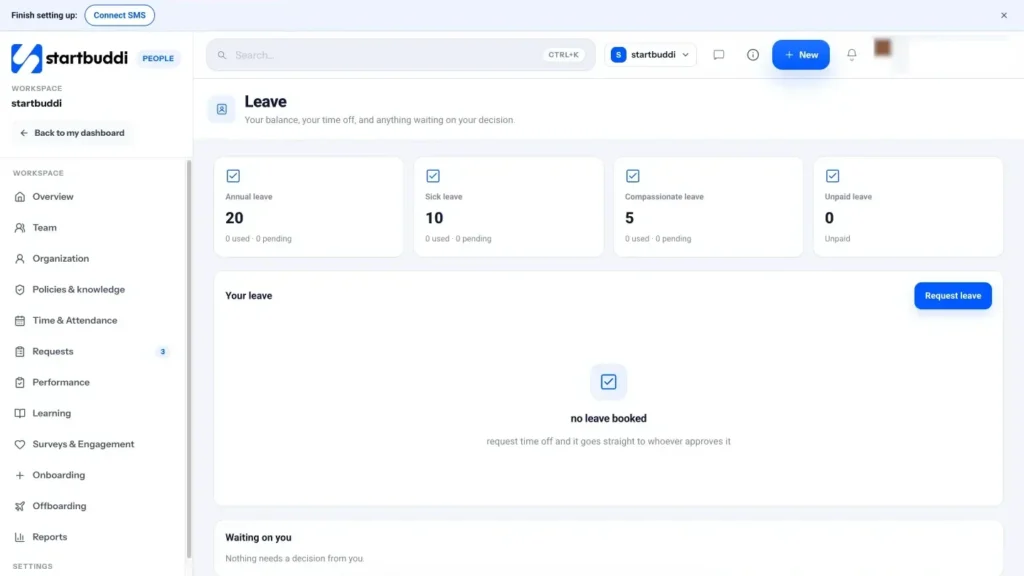
Until you publish your own, startbuddi shows recommended defaults: Annual leave (20 days), Sick leave (10), Compassionate leave (5) and Unpaid leave. They are a sensible starting point, not legal advice for your country, so check your local employment rules before you publish.
Steps
- Open the Leave policy
Go to People, then Policies & knowledge, and open the Categories tab. Choose Leave. If you have not set it up yet, it shows Using recommended defaults.
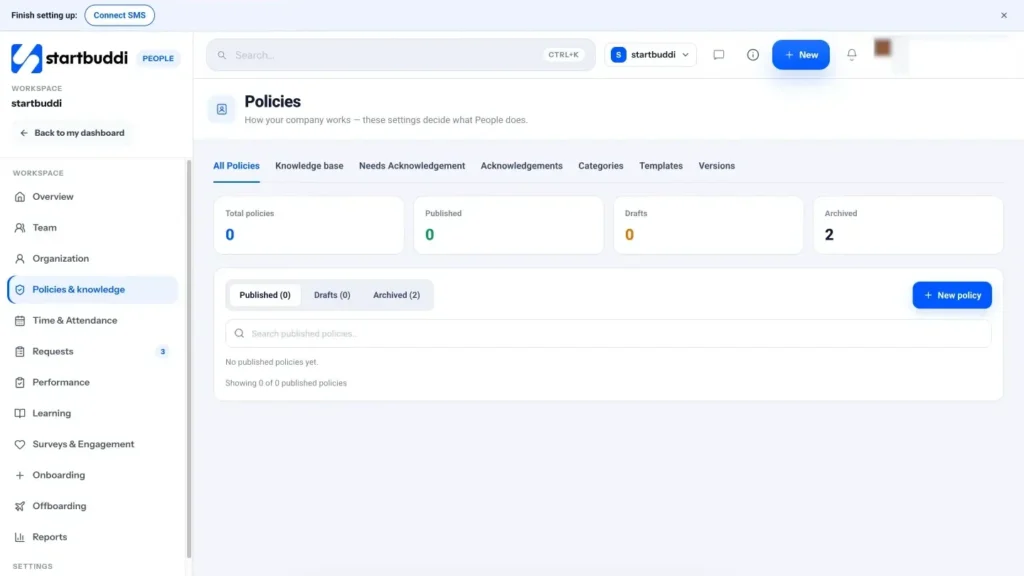
- Choose how to set it up
Click Enter values directly to fill it in yourself, or Ask Chip instead to have Chip propose leave types, balances and an approval route with a one-line reason for each. If the policy is already published, click Edit policy.
- Set your leave types
For each type, fill in the Leave type name, Days per year, Notice required (days) and Max carry-over (days). Tick Paid, Half days allowed and Allowed during probation as needed. Use Add a leave type for extras such as study leave, and the cross to remove one.
- Build the approval chain
Under Who approves leave, click Add a step and choose who: Their manager, Department head, People admin, Finance admin or Workspace owner. Steps run in order: the next person is asked only once the one before approves. You can limit a step to requests over a number of days, and nudge approvers after a few days without a decision. To give one type its own route (for example sick leave straight to the manager), choose Its own chain on that type.
- Set the rules
Tick Unused days carry over to next year if you allow it, and decide whether People can approve their own requests. Use Warn approvers when more than this many teammates are already away to protect cover in small teams.
- Publish the policy
Click Publish this policy (or Save changes when editing). What you publish applies to new requests from now on, and each change is kept as a new version. Dates in the Holidays list under Time & Attendance are not charged as leave.
- Test it with a request
Open Time & Attendance (or use Request leave on the People overview), go to Leave, click Request leave, pick a type and dates, and check the working days and warnings. Click Send request. The approver sees it in Requests under Needs My Approval, or under Waiting on you on the Leave page.
Troubleshooting
A teammate sees "You are not set up in People yet".
They need an employee record before they can request leave. Add them on People, then Team, with Add employee, or use Set up on the People overview.
The Send request button is greyed out.
The request breaks a blocking rule, such as not enough leave left or not enough notice. The warning in the form says which one. Change the dates or type, or update the policy.
Requests go to the wrong approver.
The chain uses each person's manager and department head. Check Reports to on their profile and the department head in Organization, then check the leave type is not using its own chain.
I changed the policy but an old request did not change.
Published changes apply to new requests only. Requests already sent keep the rules they were made under.
Chinedu Kalu is the co-founder and chief operating officer of startbuddi, responsible for how the company runs day to day. Chinedu writes about the operational side of a small business: registering and running the company, money, hiring and the routines that keep a team on track.
Co-founded startbuddi and runs its operations