Coach masterclass
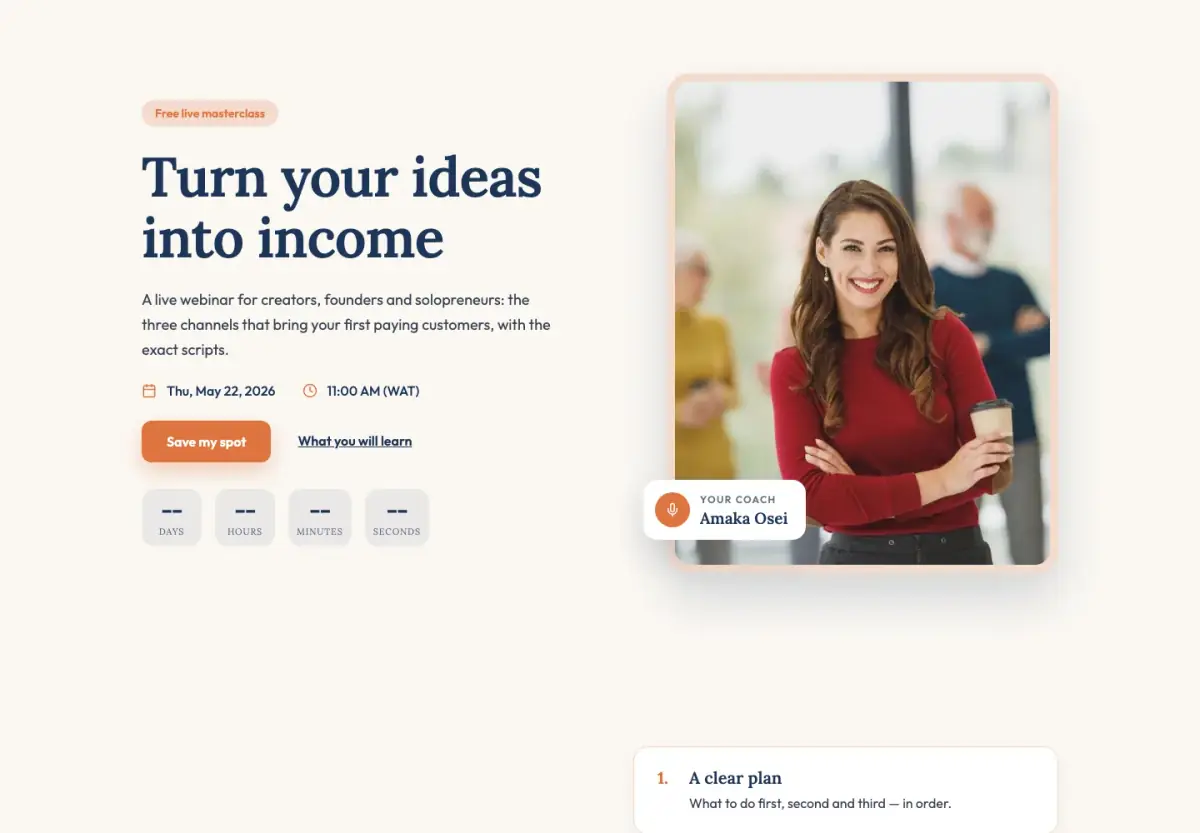
A masterclass registration page for coaches and consultants: your portrait, why to join, your story and a warm sign-up.
Eight webinar templates, each with a registration page, a thank-you page and a replay page. For masterclasses, workshops, summits, launches, product demos and replays.
A webinar needs more than one page. People register, get a confirmation telling them what happens next, and many of them watch the replay rather than the live session. If those three pages don't match, you lose people between them.
Every webinar template here comes as a set: the registration page, the thank-you page and the replay page, drawn in the same design. You add the date and your host details, then run the session in startbuddi Live on Starter and up, or add the join link from Zoom, Meet or YouTube Live.
A masterclass registration page for coaches and consultants: your portrait, why to join, your story and a warm sign-up.
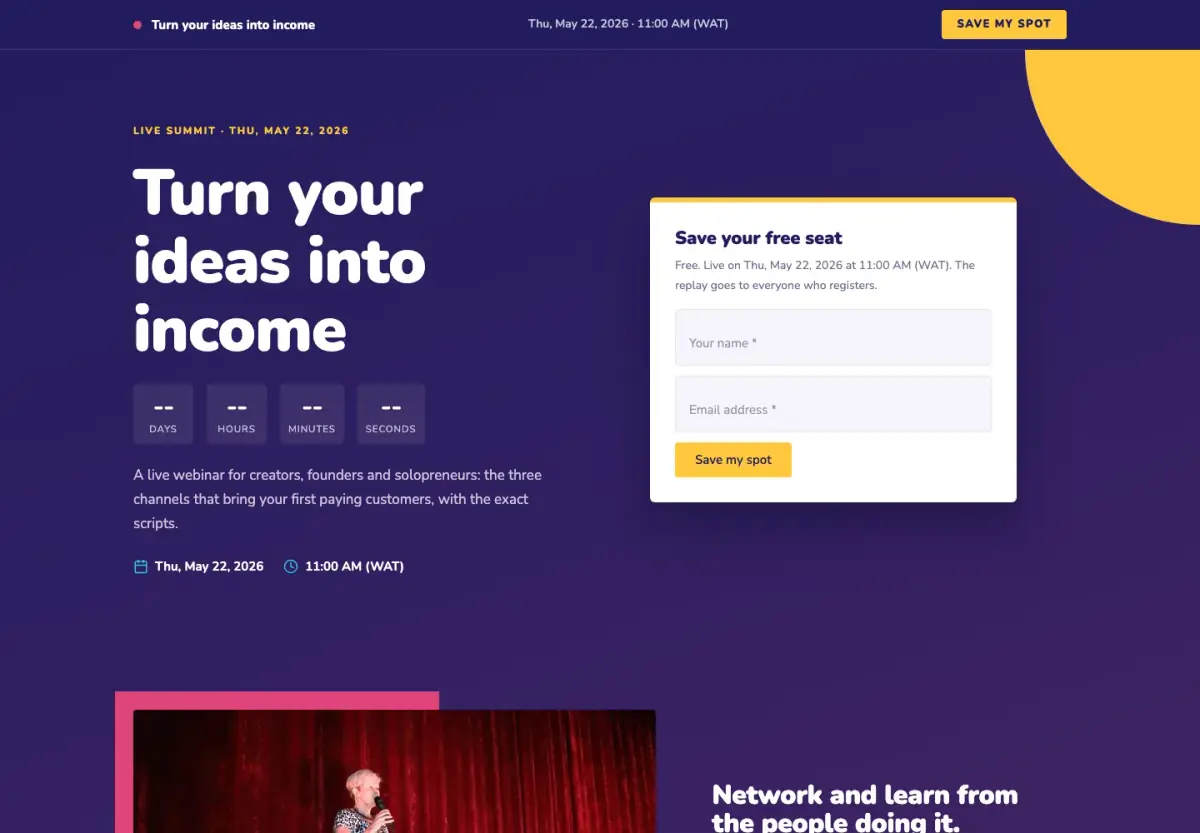
A webinar page built to get sign-ups: a deep, warm hero with the form right beside the headline.
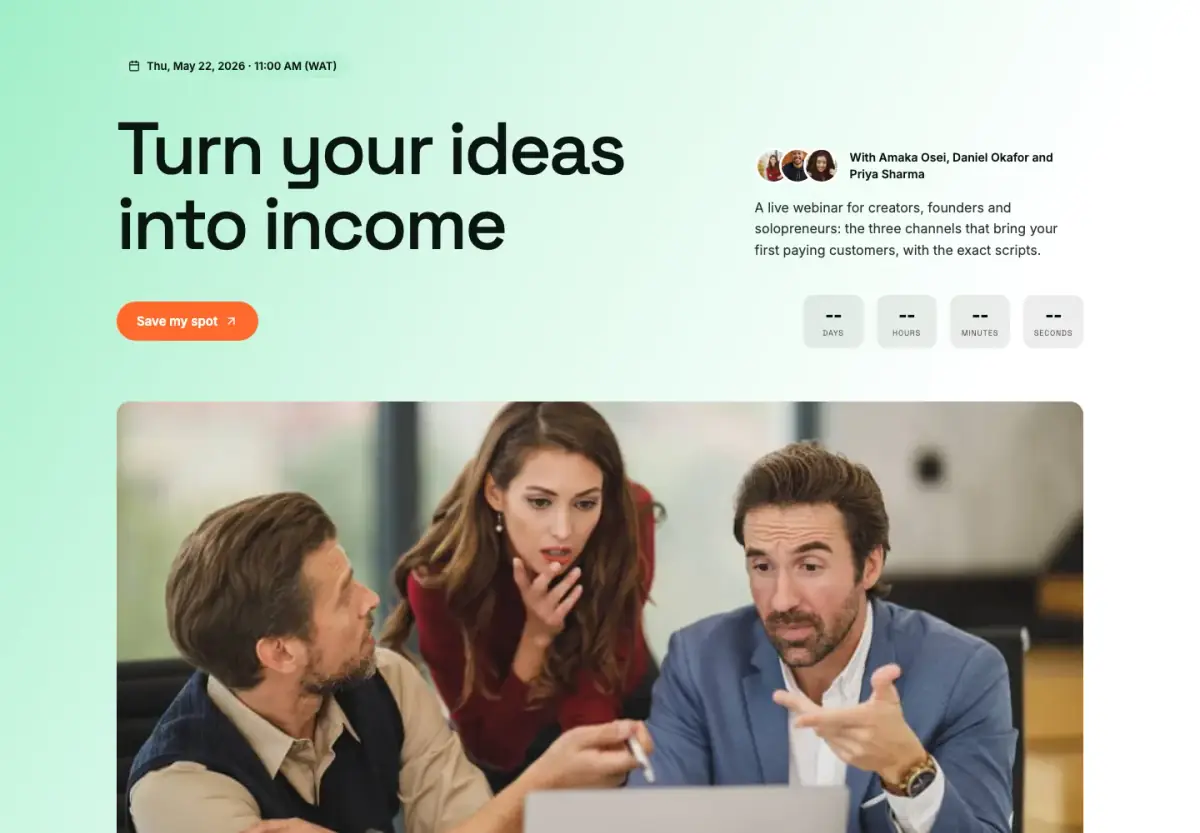
A workshop page for several speakers: a fresh green hero, speaker cards, the agenda and a dark sign-up band.
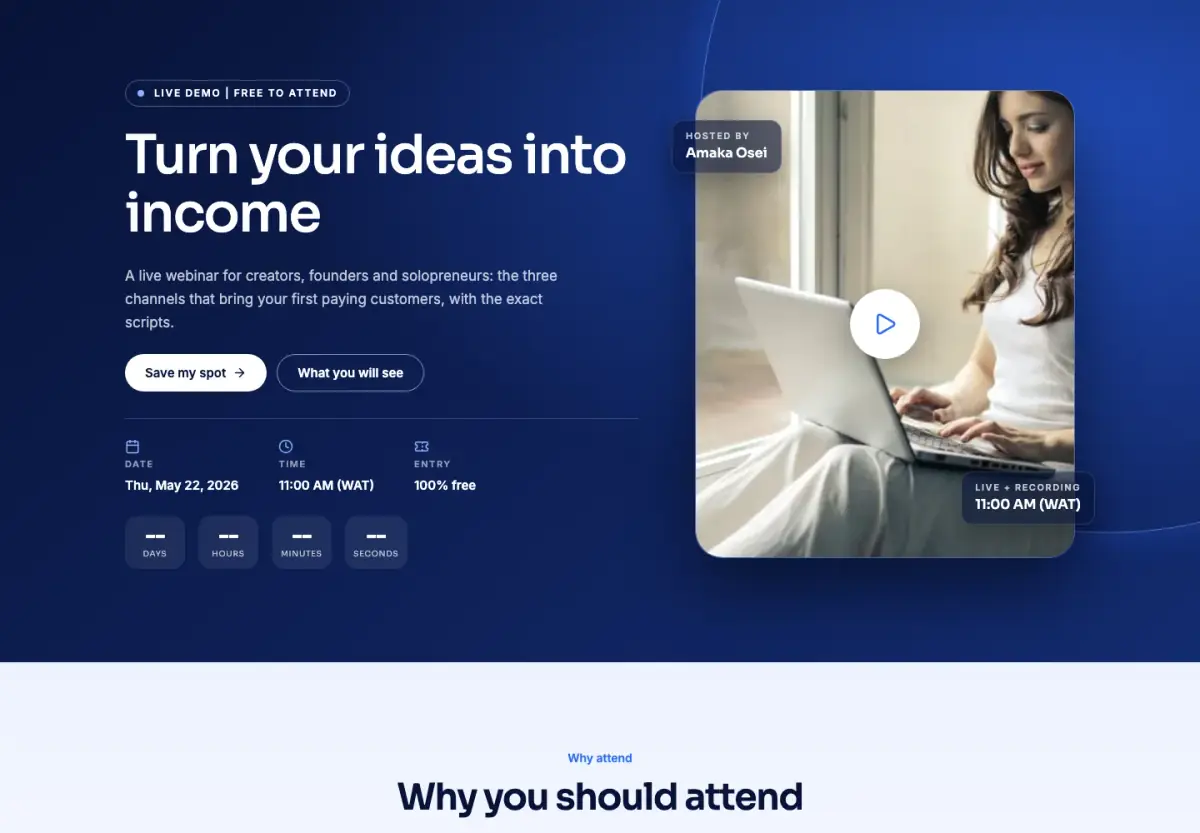
A product demo page with the demo front and centre on a deep-blue hero, then what people will see.
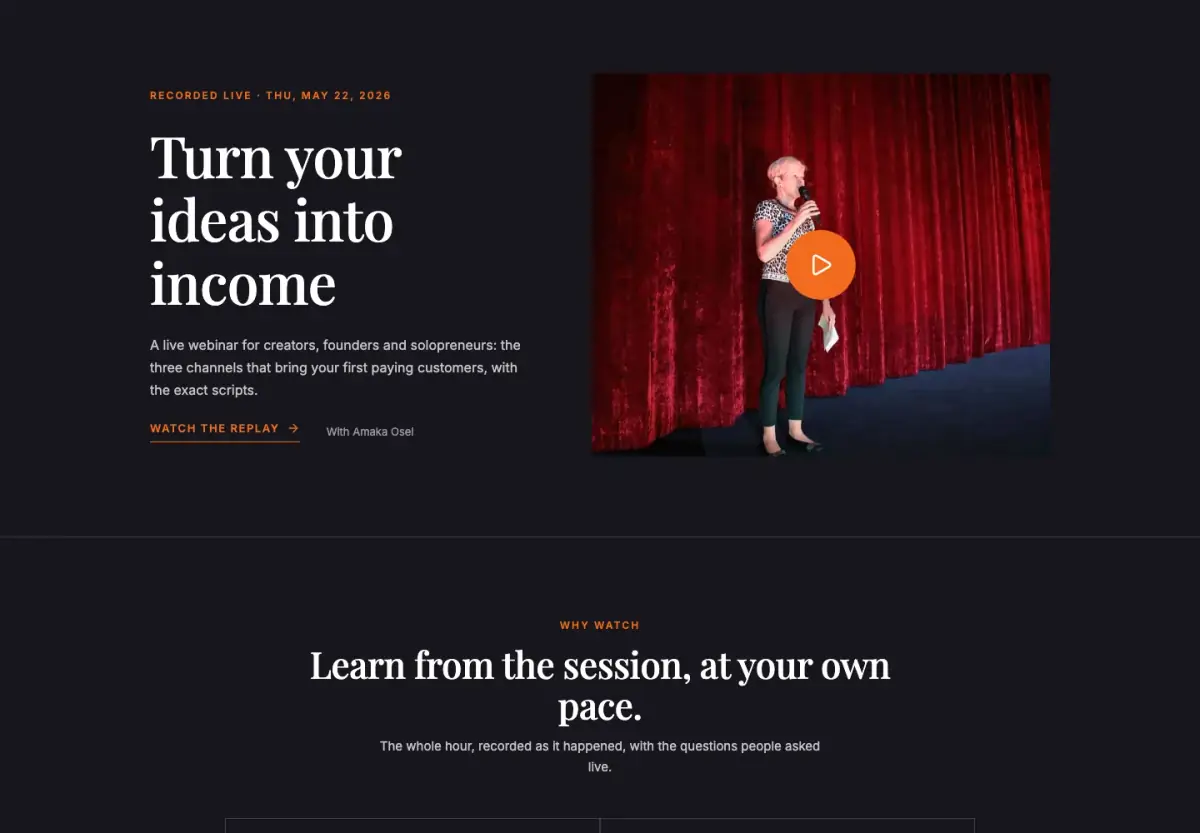
A dark, cinematic replay page that puts the recording first and keeps people signing up after the event.
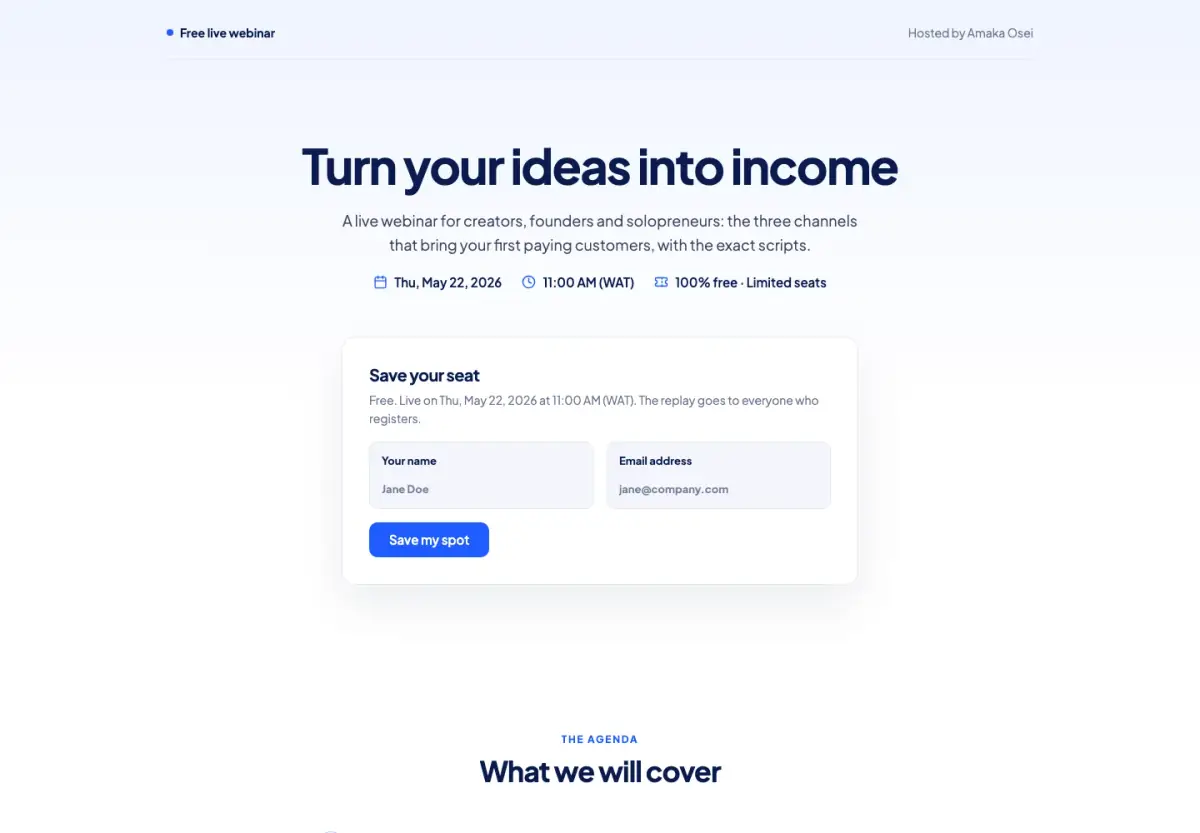
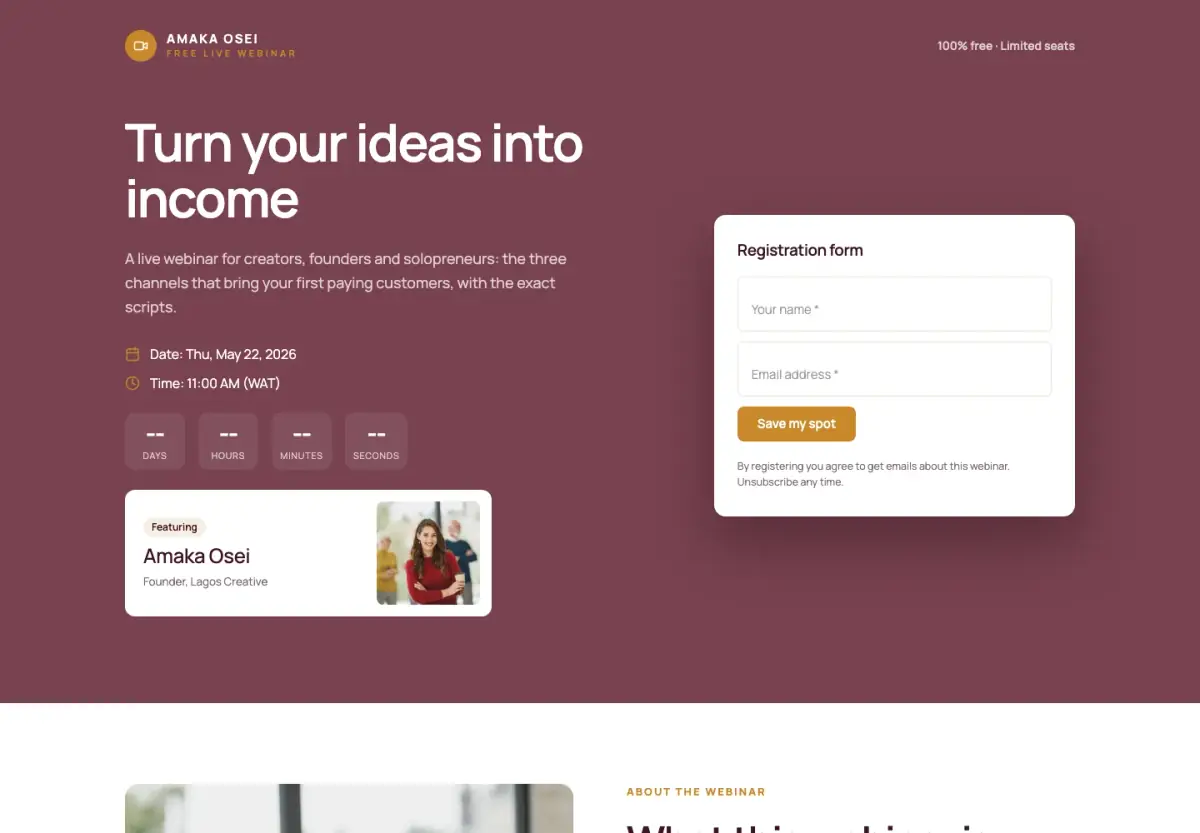
A clean, minimal webinar sign-up page: the title, the date and the form on one screen.
A big-event page: a register bar that follows you down, the clock and the form above the fold, and every speaker.
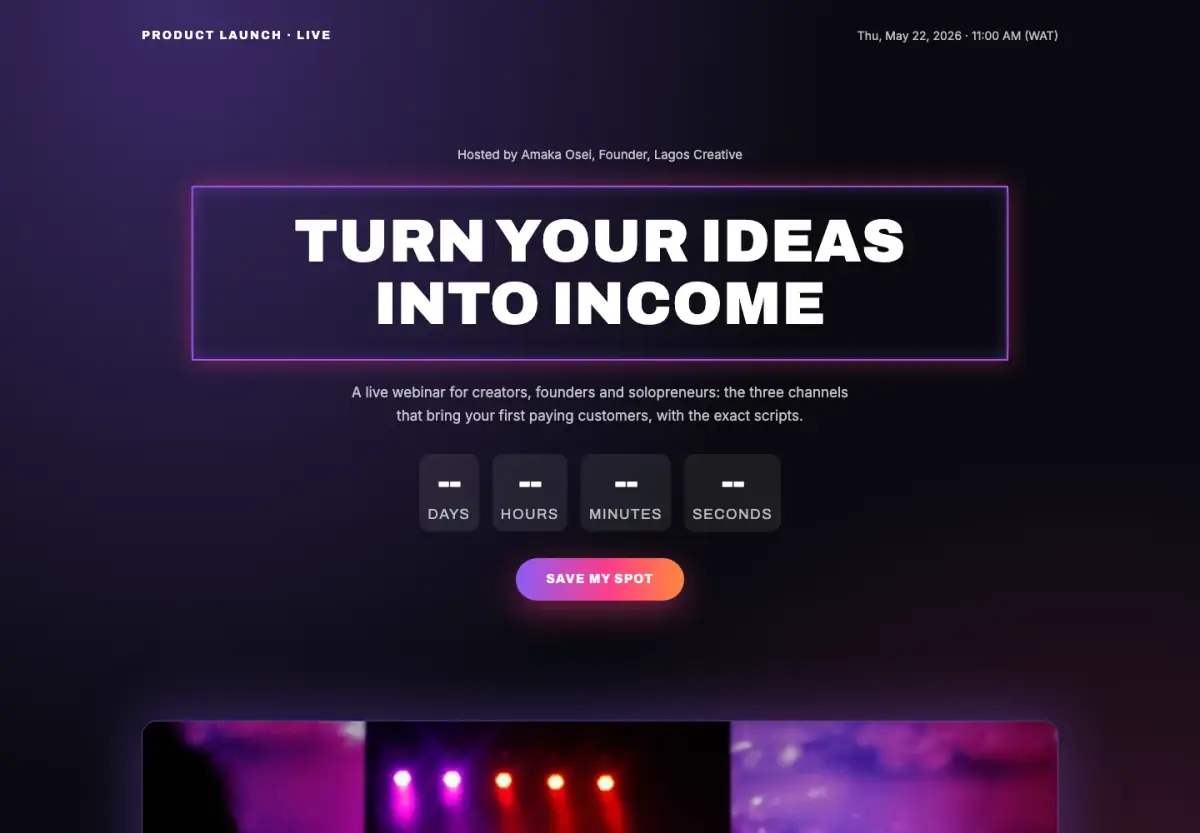
A launch-day reveal on black: a giant countdown, what is new, and a seat for the first look.
Describe what you need in a sentence. Chip picks a design, writes the words in your brand and fills in the rows. You see the price in credits first, and nothing goes live until you publish.
No code, no designer, no plugin to install.
Straight answers, so nothing surprises you after you sign up.
See every planYes. All eight webinar templates are free to start from, and Publish sets no plan limit on how many webinars you make.
Yes, on Starter and up: the session can run in startbuddi Live, with host controls and each registrant joining from their own link. On Free, paste a join link from Zoom, Google Meet or YouTube Live.
Email reminders are part of the webinar setup. WhatsApp and SMS reminders need a plan with paid channels.
A replay page is part of every template, so people can keep signing up and watch the recording.
Pick a template, change the words and photos, publish. Every enquiry lands in your contacts.