How to set up your online store in startbuddi

Your online store in startbuddi lets you sell products, services, downloads and subscriptions from a shop page and your link in bio. Payments go through your own Paystack or Stripe account, and orders, customers and receipts sit in the same books as the rest of your money. Products you add also go into the same catalogue your invoices and payment links use, and everyone who pays becomes a contact.
Before you set up your online store
- The store is part of Publish and works on every plan. Each workspace has one store.
- You need the owner or admin role to manage products.
- To take card payments online, you need a Paystack or Stripe account. You can take orders before that and connect payments later.
- Having Chip build the whole store costs 150 Chip credits. Adding products yourself is free.
See the online store overview for everything the store does.
Steps
- Create your store
Open Publish, click + Create and choose Store. Enter a Store name and pick your Currency, such as Naira, US dollar or Ghana cedi. Click Create and open editor.
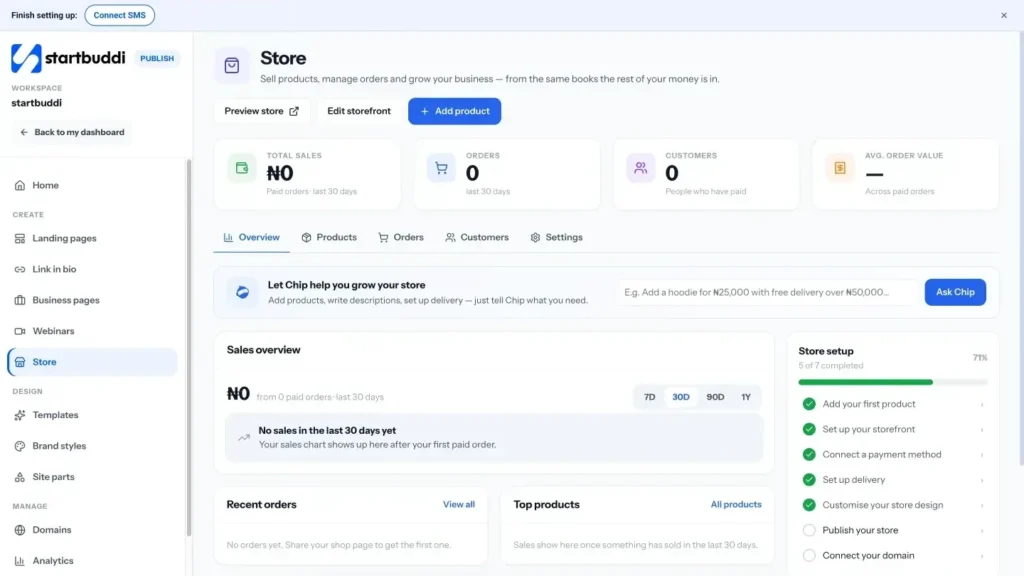
- Add your first product
Click Add product. Choose the type: Digital download, Service, Subscription, Physical product or Bundle. Add a name, description and price, and upload up to 12 pictures (the first one is the cover). Add variations such as size or colour if you need them. Click Add to store.
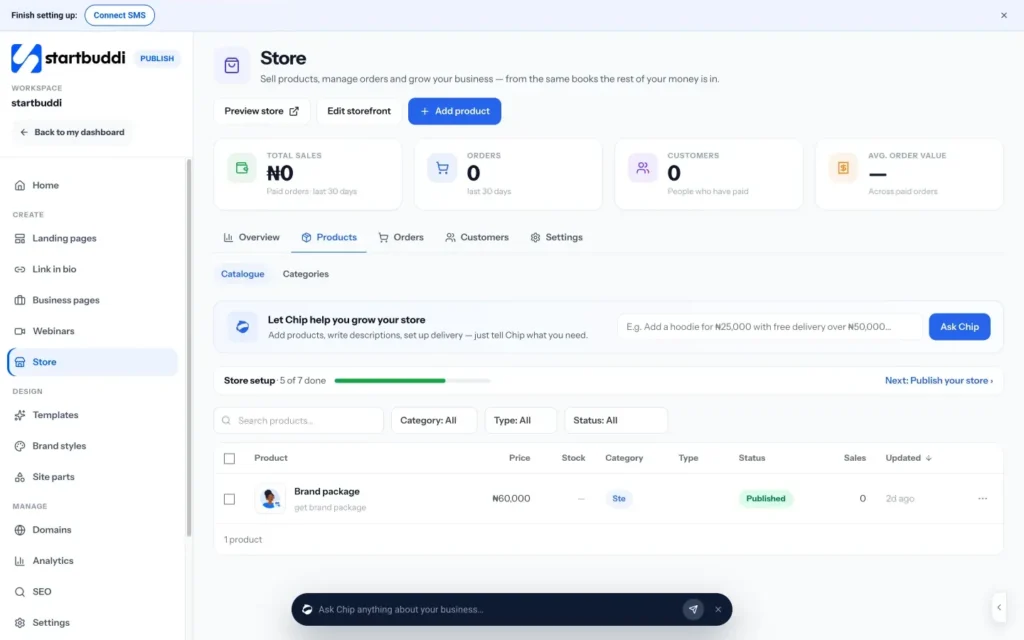
- Connect a way to get paid
Open the store's Settings tab, go to Getting paid and then Ways to pay. Click Connect Paystack for cards, bank transfer, USSD and mobile money, or Connect Stripe for cards worldwide. When it says Taking payments, you are ready.
For step-by-step help, see how to collect payment via Paystack.
- Choose how people buy
A new store starts in catalogue mode, where each product has an Enquire button that goes to WhatsApp or a form. To add a cart and checkout, open Settings, then Store and storefront, and click Switch to a full store. Checkout is hosted by startbuddi, so there is no checkout page to design.
- Set your delivery rule
In Settings, open Delivery and choose Flat rate, Free over an amount, Pickup only or No delivery. Click Save delivery.
- Design and publish your shop page
Click Edit storefront to open the shop page in the page editor. Change the words, pictures and colours, then publish it. The Store setup checklist on the Overview tab shows what is left to do, from adding your first product to connecting your domain.
Shop and product pages are made for you, so you only need to change what you want to look different.
- Share your shop
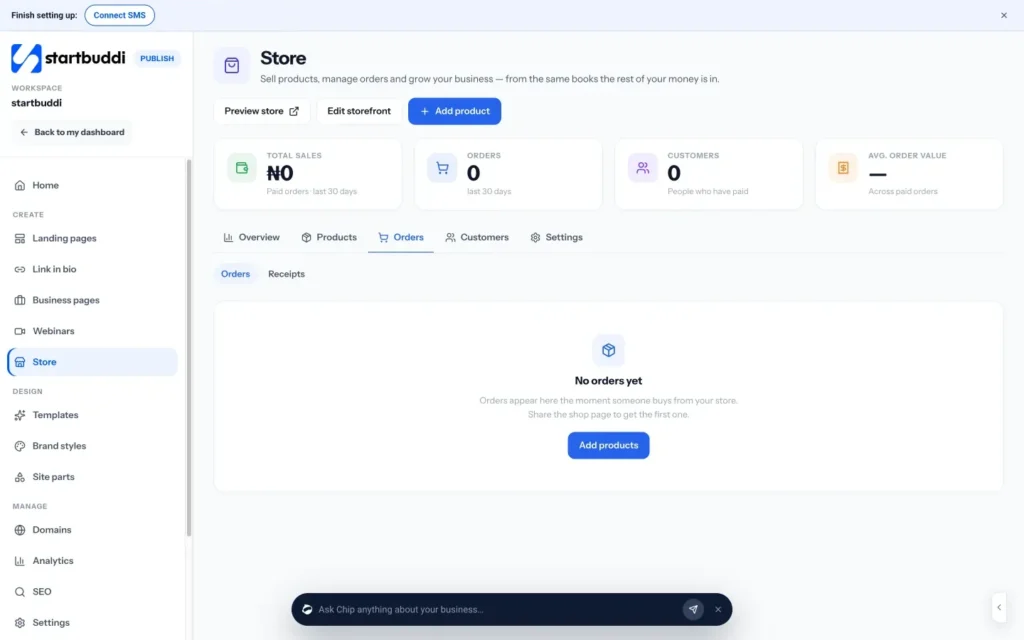
Click View store to open your shop and copy its link. Share it on WhatsApp and social media, or add a Product block to your link in bio. New orders appear in the Orders tab, and every paid order gets a receipt automatically.
Troubleshooting
Can I offer discount codes?
Not yet. The Discounts section says discount codes are not built yet. For a promotion, lower the product price for the sale period, or use Change prices on the product list to adjust several products by a percentage.
Why was my customer charged without the delivery fee or option price?
Checkout currently charges the product's base price. Delivery charges and price changes on variations are not added at checkout yet, so build them into the price or collect them separately with an invoice.
Can I use Flutterwave?
No. The store takes online payments through Paystack or Stripe. You can also record a bank transfer or cash payment against an order yourself.
I cannot add or edit products
Managing products needs the owner or admin role. Ask your workspace owner to change your role.
Tiwalade Joanna Okedara-Kalu is the founder, CEO and CTO of startbuddi, the business system that brings clients, bookings, invoices, projects, marketing and the Chip AI assistant into one place. Tiwalade builds software around how service businesses really work day to day, and writes about client management, getting paid on time and why small businesses outgrow the tools they start with.
Founded startbuddi and leads its product and engineering