Free apps for small business owners: what you can run for $0
The best free apps for small business owners, job by job: bookings, invoices, customers, email, payments and security, with the limits to watch and a sample $0 stack.



- Free apps can cover bookings, invoices, a customer list, email, getting found, files and security. Check each free plan's limits, fees and branding, prefer apps that cover several jobs, and pay first for whatever is closest to your income.
Yes, you can run a surprising amount of a small business for $0. The best free apps for small business owners cover the everyday jobs: taking bookings, sending invoices, keeping a customer list, emailing customers, getting found on Google, storing files and staying secure. The catch is that “free” almost always comes with limits on users, contacts or sends, and payment apps still charge a fee on every transaction.
This guide walks through each job, the free options worth knowing with the limits their makers publish, a sample $0 stack, and the signs that it is time to pay for something.
What “free” really means in free business apps
Most free business apps are “freemium”: a free plan that works, with a paid plan waiting when you grow. Before you build your business on one, check four things.
- The limit that bites first. It might be one user, 250 contacts, 500 emails a month or five clients. Know which limit you will hit and roughly when.
- Transaction fees. Payment tools rarely charge a monthly fee, but they take a percentage of each payment. That is a real cost, even on a “free” plan.
- Branding. Free plans often add the app’s name to your invoices, emails or pages. That is fine for many businesses, but know it is there.
- Getting your data out. Make sure you can export contacts and records. Free should never mean trapped.
Also, a free trial is not a free plan. A trial gives you everything for 14 or 30 days and then asks for payment, while a free plan keeps working with limits. Both are useful, but only a free plan belongs in a $0 stack. Put any trial end dates in your calendar so you decide on purpose rather than getting billed by surprise.
There is also a hidden cost in having too many free apps. A 2025 software spend report from Cledara, a company that sells software management tools, found that businesses underestimate how many tools they use by about 40%. Each extra login is another place for a customer’s details to hide.
The best free apps for small business owners, job by job
These are well-known options with the free-plan facts stated on their own websites in September 2026. Plans change, and some pages show prices in your local currency, so check the link before you commit. We have not ranked them.
A free scheduling app for bookings
A booking link ends the “what time works for you?” back and forth.
- Calendly: the free plan includes one event type and one calendar connection. Paid plans start at $10 per seat a month.
- Google Calendar appointment schedules: with a personal Google account you can create a single booking page. Taking payment for appointments needs a premium Google plan.
- Zoho Bookings: the free plan covers one user, with email reminders and two-way calendar sync.
For the full picture, read how to choose a scheduling app.
A free invoice app
Getting paid is the job that protects your income, so start here.
- Wave: the free Starter plan lets you create unlimited estimates, invoices and bookkeeping records. Card payments are charged per transaction, at the rates on the same page.
- Zoho Invoice: free for up to two users and 500 invoices a year, with “Powered by Zoho Invoice” branding.
- Invoice Ninja: the hosted free plan covers up to 5 clients with unlimited invoicing.
If you only send a few invoices a month, our free invoice generator makes a clean invoice without an account. How to choose an invoice app goes deeper.
A free CRM for your customer list
Our guide to CRM tools for small business explains what to look for before you move your contacts in.
Free email marketing
- Mailchimp: free up to 250 contacts and 500 sends a month.
- Brevo: free forever, sending up to 300 emails a day.
- MailerLite: free up to 250 subscribers and 2,500 emails a month, with 2 user seats.
Whichever you use, only email people who agreed to hear from you, and include an unsubscribe link.
Getting found online for free
Google Business Profile lets you manage how your business shows up on Google Search and Maps at no charge. Google says only businesses that make face-to-face contact with customers are eligible, so online-only businesses need another route, such as a simple page or link in bio. Our Google Business Profile setup guide walks through it.
Taking payments
Payment providers usually have no monthly fee but charge per transaction, so check the current rates for your country on the provider’s own page.
- Stripe says it charges no setup or monthly fees, and takes cards in many countries.
- Paystack takes cards, bank transfers and USSD in Nigeria, with no setup or monthly fees.
Tasks, files, messaging and security
- Trello: free for up to 10 collaborators and 10 boards per workspace.
- Asana: the Personal plan is free for 2 users.
- Google Drive: every Google account comes with up to 15 GB of storage, shared with Gmail and Photos.
- WhatsApp Business app: free to download on Android and iPhone, with a business profile and greeting and away messages.
- Bitwarden: a free password manager with unlimited passwords and devices.
For more free security help, the US Cybersecurity and Infrastructure Security Agency keeps a list of free cybersecurity services and tools. Turn on two-step sign-in for your email, bank and payment accounts whatever else you do.
Free business apps: a sample $0 stack
Here is how a one-person business, say a bookkeeper in Leeds, a photographer in Lagos or a tutor in Pune, might cover the basics without paying a subscription.
| Job | Free option | Limit to watch |
|---|---|---|
| Bookings | A free scheduling app with one booking page | Number of event types or calendars |
| Invoices | A free invoice app | Clients, invoices per year, branding |
| Payments | A card or local payment provider | Fee per transaction |
| Customer list | A free CRM | Users and contacts |
| Getting found | Google Business Profile, or a free page | Eligibility |
| Chat | WhatsApp Business app | One phone, no shared team inbox |
| Files | 15 GB of Google storage | Space once you store photos or video |
| Security | A free password manager | Sharing passwords with a team |
That stack costs nothing a month, but it is eight logins, and the same customer’s details end up in four of them. That is the trade-off with a free stack: you pay in time instead of money. A good rule of thumb: if an app is holding customer details, it should be the same app wherever possible, so you only update a phone number once. Our look at the tools a solo founder actually needs covers which jobs are worth joining up.
How to choose free apps for your small business
- Start with the job, not the app. Write down the three tasks that take most of your admin time this month. Only look for apps that fix those.
- Prefer apps that cover several jobs. One free app that holds customers, bookings and invoices beats three separate ones, because details are entered once.
- Read the limits page before you sign up. Work out when you will hit the ceiling. If it is in two months, the app is a trial, not a free plan.
- Check where it works. Some apps do not support your currency, your payment provider or your country’s phone numbers. Test with a real invoice or booking.
- Test the export. Put in ten real records, then export them. If you cannot, move on.
- Keep a list. A simple note of every app, its login owner and its limits stops the tool count creeping up.
Our guide to the apps a small business actually needs covers the paid side too, and the all-in-one business software list compares systems that combine several jobs.
Where free apps fall short
Some jobs are hard to do well for $0, and it helps to know them up front so they do not surprise you.
Accounting, tax and payroll
Free invoice apps record what you bill, but year-end accounts, tax returns and payroll carry legal duties. Many small businesses keep their day-to-day money tracking in a simple app and pay an accountant or bookkeeper once a year. Tax rules differ by country, so check the official source where you are, such as the IRS small business pages in the US or GOV.UK guidance on working for yourself. This is general information, not tax advice.
Local payment methods
A free app built for one market may not support how your customers like to pay. In Kenya that may mean M-Pesa, in India UPI, in Nigeria bank transfer and cards through a local provider. Before you choose, send yourself a test invoice or booking and pay it the way a real customer would.
Working as a team
Many free plans have one or two seats. The moment a second person needs to answer customers or send invoices, you will either share a login, which is a security risk, or pay. Plan for that before you put everything into an app you cannot share.
Support
Free plans usually come with help articles, not a person. That is fine for most jobs, but think twice about relying on a free plan for anything that stops you getting paid if it breaks.
A one-afternoon setup order
If you are starting from nothing, set things up in this order, because each step makes the next one easier:
- Secure your main email with two-step sign-in and a password manager.
- Set up a way to get paid: a payment provider and an invoice template.
- Create one booking link or one enquiry form, so new customers have a clear way in.
- Start a customer list and add everyone you have worked with in the last year.
- Claim your Google Business Profile if you are eligible, or publish a simple page.
That is enough to run a small service business properly. Email marketing, social scheduling and team tools can wait until the basics are working. When you get there, our look at time clock apps for small businesses covers the first team tool most owners add.
When free stops being free
Paying for software is not a failure. It is often cheaper than your time. These are the signs that a free plan is costing you more than it saves:
- You spend more than an hour a week copying customer details between apps.
- You have hit a limit and are deleting old contacts or clients to stay under it.
- A second person needs access, and the free plan has one seat.
- Branding on your invoices or emails makes you look smaller than you are to the clients you want.
- You are missing enquiries because messages arrive in too many places.
When you do pay, pay for the job closest to your income first: invoicing, payments and following up with customers.
How startbuddi helps
The startbuddi Free plan covers several of these jobs in one account, so a customer’s details, bookings and invoices sit on one record. It is honest to say what it does not cover: it is not accounting or payroll software, and the Marketing module (email campaigns, SMS, WhatsApp and social posting) is not included on Free.
What the Free plan includes
- 1 seat and up to 250 contacts in Contacts.
- 1 form and 1 booking page in Bookings, so clients can pick a service and a time.
- 5 invoices a month in Invoicing, plus expenses in Money Manager.
- 3 documents, tasks and projects.
- 50 Chip credits a month for the AI assistant.
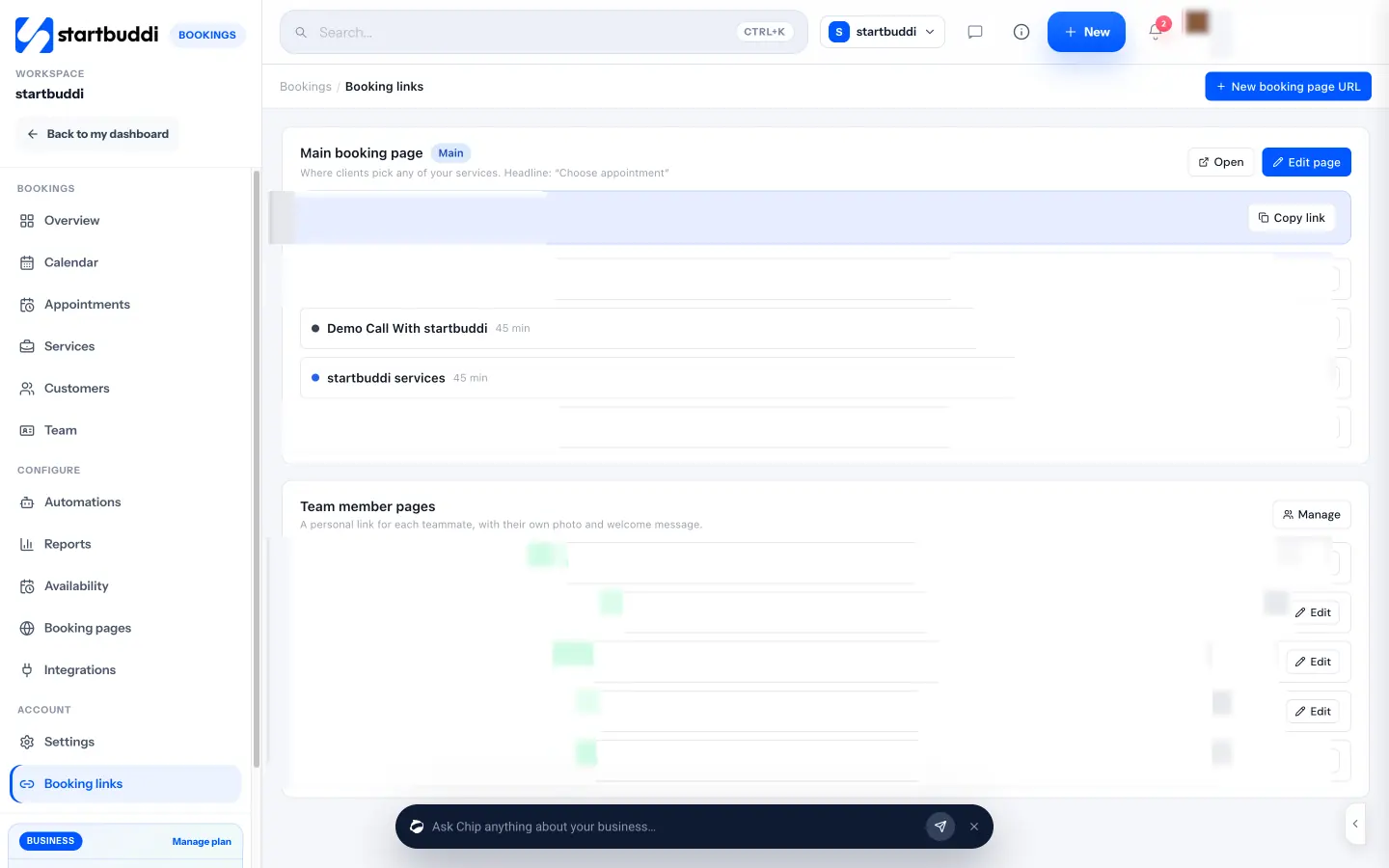
Your booking links live in one place, ready to copy and share on WhatsApp, Instagram or your email signature.
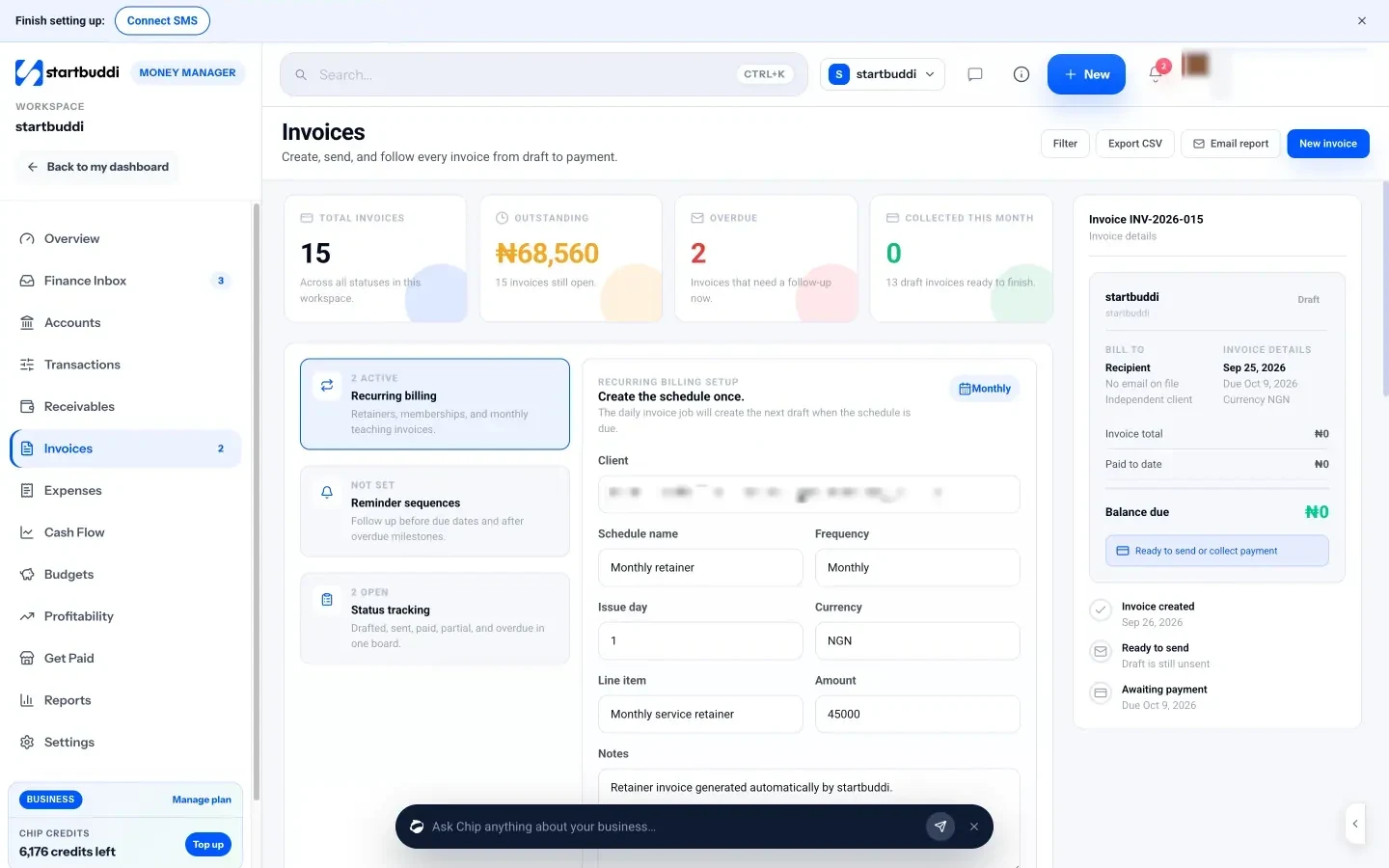
Invoices show what is outstanding and overdue at a glance. Customers can pay through your own Paystack or Stripe account, and the money goes straight to you.
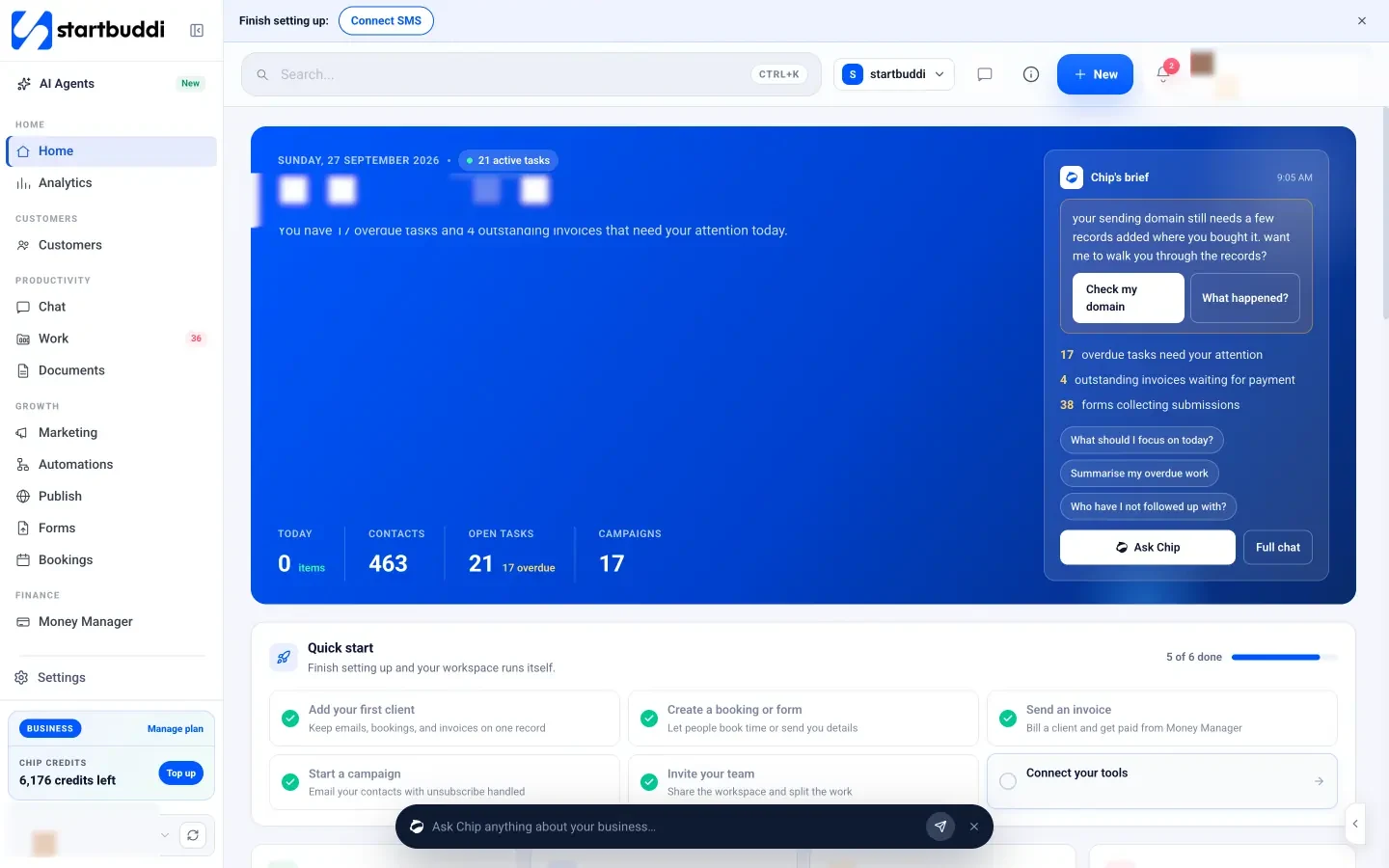
When you outgrow Free, Starter adds unlimited invoices, 2 seats, 2,500 contacts, marketing and more automations (see pricing), and every paid plan starts with a 30-day trial.
Your next step
List the three admin jobs that eat most of your week, then pick one free app for each, or one free app that covers all three. Put ten real records in, test the export, and give it a month. If you want customers, bookings and invoices in one free account, you can start on the Free plan and add more only when a real limit gets in your way.
Sources
- Calendly: pricing
- Google Calendar Help: appointment schedules
- Zoho Bookings: pricing
- Wave: pricing
- Zoho Invoice: pricing
- Invoice Ninja: pricing plans
- HubSpot: CRM pricing
- Zoho CRM: pricing
- Mailchimp: marketing pricing
- Brevo: pricing
- MailerLite: pricing
- Google Business Profile Help: eligibility and management
- Stripe: pricing
- Paystack: pricing
- Trello: pricing
- Asana: pricing
- Google One: storage plans
- WhatsApp Business app: get started
- Bitwarden: pricing
- IRS: small business and self-employed
- GOV.UK: working for yourself
- CISA: free cybersecurity services and tools
- Cledara: 2025 software spend report
Frequently asked questions
What is the best free scheduling app for a small business?
It depends on how many services and people you have. Most free scheduling apps give you one booking page or one event type, which is enough for a solo business to start.
Is there a completely free invoice app?
Several invoice apps have free plans, but payment processing fees still apply when customers pay by card, and free plans may add branding or cap clients.
Are free business apps safe to use?
Well-known free apps are generally fine. Turn on two-step sign-in, use a password manager, and check that you can export your data.
When should I pay for business apps?
When a free limit forces workarounds, a second person needs access, or you spend more time moving data between apps than the paid plan would cost.
Tiwalade Joanna Okedara-Kalu is the founder, CEO and CTO of startbuddi, the business system that brings clients, bookings, invoices, projects, marketing and the Chip AI assistant into one place. Tiwalade builds software around how service businesses really work day to day, and writes about client management, getting paid on time and why small businesses outgrow the tools they start with.
Founded startbuddi and leads its product and engineering