What is a client management system?
Also called: Client management software, client relationship management, client tracking system, customer management software

A client management system is software that keeps everything about your clients in one place, from contact details and conversations to bookings, projects, files and invoices, so you can serve them well after they say yes.
A client management system is software that keeps everything about your clients in one place: who they are, every conversation, their bookings, the work you are doing for them, shared files and what they have paid. It helps you run the relationship after someone becomes a client, not just win them in the first place.
The term is used most by service businesses such as agencies, consultants, coaches, accountants and freelancers, where each client is an ongoing relationship with projects, meetings and invoices rather than a one-off sale.
Why a client management system matters for a small business
Without one, client work lives in five places: WhatsApp for messages, email for files, a spreadsheet for fees, a calendar for meetings and your memory for everything else. That works for three clients. At ten, things start slipping.
- One view of each client. Open one page and see the history, open work and what they owe.
- Fewer dropped balls. Promised deliverables, follow-ups and renewals are visible, not remembered.
- A more professional experience. Clients get organised onboarding, clear updates and easy payment.
- Easier teamwork. Anyone can step in on an account without asking the client to repeat themselves.
Client management system vs CRM
A CRM (customer relationship management system) traditionally focuses on sales: capturing leads, tracking deals and following up until someone buys. A client management system focuses on what happens next: onboarding, delivering the work, communicating, sharing files and billing.
In practice the line is blurry and many tools do both. For a small service business, the useful question is not which label a tool uses but whether it covers the whole journey, from first enquiry to repeat client, without you copying data between apps.
How a client management system works: an example
Laura runs a four-person marketing agency in Cape Town. When a new client signs:
- The client’s contact and company records already exist from the original enquiry and deal.
- Laura starts an onboarding checklist: welcome email, kickoff meeting, access to their social accounts.
- She creates a project with monthly deliverables and assigns tasks to her team.
- The client gets a portal where they can see progress, approve content and message the team.
- A monthly retainer invoice is created on schedule, and payments show on the client’s record.
When the client calls with a question, whoever answers can see the last conversation, the current project and whether the latest invoice is paid.
Key features of a client management system
Client records
Contact details, company, key people, notes and a timeline of every interaction.
Communication history
Emails, messages and calls linked to the client, ideally in a shared inbox.
Scheduling
Booking links for calls and appointments, with reminders.
Projects and tasks
What you are delivering, who is doing it and when it is due.
Client portal
A private space where clients see updates, approve work, share files and find their invoices. See our client portal entry.
Invoicing and payments
Quotes, invoices, online payment and a clear view of what each client owes.
How to choose one, and common mistakes
- Start with your client journey. List the steps from enquiry to paid invoice, then check the tool covers each one.
- Avoid tool sprawl. Five separate apps with a connector between each often cost more and break more than one system that does the basics well.
- Check the client side. If clients must create accounts or remember passwords, many won’t use a portal.
- Don’t configure everything on day one. Set up contacts, one onboarding checklist and invoicing first, then add automation.
- Bring your team in early. A system only one person updates quickly goes stale.
To compare tools side by side, see our list of the best client management software, or our HoneyBook alternatives and Dubsado alternatives if you are thinking of switching.
Related terms
A CRM covers the sales side of the relationship. A client portal is the part your clients see. CRM notes keep the context on each record, and an all-in-one business workspace combines client management with marketing, money and team tools. For practical tips, read client management for freelancers.
Client management in startbuddi
In startbuddi, Customers holds every contact and company. A contact’s page brings together their deals, notes, tasks, files, conversations and a money summary of what they have been invoiced, paid and still owe. Company pages group everyone at a client, with their deals, invoices, projects, bookings and documents.
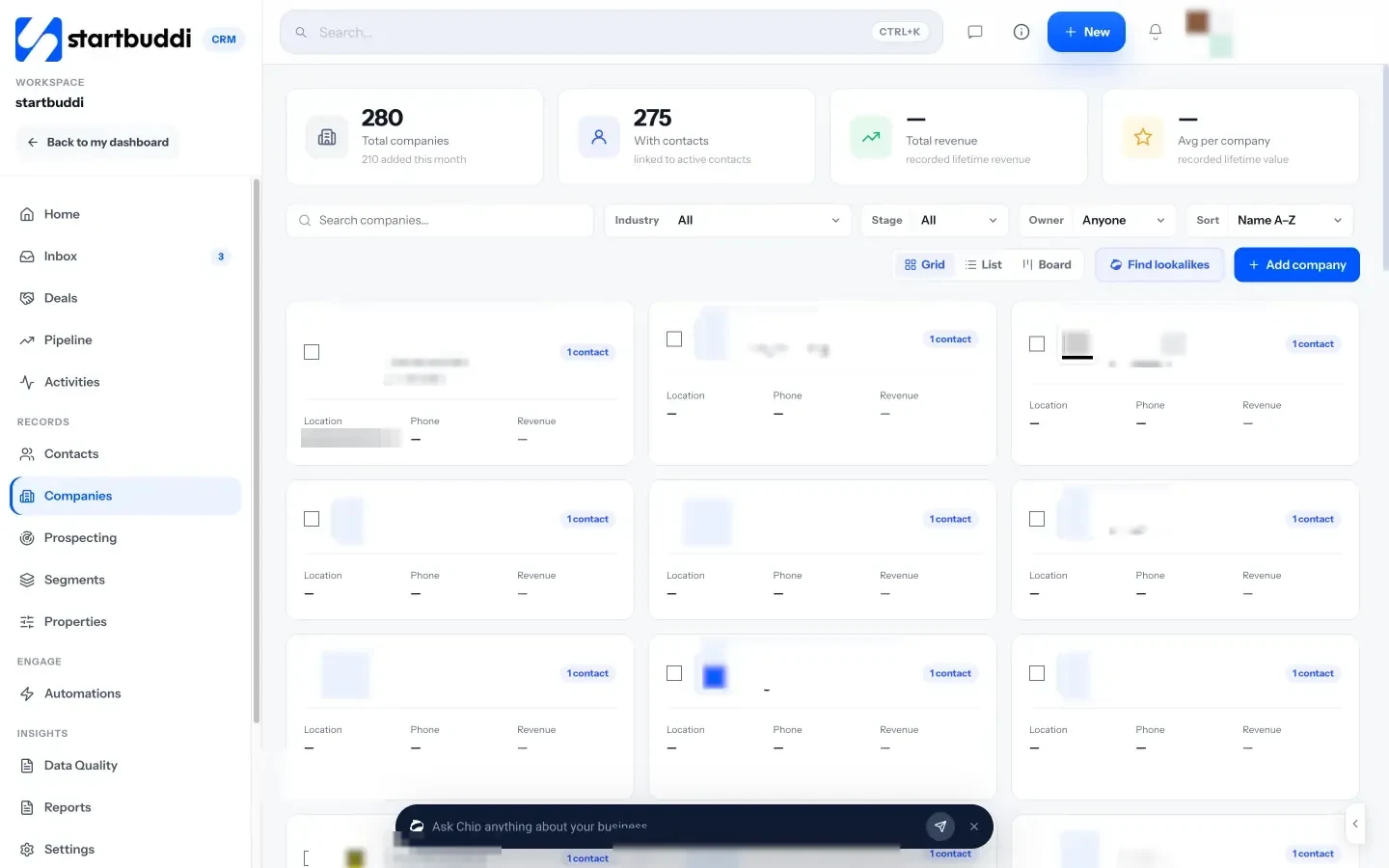
From a contact you can book a call, add a task or create an invoice that opens already addressed to them. When a deal is won, Chip offers to set up a client portal for that client. Client portals in Work give each client a private page for their projects, approvals, invoices and messages. They sign in with an email link, with no password and no paid seat. Portals you can invite clients to are included from the Starter plan (on Free you can build and preview a portal, but not invite clients).
Your next step: write down the five steps every new client goes through with you, then set up the first one in your contact list. Compare plans on the pricing page.
Related terms
FAQ
What is the difference between a CRM and a client management system?
A CRM usually focuses on winning customers: leads, deals and follow-ups. A client management system focuses on serving them afterwards: onboarding, projects, communication and billing. Many tools now cover both.
Do freelancers need a client management system?
Once you have more than a handful of clients, yes. Even a simple system stops missed follow-ups, late invoices and lost files.
What should a client management system include?
Client records with notes, communication history, scheduling, projects and tasks, a way to share work with clients, and invoicing with online payment.
Can clients log in to a client management system?
Many include a client portal where clients can see updates, approve work and pay invoices. Look for one that doesn't make clients create a password.
Omolola Akiyode is the operations and project manager at startbuddi, leading cross-functional projects and the content that helps founders get set up. Omolola writes about projects, websites and getting found online, and turns complex ideas into clear, practical steps.
Runs operations and projects at startbuddi