How to run a project kickoff meeting (with agenda)
A 60-minute project kickoff meeting agenda, the questions to ask your client, a follow-up email template and the mistakes to avoid.

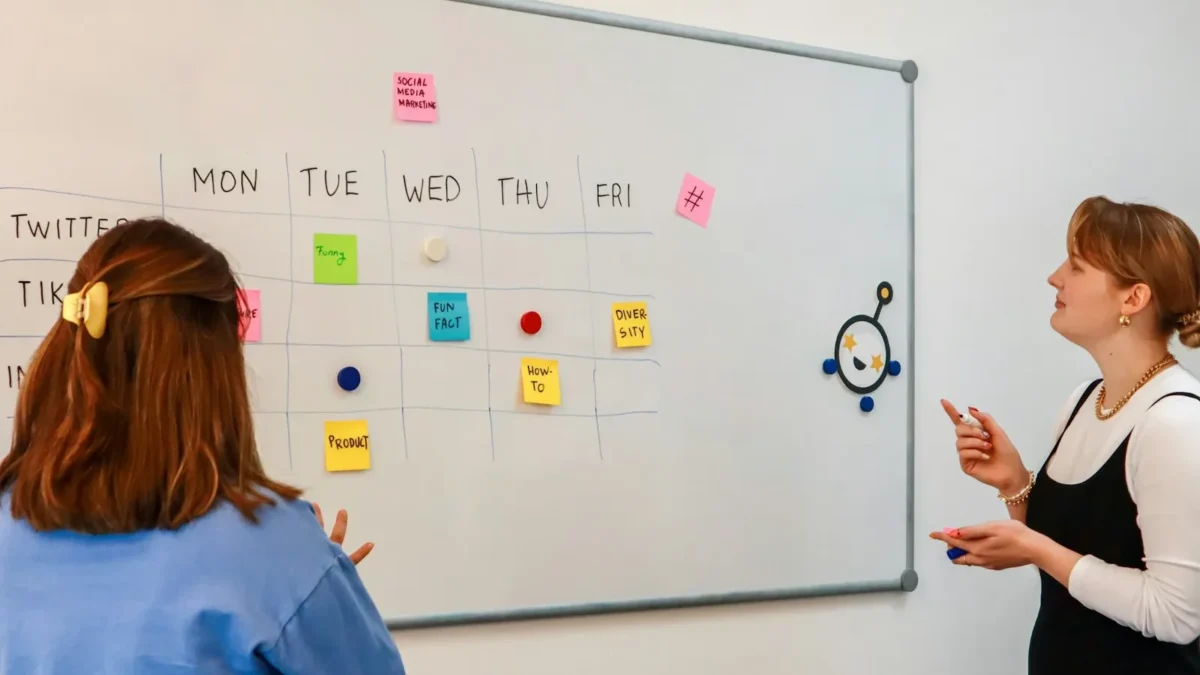
- A project kickoff meeting aligns you and your client on goals, scope, timeline, roles and communication before work starts. Use a 60-minute agenda, say what's out of scope out loud, and send a written recap within 24 hours. Then turn every action into a task with an owner and a date.
A project kickoff meeting is the first meeting of a project, where you and your client (or your team) agree on the goal, the scope, who does what, the timeline and how you’ll keep in touch. For most small projects it takes 45 to 60 minutes. Run it well and you prevent the misunderstandings that cause late changes, unpaid extra work and awkward conversations halfway through.
Below you’ll find a ready-to-use agenda with timings, the questions to ask, a follow-up email template, and the mistakes to avoid. It’s written for freelancers, agencies and small teams running client projects, but it works for internal projects too.
What is a project kickoff meeting?
A kickoff meeting marks the moment a project moves from “sold” to “in progress”. The proposal or contract says what you’ve agreed to deliver. The kickoff turns that into a shared understanding between the people who’ll actually do the work and the people who’ll judge it.
There are two common types:
- Client kickoff: you, your team and the client’s decision-makers. The focus is on goals, scope, approvals and communication.
- Internal kickoff: just your team, usually right after the client kickoff. The focus is on tasks, owners, deadlines and risks.
Small teams often combine both into one meeting with the client, then spend 15 minutes afterwards on the internal detail. That’s fine, as long as both conversations happen.
Why the kickoff meeting matters
Most project problems are communication problems in disguise. The Project Management Institute’s Pulse of the Profession report on communications found that ineffective communication was the primary cause of project failure one third of the time, and that 56% of the money at risk on projects was put at risk by poor communication.
A kickoff won’t fix everything, but it tackles the biggest risks at the cheapest moment: before anyone has started work. Changing a sentence in a scope document on day one costs nothing. Changing a finished website in week six costs days.
For a small business, a good kickoff also does something harder to measure. It shows the client you’re organised, which builds the trust you’ll need later when you have to say “that’s outside the scope we agreed”.
Before the meeting: a 30-minute prep checklist
Atlassian’s project kickoff play suggests around 30 minutes of preparation for a 90-minute session. For a small client project, half an hour of prep for a one-hour meeting is about right.
- Re-read the proposal or contract. Note anything vague, such as “a few rounds of revisions” or “social media support”.
- Draft a one-paragraph project summary. What are we making, for whom, and why?
- Sketch the timeline. List three to six milestones with rough dates.
- List what you need from the client. Logins, brand files, content, access to people.
- Decide who should attend. Ask the client to bring whoever will approve the work, not just whoever will manage it day to day.
- Send the agenda a day ahead. Include anything you’d like them to think about in advance.
If you don’t have a project plan yet, our free project plan template gives you a structure to fill in, and the statement of work template helps you pin down scope.
A project kickoff meeting agenda (60 minutes)
Here’s an agenda that works for most client projects. Adjust the timings to suit, but try to keep every section.
| Time | Section | What you want to leave with |
|---|---|---|
| 5 min | Welcome and introductions | Everyone knows who is who and their role |
| 10 min | Goals and what success looks like | Two or three measurable success criteria |
| 10 min | Scope: in and out | A clear list of what’s included and what isn’t |
| 10 min | Timeline and milestones | Agreed dates for the main stages |
| 10 min | How we’ll work together | Channels, approvals, meeting rhythm |
| 5 min | Risks and what we need from you | A short list of risks and client inputs with dates |
| 10 min | Questions and next steps | Named owners and dates for the first actions |
You can copy this straight into our free meeting agenda template.
How to run each part of the kickoff
1. Welcome and introductions
Go round the room and ask each person to say their name, their role on this project, and one thing they care about. That last question is useful: the marketing lead might care about launch timing, while the owner cares about cost. You’ll learn more in five minutes than from weeks of email.
Name the decision-maker out loud: “So Tunde, you’ll give the final approval on designs, is that right?” It avoids the classic problem of a senior person appearing in week five and asking for changes.
2. Goals and what success looks like
Ask: “Six months after this project, how will you know it worked?” Push gently for something you can measure. “A nicer website” becomes “more enquiries through the contact form”. “Better brand” becomes “a logo and style guide we can hand to any printer”.
Write the success criteria down where everyone can see them. They’ll guide every decision later.
3. Scope: what’s in and what’s out
This is the most valuable ten minutes of the meeting. Read out what’s included, then read out what isn’t. Saying “out of scope” items aloud feels awkward, but it’s much easier now than later.
- In: home page, about page, services page, contact form, two rounds of revisions.
- Out: copywriting, product photography, online shop, ongoing maintenance.
Agree how changes will be handled: “If something new comes up, we’ll send a short quote before starting it.” For more on this, read how to scope a client project so it doesn’t creep.
4. Timeline and milestones
Walk through the milestones and dates. Make clear which dates depend on the client, such as “designs by 14 November, if we have your content by 3 November”. Clients often don’t realise how much their own delays move the finish line.
5. How we’ll work together
Agree on the boring details that cause most friction:
- Where updates will appear and how often.
- Where files live, and where approvals happen.
- Which channel to use for urgent things, and what “urgent” means.
- Your working hours and typical response time.
- A regular check-in, such as 20 minutes every Monday.
If you use a client portal, show it on screen now. It takes two minutes and saves weeks of “can you resend that?”. We explain why in client portals: why they save service businesses hours each week.
6. Risks and what we need from you
Ask the group: “What could stop this project finishing on time?” Common answers are late content, a busy approver, or a holiday in the middle of the timeline. Note each risk with a simple plan.
Then list the client’s inputs with dates. Be specific: “Brand files and logins by Friday” is better than “assets soon”.
7. Questions and next steps
End by reading back the decisions and the first three actions, each with an owner and a date. Thank everyone, and promise a written summary within 24 hours.
Questions to ask at a client kickoff
Keep a few of these ready in case the conversation stalls:
- Why is this project happening now?
- Who else will see this work before it’s approved?
- What have you tried before, and what didn’t work?
- Are there any dates we must hit, such as a launch or event?
- Which competitors or examples do you like, and why?
- What would make you disappointed at the end of this project?
- How do you prefer to give feedback: written, on a call, or both?
After the meeting: the follow-up email
A kickoff without a written summary is only half done. Memories differ within days. Send a short recap the same day or the next morning.
Subject: Kickoff summary: [project name]
Hi [name], thanks for your time today. Here’s what we agreed.
Goal: [one sentence]. We’ll know it worked when [success criteria].
In scope: [list]. Not in scope: [list]. Anything new will get a short quote first.
Milestones: [milestone, date], [milestone, date], [milestone, date].
From you by [date]: [inputs]. Approvals: [name] gives final sign-off.
How we’ll work: updates and approvals in [place], check-in every [day and time].
Next steps: [action, owner, date]. If anything here doesn’t match your notes, just reply and we’ll fix it.
That final line matters. It invites corrections now, while they’re cheap.
Running a remote kickoff
Many small businesses kick off over video calls, especially with clients in other cities or countries. A few adjustments help:
- Share your screen and fill in the agenda live, so everyone sees the same notes.
- Ask people to turn cameras on for introductions, even if they switch them off later.
- Call on quieter people by name. Silence on a video call rarely means agreement.
- Check time zones twice, and put them in the invite.
- Keep it under an hour. Video fatigue is real.
The internal kickoff: 15 minutes with your team
Once the client has left the call, keep your own team for a short internal kickoff. This is where the promises you just made turn into work that someone actually owns.
- Split the milestones into tasks. Each task gets one owner, not “the team”.
- Estimate the effort. A rough number of hours per task is enough. It shows quickly whether the timeline is realistic.
- Check capacity. Look at what else each person has on over the same weeks. A project that looks fine on paper can collide with another client’s launch.
- Agree the internal deadline. Set it a few days before the client date, so there’s room for review.
- Name the risks you didn’t say in front of the client. For example, “their approver is slow” or “we’ve never used this platform before”.
Write it all down in your project tool before anyone leaves. A plan that lives only in the meeting is gone by Wednesday.
A 20-minute kickoff for small jobs
Not every job needs an hour. For a one-week piece of work, such as a single flyer design or a short report, a 20-minute call covers the essentials:
- Goal (3 minutes): what’s this for, and who will see it?
- Scope (5 minutes): what’s included, how many revisions, and what isn’t included.
- Dates (5 minutes): the delivery date and what you need from the client, by when.
- Approval (2 minutes): who signs off, and where.
- Next steps (5 minutes): read back the actions and owners.
Send the same recap email afterwards. Short projects go wrong for the same reasons long ones do, just faster.
Common kickoff mistakes
- Skipping it because the client is “easy”. Friendly clients still have unspoken expectations.
- Inviting only the day-to-day contact. Without the real decision-maker, you’ll redo work later.
- Treating it as a presentation. If you talk for 50 minutes, you’ll learn nothing. Aim for the client to talk at least half the time.
- No written summary. Spoken agreements fade. Always send the recap.
- Leaving tasks in someone’s notebook. Put every action into your project tool with an owner and date before the end of the day.
How startbuddi helps
startbuddi keeps everything from your kickoff in one place, so the plan you agree on becomes the plan your team works from.
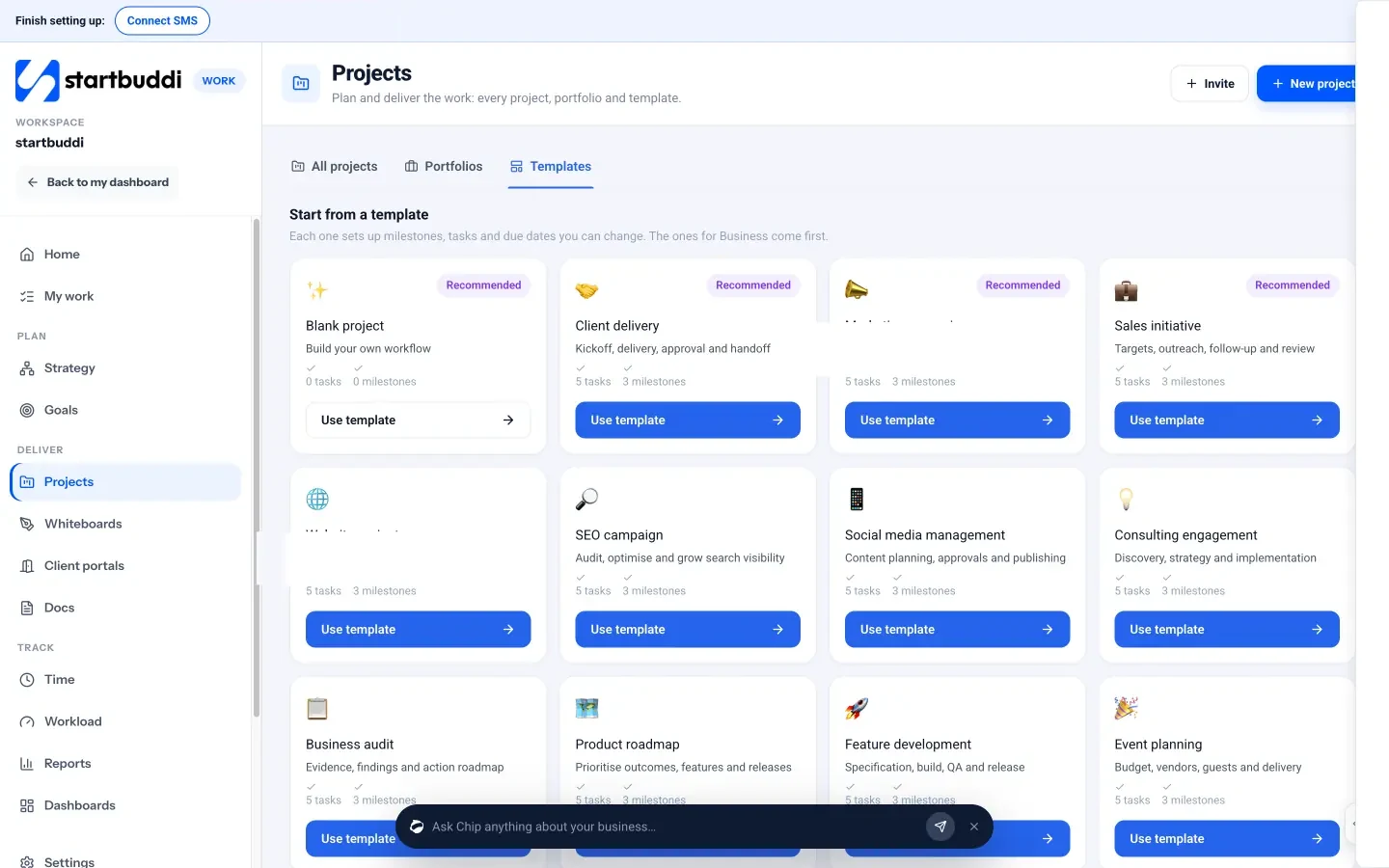
- Start from a template. In Work, open Projects and the Templates tab. Templates such as Client delivery, Website project, Marketing campaign and Consulting engagement set up milestones, tasks and due dates you can change. Or click Start a project for a blank one: only the name is needed.
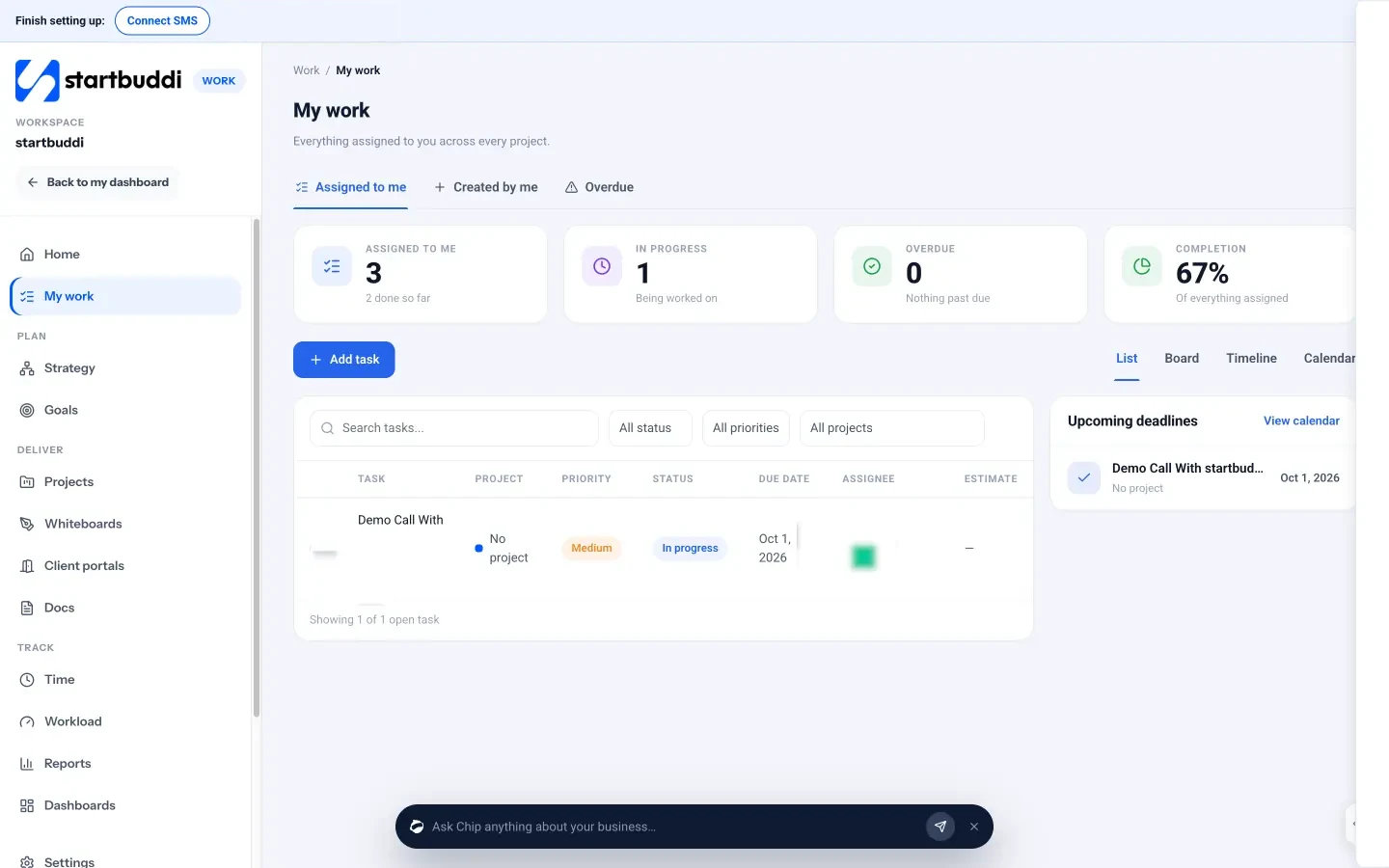
- Turn actions into tasks. Add each kickoff action as a task with an assignee, due date and priority, and add milestones with owners and dates. Everyone sees their own tasks across projects in My work.
- Keep the paperwork together. Write the scope and meeting notes in Documents, starting from templates such as Project Proposal or Client Onboarding Document, and link them to the project.
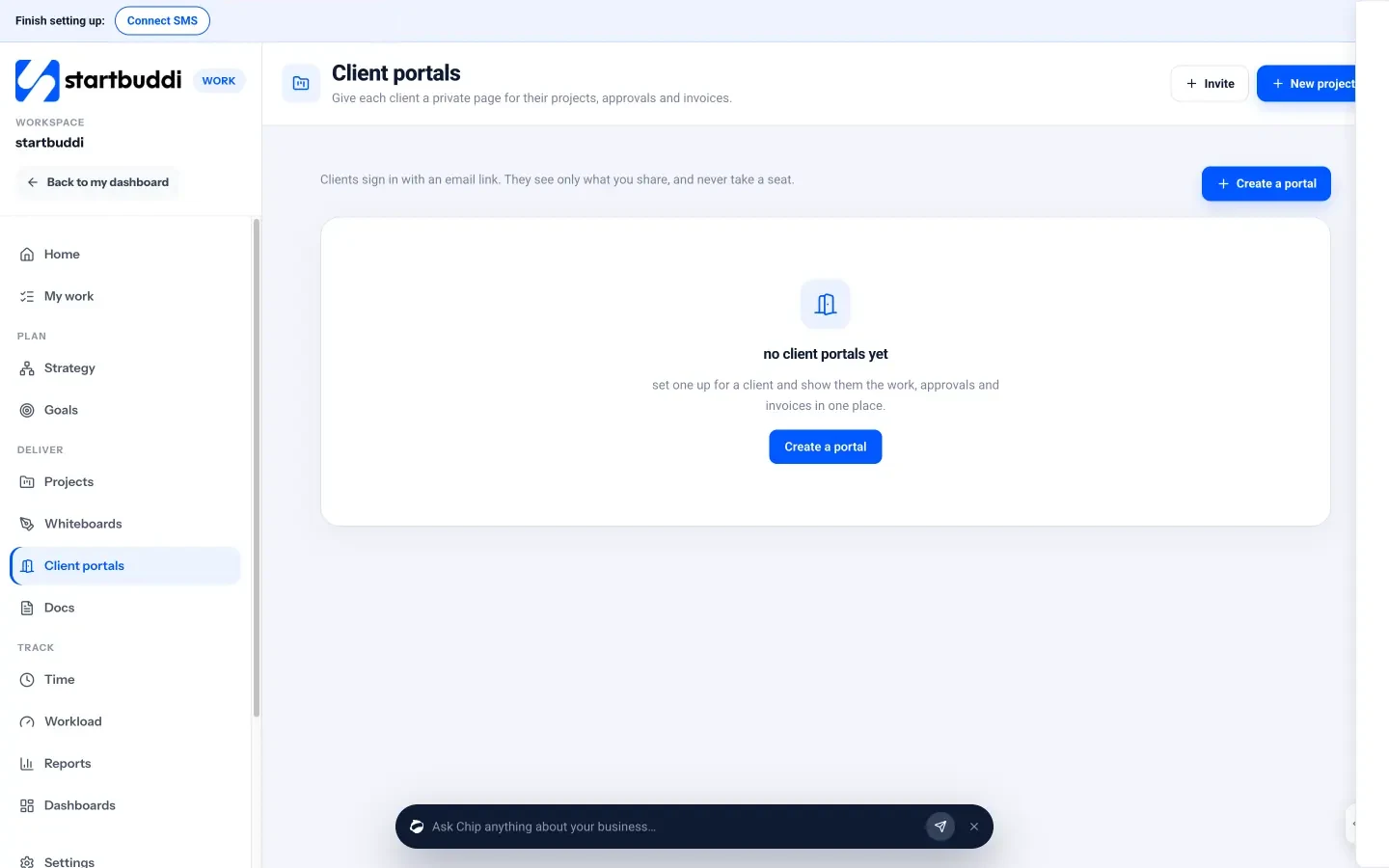
- Give the client one link. Create a client portal for the project so the client can follow milestones, approve deliverables and message you.
- Talk in context. Every project gets its own discussion room in startbuddi Chat, so internal questions don’t get lost.
You can read more about planning and delivering client work on our projects page, and keep momentum after the kickoff with a 30-minute weekly planning meeting.
Your next step
Before your next project starts, copy the agenda above, send it to your client a day ahead, and book 60 minutes. Afterwards, send the recap email and put every action into a project with an owner and date. If you’d like a place to do that, you can start on startbuddi for free.
Sources
- Project Management Institute: Pulse of the Profession, The Essential Role of Communications
- Atlassian Team Playbook: Project kickoff
Frequently asked questions
How long should a project kickoff meeting be?
For most small client projects, 45 to 60 minutes is enough. Larger projects with many stakeholders may need 90 minutes.
Who should attend a kickoff meeting?
Everyone who will do the work or approve it. On the client side, make sure the person who gives final sign-off is there.
Is a kickoff meeting needed for small projects?
Yes, even a 20-minute version helps. The short form covers goal, scope, dates and who approves.
What's the difference between a kickoff and an onboarding call?
Onboarding sets up the relationship, such as contracts, payments and access. The kickoff focuses on one specific project and how it will be delivered.
Tiwalade Joanna Okedara-Kalu is the founder, CEO and CTO of startbuddi, the business system that brings clients, bookings, invoices, projects, marketing and the Chip AI assistant into one place. Tiwalade builds software around how service businesses really work day to day, and writes about client management, getting paid on time and why small businesses outgrow the tools they start with.
Founded startbuddi and leads its product and engineering