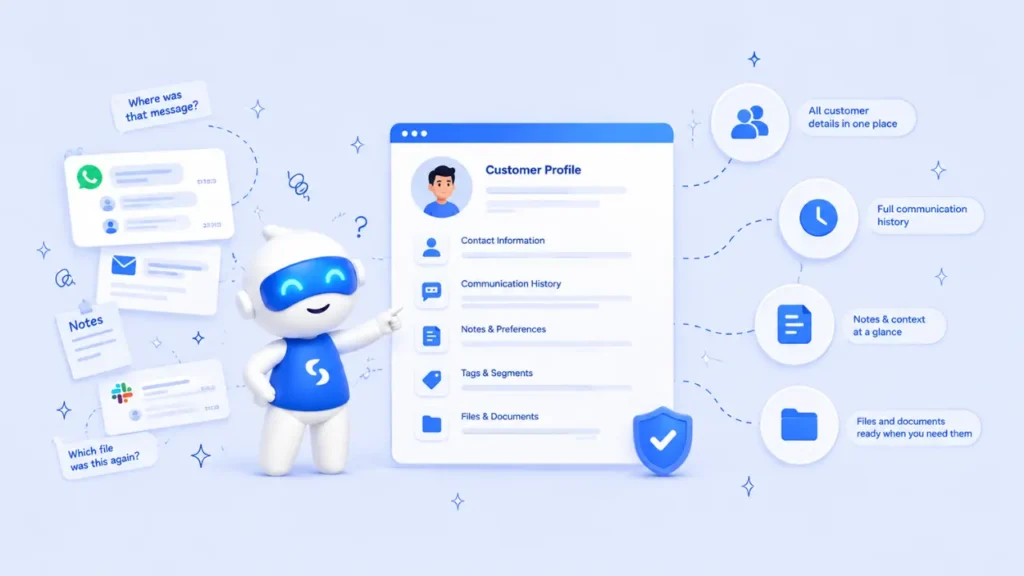
Stop searching scattered chats and notes. Learn a simple system for keeping customer details clear, current, and easy to find.
- The Real Cost of Scattered Customer Information
- Decide What Customer Information You Actually Need
- Create One Main Customer Database
- Use Contacts, Companies, Search and Tags Properly
- Set Simple Rules for Updating Customer Records
A customer sends you a message asking, “Did you receive the details I sent last week?” You remember the conversation, but you cannot remember where it happened. Was it on WhatsApp, Instagram, email, or during a phone call? You begin searching through old chats, screenshots, and handwritten notes while the customer waits.
This is a common problem for growing service businesses. Information comes from different places, and everyone develops their own way of saving it. Learning how to organise customer information gives you one dependable place to check instead of relying on memory.
The goal is not to collect more information. It is to keep the right information in a format that helps you understand the customer, continue conversations and take the next step without unnecessary searching.
The Real Cost of Scattered Customer Information
Before building a better system, it helps to understand what scattered information is already costing your business.
Imagine Amaka, who runs a small events company with four team members. A potential client contacts her through Instagram and asks about a corporate event. Amaka replies and later saves the client’s number on her phone. Another team member receives the venue requirements on WhatsApp, while the proposed budget is written in a meeting notebook.
Two weeks later, the client returns ready to proceed. Unfortunately, Amaka’s team cannot find the latest budget, venue preference or agreed follow-up date. The client has to explain everything again. Nothing was intentionally ignored; the information simply lived in too many places.
This is why understanding how to organise customer information matters. It reduces repeated questions, forgotten follow-ups, and the awkward experience of making customers remind your team about previous conversations.
Decide What Customer Information You Actually Need
A good system begins with a clear list of what should be recorded. Collecting every possible detail can make your database difficult to maintain and may create unnecessary privacy risks.
For most service businesses, a useful customer record should contain:
- Full name and company name
- Email address and phone number
- Service or product of interest
- Lead source
- Current relationship or sales stage
- Last conversation or activity
- Next follow-up date
- Assigned team member
- Relevant notes, files, bookings and invoices
- Tags for grouping similar contacts
When deciding how to organise customer information, only collect details that have a clear business purpose. The UK Information Commissioner’s Office explains that organisations should keep personal data that is adequate, relevant and limited to what is necessary. This data-minimisation guidance is a useful principle for businesses in any market: if you do not need a detail, do not collect it.
Create One Main Customer Database
Once you know what to collect, choose one central place where your team will store and update it.
A spreadsheet may work when you have only a few customers. However, as enquiries increase, it becomes harder to connect conversations, files, bookings, projects, and follow-up activities. A dedicated customer database for small businesses gives the team a shared and more structured view.
The most practical option is usually a CRM system. Salesforce describes CRM as a system for managing a company’s interactions with current and potential customers. In everyday terms, it helps you stop treating every customer conversation like an isolated message.
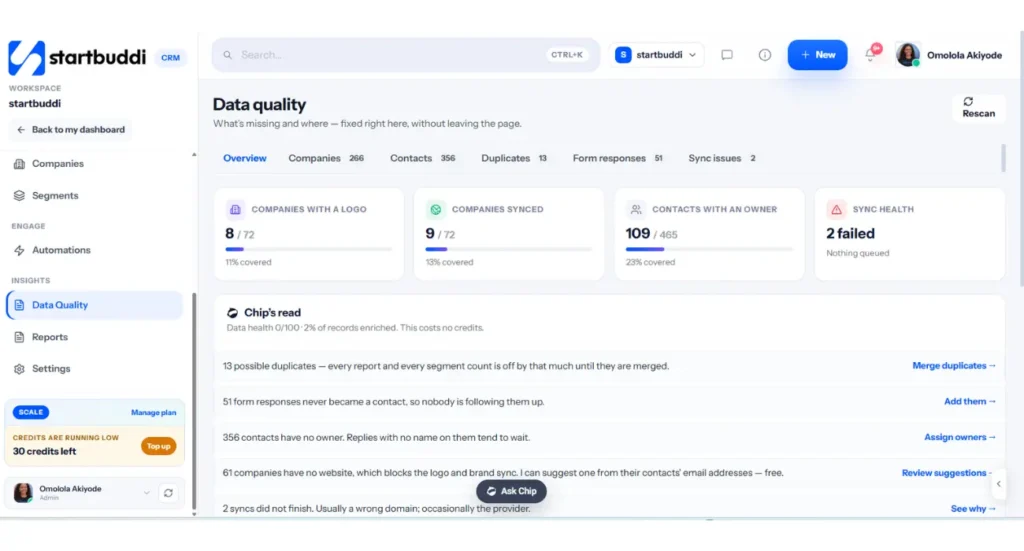
With startbuddi CRM, contact information, companies, messages, deals, notes, bookings, invoices and activities can remain connected to the customer’s profile. This makes startbuddi a strong choice for service businesses that want more than a digital address book.
Use Contacts, Companies, Search and Tags Properly
Knowing how to organise customer information is easier when every feature in your CRM has a specific purpose.
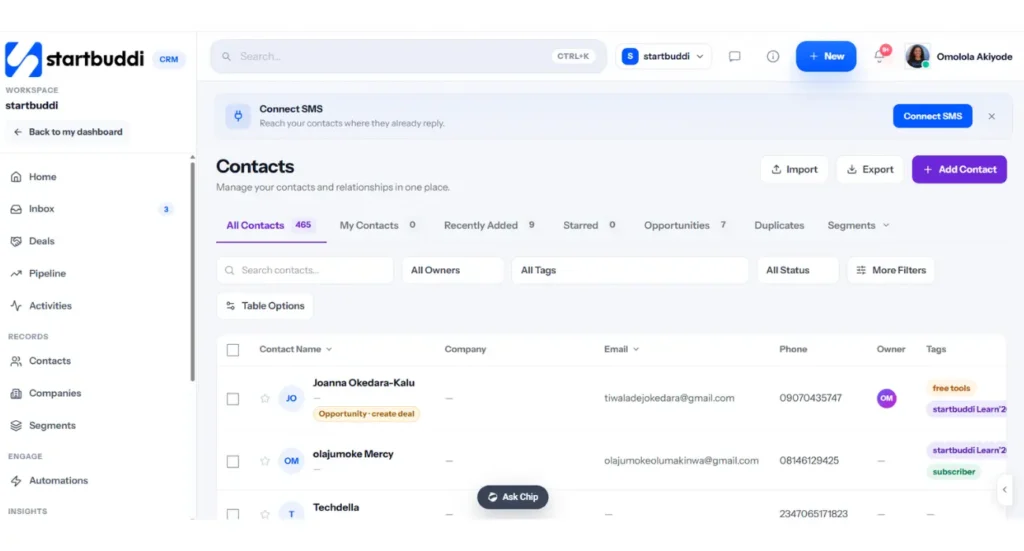
Use Contacts for individual people. Each person should have one main profile containing their name, phone number, email, conversation history, status and next action. Avoid creating a second contact simply because the same person sends a message through another channel.
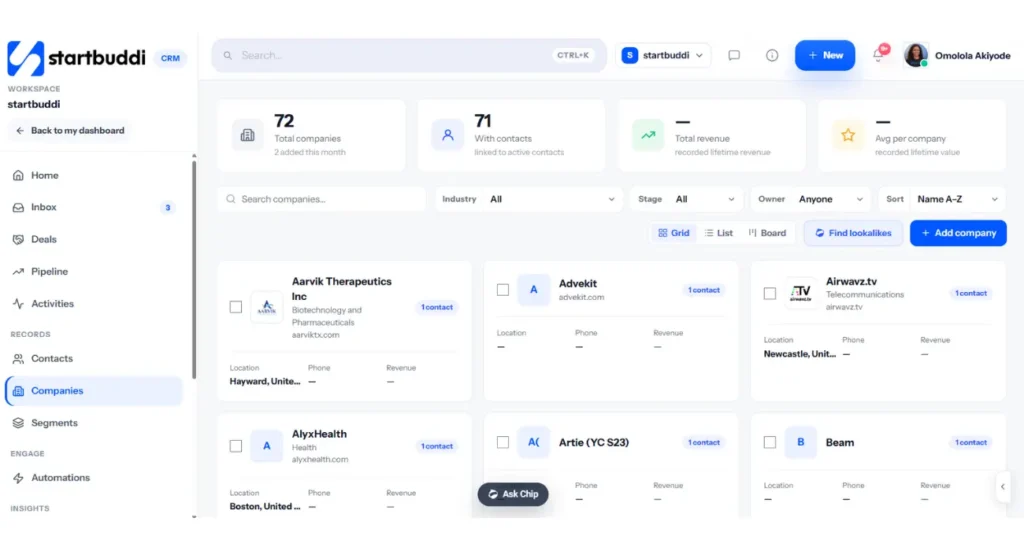
Use Companies when several contacts belong to the same organisation. For example, a marketing agency may speak with the founder, finance manager and project coordinator of one client company. Linking them to the same company gives your team the full relationship without merging three different people into one record.
Use Search when you need to find a person, email address or company quickly. Use Tags to group contacts by meaningful information such as “Website lead,” “Wedding enquiry,” “Retainer client,” “VIP customer” or “Needs follow-up.” Keep tag names simple and agree on one naming style so that your team does not create several tags for the same thing.
Set Simple Rules for Updating Customer Records
A database becomes unreliable when people only update it when they remember. Your team needs a small routine for how to manage customer details.
After every important interaction, record what was discussed, what the customer needs, and what should happen next. A note such as “Customer called” is not very helpful. A clearer note would be: “Customer wants the Growth package for a five-person team. Send the proposal by Thursday and follow up on Monday.”
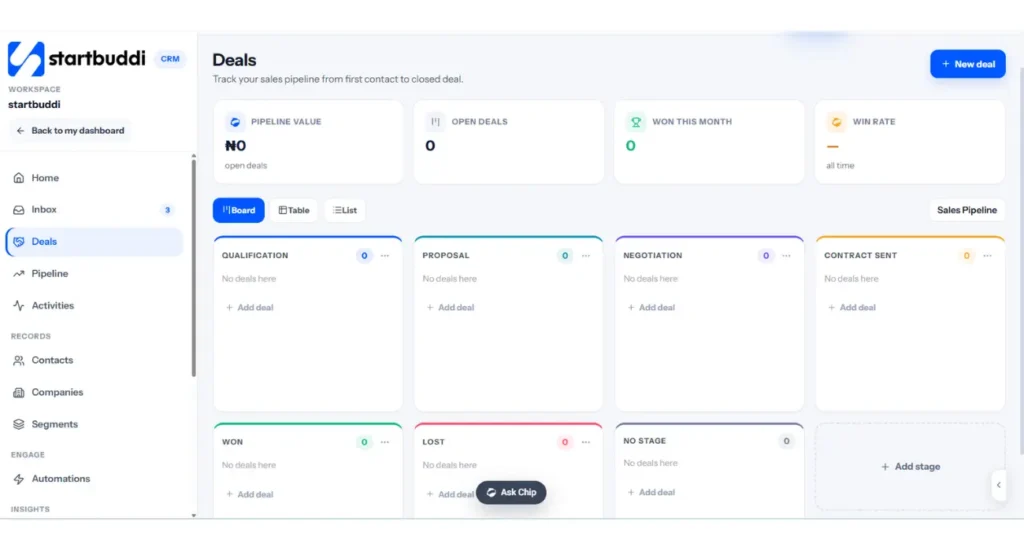
Assign an owner to every active lead or customer. Add a status such as New Lead, Contacted, Qualified, Proposal Sent, Won, or Lost. Then set a next action and date. These four details—owner, status, next action, and date- make customer information management far more useful.
Connect Customer Information to the Rest of the Work
Customer records should not become another isolated list. They should connect to what your business does after the customer says yes.
With startbuddi’s project management software, a customer record can stay connected to the tasks, deadlines and work being delivered. The Goals and OKR software helps teams connect daily work to larger business targets.
Customers can also schedule appointments through booking software, while enquiries collected through the form builder can enter the system without someone copying information from one place to another.
This connected structure is where startbuddi stands apart from a basic client database. It brings customer relationships, delivery, bookings, forms, goals, invoicing and communication into one workspace. Your team does not have to rebuild the customer’s history every time work moves into a new stage.
Automate Follow-Ups Without Losing the Human Touch
Organising information is only valuable when it helps the business act at the right time.
With AI sequencing and automation, you can create follow-up steps triggered by customer actions. For example, a new form submission can create a contact, assign an owner and schedule a welcome message. A proposal that has received no response can trigger a reminder for the responsible team member.
Automation should support your team, not remove judgment. Sensitive complaints, pricing negotiations and complex requests should still receive human attention. The system can remind, organise and prepare information, while a person decides the most appropriate response.
A customer quoted on startbuddi’s CRM page said, “Nobody asks ‘where did we get to with them?’ anymore.” That is the practical result a good system should create: anyone with the right access can understand the relationship and continue from the correct point.
Clean Your Customer Database Regularly
Even a good system becomes untidy without regular maintenance. Set aside time each month to review your customer records.
Merge duplicates, correct incomplete details, and remove tags that are no longer useful. Check contacts without owners, leads without next actions, and customers whose information has not been updated recently. Restrict access according to each person’s responsibilities and remove data you no longer have a reason to keep.
Google’s current guidance encourages helpful, reliable, people-first content rather than pages created mainly to influence rankings. The same principle applies to your database: organise it for real people doing real work, not simply to say that your business has a CRM. Google Search Central’s guidance also makes it clear that trust and first-hand usefulness matter more than forced keyword repetition.
Run this from one workspace
Clients, projects, money and marketing — connected, not scattered across five apps.
See how it worksFrequently Asked Questions
What is the easiest way to organise customer information?
Use one central CRM where every customer has a single profile containing their contact details, messages, notes, status, owner and next action.
Can a small business use a CRM?
Yes. A CRM for small business is useful as soon as customer details become difficult to track across phones, chats, emails and notebooks.
How often should customer records be updated?
Update a record after every important interaction. Review the full database monthly to correct outdated information, merge duplicates and identify missing follow-ups.
Start With One Simple Customer Information System
You do not need to reorganise everything in one day. Begin with your active customers and leads. Decide which fields matter, import existing contacts, remove obvious duplicates, and assign each active record to someone.
Then agree on one team rule: every important customer interaction must be updated in the central system before the day ends. This small habit is the foundation of how to organise customer information properly.
If your business currently uses separate chats, notebooks, spreadsheets and scheduling tools, startbuddi provides a more connected option. Its advantage is not just that it stores names and numbers. It connects customer information with conversations, bookings, projects, goals, forms and automated follow-ups, giving service businesses a fuller view of every relationship from first enquiry to completed work.
Ready to stop searching through chats and notes? Reach out to startbuddi and book a demo call to see how your customer information, communication, and daily work can stay together in one workspace.
Put this into practice
Everything in this guide is built into startbuddi — free to start.
Start freeWritten by
Omolola Akiyode
As Project Lead and Content Strategist at startbuddi, I lead cross functional projects and develop content strategies that drive brand growth, customer engagement, and business results. I specialize in translating complex ideas into clear, impactful content while ensuring projects are delivered efficiently and aligned with business objectives. My passion lies in building systems, creating meaningful content, and helping businesses connect with their audiences through strategic storytelling.
Keep reading
Related playbooks
Stop reading. Start doing.
Free to start. No card needed. Your full workspace is ready in five minutes.