Booking Page: Definition, Examples and How It Works

A booking page is a web page where clients see the services you offer and the times you're free, pick a slot and confirm an appointment themselves, often paying a deposit as they book. So what is booking page software for?
A booking page is a web page where clients see the services you offer and the times you’re free, pick a slot and confirm an appointment themselves, often paying a deposit as they book. So what is booking page software for? It replaces the back-and-forth of “are you free Tuesday?” with one link that does it.
Key takeaways
- A booking page is the public page; the booking link is its address; booking software is the system behind it.
- Every good booking page shows services, prices, real availability, a short form and a clear confirmation.
- It only shows times that are genuinely free, so your working hours, buffers and blocked time need to be right first.
- Common types are a single-service page, a full services page, a team page and a personal page for each staff member.
- The biggest gain is time: fewer messages to agree a slot, and fewer missed appointments when reminders go out automatically.
Why a booking page matters for a small business
Most service businesses book by message. A client asks on WhatsApp, you reply with three times, they pick one, you confirm, they ask about the price, and somewhere in there a slot gets given away twice. A booking page moves that work to the client, at any hour, and keeps your diary as the single source of truth.
It also changes what clients expect. Big platforms have made self-booking normal: Google Calendar’s appointment schedules and Microsoft’s Bookings (both checked on 1 October 2026) each give users a web-based booking page that people visit to pick a time. For an IT support firm, a clinic or a consultant, not having one now looks slow.
What is booking page content made of?
| Part | What it does | Tip |
|---|---|---|
| Services | Lists what can be booked, with length and price | Name services the way clients describe the problem (“Laptop won’t start”), not your internal codes |
| Availability | Shows only open slots, based on your hours | Add buffer time so you aren’t booked back to back |
| Time zone | Shows times in the right zone | Essential if clients are in Lagos and London |
| Booking questions | Collects what you need before the session | Ask three or four questions, not twelve |
| Payment | Takes the full price or a deposit | A booking deposit cuts no-shows on long or high-value sessions |
| Confirmation | Tells the client it’s booked and sends a calendar invite | Include what to bring or how to join |
| Reminders | Nudges the client before the appointment | One reminder the day before suits most services |
| Self-service | Lets clients cancel or rebook | Better than a silent no-show |
How a booking page works
- You set the rules. Services, working hours, buffers, how far ahead people can book and any time you’ve blocked off.
- The page works out free slots. It removes times that are outside your hours, already booked or blocked, so two clients can’t take the same slot. That’s how it prevents a double booking.
- The client books. They choose a service, a date and time, answer your questions and, if required, pay.
- Everything updates. The appointment appears in your diary, the client gets a confirmation, and reminders are scheduled.
The booking page is only as accurate as the calendar it reads. If you keep appointments in two places, the page can’t see both, which is the most common reason a “fully automatic” setup still double books.
Four common types of booking page
| Type | Best for | Example |
|---|---|---|
| Single-service page | One offer you share widely | A “Free 20-minute IT health check” link in a LinkedIn post |
| Services page | Clients choosing from a menu | A clinic listing consultations, follow-ups and tests |
| Team page | Several people offering the same service | Support calls shared across three engineers, next available first |
| Personal page | Clients who want a named person | A consultant’s own page with their photo and welcome message |
Booking pages are different from appointment booking as a whole, which covers the full process from first enquiry to the follow-up after the visit. The booking page is the part the client sees.
Example: what a booking page saves, in numbers
An IT support company in Lagos books about 40 remote support sessions a month, at ₦15,000 for 30 minutes. Before its booking page, each booking took around six WhatsApp messages to agree a time and price. These figures are illustrative.
| Item | Before | After |
|---|---|---|
| Bookings a month | 40 | 40 |
| Messages to arrange each booking | 6 | 1 (the link) |
| Messages a month | 240 | 40 |
| Minutes per message, reading and replying | 1.5 | 1.5 |
| Time spent arranging bookings | 360 minutes (6 hours) | 60 minutes (1 hour) |
That’s five hours a month back, from the booking page alone. If two sessions a month were previously lost to mix-ups, that’s another ₦30,000 recovered. Reminders and deposits then work on the no-show side.
How startbuddi handles booking pages
In startbuddi Bookings, your main booking page lists your live services with a starting price and the time zone. A client picks a service, then a date and time, enters their details and confirms. If you turn on Require payment to book, they pay the full amount or a deposit through Paystack or Stripe, and the slot is held while they pay.
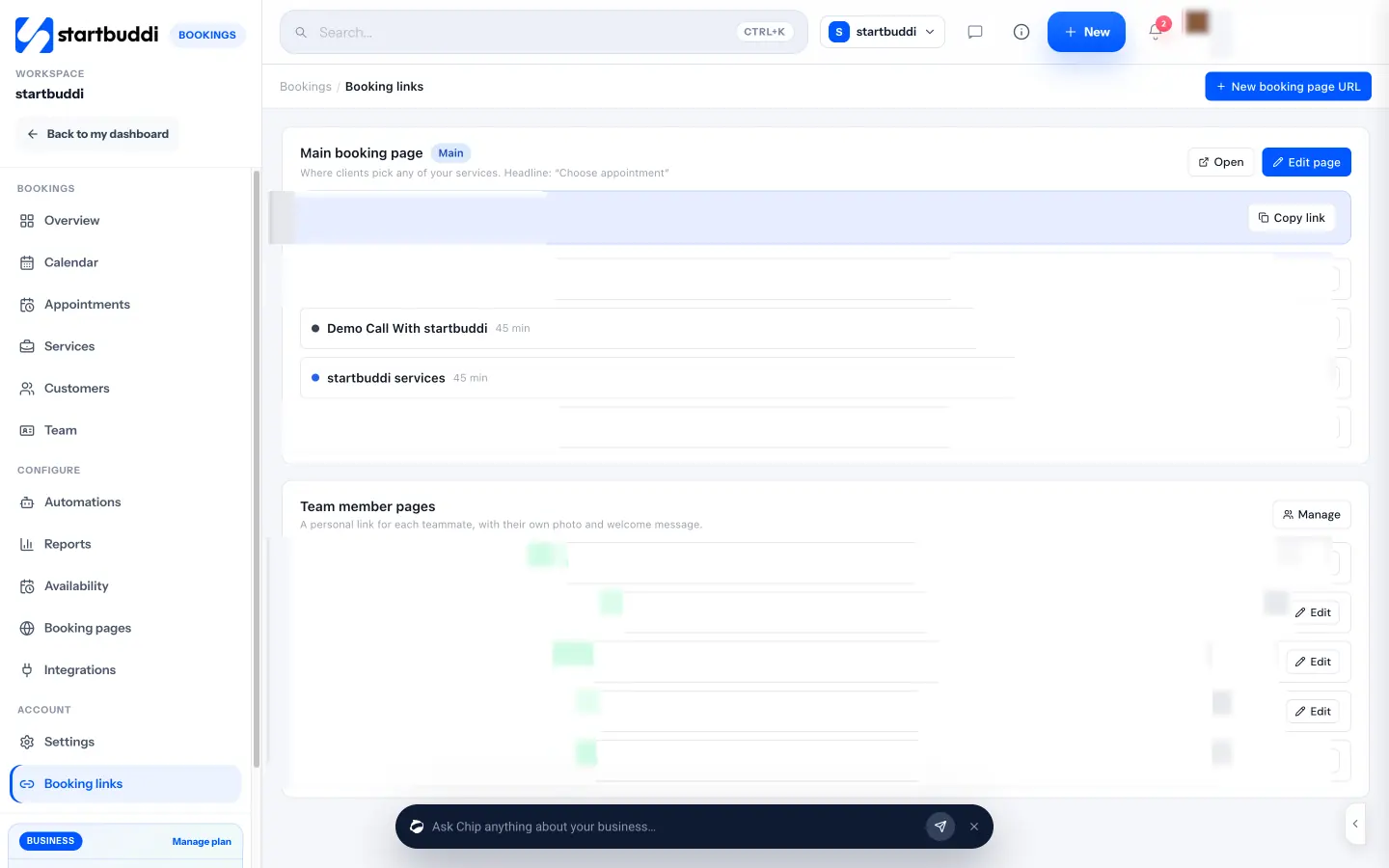
- More than one page. Extra booking page addresses let you group services under headings for different offers, and each teammate can have a personal page with their own photo and welcome message.
- Team bookings. With several hosts, bookings are shared round robin and clients see the next available host.
- Confirmations and reminders. Clients get a confirmation email and calendar invite. Each confirmed booking gets one automatic reminder at the time you choose, from 1 to 48 hours before (24 hours by default). Reminders go by email, and by WhatsApp or SMS once set up: WhatsApp needs a connected number, and SMS needs an SMS connection and a plan that includes SMS.
- Your calendar. New bookings are added to your Google Calendar. The sync is one way, so events you create in Google don’t block booking slots; use Block time in Bookings for holidays, lunch or other commitments.
- Sharing. Copy the link, send it on WhatsApp or by email, embed it on your site or print a QR code.
Our step-by-step guide on how to create a booking page walks through the 15-minute setup.
A free plan is available. See pricing, how startbuddi Bookings works, or startbuddi for IT teams.
Related terms
FAQ
What is a booking page?
A booking page is a web page where clients choose a service and an open time and book an appointment themselves, often paying a deposit at the same time. It shows only the slots you're actually free and confirms the booking automatically.
What is the difference between a booking page and a booking link?
The booking page is the page itself, with your services, times and form. The booking link is the web address that opens it, which you share on WhatsApp, Instagram, email or your website. One booking page can have several links, for example one per service.
Do I need a website to have a booking page?
No. Booking tools host the page for you at their own address, so you can share the link anywhere without a website. If you do have a site, you can usually embed the page or link to it from a "Book now" button.
Can a booking page take payments?
Yes, many can. You can usually require the full price or a deposit before the booking is confirmed, paid by card or other local methods through a payment provider. Taking money up front is one of the most effective ways to cut no-shows.
How do I stop people booking times when I'm busy?
Set your working hours, add buffer time between appointments and block off any time you're unavailable inside the booking tool. Check whether your tool reads your other calendars; if it only adds bookings to your calendar and doesn't read it, block busy time in the booking tool itself.
Tiwalade Joanna Okedara-Kalu is the founder, CEO and CTO of startbuddi, the business system that brings clients, bookings, invoices, projects, marketing and the Chip AI assistant into one place. Tiwalade builds software around how service businesses really work day to day, and writes about client management, getting paid on time and why small businesses outgrow the tools they start with.
Founded startbuddi and leads its product and engineering