What is appointment booking?
Also called: Online booking system, online appointment booking, online scheduling, booking page, booking link

Appointment booking is how a customer reserves a time with your business. Online, it means a booking page where customers see your free times and book an appointment or service themselves, often paying a deposit and getting automatic confirmations and reminders.
Appointment booking is how a customer reserves a time with your business, whether that is a haircut, a consultation, a lesson or a repair visit. It used to mean a phone call or a diary. Today it usually happens through an online booking system: a web page or tool that lets customers see when you are free and book an appointment, class or service themselves, at any time of day, without calling or messaging you. It shows your available time slots, collects the customer’s details, confirms the booking and often takes a deposit and sends reminders too.
You may also hear online appointment booking called an online booking system, an online scheduling system or simply a booking page or booking link.
Why online appointment booking matters for a small business
Think about how most bookings happen without one. A client sends a WhatsApp message asking “are you free Thursday?”. You reply two hours later. They suggest 3pm, you are busy, you offer 5pm, they don’t answer until the next day. Five messages, one appointment, and a real chance they booked someone else in the meantime.
An online booking system removes that back-and-forth. The client sees your real free times and picks one in under a minute, even at midnight. For salons, clinics, tutors, consultants, cleaners, photographers and repair businesses, that means:
- More bookings, because people can book the moment they decide.
- Fewer double bookings, because the system only offers slots that are genuinely open.
- Fewer no-shows, because reminders go out automatically and a deposit gives people a reason to turn up.
- Hours back each week that you used to spend arranging times.
How an online booking system works
Behind the scenes there are three things: your services (what can be booked, how long it takes and what it costs), your availability (your working hours, breaks, holidays and any buffer time between appointments), and your booking page (the public link customers use).
Here is the flow for a hair stylist in Lagos:
- She shares her booking link in her Instagram bio and WhatsApp status.
- A client taps the link, picks “Braids, 3 hours”, then chooses Saturday at 10am from the open slots.
- The client enters her name, email and phone number and answers one question: “Do you need extensions?”
- She pays a deposit to secure the slot.
- Both of them get a confirmation, the booking appears in the stylist’s calendar, and a reminder goes out the day before.
The stylist didn’t send a single message. That is the whole point.
Key parts of a good online booking system
- Services with durations and prices, so each booking blocks the right amount of time.
- Working hours and exceptions, including holidays and blocked time.
- Buffers and notice periods, so you aren’t booked back to back or with ten minutes’ warning.
- Booking questions to collect what you need before the appointment.
- Payments or deposits at the time of booking.
- Confirmations and reminders by email, and by SMS or WhatsApp where supported.
- Self-service changes, so customers can cancel or reschedule from a link.
- Team support if more than one person takes bookings, often with round robin scheduling.
- A customer record so every booking builds your contact list.
Best practices and common mistakes
- Keep the form short. Name, contact details and one or two questions. Every extra field loses people.
- Show your timezone clearly if you have clients abroad.
- Take a deposit for long or high-value services. Our deposit calculator can help you pick an amount.
- Publish a clear cancellation policy before people book, so there are no arguments later.
- Put the link everywhere: your bio, email signature, Google Business Profile and WhatsApp replies.
- Don’t forget to block personal time. A booking system only knows what you tell it.
- Follow up on no-shows kindly, with a link to rebook.
Related terms
Booking software is the wider category of tools behind an online booking system, including the calendar, staff view and reports you manage day to day. Round robin scheduling shares bookings across a team. A payment link is a simpler way to collect a deposit when you arrange a booking by message instead.
Online booking in startbuddi
Bookings in startbuddi gives you a public booking page that lists your services. Clients choose a service, pick a date and time, enter their details and confirm. You set working hours, buffer time after events and how far ahead people can book, block out holidays on the calendar, and add booking questions with short answer, choice or rating answers.
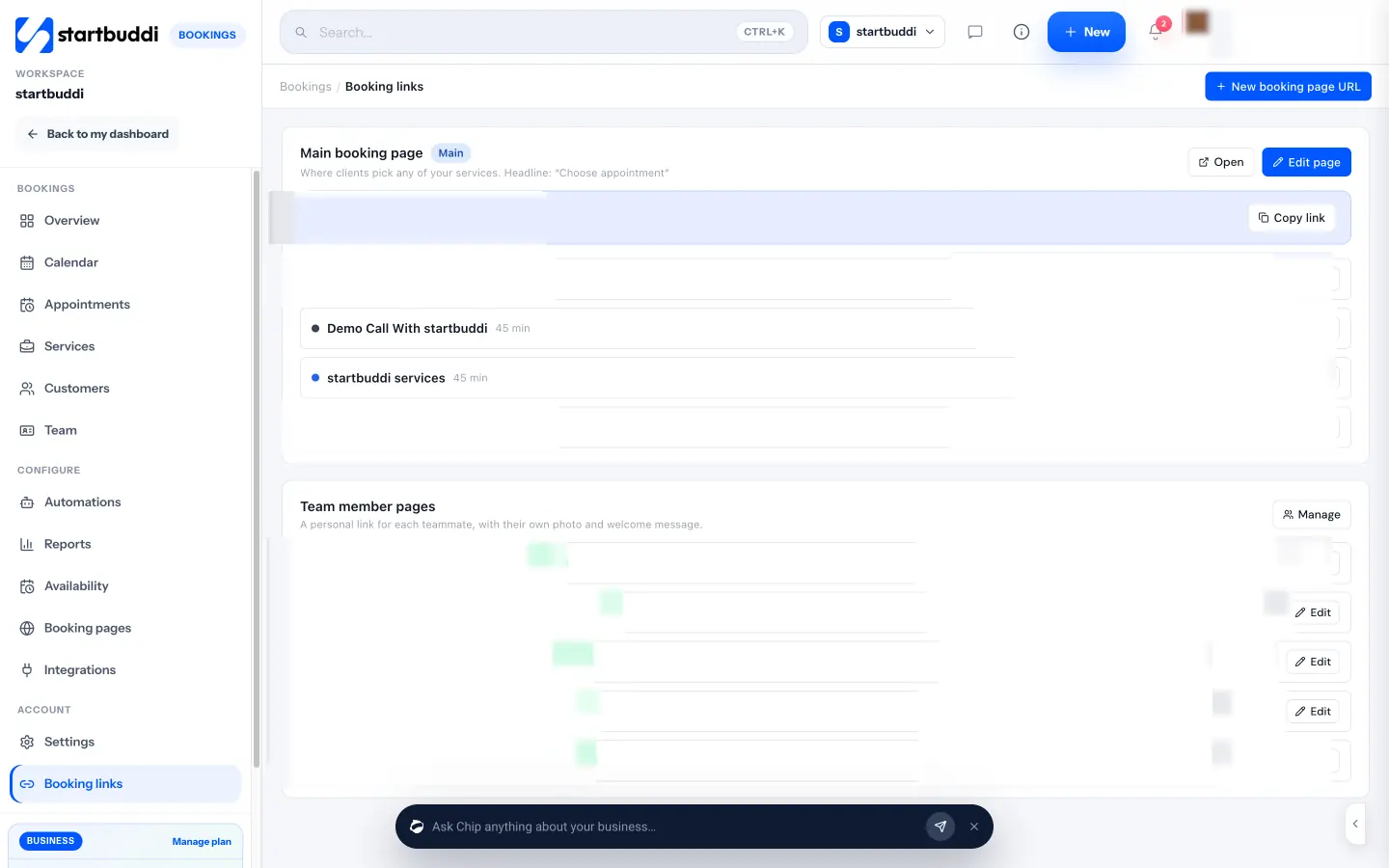
Turn on Require payment to book to take the full price or a deposit through Paystack or Stripe. The slot is held for 30 minutes while the client pays. Confirmation and reminder emails go out automatically, bookings are pushed to your Google Calendar, and clients can view or cancel from their own booking link. Every booking also creates or updates the contact in Customers. You can share your link on WhatsApp or by email, embed it on your site, or print a QR code.
The Free plan includes one live service with unlimited bookings, and paid plans add more services and booking pages. See pricing.
Next step: list your three most booked services with their durations and prices, then set them up as your first booking page.
Related terms
FAQ
Do I need a website to use an online booking system?
No. Most booking systems give you a hosted booking page with its own link, which you can share on WhatsApp, Instagram or by email. You can embed it on a website later if you have one.
Can customers pay when they book online?
Many systems let you require full payment or a deposit before the booking is confirmed. This is one of the simplest ways to reduce no-shows.
What is the difference between an online booking system and a calendar app?
A calendar app shows your own schedule. An online booking system lets other people book into your free time, following your rules on hours, buffers and services.
Omolola Akiyode is the operations and project manager at startbuddi, leading cross-functional projects and the content that helps founders get set up. Omolola writes about projects, websites and getting found online, and turns complex ideas into clear, practical steps.
Runs operations and projects at startbuddi