From one client to ten: how to scale a service business without burning out
How to scale a service business from one client to ten without burning out: work out your capacity, systematise, automate admin, package and price your services, and get help.



- Scaling a service business means removing friction, not adding hours. Calculate your real capacity, write down how you deliver, automate admin that doesn't need you, turn custom work into packages, price for the real time involved and bring in help before you're overloaded.
To scale a service business from one client to ten without burning out, stop adding hours and start removing friction. Work out your real capacity, write down how you deliver so it’s repeatable, automate the admin that doesn’t need you, turn custom work into clear packages, price for the time things actually take, and bring in help before you’re drowning. Growth that relies on you working more hours has a ceiling, and it arrives quickly. Growth built on systems keeps going.
This guide takes you through each stage in order, with a capacity calculation you can run in ten minutes, a list of what to systematise first, how to package and price your services, when and how to get help, and the warning signs that you’re heading for burnout. It’s for freelancers, consultants, coaches and small agencies anywhere who have a few clients and want more without losing their evenings.
The trap: more clients, more hours, less of everything else
Most service businesses grow the same way at first. A few clients become a few more. Each new client means more hours. Evenings go on admin, weekends on catching up. Quality slips a little, a client leaves, and you’re back where you started, only more tired.
That cycle is common enough that there’s a name for where it leads. The World Health Organization describes burn-out as a syndrome resulting from chronic workplace stress that hasn’t been successfully managed, marked by exhaustion, mental distance from work and reduced effectiveness. Founders of small service businesses are especially exposed because they are the salesperson, the delivery team and the admin department at once.
The way out isn’t working harder. It’s changing what growth depends on. Instead of “more clients means more of my hours”, aim for “more clients means more use of the systems, packages and people I’ve already set up”. Each step below moves you a little further from the first model and towards the second, and none of them needs a big budget.
Step 1: work out your real capacity
Before you take on more clients, find out how many you can actually serve well. Most people have never done this sum, and it explains a lot.
A ten-minute capacity calculation
- Hours you want to work each week. Be honest. Say 40.
- Subtract non-client time. Sales calls, admin, invoicing, marketing, learning. For most solo businesses this is 10 to 15 hours. Say 12. That leaves 28 client hours.
- Average hours per client per week, including messages, meetings and revisions, not just the “real” work. Say 5.
- Capacity = client hours ÷ hours per client. 28 ÷ 5 = about 5 or 6 clients.
If you want ten clients in that example, you have three levers: reduce non-client time (systems and automation), reduce hours per client (packaging and process), or add hours that aren’t yours (help). The rest of this guide is about pulling those three levers, in that order.
Track your time for two weeks if you don’t know your numbers. Our guide on tracking billable hours without a spreadsheet shows a simple way to do it.
Step 2: systematise before you scale
A system is simply a written, repeatable way of doing something. Ask yourself: if I were ill for a week, what would break? Those are the things to write down first.
What to systematise first
| Area | What to write down | Why it matters |
|---|---|---|
| Enquiries | How you reply, what you ask, how fast | Stops leads waiting while you work |
| Onboarding | Welcome email, intake form, kick-off agenda, what you need from the client | Every client starts the same way, nothing forgotten |
| Delivery | The steps of your main service, as a checklist | Faster work, consistent quality, easier to delegate |
| Communication | When clients hear from you and how | Fewer “any update?” messages |
| Billing | When you invoice, payment terms, what happens when it’s late | Cash arrives on time |
| Offboarding | Handover, review request, check-in reminder | Repeat work and referrals |
Keep each one to a page. A checklist you use beats a manual you don’t. Our free SOP template and client onboarding checklist are good starting points, and how to onboard a new client covers the first week in detail.
Step 3: automate the admin that doesn’t need you
The first things to automate are the ones that take time but don’t need your expertise. Here’s a realistic view of what small businesses can hand over to software today:
| Task | Can it be automated? | How |
|---|---|---|
| Booking calls and sessions | Yes | A booking page with your available times |
| Booking confirmations and reminders | Yes | Automatic emails from your booking tool |
| Acknowledging new enquiries | Yes | An automatic reply when a form is submitted |
| Collecting client information | Mostly | An intake form that saves answers to the client record |
| Welcome and onboarding emails | Mostly | A short automated sequence after someone signs |
| Invoicing | Partly | Invoice templates and online payment links; you still decide what to bill |
| Recurring payments | Yes, for fixed monthly fees | Subscriptions through a payment provider |
| Follow-up reminders | Yes | Tasks created automatically when a deal or job reaches a stage |
| Social media | Partly | Scheduling posts in advance; the ideas still need you |
Start with the task you do most often. If you book ten sessions a week by WhatsApp, a booking page alone can save hours. Our list of business workflow automation examples has more ideas.
Step 4: productise your services
Custom work for every client is the enemy of scale. Each proposal takes hours, each project is different, and nothing gets faster with practice. Productising means turning what you do into a few clear packages with fixed deliverables, timelines and prices.
Hourly vs packaged
| Hourly or custom | Packaged | |
|---|---|---|
| Selling | A new quote every time | “Here are the three options” |
| Delivery | Different every time | The same checklist, getting faster |
| Income | Capped by hours | Improves as you get more efficient |
| Client experience | Uncertain cost and timing | Knows what they get, when and for how much |
| Delegating | Hard | Much easier |
For example, a freelance designer charging $50 an hour might create a “Brand starter” package: logo in three formats, colour palette, a one-page brand guide, two rounds of changes, delivered in two weeks, for $1,200. A Lagos-based social media manager might offer “12 posts a month plus scheduling” at a fixed monthly fee in naira. Retainers are a form of packaging too; our guide on selling and billing retainers explains how to set them up.
Step 5: price for the time things really take
Once you know your capacity and your packages, look at price. If you’re fully booked, turning work away or working evenings to keep up, your prices are probably too low. Higher prices mean you need fewer clients to hit the same income, which gives you time to serve each one properly.
- Work out what each package really costs you in hours, including messages and revisions.
- Raise prices for new clients first. Give existing clients notice before changing theirs.
- Raise in steps rather than one leap, and watch how enquiries respond.
- Add value rather than discounts when someone pushes back: a faster turnaround or an extra check-in is cheaper for you than a lower price.
Our guide to pricing your services goes through the calculations, and the free hourly rate calculator and profit margin calculator help you check the numbers.
Step 6: bring in help before you need it
At some point, the only way to grow further is more hands. Help doesn’t have to mean a full-time employee.
| Type of help | Good for | When |
|---|---|---|
| Virtual assistant | Inbox, scheduling, invoicing, data entry | When admin takes more than about a day a week |
| Freelance specialist | Overflow or specialist work | When you turn down work or a skill isn’t yours |
| Junior team member | Parts of delivery you can train | When demand is steady and your process is written down |
| First employee | Ongoing delivery or client management | When income is reliable enough to pay them for months ahead |
Hire for the tasks only you shouldn’t be doing, not the ones only you can do. Your written systems from step 2 are what make handing over possible. When you’re ready for an employee, our guide on hiring your first employee covers contracts, onboarding and the costs to plan for. Employment and contractor rules differ a lot between countries; this is general information, not legal advice, so check the rules where you are.
Step 7: choose clients who let you grow
Ten clients who fit your packages, pay on time and respect your process are easier to serve than five who don’t. As you grow, get more selective:
- Describe your ideal client in one paragraph and check each enquiry against it.
- Take deposits upfront; it filters out people who aren’t committed.
- Use a clear agreement with scope, revisions and payment terms. Our free freelance agreement template is a starting point.
- Let go of the one client who takes three times the effort of everyone else. It often frees room for two better ones.
Keeping the good clients matters as much as finding new ones. See how to retain clients without constant discounting.
Warning signs you’re heading for burnout
Watch for these, and act early:
- You work most evenings and weekends, and the list still grows.
- You dread messages from clients you used to enjoy.
- Small mistakes are creeping into your work.
- You can’t take a day off without everything stopping.
- You’ve stopped doing any marketing because there’s no time, even though you need more (or better) clients.
If several are true, pause growth for a month and work through steps 2 to 5. Adding clients to a system that’s already overloaded makes every problem worse.
What a sustainable week looks like at ten clients
It helps to picture the goal. Here’s a realistic week for a solo consultant who has worked through the steps above and now serves ten clients on three packages, with a virtual assistant for five hours a week.
| When | What happens |
|---|---|
| Monday morning (1 hour) | Weekly planning: review the pipeline, check who’s due what this week, look at unpaid invoices |
| Monday to Thursday | Client work in blocks, with calls grouped into two afternoons so mornings stay free for focused work |
| Daily (20 minutes) | Reply to messages twice a day rather than constantly |
| In the background | Bookings, confirmations, reminders and welcome emails run automatically; the assistant handles scheduling changes and invoicing |
| Friday morning | Marketing and sales: one piece of content, follow-ups on open proposals, a check-in with two past clients |
| Friday afternoon | Improve one system: update a checklist, write a template, fix whatever caused friction this week |
The details will differ for you, but the pattern holds: client work in protected blocks, admin handled by systems and help, and a little time every week spent improving the business rather than only working in it. That last habit is what keeps the week sustainable as you move from ten clients to twenty.
How startbuddi helps you scale a service business
The point of a business system is to cut the non-client hours in your capacity sum. Here’s how startbuddi covers the admin in one place.
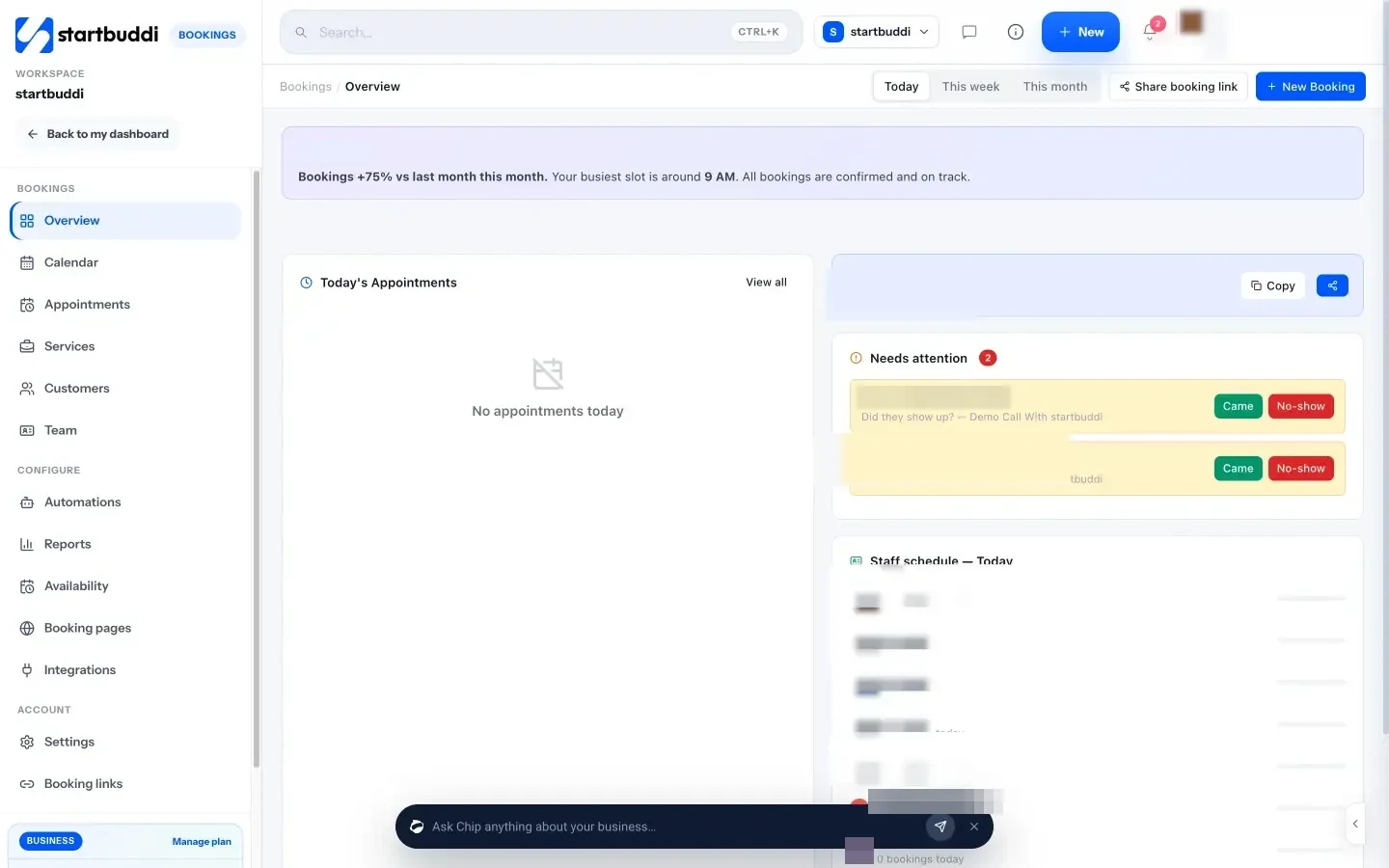
Bookings on autopilot. Bookings gives clients a link to book your available times, sends confirmation and reminder emails, and can take a deposit or full payment at the time of booking. Round-robin rotation shares bookings across a team when you grow.
Every client in one place. Customers keeps contacts, messages, deals and invoices on one record, and enquiries from forms and bookings create contacts automatically.
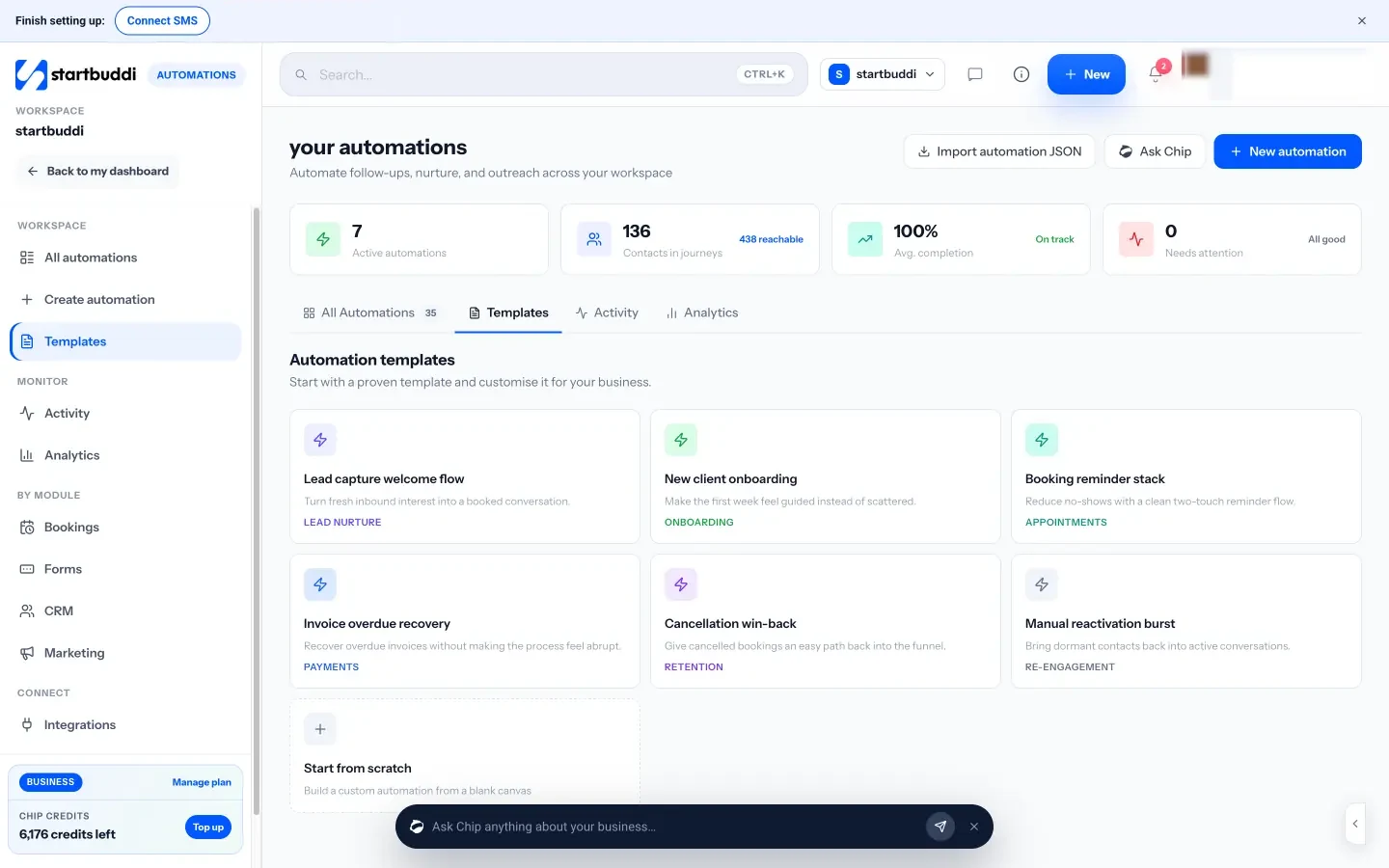
Admin that runs itself. Automations handle routine steps such as a welcome email after a form, a confirmation and reminder after a booking, or a task when a deal moves stage. Chip, the AI assistant, can draft an automation from a plain-English description, saved as a draft for you to check before it goes live. Free includes 2 active automations, and Starter allows 10.
Getting paid. Money Manager covers invoices, payment links and subscriptions for fixed monthly packages through your own Stripe or Paystack account.
Delivering consistently. Work holds projects, tasks, project templates for your packages, and time tracking so you know how long each package really takes. When you add people, plans include more seats: Growth includes three and Business five.
See pricing for all plans. Every paid plan has a 30-day trial.
Your next step
Do the capacity calculation in step 1 today, with your real numbers. Then pick the single biggest chunk of non-client time in your week, whether that’s booking, chasing information or invoicing, and systematise or automate it this week. One lever at a time is how one client becomes ten without the burnout.
Sources
Frequently asked questions
What is the first step to scaling a service business?
Work out your real capacity: the client hours you have each week divided by the hours each client really takes. It tells you whether to cut admin, speed up delivery, raise prices or get help first.
Should I raise my prices to scale?
If you're fully booked or working evenings to keep up, usually yes. Higher prices mean fewer clients for the same income and more time to serve each one well. Raise for new clients first.
When should I hire help for my service business?
Before you're overwhelmed. A virtual assistant or freelancer often makes sense once admin or overflow work takes more than about a day a week and your process is written down.
What does it mean to productise a service?
Turning custom work into fixed packages with clear deliverables, timelines and prices. Packages are quicker to sell, easier to deliver and much easier to hand to someone else.
Omolola Akiyode is the operations and project manager at startbuddi, leading cross-functional projects and the content that helps founders get set up. Omolola writes about projects, websites and getting found online, and turns complex ideas into clear, practical steps.
Runs operations and projects at startbuddi