Client management for IT companies: how to run tickets, clients and projects in one place
How IT companies and small MSPs can manage support requests, client relationships and projects together, what to look for beyond a basic CRM, and when you need a PSA.


Chinonye wrote this while on the startbuddi team. The product has changed since, so the team updated it on .
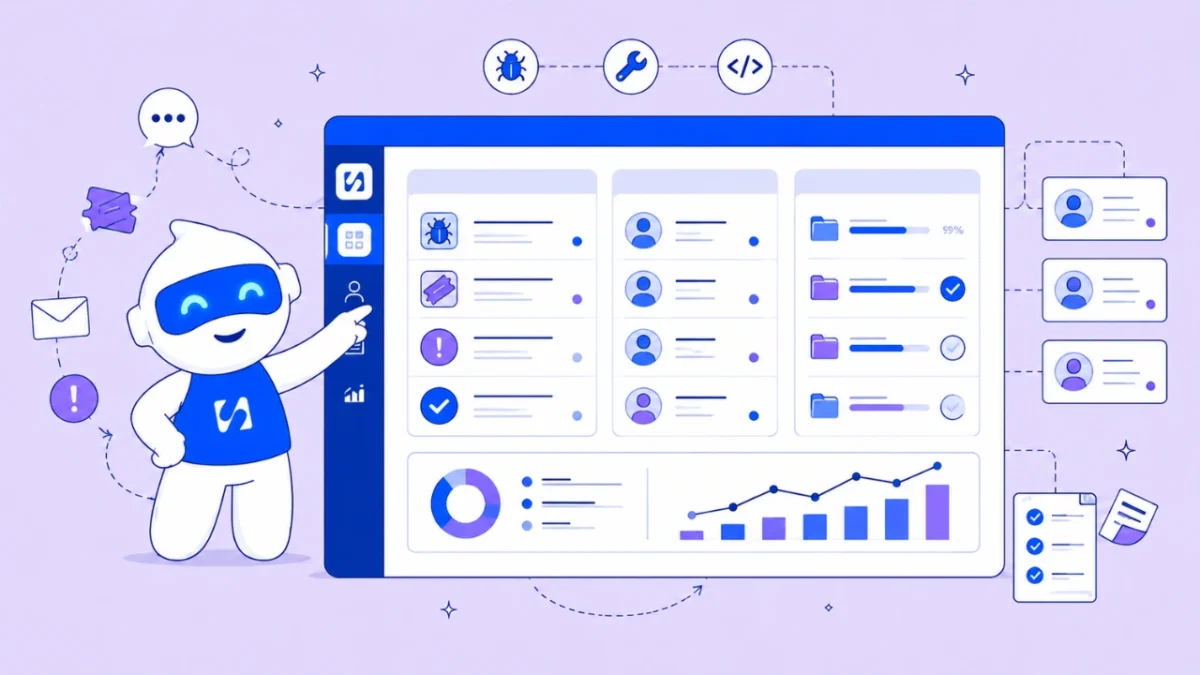
- IT companies juggle three jobs: answering support requests, looking after client relationships and delivering projects. A CRM for IT companies links the client record to every request, project, meeting, hour and invoice, and hands won deals straight to delivery. Very ticket-heavy teams also need a dedicated help desk or PSA tool with SLA timers.
Good client management for IT companies starts with a CRM: a shared record of every client you support, with their contacts, contracts, open requests, projects, hours and invoices on one page. For a small IT services business or managed service provider (MSP), it answers the question every technician and account manager asks before picking up the phone: “what’s going on with this client right now?” A CRM doesn’t replace a dedicated help desk for teams handling hundreds of tickets a day. But for a team of two to fifteen people, keeping requests, clients and projects in one connected place often matters more than advanced ticket features.
This guide explains the three jobs an IT team juggles, how a CRM, a help desk and a PSA tool differ, how to design a simple request process, and how to tie support, projects and billing together. It’s for small IT firms, freelance IT consultants and in-house IT teams that serve internal “clients”, in any country.
Why IT companies need a CRM, not just an inbox
Most small IT businesses start the same way: requests arrive by email, WhatsApp and phone, projects live in a spreadsheet or a to-do app, and invoices come from somewhere else. It works until it doesn’t.
The warning signs are familiar:
- A client emails the owner, WhatsApps a technician and calls the office about the same printer, and three people work on it.
- Nobody can say how many hours went to a client last month, so the retainer is never reviewed.
- A project to replace a client’s laptops is running while their support requests are piling up, and the account manager hears about both at the same meeting.
- A contract renewal passes without a conversation because the date lived in someone’s calendar.
Each of those is a missing link between the client, their requests, their projects and their money. That’s what a CRM for IT companies is for.
The three jobs: requests, relationships and projects
It helps to separate the work into three streams, because they need different handling.
1. Support requests (tickets)
IT service management frameworks such as ITIL separate two kinds of request. The IT Process Wiki’s summary of ITIL incident management describes an incident as an unplanned interruption or reduction in quality of an IT service, and a service request as a user request that isn’t a disruption, such as a password reset. The difference matters: incidents need speed, while service requests need a repeatable routine.
2. Client relationships
This is the account side: who the decision maker is, what they pay, when the contract renews, how happy they are, and what else they might need. It’s classic CRM work, and it’s where many IT firms leave money behind, because upselling a backup service or a security review depends on noticing the right moment.
3. Projects
Migrations, office moves, new sites, laptop rollouts and security improvements. These have milestones, tasks, dates and often a fixed price or a budget of hours. They also create support requests of their own, which is why they belong near the client record rather than in a separate tool nobody opens.
CRM vs help desk vs PSA: which does an IT team need?
Three kinds of software compete for this space. They overlap, so the choice comes down to where most of your time goes.
| Tool | Built for | Strong at | Weaker at |
|---|---|---|---|
| CRM | Client relationships and sales | Contacts, deals, conversation history, renewals, follow-ups | SLA timers, ticket queues at high volume |
| Help desk | Support requests | Ticket numbers, queues, SLAs, knowledge base, routing rules | Sales, projects, invoicing |
| PSA (professional services automation) | Service firms such as MSPs | Tickets, time, projects and contract billing in one system | Simplicity, cost for very small teams |
Help desks such as Freshdesk, Zendesk and Jira Service Management are built around tickets. PSA tools, described in Kaseya’s explainer on professional services automation, bring service desk, time tracking, projects and billing together for service firms, and many MSPs pair them with remote monitoring software.
A simple way to decide
- Mostly relationships and projects, modest request volume (say, a few requests a day per technician): a CRM with a shared inbox, projects and time tracking usually covers it.
- High request volume with contracted response times: you need a help desk with SLA timers. Keep the CRM for the account side, or look at a PSA.
- An MSP billing by contract, device or hour, with monitoring tools: a PSA is designed for exactly that, at a higher cost and learning curve.
Design a request process that doesn’t depend on memory
Whatever tool you use, the process matters more than the software. Here’s a lightweight version that works for teams of two to fifteen.
- Give clients fewer doors. One support email, one WhatsApp number and, if you can, a request form or portal. Publish them on your invoices and email signatures.
- Send everything to one queue. Every message becomes a conversation with an owner, whichever channel it arrived on.
- Triage in minutes, not hours. Label each request as an incident or a service request, and set a priority. A simple matrix works: how many people are affected, and can they still work?
- Assign by rule. Take turns (round robin), give it to whoever has the fewest open requests, or send by client to their named technician.
- Talk inside the thread. Internal notes keep the “what we tried” history next to the client’s messages, visible to the team only.
- Close with a note and the time spent. This is what lets you review retainers honestly.
Priorities and response times
If you promise response times, write them down in plain words. For example:
| Priority | Example | First response |
|---|---|---|
| Urgent | Whole office offline | Within 30 minutes in working hours |
| High | One person can’t work | Within 2 hours |
| Normal | Something is slow or awkward | Same working day |
| Request | New user, software install | Within 2 working days |
These are example numbers, not a standard. Set targets you can actually meet with the people you have, then measure them.
Tie support, projects and billing together
The payoff of a CRM for IT teams is the connection between streams. Three links make the biggest difference.
Requests to projects
When the same kind of request keeps coming back, such as “the Wi-Fi drops in the meeting room”, it’s often a project in disguise. Turning a pattern of requests into a small project with a fixed scope is better for the client and easier to bill.
Time to money
Log time against the client and task as you go, marked billable or not. At month end you can compare hours worked with what the retainer pays, and have an evidence-based conversation. A client who used 30 hours on a 20-hour retainer for three months running is usually happy to talk about a bigger plan, as long as you show them the log rather than a feeling. The same data tells you which clients cost more to serve than they pay. Our guide to tracking billable hours without a spreadsheet goes further.
Projects to the client
Clients worry less when they can see progress. A client portal lets them check a project’s status, approve deliverables and send requests without chasing your team. Our post on why client portals save service businesses hours explains the idea.
Client management for IT companies: look beyond a basic CRM
A basic CRM stores contacts and sales opportunities. For an IT company, the relationship doesn’t end when the deal is won; that’s when the real work begins. The common failure is a chain of disconnected tools: sales in one app, the project in another, meetings booked somewhere else and invoices in a fourth. When the client asks how the project is going, the account manager messages the project manager, who checks with the technicians, while someone searches old emails for the original requirements. Nothing is broken, but nothing is connected.
When you compare tools, ask these questions:
- Can we see each client’s full history (conversations, requests, projects, meetings and invoices) on one page?
- Does a won deal hand over to delivery without anyone retyping the client’s details into a project tool?
- Can onboarding run itself? An intake form that feeds the client record, a welcome message and a kickoff booking save hours with every new client.
- Are meetings linked to the client? Discovery calls, kickoffs and quarterly reviews should be bookable by the client and show up on their record.
- Can routine follow-ups be automated, such as a reminder after a discovery call or a nudge when a project review is due?
- Can we track business goals, such as retention or recurring revenue, next to the work that moves them?
- How many integrations will we need just to make it work? Each one is another thing to maintain.
If most answers are no, you are buying a contact list, not a system for running client work.
What to track on every IT client record
- Main contact, decision maker and billing contact (often three different people).
- Contract type: retainer, block of hours, per device or pay as you go.
- Renewal date and notice period.
- Open requests and open projects.
- Hours this month against the plan.
- Unpaid invoices.
- Key systems they use, as notes (never passwords in plain text; use a proper password manager).
If you’re new to the idea, our glossary entry on what a CRM is covers the basics.
Onboarding a new IT client: a checklist
The first two weeks with a new client set the tone for years. A repeatable onboarding checklist, stored as a project template, stops things slipping.
- Create the client record with the main contact, decision maker, billing contact and contract details.
- Agree the doors. Tell staff exactly how to ask for help: the support email, the WhatsApp number and the portal link.
- Document the environment. Devices, key software, internet provider, backup setup and who holds admin rights. Store credentials in a password manager, and note only where they live.
- Run a quick risk review. Unpatched machines, missing backups and shared passwords are common first findings. Each one can become a small, priced project.
- Book a 30-day check-in to review requests so far and adjust the plan.
Our new client onboarding checklist is a good starting point to adapt for IT work.
A monthly report clients actually read
Many IT firms lose renewals not because the work was poor but because the client never saw it. Good support is invisible. A short monthly report fixes that, and a CRM makes it quick to pull together.
- Requests handled this month, split into incidents and service requests.
- Response times against the targets you agreed.
- Hours used against the retainer or block of hours.
- Projects: what finished, what’s next, what needs their decision.
- One recommendation, such as replacing two ageing laptops before they fail.
Keep it to one page. The recommendation is where next quarter’s project work usually comes from.
Common mistakes IT teams make with a CRM
- Letting technicians work outside the queue. A fix done over a personal WhatsApp chat never gets logged, so the hours and history disappear.
- Too many statuses. Open, waiting on client and resolved cover most teams. Ten statuses mean nobody updates them.
- Logging time at the end of the week. Memory rounds everything down. Log as you go, even roughly.
- Keeping the account manager out of support. The person who renews the contract should see the requests, not hear about them at the renewal meeting.
How startbuddi helps IT companies
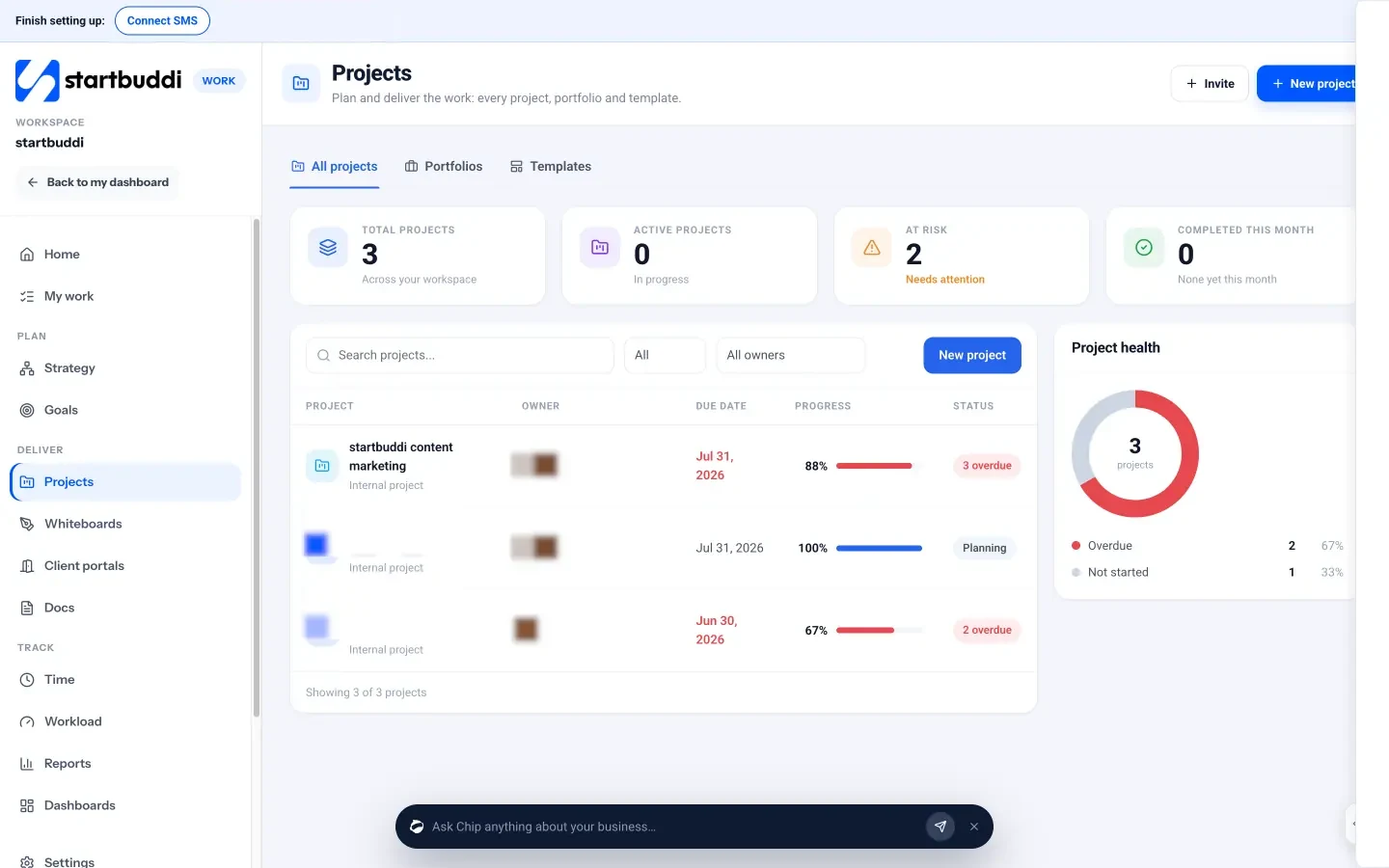
To be clear up front: startbuddi isn’t a help desk or a PSA. It’s an all-in-one workspace where client records, conversations, projects, time and invoices are connected, which suits small IT teams whose request volume is manageable. Here’s what’s in it.
- A shared inbox for email, WhatsApp, SMS, website chat, Instagram and Facebook. Conversations can be assigned to a person or team, tagged, snoozed, resolved and reopened, with internal notes the client never sees.
- Team inboxes that hand out new conversations to one person, in turn (round robin), or to whoever has the fewest open conversations.
- Client records for contacts and companies, with conversations, deals, invoices, projects and bookings on one page.
- Projects with tasks, a Gantt timeline, milestones, sprints and a budget in money and hours.
- Time tracking with a timer on any task, billable hours and a weekly view for you or the team.
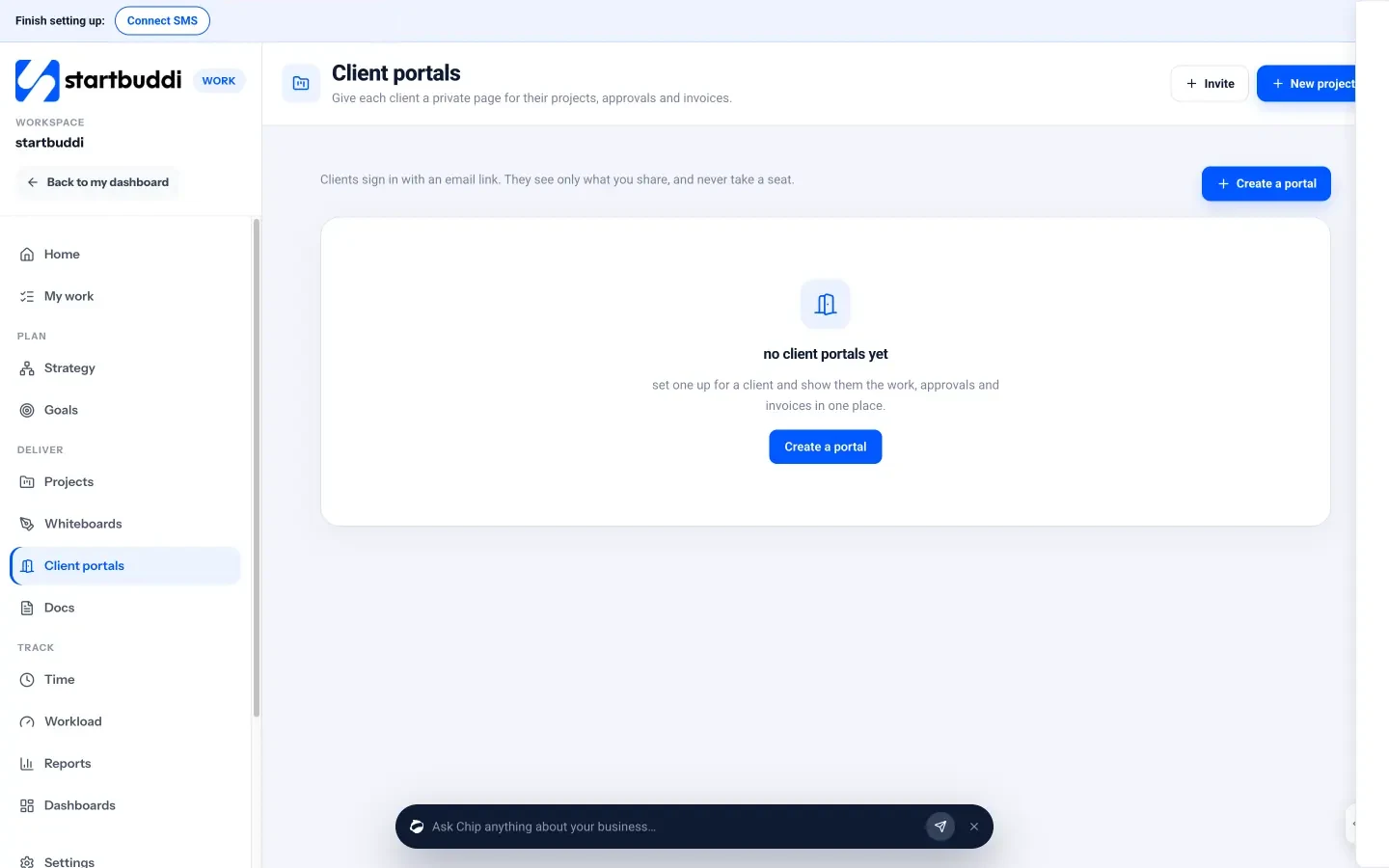
- Client portals where clients sign in with an email link, see what you share, approve deliverables and send requests.
- Bookings, forms and automations on the same records: clients book discovery calls and kickoffs from your booking page, intake form answers land on the client record, and an automation can create the onboarding project and its first tasks when a deal is won.
- Invoices with online payment through Paystack or Stripe, sitting on the same client record.

Chip, the AI assistant, can draft replies in the inbox and suggest which team should handle a conversation. With the Growth plan or above, Chip can also answer customers automatically on channels you choose, and hands over to a person when asked.
What it doesn’t do. There are no ticket numbers, SLA timers, knowledge-base portal, asset inventory or remote monitoring. Logged time shows its billable value, but there’s no button that turns hours into an invoice: you create the invoice yourself from the hours. If your team lives on contracted response times and hundreds of tickets a week, pair a dedicated help desk or PSA with your CRM, or choose a PSA outright. WhatsApp and SMS need the Starter plan or above. The CRM for IT teams page has a short overview.
Your next step
Pick your three busiest clients and, for each, write down where their requests, projects, hours and invoices live today. If the answer is more than two places, that’s your case for a CRM for IT companies. You can try startbuddi free, or see what each plan includes on the pricing page.
Sources
- IT Process Wiki: Incident Management (ITIL)
- Kaseya: What is professional services automation (PSA)?
- Freshdesk by Freshworks
- Zendesk for service
- Atlassian: Jira Service Management
Frequently asked questions
Can a CRM replace a help desk for an IT company?
For a small team with a manageable number of requests, often yes, if it has a shared inbox with assignment and internal notes. Teams with contracted response times and high volumes still need SLA timers, which dedicated help desks provide.
What is the difference between a CRM and a PSA for an MSP?
A CRM focuses on client relationships and sales. A PSA combines tickets, time tracking, projects and contract billing for service firms, and usually costs more and takes longer to set up.
What should an IT team track in a CRM?
Contacts and roles, contract type and renewal date, open requests and projects, hours against the plan, and unpaid invoices. Keep passwords in a password manager, not in CRM notes.
Does startbuddi have ticketing with SLAs?
No. It has a shared inbox with assignment, statuses and internal notes, plus projects, time tracking and client portals, but no ticket numbers or SLA timers.
SEO Copywriter| Email growth Specialist| I help businesses increase revenue with strategic SEO content & high-converting email funnels.