AI in Talent Acquisition: A Practical Guide for Small Business Owners
AI in talent acquisition explained for small business owners: where it saves time, where it goes wrong, and the hiring rules in the UK, EU, US and Nigeria.


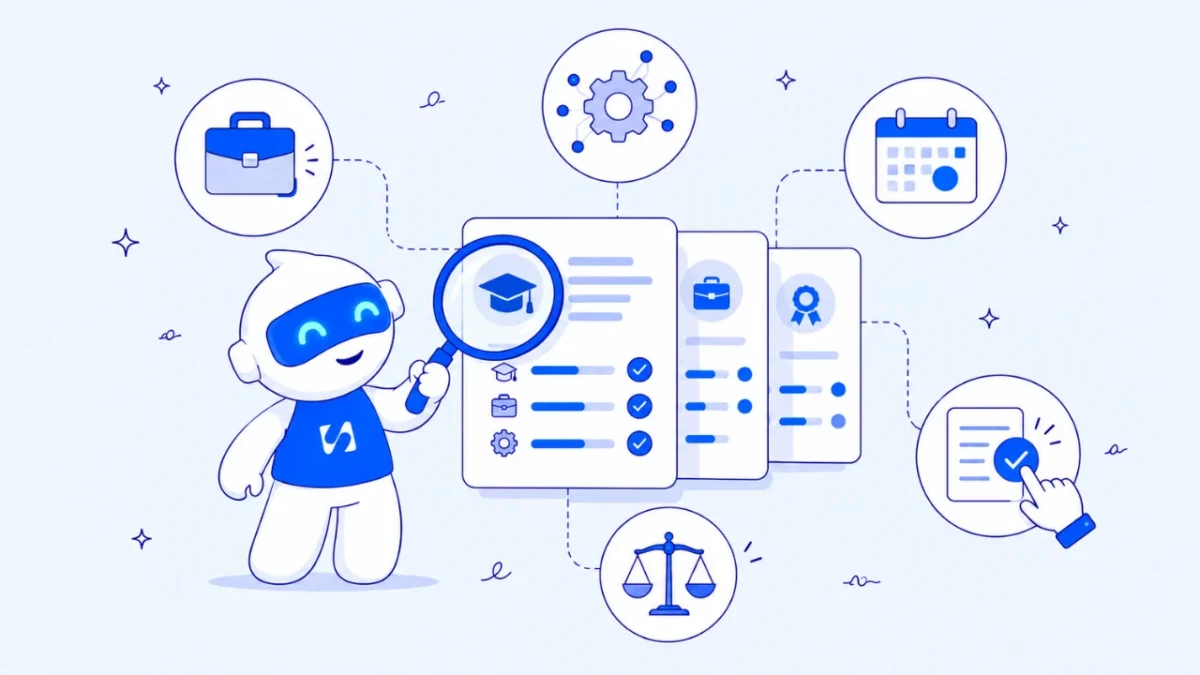
AI in talent acquisition means using artificial intelligence to help find, attract, screen and hire people: drafting job adverts, sorting applications, scheduling interviews and summarising notes. For a small business, the real gain is time on the writing and admin. The decisions about who to interview and hire should stay with a person.
Key takeaways
- Use AI first for the low-risk work: job adverts, interview questions, scorecards and scheduling messages.
- Screening and ranking candidates is where AI can discriminate, because it learns from past data. Keep a human reviewing every rejection.
- Hiring AI is regulated: New York City requires bias audits, the EU treats it as high-risk, the UK ICO has audited it and Nigeria requires an impact assessment for significant automated decisions.
- Tell candidates when AI is used, and give them a way to reach a person.
- A clear scorecard written before the job goes live matters more than any tool.
What is AI in talent acquisition?
Talent acquisition is the whole process of finding and hiring people, from planning a role to the signed offer. AI shows up at almost every stage of it, usually in one of three forms:
- Writing tools (general AI assistants) that draft job adverts, outreach messages, interview questions and offer letters.
- Matching and screening tools, often built into applicant tracking systems and job boards, that read CVs, match them to the job description and rank or filter candidates.
- Automation tools that answer candidate questions in a chat, book interview slots, send reminders and summarise interview recordings.
The first group is cheap, easy to check and low risk. The second makes or shapes decisions about people, which is where the law and most of the problems sit.
Where AI helps when you hire your first team
A founder hiring a first or fifth employee rarely has 500 applicants. The bigger problem is time: writing a good advert, replying to everyone, finding interview slots and remembering what each candidate said. That is where AI earns its place.
| Hiring stage | What AI can do | What you should still do yourself | Risk |
|---|---|---|---|
| Plan the role | Turn your notes into a job description and scorecard | Decide what the role really needs and the pay range | Low |
| Attract | Draft the advert in a few versions and tones | Check for biased or excluding wording | Low |
| Source | Suggest where to post and draft outreach messages | Choose who to contact | Low |
| Screen | Read applications and summarise them against the scorecard | Make every shortlist and rejection decision | High |
| Interview | Suggest questions, book slots, summarise notes | Run the interview and score it yourself | Medium |
| Offer | Draft the offer letter and a first-month plan | Agree terms and check the contract | Low |
Notice the pattern. AI is safest when it produces a draft you read. It is riskiest when it quietly decides who you never see.
How AI talent acquisition software works, and where it goes wrong
Screening tools compare what is in a CV or application with what the job description asks for, then score or rank candidates. Some are trained on the employer’s past hiring decisions. That is the weak point: if past hires were mostly from one university, one gender or one area of the city, the tool can learn to prefer them, even when nobody told it to.
The UK Information Commissioner’s Office audited AI recruitment providers and published its findings on 6 November 2024. It made almost 300 recommendations (checked on 1 October 2026). Among the problems it found: some tools let recruiters filter out candidates with certain protected characteristics, some guessed gender and ethnicity from candidates’ names, and some collected far more personal information than needed and kept it indefinitely.
None of that means you shouldn’t use AI. It means you should know what a tool does with the data before you switch it on.
The rules on AI in hiring, by country
- United States (New York City). Local Law 144 covers automated employment decision tools. An employer using one must have had a bias audit done within the last year, publish a summary of the results and give candidates notice. The city began enforcing it on 5 July 2023 (checked on 1 October 2026).
- European Union. The AI Act lists AI used for recruitment, such as CV-sorting software, as high-risk. After the 2026 amendment, the European Commission says the rules for high-risk uses including employment apply from 2 December 2027 (checked on 1 October 2026).
- United Kingdom. UK GDPR applies to any AI that processes candidates’ personal data, and the ICO expects employers to get clear assurances from providers about fairness and data use.
- Nigeria. The Nigeria Data Protection Commission’s General Application and Implementation Directive (GAID) 2025 makes a data protection impact assessment mandatory for automated decision-making with legal or similar significant effects (checked on 1 October 2026). Rejecting a job applicant automatically is the kind of decision this covers.
The safe common ground across all four: tell people when AI is involved, collect only what you need, test for unfair results and keep a human making the final call.
Worked example: hiring a support engineer in Nairobi
These numbers are illustrative. A six-person IT support company in Nairobi advertises for a support engineer and receives 180 applications in two weeks.
Without AI, the founder reads each application for about 3 minutes: 180 × 3 = 540 minutes, or 9 hours of reading, plus writing the advert (about 2 hours) and arranging interviews by email (about 3 hours). That is roughly 14 hours.
With AI used carefully:
| Task | Without AI | With AI | How |
|---|---|---|---|
| Write the advert and scorecard | 2 hours | 30 minutes | AI drafts from notes; founder edits |
| First read of applications | 9 hours | 4.5 hours | AI summarises each against the scorecard; founder still reads all 180 summaries and opens the full application for any borderline one |
| Arrange 8 interviews | 3 hours | 1 hour | Booking link and drafted messages |
| Total | 14 hours | 6 hours |
That saves 8 hours, and the founder still looked at every candidate. What did not change: the founder chose the shortlist, ran the interviews and made the offer. If the company used a tool to auto-reject candidates instead, it would save a little more time and take on most of the risk described above.
How to get started with AI for talent acquisition
- Write the scorecard before anything else. List four to six things the person must be able to do, and how you’ll judge each one. AI can tidy the wording, but the content is yours.
- Start with drafting. Use a general AI assistant to write the advert, outreach messages and interview questions. Read every line, and remove anything that narrows the pool for no reason, such as “young and energetic” or a degree the job doesn’t need.
- Question any screening tool before you buy it. Ask what data it was trained on, how it tests for bias, what it stores, for how long, and whether you can see why it scored someone the way it did.
- Tell candidates. Say in the advert or privacy notice if AI helps read applications, and give an email address where they can reach a person.
- Keep a person on every decision. Treat AI scores as a second opinion, never as the answer.
- Look at the results. After each hire, check who was shortlisted and rejected. If a group keeps dropping out early, find out why.
Our guide on how to build your first team covers the hiring decisions around this: when to hire, employee or contractor, and setting pay.
Mistakes to avoid
- Letting a tool auto-reject. It is the fastest way to lose good people and the most likely to break data protection rules.
- Pasting candidates’ personal data into a public AI tool without checking how that tool stores and uses it.
- Using AI-written interview questions unchanged. Generic questions get generic answers. Tie each one to your scorecard.
- Skipping the candidate notice because “it’s only a small hire”. The rules don’t change with company size.
- Recording interviews without consent. Ask first, every time.
Where startbuddi fits
startbuddi doesn’t include an applicant tracking system, so it won’t post jobs, collect applications or screen candidates. Use a job board or a dedicated hiring tool for that part. startbuddi helps around it:
- Drafting with Chip. Ask Chip, startbuddi’s AI assistant, in a normal chat to draft a job advert, a scorecard or interview questions, then edit them yourself.
- Interviews on video. In startbuddi Live, you can hold a video meeting with a guest who joins by link. From the Starter plan, meetings can be recorded and summarised as Chip notes, so ask the candidate’s permission before you record.
- The offer. Write the offer letter in Documents and send it for e-signature.
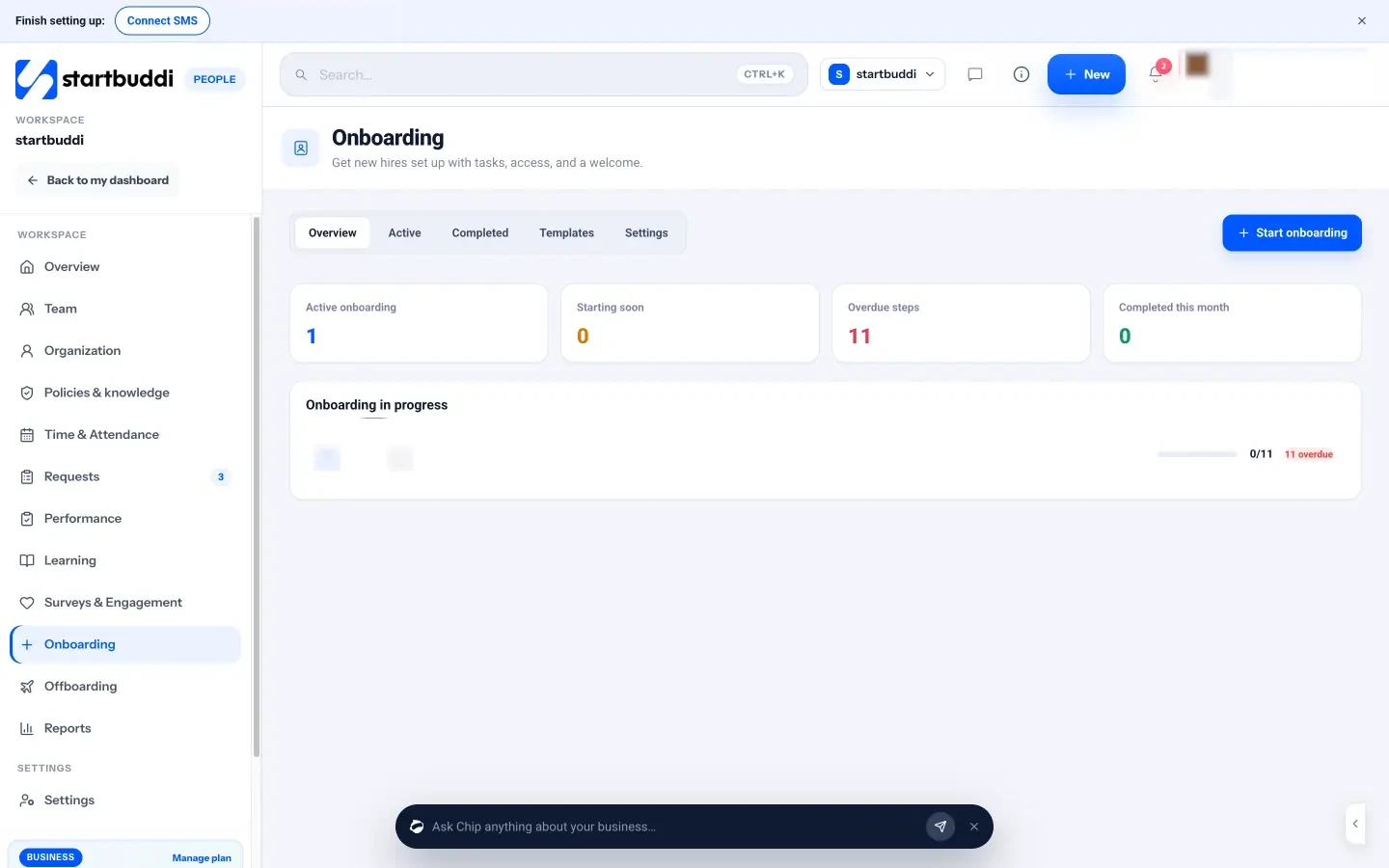
- Day one. Once they accept, start People onboarding with a checklist, step owners and reminders, and ask Chip to draft a 30/60/90 plan. Read more about employee onboarding.
If you’re building a young company, see how startbuddi works for startups. A free plan is available; see pricing for what each plan includes.
Hire with AI, decide as a person
Use AI for the drafts and the diary, and keep the decisions for yourself. Then start free with startbuddi to run interviews on video, send the offer for signature and onboard your new hire.
Frequently asked questions
How is AI used in talent acquisition?
AI is used to draft job adverts and outreach, match and rank CVs against a job description, answer candidate questions, schedule interviews and summarise interview notes. Small businesses get the most value from the drafting and scheduling work. Screening and ranking need the most care, because they affect who gets a chance.
Can AI replace recruiters?
No. AI can take over much of the writing and admin, but judging fit, selling the role to a strong candidate and making a fair decision still need a person. In the EU, the AI Act also requires human oversight of high-risk AI, which includes recruitment tools.
Is it legal to use AI to screen job applicants?
In most countries it is legal, but it comes with conditions. New York City requires a yearly bias audit and candidate notice, the EU classes recruitment AI as high-risk from 2 December 2027, and data protection rules in the UK and Nigeria set conditions on decisions made solely by automated processing. Check local rules before you start.
What is the best AI talent acquisition software for a small business?
For most small businesses, the best starting point is a general AI assistant for drafting, plus the hiring features already in the job board or applicant tracking system you use. Buy dedicated AI screening software only once you hire often enough to need it, and only after asking how it tests for bias.
How do I stop AI from being biased in hiring?
Write a clear scorecard first, remove biased wording from adverts, avoid tools that infer things like gender or ethnicity, and keep a person reviewing every rejection. After each hire, look at who dropped out at each stage. Patterns tell you where a tool or process needs fixing.
Should I tell candidates I'm using AI?
Yes. Say it in the job advert or privacy notice, explain what the AI does and give candidates a way to reach a person. In some places, including New York City, notice is a legal requirement, and everywhere it builds trust with the people you want to hire.
Omolola Akiyode is the operations and project manager at startbuddi, leading cross-functional projects and the content that helps founders get set up. Omolola writes about projects, websites and getting found online, and turns complex ideas into clear, practical steps.
Runs operations and projects at startbuddi