The problem
Most quick questions in a small team are not really questions. They are “can we talk about this for two minutes?” A client has changed the brief, a quote looks wrong, a designer wants a second opinion before sending a draft. Typing it out in chat takes longer than saying it, and booking a meeting for it feels silly.
So people reach for another app. Someone pastes a meeting link into the channel, everyone waits for it to open, a few people join from their phones, and the call happens somewhere that knows nothing about the project, the client or the task you were looking at. When it ends, whatever was agreed lives in someone’s memory, or in a note that never makes it back to the work.
For a team of three or ten, that friction adds up. Calls get put off, small problems wait until they are bigger ones, and the context gets split across tools that were never meant to talk to each other.
What’s new
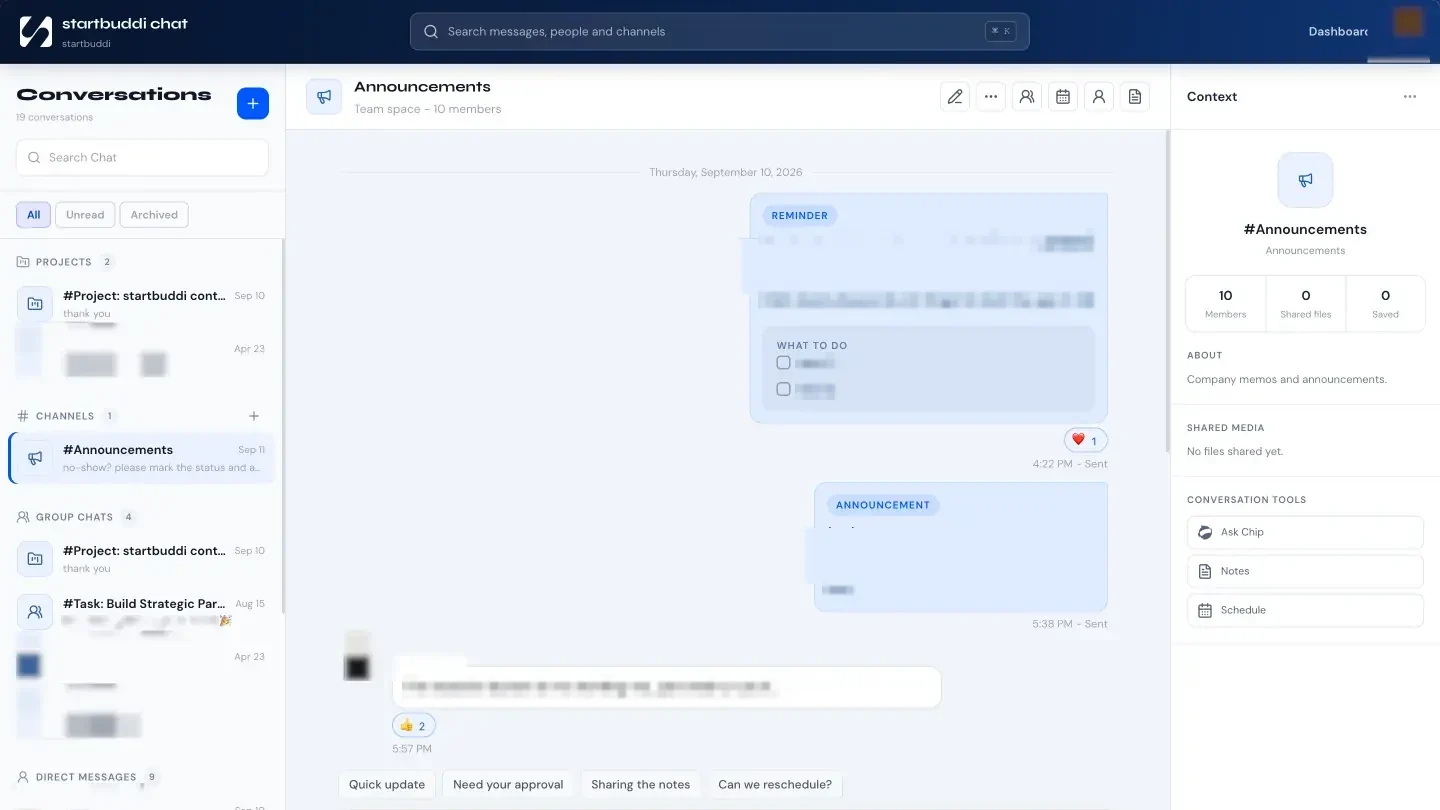
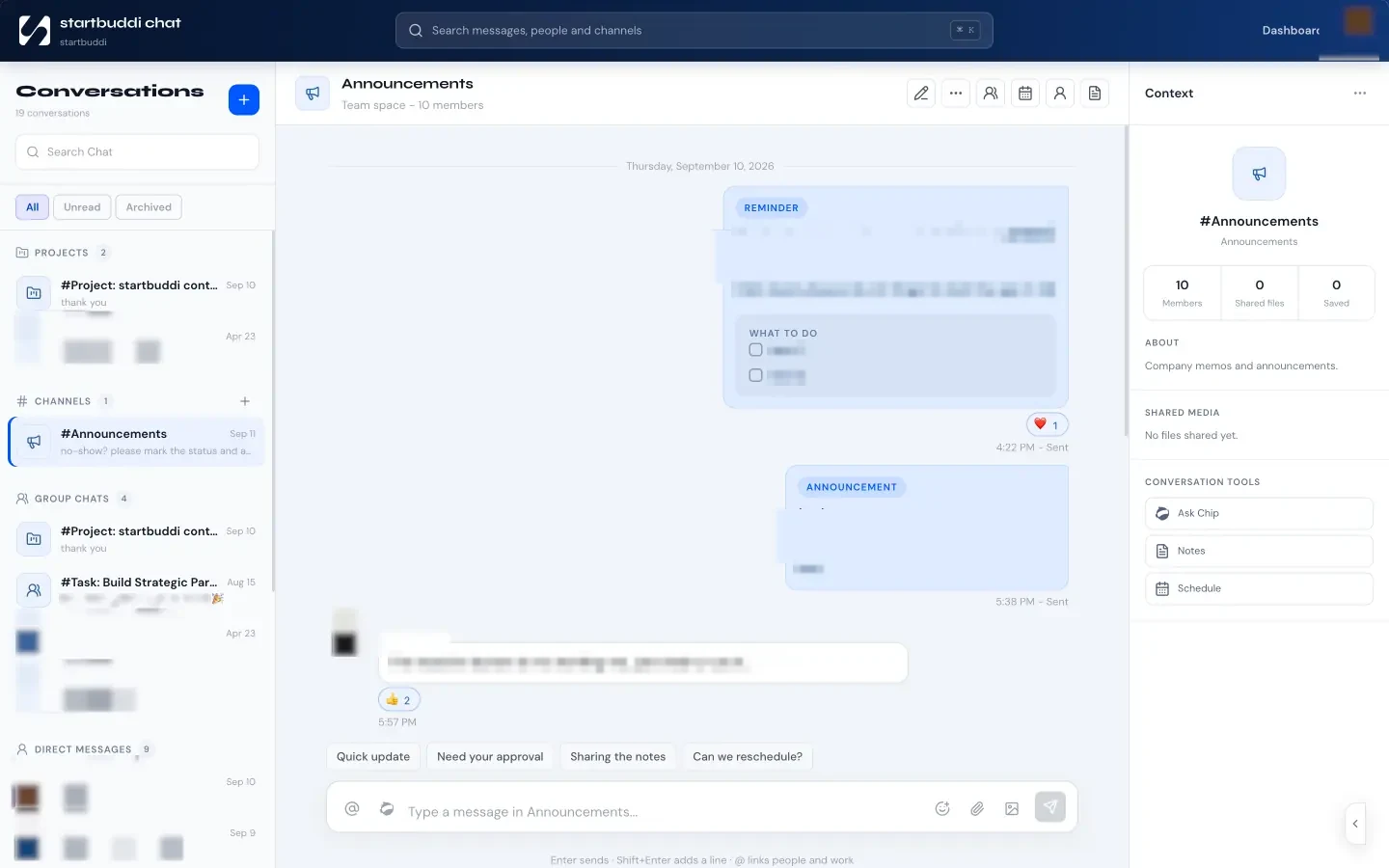
Drop-in is a quick call that starts where the conversation already is. Open a Chat channel, a direct message or a project, press Drop in, and you are talking. There is nothing to schedule and no link to share.
Drop-ins are part of startbuddi Live, the calls and meetings that now run inside startbuddi. When you start a drop-in in a channel or a direct message, the people there are rung in the app, and the call connects as soon as someone answers. If you would rather call one person, the Drop in or call button in the top bar lets you ring a teammate directly. If they are already on a call, or have do not disturb on, you are told straight away instead of waiting.
A drop-in starts audio first, with your camera off, because most quick conversations do not need video. Turn the camera on whenever you want it. On a computer you can share your screen, so “have a look at this” means exactly that. And you can keep working while you talk: the call shrinks to a small player and stays with you as you move around startbuddi, from the project to the invoice to the client’s record.
When everyone has left, the drop-in closes on its own a few minutes later.
What you can do
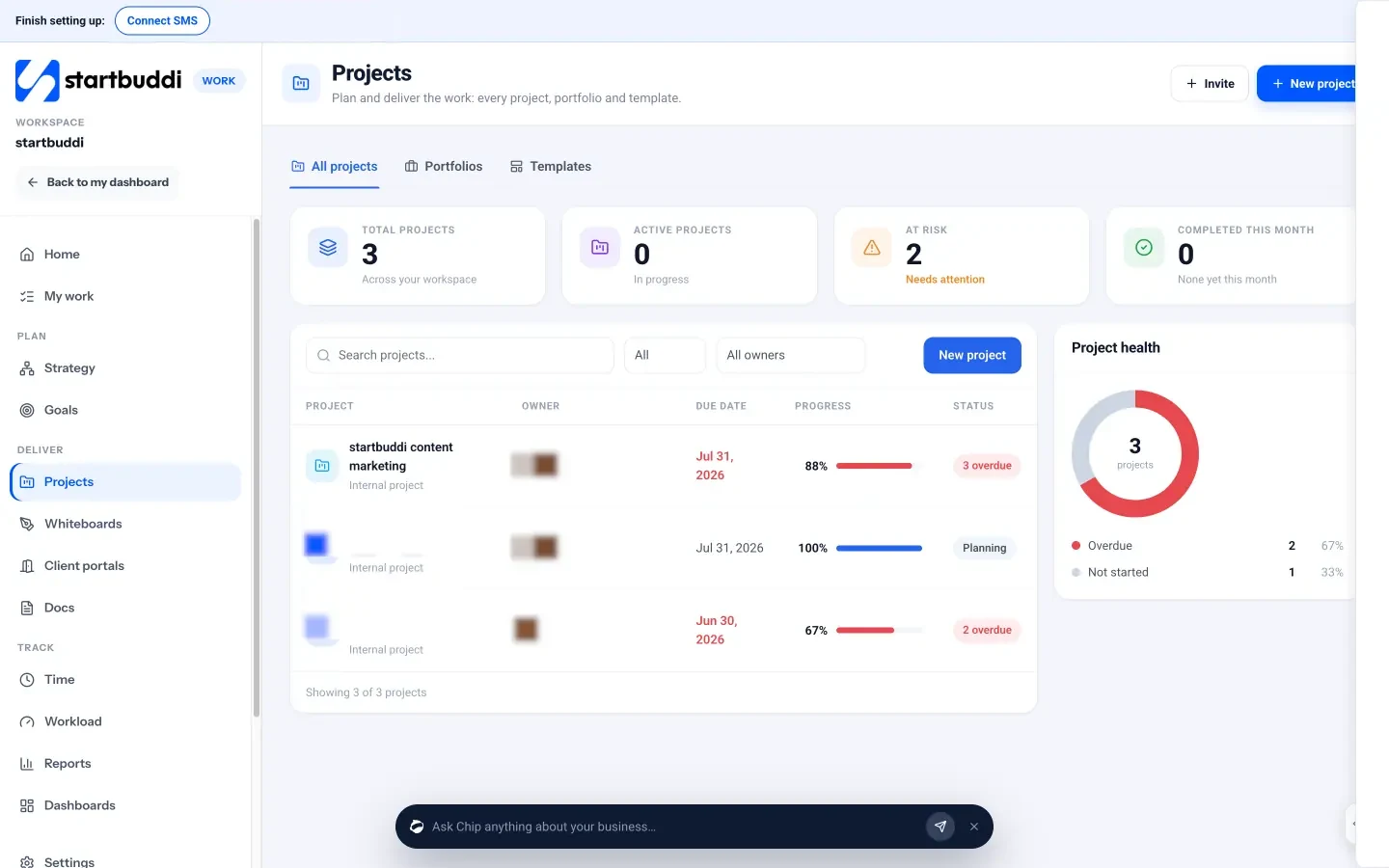
- Start a quick call from anywhere you already work. Drop in from a Chat channel, a direct message or a project header, or call a teammate from the top bar.
- Bring the right people in. Everyone in the channel or direct message is rung, so the people who know about the work are the ones who hear the call.
- Show, don’t describe. Share your screen from a computer, or present a startbuddi document in the call.
- Keep the conversation connected to the work. A chat runs beside the call for notes and links, and it is saved with the room. Write the meeting notes together and add tasks with an owner and a due date while you talk.
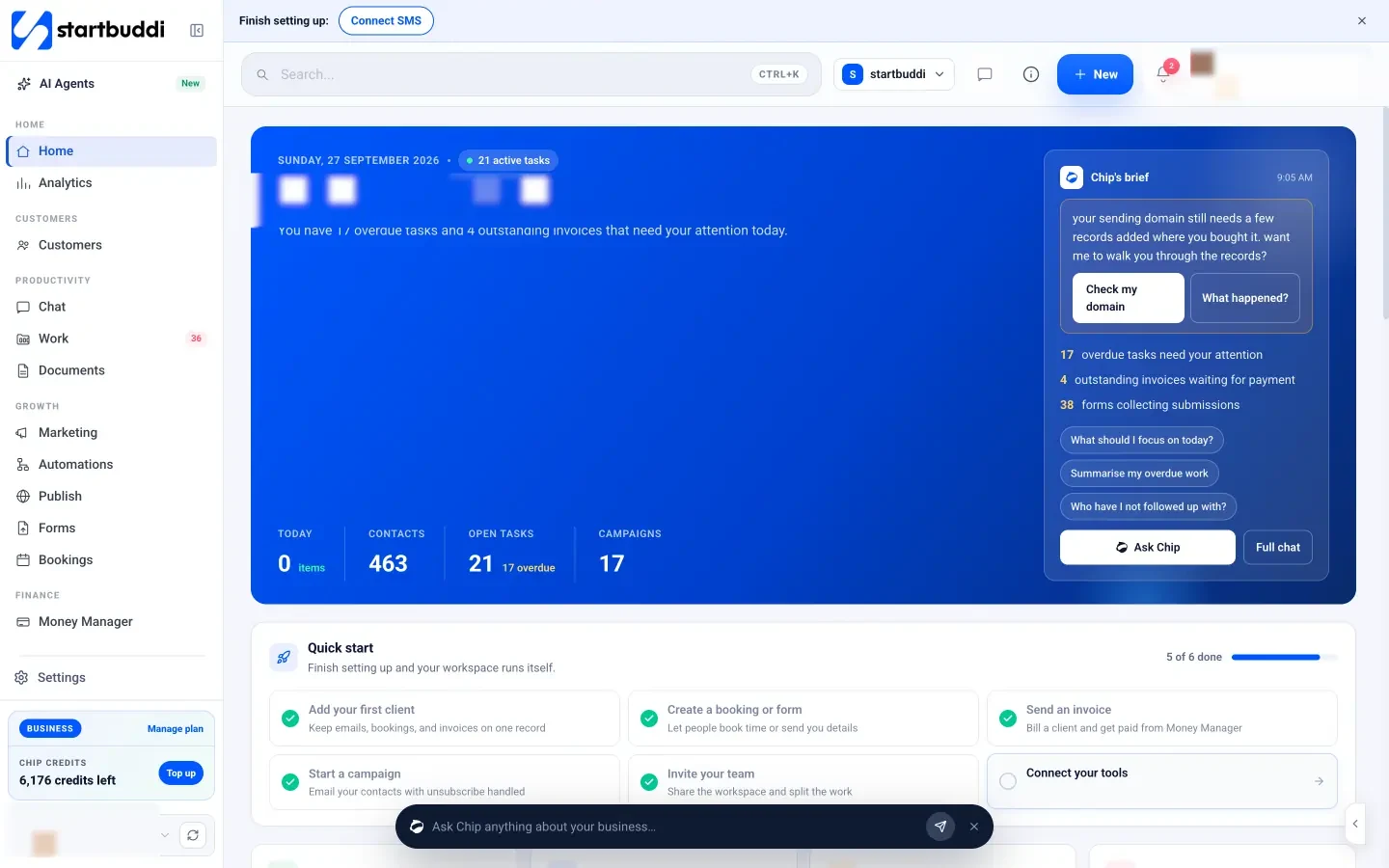
- Let Chip take the notes. Anyone in a drop-in can switch on Chip notes. Everyone in the call sees a banner while they are on. Afterwards, Chip drafts a summary, the decisions and the action items for you to check, and the action items you save become tasks in Work.
- Record when it matters. Recording comes with Starter and up, and the host turns it on or sets it to start by itself. A quick drop-in started from a channel, direct message or project has no record button of its own, so when a conversation needs a recording, schedule it as a meeting in Live, or use a booking’s video meeting with a client. Everyone in a recorded call sees a notice that it is on, the whole time.
- Pick up where you left off. Because the call started in the channel or project, that is where the notes, links and tasks sit when you come back to it.
Drop-ins come with Starter and up; the Free plan doesn’t include Live calls. How many people can join depends on your plan: up to 10 on Starter, 25 on Growth and 50 on Scale.
Two things worth knowing. The quick call is for your team, so you cannot drop in on a booking. When a client books a time with you, the booking gets a scheduled video meeting instead, from Starter, and since 1 October that meeting is called Drop-in too, so the client reads “Join on Drop-in” the way they would read “Join on Zoom”. Unlike the quick call, the host can record it. And if you work with clients through a client portal, there is a separate Call button in the portal chat on Growth and up, so a client can talk to you without leaving their portal.
If you want a call with a set time, an agenda and guests from outside your team, that is what meetings in startbuddi Live are for. Drop-ins are the quick version: the short conversation that saves a long thread.
See it in action
Try it
Drop-ins and Chip notes come with Starter and up. New to startbuddi? Make a free account and have a look around.