The problem
Running a webinar as a small business usually means stitching tools together. The registration page lives in one place, the reminder emails in another, the session itself on a video app, and the list of who turned up comes out of that app as a spreadsheet you then copy back into your contacts. Every hand-off is a place for something to go wrong: a reminder with the old link, a registrant who cannot find the room, a follow-up email sent to people who never came.
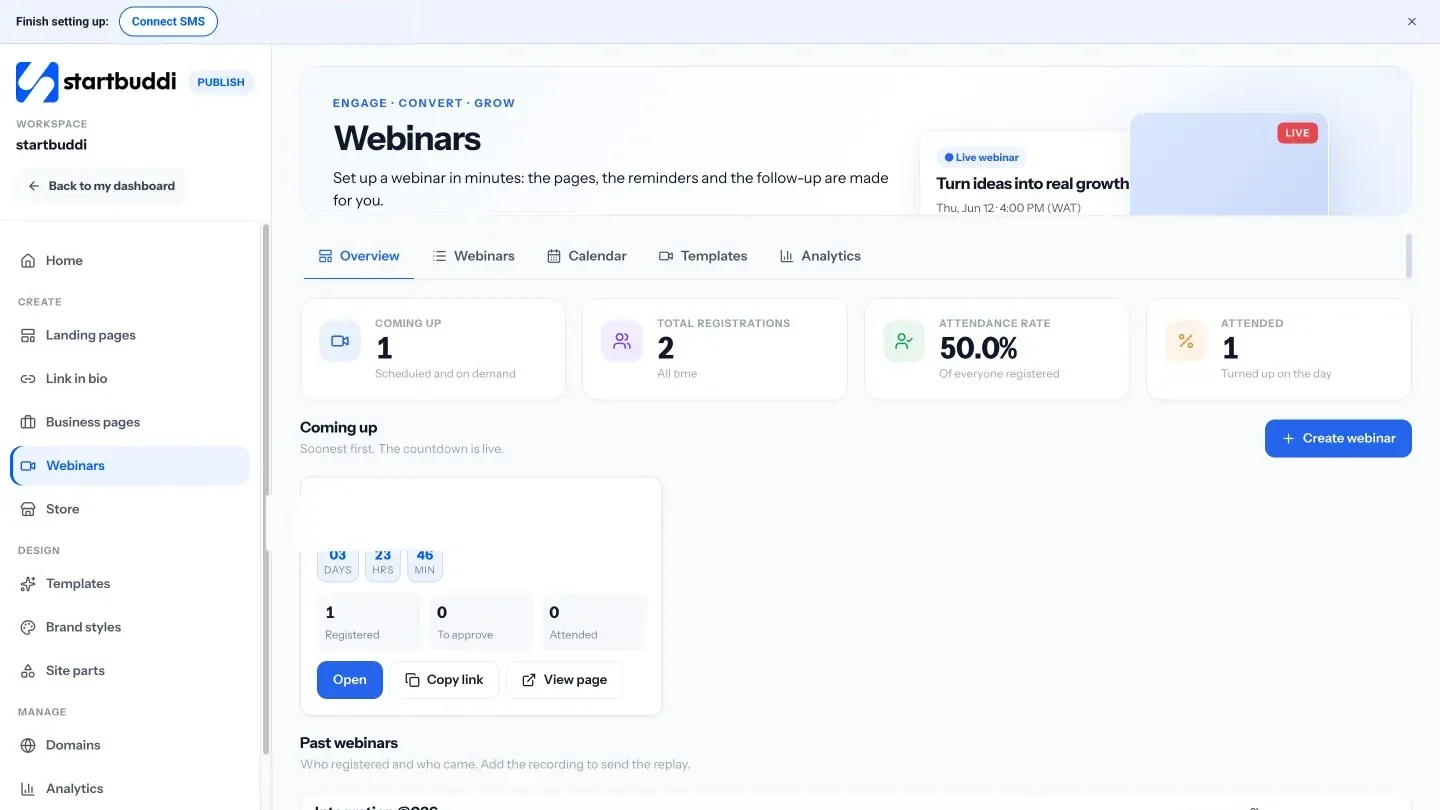
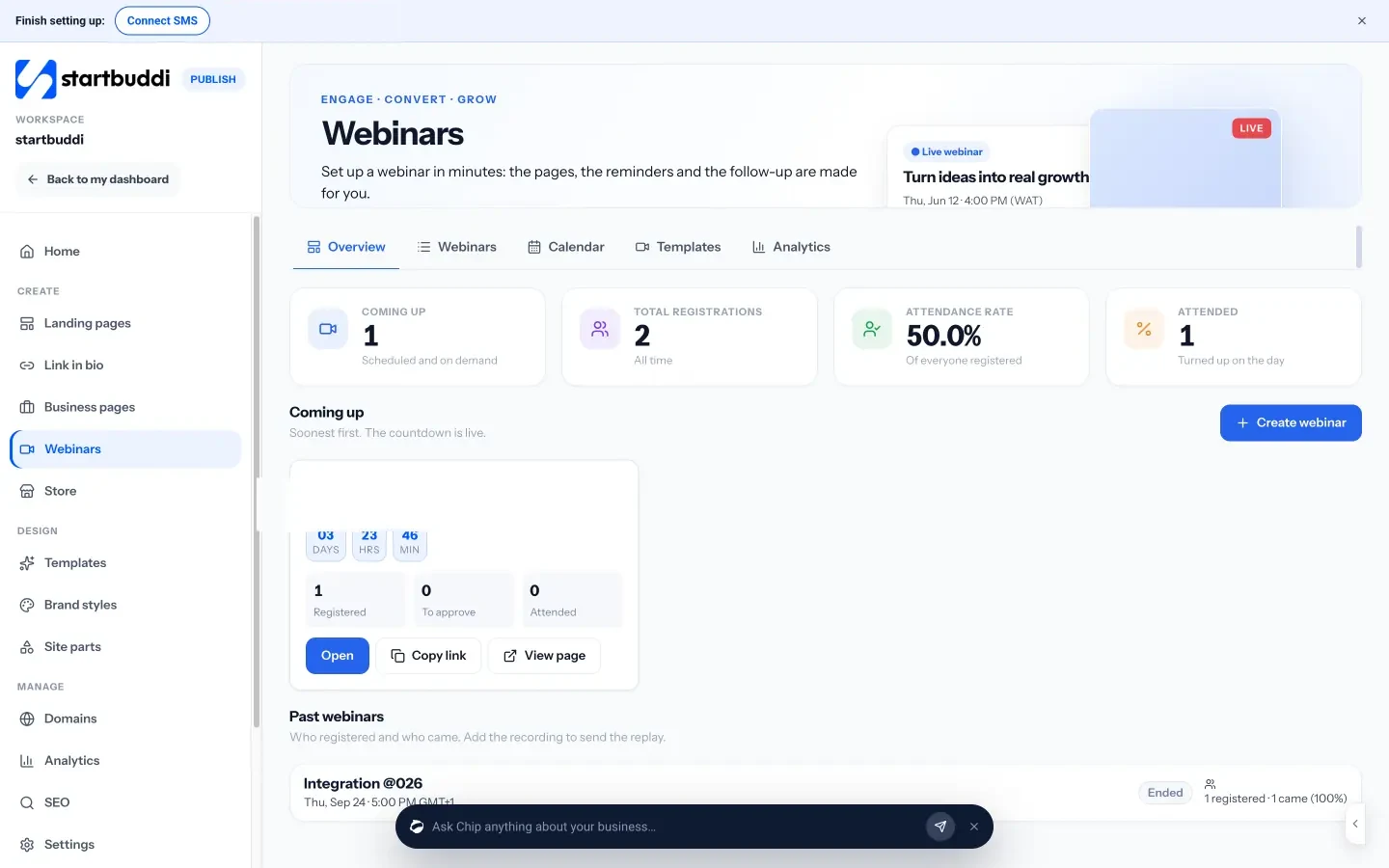
startbuddi already handled most of that. A webinar in Publish makes the registration, thank-you and replay pages, sends the confirmation and reminder emails, and adds everyone who registers to your contacts. But the session itself still had to happen somewhere else, on a link you pasted in.
What’s new
Your webinar can now run in startbuddi Live, the calls and meetings that run inside startbuddi. In the webinar’s Sessions tab, open Edit details and choose where it happens: startbuddi Live, or your own Zoom, Google Meet or YouTube Live link. Webinars start on Starter, in either place. If you simply prefer it, keep using your own link: everything else about the webinar works the same.
When it is time, press Go live. Each person who registered has their own link, and it opens their own seat in the room, muted, with no lobby to wait in and no name to type. Attendance is counted as they join, so the list of who came is already in startbuddi when the session ends.
How many people can be in the room depends on your plan: up to 30 on Starter, 100 on Growth and 300 on Scale.
What you can do
- Host with proper controls. Mute everyone, lower all raised hands, make someone a co-host or hand over as host, remove someone, and end the call for everyone. Teammates who host with you join as co-hosts.
- Split people into breakout rooms. Make between 2 and 10 rooms, shuffled or assigned by hand, with a timer or without one. Everyone moves on their own, and comes back when you call them back. It suits workshops, cohorts and anything where people learn more by talking to each other.
- Work on a whiteboard together. Open a whiteboard in the call. Guests can be shown a view-only copy, so they see the thinking without changing it.
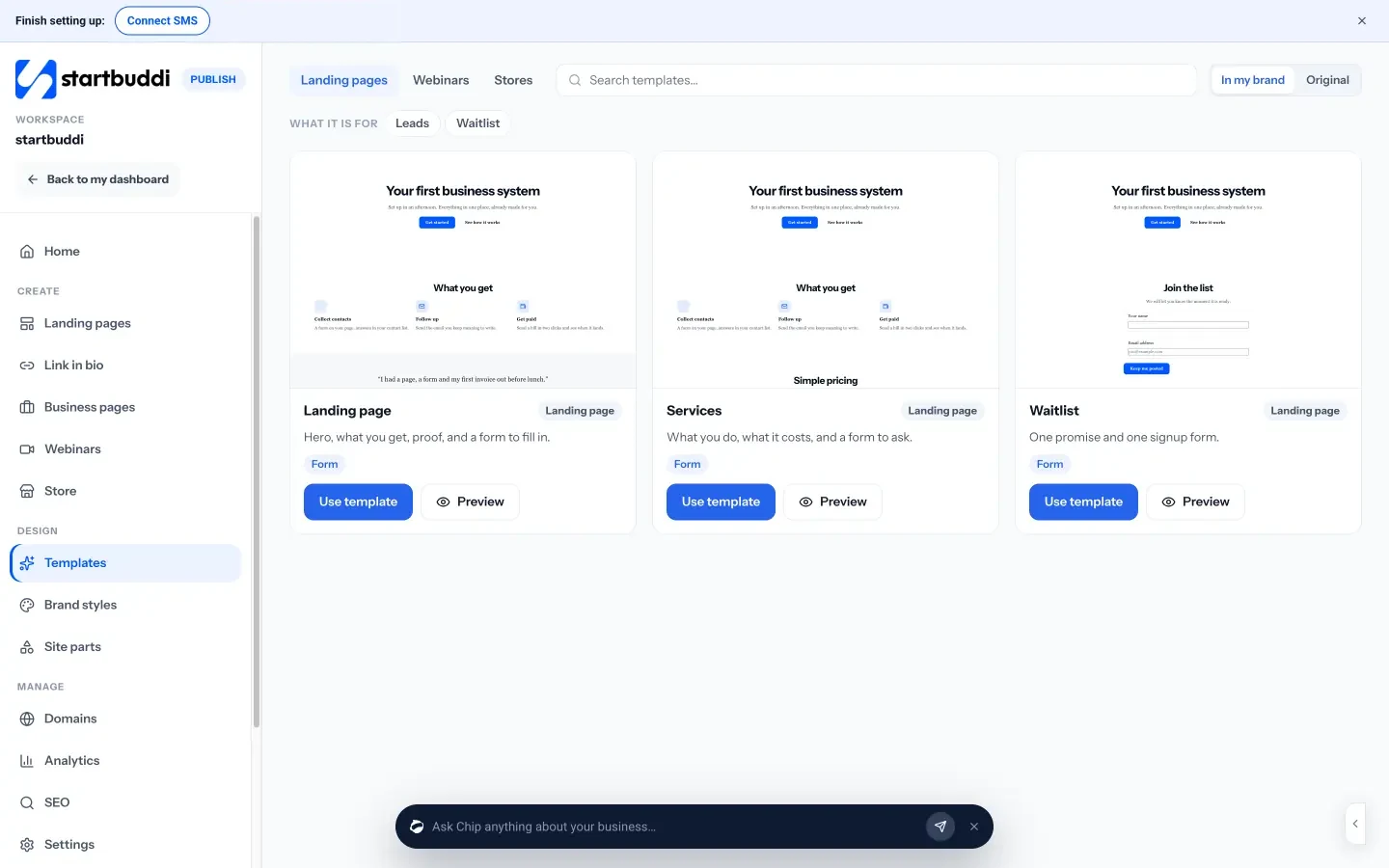
- Give guests a page that looks like you. The join page uses your brand colour and shows the start time in each guest’s own time zone. Afterwards, a thank-you page points to your next step, like your booking page or your own link.
- Record it and let Chip take notes. From Starter, the host can turn on recording and Chip notes. Add the recording to the webinar’s replay page for the people who could not make it.
- Follow up with the right people. Because registrations and attendance are both in startbuddi, you can follow up differently with people who came and people who did not, from the same place you send the rest of your email.
A webinar room counts towards your monthly allowance of Live minutes, like meetings do. Settings, Billing shows how much you have used.
If your audience is bigger than your plan’s room, or you already run your sessions somewhere else, nothing changes: paste your Zoom, Meet or YouTube Live link and the pages, reminders and follow-up still come from startbuddi.
The webinars page has the full picture, and the setup guide walks through creating your first one.
See it in action
Try it
Webinars come with Starter and up, hosted on startbuddi Live or on your own Zoom, Google Meet or YouTube Live link. New to startbuddi? Make a free account and have a look around.