How to pre-qualify leads so your calls go to people ready to buy
A simple lead qualification process for small businesses: define a good-fit customer, ask the right questions before the call, score leads, and know when to say no.


Chinonye wrote this while on the startbuddi team. The product has changed since, so the team updated it on .

- Pre-qualifying leads means checking fit before you spend real time on them. Define your good-fit customer, ask four or five short questions on your form or booking page, give each lead a simple score, route good fits to a call and others to a nurture list, and say no politely when it clearly isn't right.
To pre-qualify leads, decide what a good-fit customer looks like, then check each new enquiry against that picture before you give it a call or a custom quote. In practice that means asking four or five short questions on your enquiry form or booking page (what they need, their budget range, their timing and who decides), giving each lead a simple score, sending good fits straight to a call and putting the rest on a lighter follow-up list. It protects your time, and it’s kinder to prospects too, because nobody sits through a call that was never going to work.
This guide gives you a lead qualification process you can set up in an afternoon: the profile, the questions, a scoring table, what to do with each type of lead and how to say no gracefully. It is written for service businesses, consultants, agencies and freelancers who spend too many hours on calls that go nowhere.
What it means to pre-qualify leads
A lead is anyone who has shown interest in what you sell: a form, a message, a booked call. Pre-qualifying is the quick check you do before investing serious time, such as a discovery call, a site visit or a detailed proposal.
It answers one question: is this person likely to become a good customer, soon? Not “will they definitely buy”, which nobody can know, but “is there a real need, a realistic budget, a reason to act now, and someone who can say yes?”
Without that check, every enquiry gets the same treatment. The keen, well-funded client who needs you next month waits in the same queue as someone collecting quotes for a project that may never happen.
Why pre-qualifying leads matters for small businesses
- Your time is the product. An hour-long call plus prep with a poor-fit lead is an hour you didn’t spend delivering paid work or talking to a good one.
- Speed goes to the right people. When you know which leads matter most, you can reply to them first. That matters: a study published in Harvard Business Review found that firms contacting web leads within an hour were nearly seven times as likely to have a meaningful conversation with a decision maker as firms that waited longer.
- Better calls. If you already know the budget and timing, the call can focus on the actual problem instead of basic questions.
- Cleaner numbers. Your pipeline shows real opportunities rather than hopeful names, so your forecast becomes believable.
Step 1: Describe your good-fit customer
Start with your best clients so far: the ones who paid on time, were pleasant to work with, got good results and came back or referred others. Write down what they had in common. For most service businesses it comes down to:
- The need: the specific service they wanted.
- The size: business size, project size or budget range.
- The timing: how soon they wanted to start.
- The decision: who signed off, and how quickly.
- The fit: location, industry or working style, where it matters.
Turn that into two or three sentences you can check leads against. For example: “Independent restaurants and cafés in Greater London with one to three sites, wanting a new website within the next three months, with a budget of £3,000 to £8,000, where the owner makes the decision.”
Also write down your poor-fit signs: budgets far below your minimum, work outside your services, “just exploring” with no timeline, or people who want a free plan written before they commit.
Step 2: Ask qualifying questions before the call
The easiest place to pre-qualify is your enquiry form or booking page. A few well-chosen questions do most of the work before you’ve spent a minute.
The core qualifying questions
| What you’re checking | Question to ask |
|---|---|
| Need | “What would you like help with?” (with a dropdown of your services plus “Something else”) |
| Problem | “What’s the main thing you want to change or fix?” |
| Budget | “Which budget range fits this project?” (with ranges, including one below your minimum) |
| Timing | “When would you like to start?” (this month, 1 to 3 months, later, not sure) |
| Decision | “Who else is involved in the decision?” |
This approach loosely follows a well-known sales checklist called BANT: budget, authority, need and timing. You don’t need to follow it rigidly. Small businesses often find need and timing the most telling, because a real, urgent problem tends to find a budget.
Ask about budget without awkwardness
Many people won’t type an exact figure, but they will pick a range. Offer ranges that reflect your real prices, such as “Under $1,000”, “$1,000 to $3,000”, “$3,000 to $7,000” and “Over $7,000”. Showing a starting price on your page (“Projects typically start from $2,500”) also filters gently before anyone gets in touch. Our guide to pricing your services helps you set those numbers.
Keep the form short
Every extra field loses some people. Four to six questions is enough for most businesses. Ask the rest on the call, or in an intake form once they’re a client. Our client intake form template shows which questions belong where.
Step 3: Score each lead simply
A score turns your judgement into something quick and consistent, especially when more than one person handles enquiries. Keep it simple enough to do in your head:
| Signal | Points |
|---|---|
| Needs a service you offer | +3 |
| Budget in your range | +3 |
| Wants to start within three months | +2 |
| Decision maker, or has named who decides | +1 |
| Came through a referral or is a past client | +1 |
| Budget well below your minimum | -3 |
| Asking for something you don’t do | -3 |
Then set three bands: 7 to 10 is a priority, so reply today and offer a call; 4 to 6 is worth a short reply and a question or two before a call; 3 or below goes to a polite response with helpful resources and a place on your nurture list.
These numbers are a starting point, not a science. Review them after a couple of months: if high-scoring leads rarely buy, adjust the weights. Our guide on lead scoring for small business goes further.
If two people qualify leads, score the same five enquiries separately once a month and compare. Where your scores differ, talk it through and tighten the wording of your criteria until you agree.
Step 4: Use the discovery call to confirm, not to discover everything
With the basics known, the call can go deeper. Useful questions:
- “What made you look for help now?” (reveals urgency)
- “What have you tried so far, and what happened?” (reveals expectations and past frustrations)
- “What would a great result look like in six months?” (gives you the language for your proposal)
- “Who else needs to be happy with the decision, and how do you usually decide?” (reveals the real process)
- “Is there anything that could stop this going ahead?” (surfaces objections early)
In business-to-business sales, several people are often involved in a decision, even in small companies. If a key person is missing from the conversation, ask to include them before you write a proposal.
Step 5: Route each lead to the right next step
- Qualified and ready: book a call or send a proposal quickly, and create a deal in your pipeline with a value and a next step.
- Good fit, not ready: add them to a nurture list with occasional, useful messages. Our glossary entry on lead nurturing explains the idea.
- Poor fit: reply politely, explain briefly why you’re not the right choice, and point them somewhere helpful if you can.
Keep a note of which route each lead took, so you can see later how many nurtured leads came back ready to buy. Our guide on how to follow up with leads covers the timing of those messages.
Every lead should get an answer. Silence feels rude, and today’s poor fit may refer a good one tomorrow.
How to say no, politely
Disqualifying a lead isn’t failure. It’s how you protect your time and your service. A short, warm message works well:
Hi Tunde, thanks for getting in touch. Based on your budget and timing, I don’t think we’re the best fit right now, as our website projects usually start from $2,500 and take about eight weeks. You might find a template-based site builder a good starting point. If things change later in the year, I’d be glad to talk again.
Signals that usually justify a no: a budget well below your minimum with no flexibility, a request outside what you do, no timeline at all, repeated missed calls, or pressure for free work before any commitment. After two unanswered follow-ups, it’s fine to close the lead and move on.
Examples of pre-qualifying in different businesses
A wedding photographer
The first question is the date, because if it’s already booked, nothing else matters. Then location, budget range and the type of coverage. A lead with a free date, the right area and a budget in range gets a call the same day. A lead with a booked date gets a friendly reply and a recommendation for a trusted colleague.
A bookkeeping firm
Key questions are business type, monthly transaction volume, current software and when they need help. A company that is months behind on its records before a filing deadline is urgent and valuable. Someone “thinking about it for next year” goes on a nurture list with a monthly tips email.
A home renovation company
Postcode or area comes first, then the type of job, rough budget and timing. Photos uploaded with the enquiry help price small jobs without a visit, so site visits are saved for serious, larger projects in the area you cover.
Common lead qualification mistakes
- Qualifying too hard, too early. A form that feels like an interrogation scares off good clients. Keep early questions light.
- Judging by the first message alone. Some of the best clients write short, vague first messages. One follow-up question often reveals a great fit.
- Never reviewing the criteria. Your business changes. Revisit your good-fit profile every few months.
- Keeping it all in your head. If only you know how you qualify leads, nobody else can do it. Write it down and record the result on each lead.
How startbuddi helps you pre-qualify leads
In startbuddi, qualifying questions, lead status and your pipeline live in one place.
- Qualifying questions on forms. Forms support dropdowns, multiple choice and logic, so you can show, hide or skip questions, or end the form early, based on earlier answers. Each answer can be saved to a contact property, such as budget range or timeline.
- Booking questions. Each booking service can ask its own questions before someone books a call, and Chip can suggest questions for you to keep or change.
- Lead status and filters. Mark contacts as New, Qualified or Disqualified, and filter your contact list by status, source, last contacted and more. Save a filter as a segment so it keeps itself up to date.
- A lead score. Every contact gets a 0 to 100 score based on activity, spend, how recently you were in touch and whether they have a deal. It’s a fixed formula rather than a prediction, and it’s a quick way to sort who to call first.
- A pipeline for qualified deals. The sales pipeline includes a Qualified stage by default, and you can require a reason when a deal is marked lost, so you learn which leads don’t work out and why.
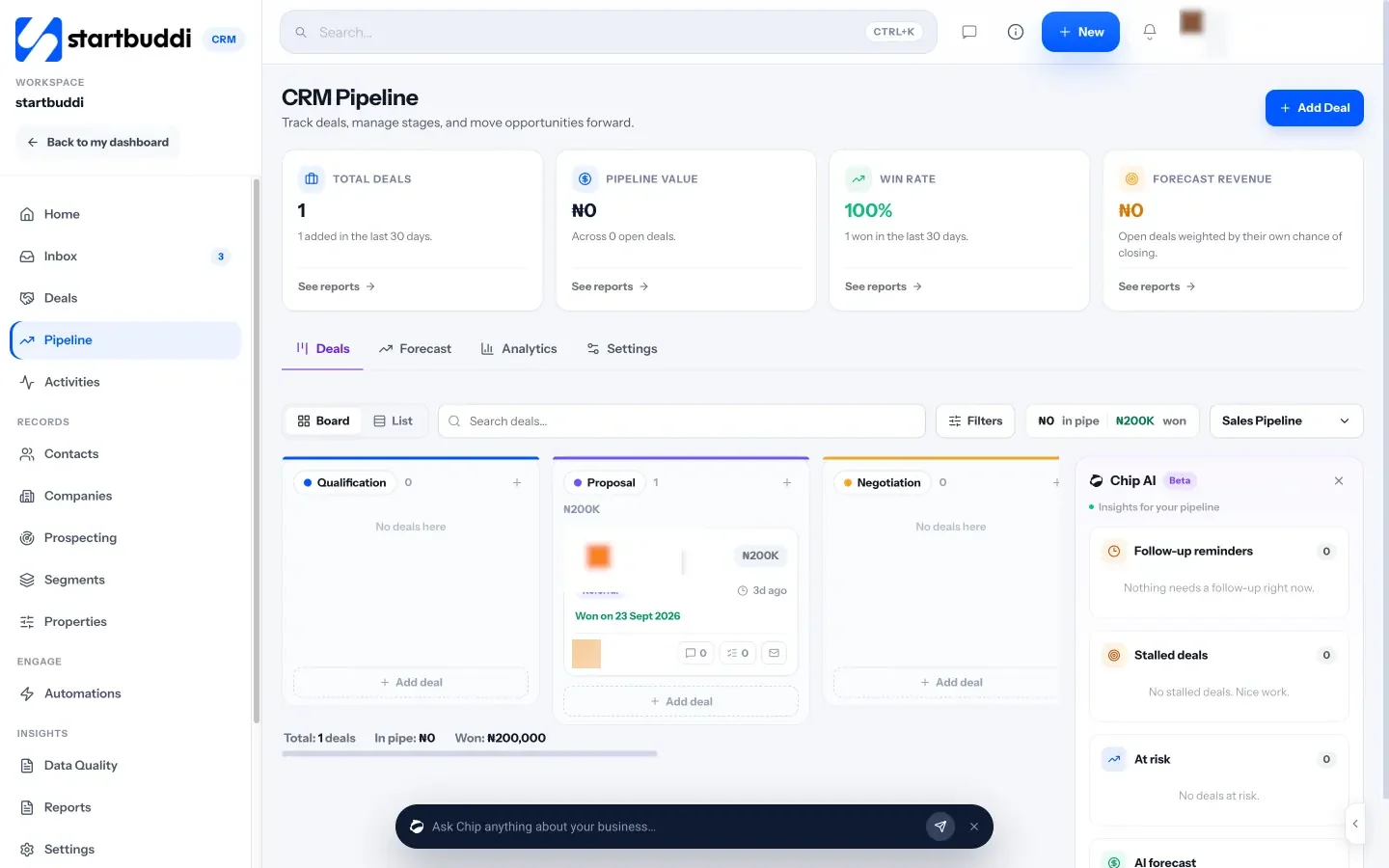
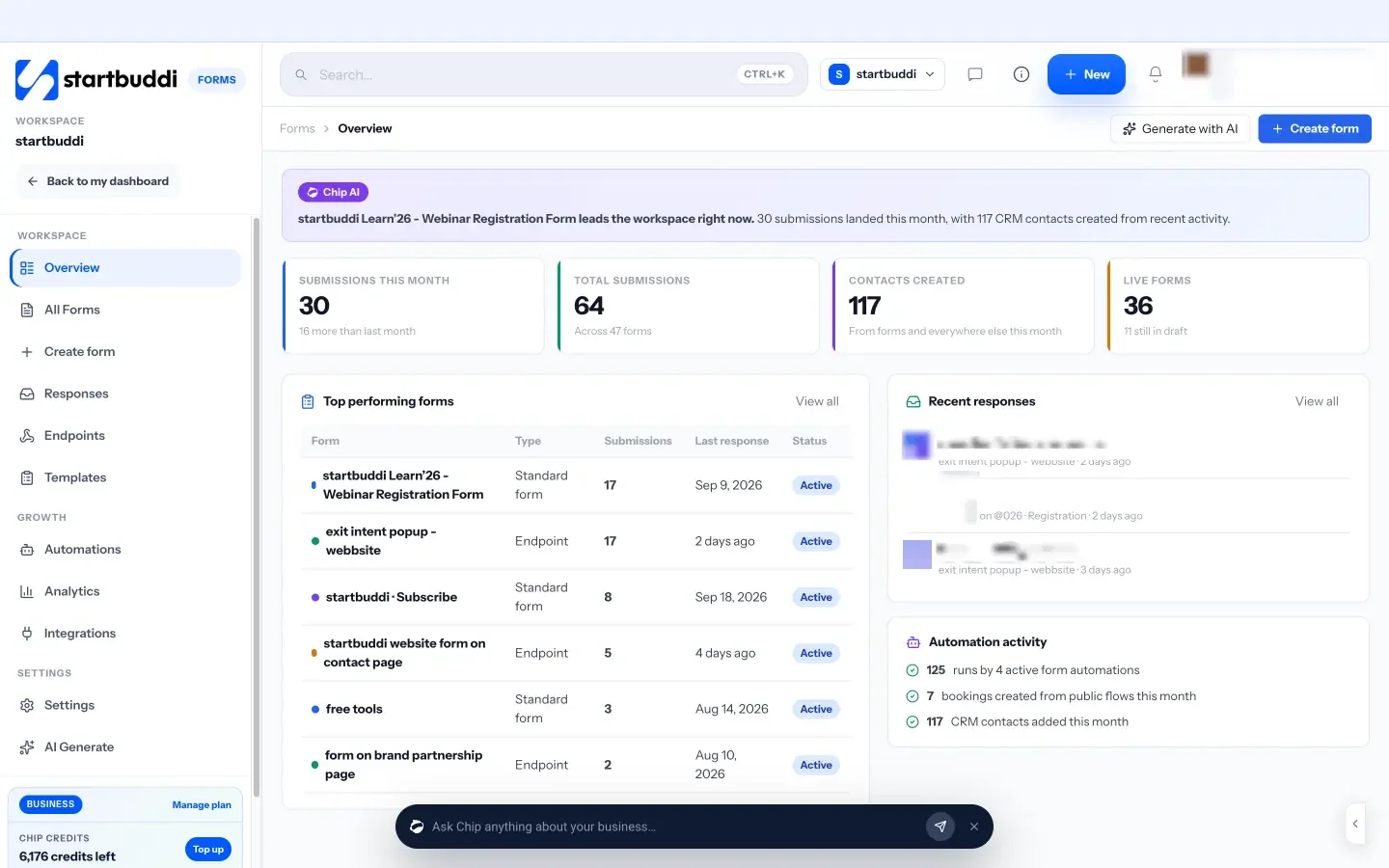

Forms and contacts are available on the Free plan (up to 250 contacts). Automated follow-ups for your nurture list start on Free with 2 active automations, and Starter allows 10 (see pricing), and every paid plan comes with a 30-day trial.
Your next step
Write your good-fit profile in three sentences today, then add a budget range and timing question to your enquiry form. Score the next ten leads with the table above and see how it changes who you call first. Compare what each plan includes on our pricing page when you want this to run inside one system.
Sources
Frequently asked questions
What does it mean to pre-qualify a lead?
Checking whether a prospect is a good fit, with a real need, a realistic budget, sensible timing and someone who can decide, before you invest time in a call or proposal.
How do I ask about budget without sounding pushy?
Offer budget ranges on your form and share a typical starting price on your page. Framing it as helping you suggest the right option makes it feel helpful, not pushy.
What is BANT?
A sales checklist: budget, authority, need and timing. It's a useful reminder of what to check, but small businesses don't need to apply it rigidly.
Should I reply to leads that aren't a good fit?
Yes. A short, polite reply that explains why and points them somewhere helpful protects your reputation, and poor-fit leads often know good-fit ones.
SEO Copywriter| Email growth Specialist| I help businesses increase revenue with strategic SEO content & high-converting email funnels.