Link in bio: how to turn your profile into a shop front
How to plan a link in bio page that sells: what to put at the top, how to take payment and bookings on the page, how to collect contacts and how to see what works.


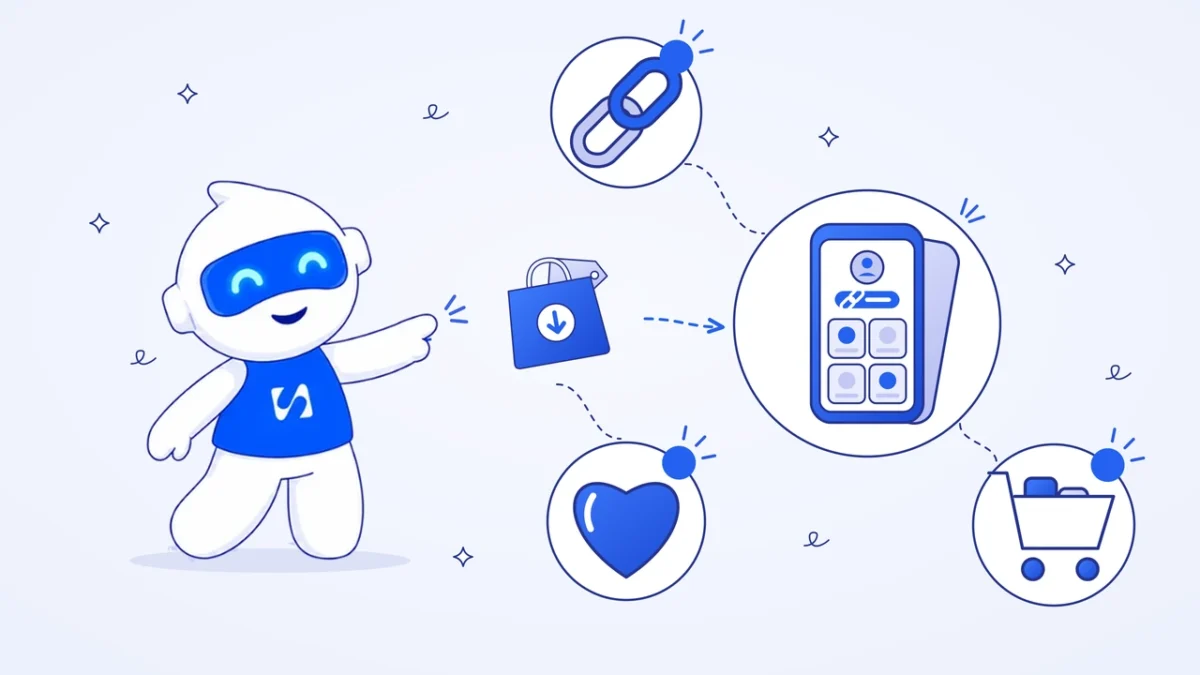
- A link in bio is one mobile page that holds everything you want people to do after they visit your profile. Treat it like a shop window: your best seller at the top, a way to pay or book without leaving, a way to message you, and a way to stay in touch. Tag each link by platform so you know which profile brings buyers.
A link in bio is a single mobile page that sits behind the one link in your social media profile and holds everything else: your products, a way to pay, a booking button, your WhatsApp and your latest offer. For someone who sells on Instagram or TikTok, it works like a shop front. People who like your posts tap through, and the page should make buying, booking or messaging you the obvious next step.
This guide shows you how to plan that page so it sells: what goes at the top, how to take payment without sending people somewhere else, how to collect contacts, and how to tell which platform brings you buyers.
Why sellers still need a link in bio page
Social apps limit where you can put links. Instagram added support for up to five links in a bio in 2023, as TechCrunch reported, but a plain list of web addresses can’t show a price, take a payment or collect an email. In 2026 Instagram began testing clickable links in post captions, but only for some Meta Verified subscribers and with a monthly cap, according to PetaPixel. For most sellers, the bio link is still the main way out of the app.
A good link in bio page solves three problems at once:
- Choice: it can hold many links, products and buttons, arranged in the order you choose.
- Selling: it can show prices and let people pay or book on the page.
- Ownership: you collect emails and phone numbers, so you can reach buyers even if a social account is restricted or the algorithm stops showing your posts.
Plan the page like a shop window
People arrive from your profile on a phone, often in a hurry. Most will look at the top of the page and decide in a few seconds. Plan it the way a shop plans its window: the best things at eye level, and everything else inside.
The top three slots
- Who you are, in one line. “Handmade ankara bags, shipped across Nigeria” says more than “Welcome to my page”.
- Your main action right now. The product, booking or offer you’re posting about this week.
- A way to talk to you. For many buyers, a WhatsApp button is the most trusted way to ask a question before paying.
What goes further down
- Other products or services, with prices
- A signup for your newsletter or price list
- Reviews, delivery information and common questions
- Your other social profiles
Keep it short. A page with six clear options beats a page with twenty links nobody scrolls to.
What to put on your link in bio page
Each block on the page should have one job. Here’s how the common ones map to what you want visitors to do.
| What you want | Block to use | Example |
|---|---|---|
| Sell a product | Product with a buy button | “Adire kimono, ₦28,000” |
| Take a deposit or a one-off payment | Payment button | “Pay ₦10,000 to secure your bridal make-up date” |
| Fill appointments | Booking | “Book a 30-minute consultation” |
| Answer questions | “Chat with us before you order” | |
| Grow your list | Subscribe or form | “Get new arrivals first” |
| Give away a lead magnet | File download | “Free cake flavour guide” |
| Build trust | Questions and answers | “How long does delivery take?” |
| Show your work | Image or video | A short clip of a finished order |
Let people pay without leaving the page
Every extra step between “I want this” and “I’ve paid” loses buyers. The typical DM sale goes: ask the price, wait for a reply, ask for account details, make a transfer, send a screenshot, wait for confirmation. That’s six steps and a lot of waiting on both sides.
There are three ways to shorten it, and you can use more than one.
| Option | Best for | Trade-off |
|---|---|---|
| Product with checkout | Fixed-price items and services | You need an online payment provider connected |
| Payment link or button | Deposits, custom orders, tips | Less product detail on the page |
| Order on WhatsApp | Made-to-order items, buyers who want to talk first | You still handle payment by hand |
Whichever you choose, put the price on the page. “DM for price” feels friendly, but it asks every buyer to do work before they know whether they can afford you. If you already sell by DM, our guide to creating a payment link shows how to get paid faster in the chat too.
What happens after someone pays
The sale isn’t finished when the money arrives. Decide in advance what the buyer sees and hears next: a receipt, a short thank-you message saying when to expect delivery or confirming their booking, and a way to reach you if something goes wrong. A buyer who knows what happens next rarely sends the anxious “did you get my payment?” message, and is far more likely to buy again and recommend you.
Turn visitors into contacts you own
Most people who visit your page won’t buy on the first visit. If they leave without a way for you to reach them, they’re gone until your next post happens to reach them.
Ways to capture contacts
- A subscribe block: “Get new drops before anyone else.” Ask for an email or phone number, and say what they’ll receive and how often.
- A useful free download: a size guide, a price list or a short checklist, delivered after they enter their email.
- A booking or enquiry form: for services, the form itself creates a contact with all the details you need.
Only message people in the way they agreed to. Someone who signed up for email hasn’t agreed to WhatsApp marketing, so ask separately for each.
Track which platform brings buyers
If the same link sits on Instagram, TikTok and your WhatsApp status, you’ll want to know which one sends people who buy. The simplest way is to add a small tag to the end of the link on each platform, so your page can tell them apart.
Google Analytics uses tags called UTM parameters for this, explained in its help page on collecting campaign data with custom URLs. Its advice holds for any tagging: pick names, write them in lowercase and use them the same way every time. Our free UTM builder keeps them tidy for you. For example:
- Instagram bio: yourpage.com/shop?src=instagram
- TikTok bio: yourpage.com/shop?src=tiktok
- WhatsApp status: yourpage.com/shop?src=whatsapp
Numbers worth watching
- Visits: how many people opened the page.
- Taps: how many clicked something on it.
- Tap rate: taps divided by visits. If it’s low, the top of your page isn’t doing its job.
- What people tapped: move the most-tapped item to the top, and remove anything nobody taps.
- Money earned: the number that really matters.
Write button labels that tell people what happens next
The words on your buttons do a lot of selling. “Click here” and “Link” tell a visitor nothing. A good label says what they get and, where it helps, what it costs or how long it takes.
| Instead of | Try |
|---|---|
| Shop | Shop this week’s new arrivals |
| Book | Book a 45-minute home cleaning quote visit |
| Contact | Ask us on WhatsApp, we reply within an hour |
| Free download | Get the free wedding cake price guide |
| Pay | Pay your ₦15,000 deposit |
Keep labels short enough to fit on one line on a small phone, and only promise response times you can keep.
Use the same link everywhere your customers are
Your link in bio isn’t only for Instagram. Once it’s working, put it anywhere a customer might look for a way to buy from you:
- Your TikTok, Facebook, X and YouTube profiles
- Your WhatsApp Business profile and your status updates
- Your email signature
- A QR code on packaging, receipts, flyers and your market stall
- The website field of your Google Business Profile, if you don’t have a full website yet
Use a different tag on each, as described above, so you can see which places actually bring visitors.
A 10-minute weekly routine
- Check last week’s visits, taps and money earned.
- Move the most-tapped item up and remove anything nobody used.
- Swap the top block to match what you’re posting about this week.
- Remove any offer that has ended.
- Tap every button on your own phone to make sure nothing is broken.
Link in bio examples by business type
Fashion or accessories seller
One line about what you make, the three best-selling items with prices and buy buttons, “New arrivals every Friday” signup, WhatsApp for custom sizes, delivery information in a questions block.
Baker or caterer
Order button for this week’s menu, deposit payment for custom cakes, a gallery of recent orders, a booking link for tastings, pickup and delivery areas.
Make-up artist or hairstylist
Booking at the top with available times, a deposit button, a price list, a short video of recent work, a questions block covering travel fees and cancellations.
Coach or consultant
Book a free call, a paid session button, a free guide in exchange for an email, and a short line of proof, such as the kind of clients you work with.
Musician or creator
Latest release on every streaming service, upcoming show tickets, a tip jar, merch, and a signup for fans.
Link in bio or a full website?
A link in bio page and a website do different jobs, and plenty of businesses end up with both.
| Link in bio page | Full website | |
|---|---|---|
| Built for | Visitors arriving from social media on a phone | Visitors from search, ads, referrals and social |
| Size | One short page | Several pages, each with its own topic |
| Set-up time | An hour or less | A day or more |
| Good for search | Limited | Better, because each page can target a search |
| Best when | Most of your sales start on social media | People search for what you sell, or you have a lot to explain |
If most of your customers find you through Instagram or TikTok, start with the link in bio page. Add a fuller site when people start searching for you by name, or when your questions block gets too long to read on a phone.
Mistakes that cost sales
- Leading with your social profiles. People just came from one. Put what you sell first.
- Out-of-date offers. A sale that ended last month tells visitors nobody’s minding the shop.
- No prices. Many buyers quietly leave rather than ask.
- Too many choices. If everything is important, nothing is.
- Never checking the numbers. Five minutes a week tells you what to move up and what to remove.
For more on the content that brings people to your profile in the first place, read our guide to Instagram marketing for small businesses.
How startbuddi helps you build a link in bio that sells
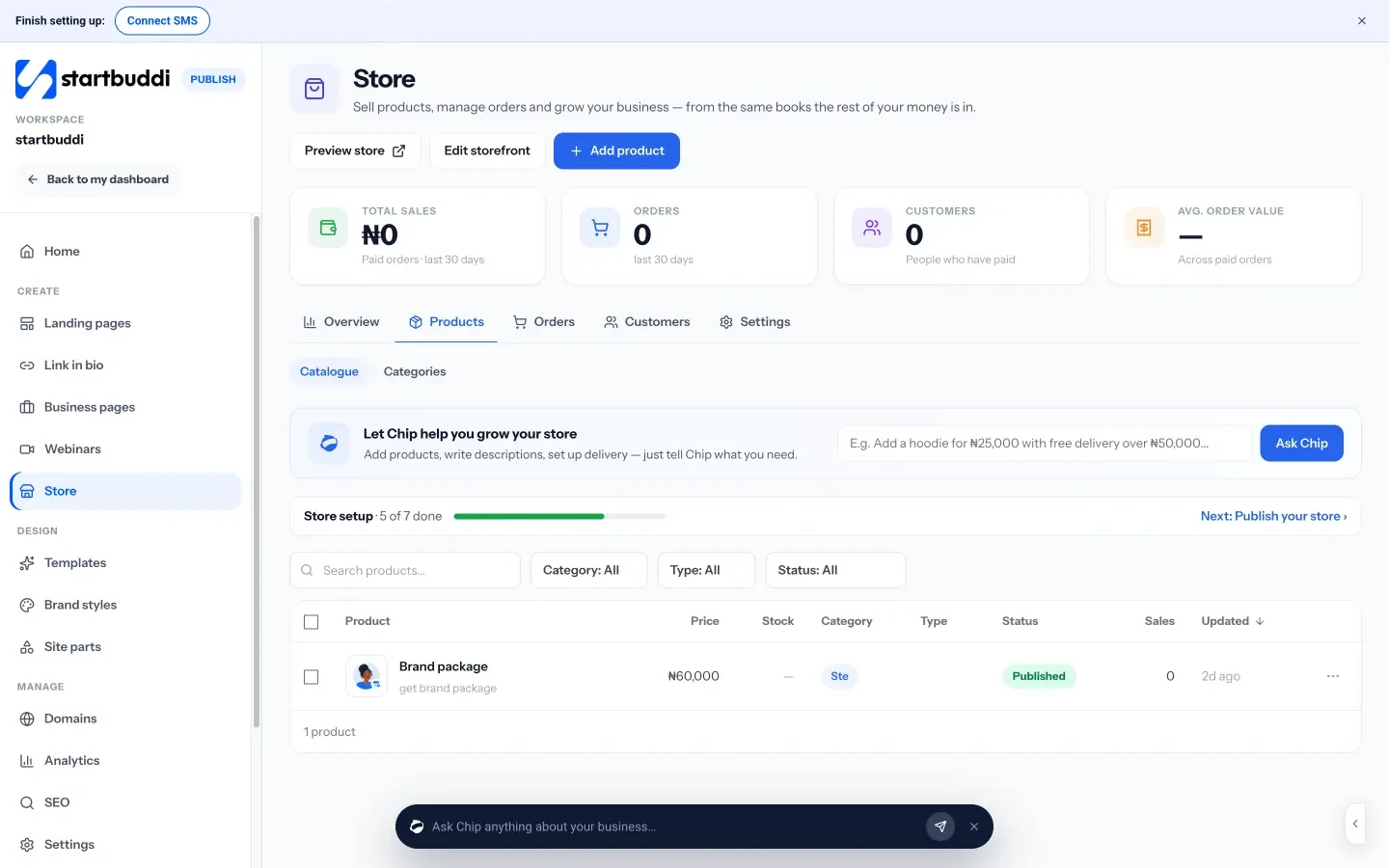
startbuddi’s Link in bio is one mobile page with 21 blocks in five groups: links, content, money, capture and contact. The money blocks let people buy a product from your store, leave a tip, or pay for anything one-off or monthly, right on the page, through your own Paystack or Stripe account. Capture blocks add a subscribe box, one of your forms, a button to book time through Bookings, or a file download that can sit behind an email. The WhatsApp block opens a chat with you.
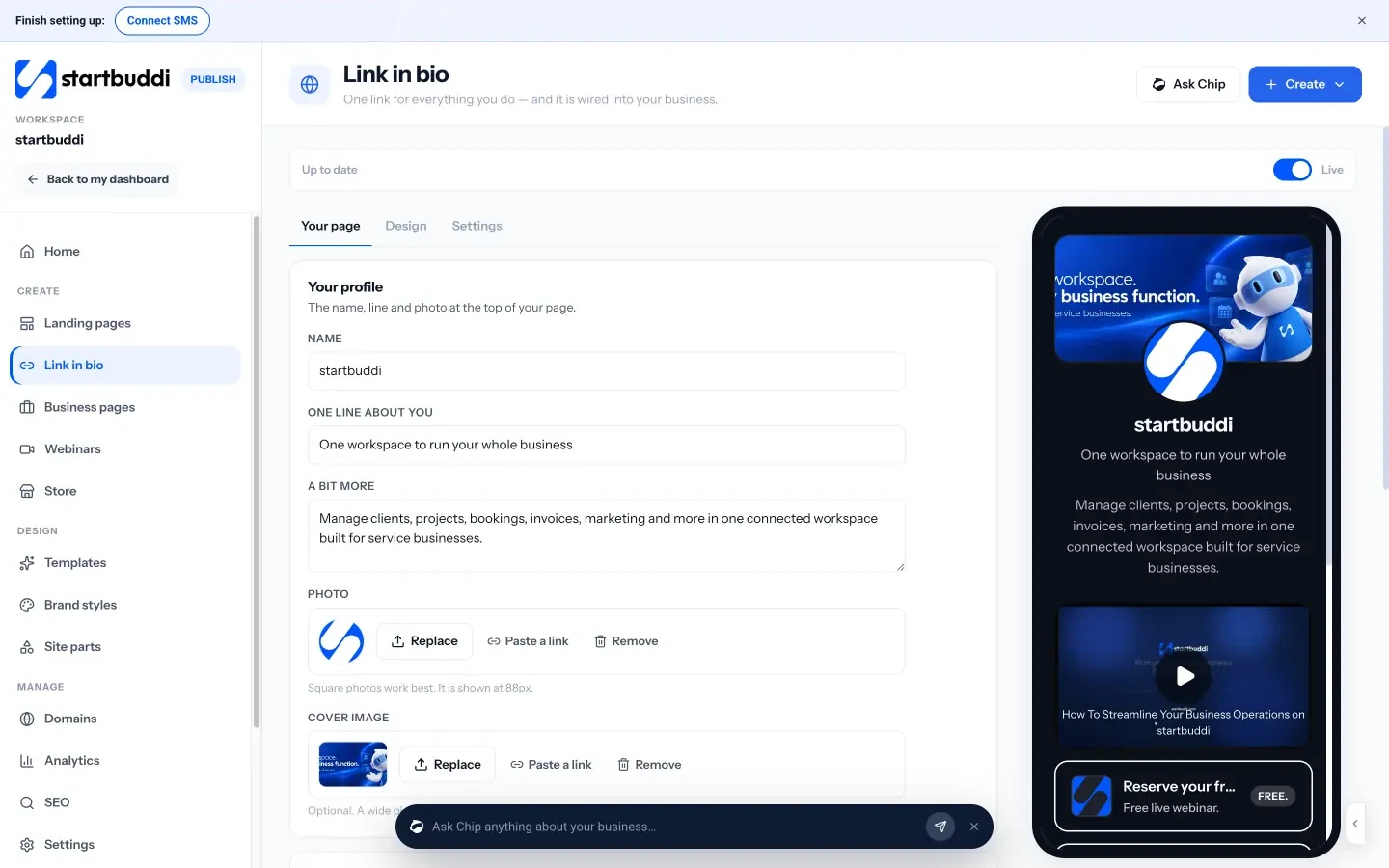
You can pick one of 12 themes or use your brand colours, schedule a block to appear and disappear on set dates, which suits a weekend sale, and give your main button a gentle nudge so it stands out. When your page is ready, copy the link for your profile or print its QR code.
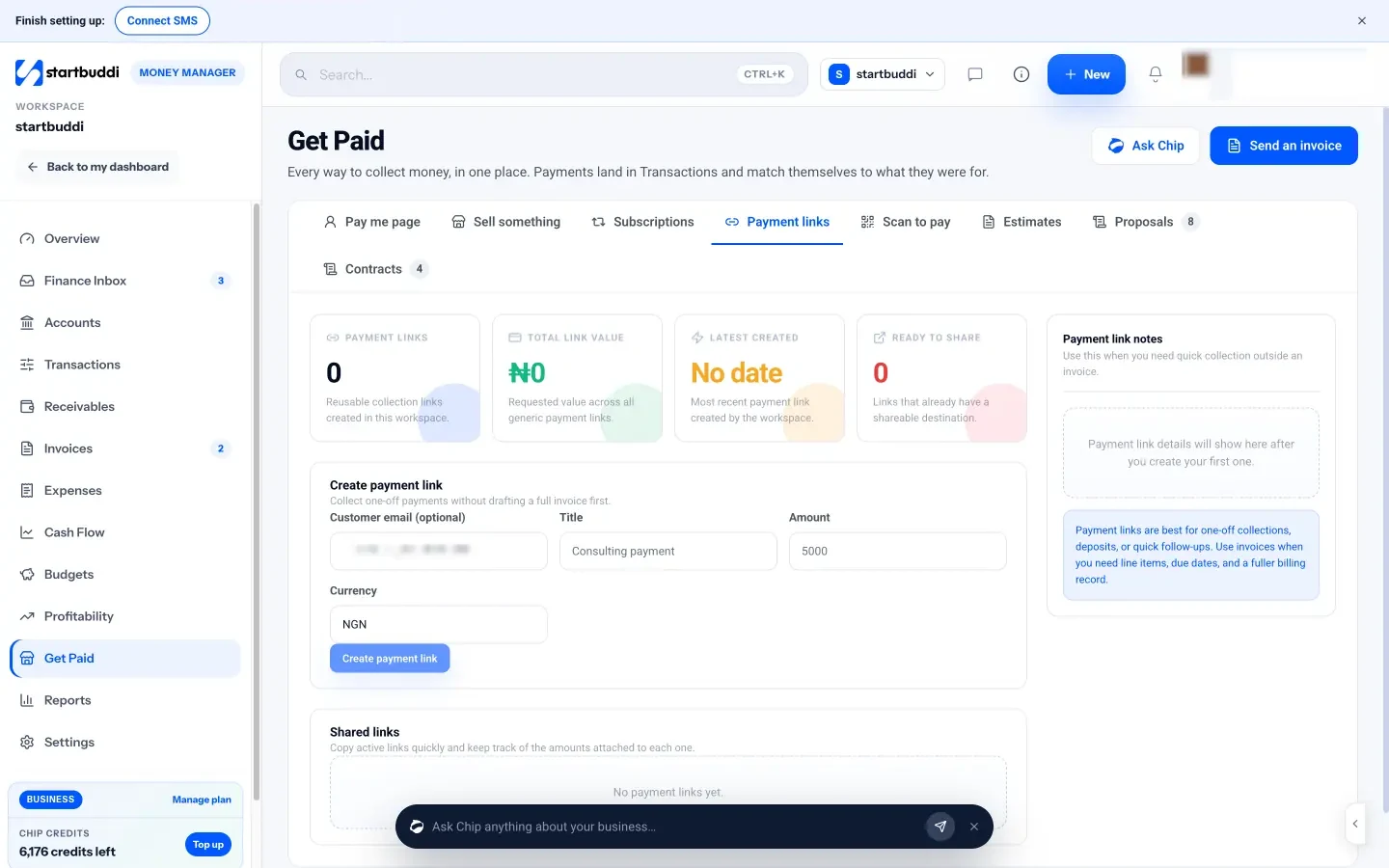
Products come from your online store, so prices and pictures stay the same everywhere you sell, and paying customers become contacts. For one-off amounts and deposits, Get Paid also creates payment links you can drop into a DM.
The Link in bio analytics show visits, taps, tap rate and money earned, what people tapped and where they came from. Add ?src=instagram, ?src=tiktok and so on to the link on each profile to split your traffic by platform.
You can build a Link in bio page on any plan. On the Free plan it shows a small “made with startbuddi” badge, and any paid plan lets you remove it. Taking card payments needs a connected Paystack or Stripe account.
Your next step
Write down the one thing you most want profile visitors to do this week, and make that the first block on your page. Then add a way to pay, a way to message you and a way to stay in touch. You can build it in startbuddi for free, and see what the paid plans add on our pricing page.
Sources
- TechCrunch: Instagram adds support for up to 5 links in bio (2023)
- PetaPixel: Instagram begins testing clickable links in post captions (2026)
- Google Analytics Help: Collect campaign data with custom URLs
Frequently asked questions
Is a link in bio page the same as a website?
Not quite. It's one short mobile page built for people arriving from social media. Many small sellers start with one and add a full website later, when they need more pages.
How many links should my bio page have?
As few as you can manage, usually five to eight. Put the most important action first and remove anything nobody taps.
Can customers pay me directly on my link in bio?
They can if your page supports payments and you connect a payment provider. In startbuddi, product, tip and payment blocks take payment through your own Paystack or Stripe account.
Should I use the same link on Instagram and TikTok?
Use the same page, but add a different tag to the end of the link on each platform, so you can see which one sends visitors who buy.
Olabimpe Salami is the email and outreach specialist at startbuddi. Olabimpe writes about the messages that bring customers in and back: email, WhatsApp and SMS campaigns, follow-ups, and turning enquiries into paying clients.
Runs email and outreach at startbuddi