The problem
Most small businesses run on a few spreadsheets and a few slide decks that nobody quite trusts. The cash flow sheet lives on someone’s laptop. The pitch deck has four versions with “final” in the name. The numbers in both were typed in by hand from somewhere else, so they are out of date the day after someone updates them.
When a team works on the same file, it gets worse. People email copies back and forth, overwrite each other’s changes, or wait for one person to finish before the next can start. And the tools that do this well are a separate subscription, a separate login and a separate place to look.
What’s new
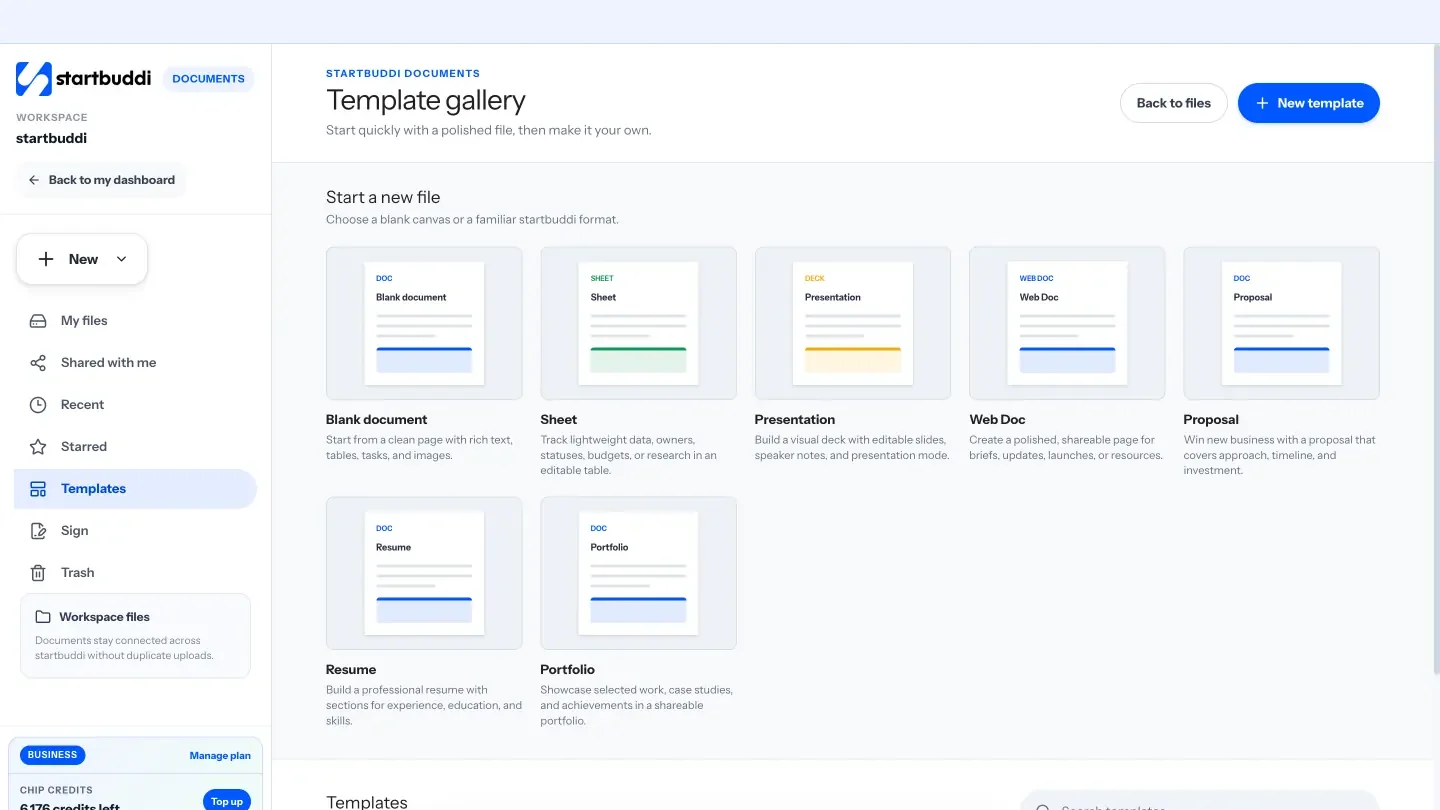
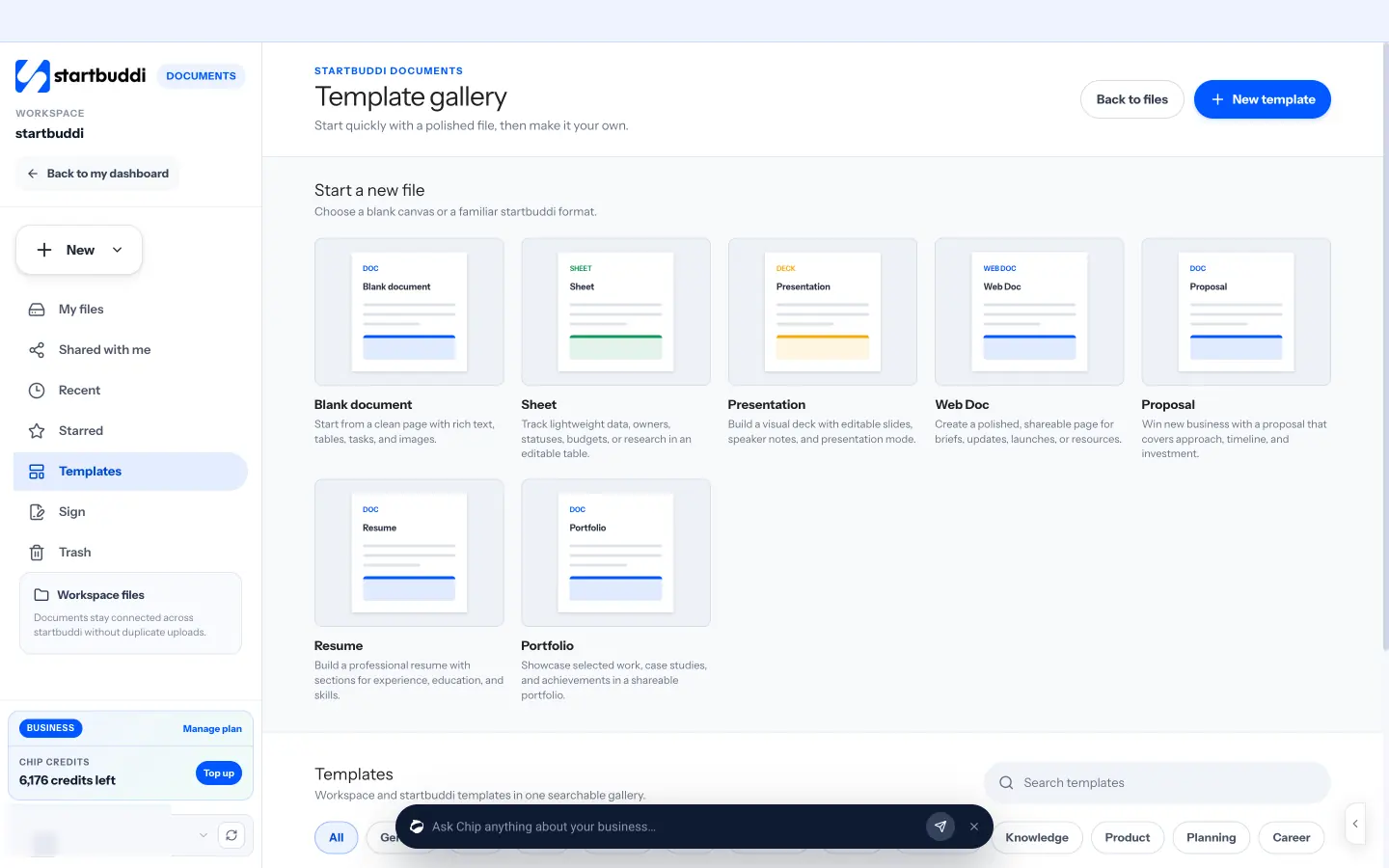
Documents in startbuddi now has a proper spreadsheet and a proper deck, alongside the text editor, and any document can be edited by your team at the same time.
Sheets are rebuilt. Formulas can nest and reach across tabs, and you get filters, sorting, conditional formatting and data validation. You can open Excel and CSV files and save them back, with the formulas kept. Decks are designed, not just typed: Chip plans the slides, then lays them out on ready-made layouts in the theme you pick, and a design check catches text that does not fit or is hard to read.
Editing together works in docs, sheets and decks. You see each person’s cursor and name as they type, you can name a version and restore it later, and search now looks inside every document, not just at the titles.
What you can do
- Ask Chip for a whole sheet. Ask for something like a 12-month cash flow, and Chip builds it with working formulas. Chip checks every formula before it reaches your sheet, and tells you about anything it could not fix rather than hiding it.
- Get help with a formula. Inside a sheet, ask Chip to explain a formula, write one, fix one that is broken or clean up messy data.
- Use numbers that are already in startbuddi. Pull invoices, payments, expenses, deals, contacts, tasks or bookings into a sheet that refreshes, and summarise them with pivot tables. No more copying figures out of one screen into another.
- Draw charts from a sheet. Charts update as the numbers in the sheet change.
- Build a deck from an outline. Chip plans the deck, designs the slides and runs a design check. Present it with speaker notes in front of you, download an editable PowerPoint file, or upload a PowerPoint file to keep working on it in startbuddi.
- Write the first draft faster. The text editor is laid out the way Google Docs is, with menus, a toolbar, a ruler and an outline. Create with Chip writes a first draft from an outline you check first.
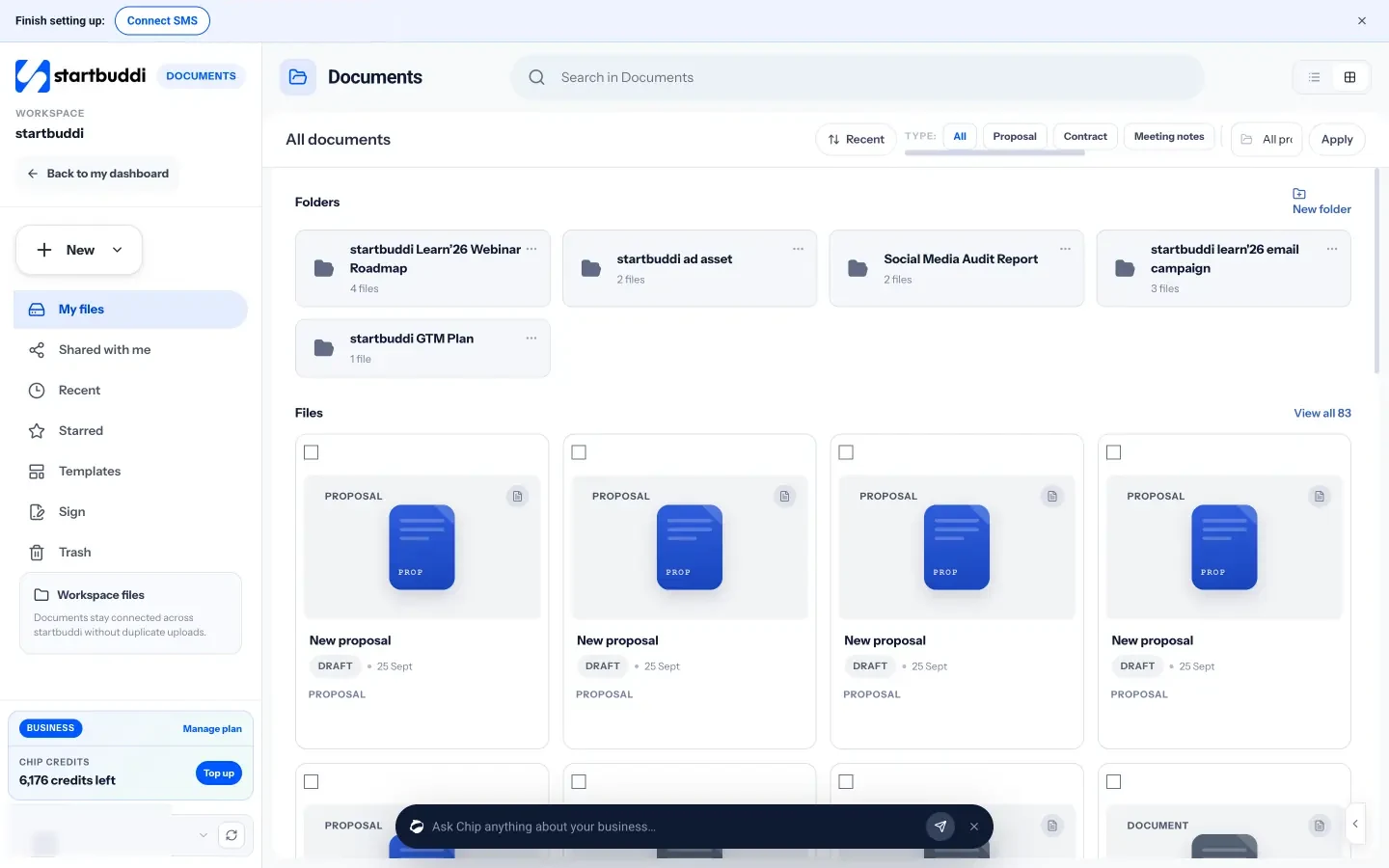
- Work on it together. Everyone with access can edit at once, and named versions mean you can always get back to the copy you sent the client.
Here is how that might look in a week. On Monday you ask Chip for a cash flow sheet and link this month’s invoices and expenses to it, so the figures stay current. On Wednesday a teammate builds the client pitch from an outline while you fix two slides at the same time. On Friday you present it from startbuddi, then send the client the PowerPoint file because that is what their team uses.
Chip’s help in Documents draws on your Chip credits, the same allowance Chip uses everywhere else in startbuddi. Everything else in this release is part of Documents itself.
Documents sits next to the rest of your work. Projects in Work can link the docs, sheets and decks that belong to them, so the team finds the latest version in one place. The Documents page has the full list of what you can create.
See it in action
Try it
Documents is in every workspace. Chip's help draws on your Chip credits. New to startbuddi? Make a free account and have a look around.