
startbuddi vs FreshBooks: an honest comparison
FreshBooks is invoicing and accounting software for freelancers and service businesses, with time tracking, bank reconciliation and double-entry reports, priced by the number of clients you bill. startbuddi keeps invoices, payment links and expenses next to your contacts, inbox and marketing; pick FreshBooks if you need accounting and time-to-invoice billing, and startbuddi if you want getting paid to sit inside the rest of your business.
startbuddi is best for
Small businesses that invoice from their customer list and take Paystack or Stripe payments
 FreshBooks
FreshBooks is best for
Freelancers and service businesses that bill time and want accounting built in
At a glance
Where each one is stronger
The short version. FreshBooks first, because it does some things better than we do.
FreshBooks is stronger at
startbuddi is stronger at
Feature by feature
| Feature | startbuddi | FreshBooks |
|---|---|---|
| Free planFree plan includes 5 invoices a month | Yes | NoSource (opens in a new tab) |
| Client limit | None | 5 on Lite, 50 on PlusSource (opens in a new tab) |
| EstimatesCustomers accept by replying to the email | Yes | YesSource (opens in a new tab) |
| Proposals and e-signatures | Yes | Plus plan and upSource (opens in a new tab) |
| Recurring invoicesDrafts rely on a daily job; check it's on before relying on it | Partial | YesSource (opens in a new tab) |
| Automated late payment remindersOne-click Remind; automatic sequences rely on a daily job | Partial | YesSource (opens in a new tab) |
| Time trackingIn Work; tracked hours aren't turned into invoices in one click | Yes | YesSource (opens in a new tab) |
| Double-entry accounting reportsCash-basis profit and loss only | No | Plus plan and upSource (opens in a new tab) |
| Bank reconciliation | No | Plus plan and upSource (opens in a new tab) |
| Project profitabilityRevenue minus attributed expenses; no labour costs | Yes | Premium plan and upSource (opens in a new tab) |
| Payroll | No | Paid add-onSource (opens in a new tab) |
| Mobile apps | Web only | IOS and AndroidSource (opens in a new tab) |
What each one looks like
Real screens, captured by us or taken from the official press kit, each dated.
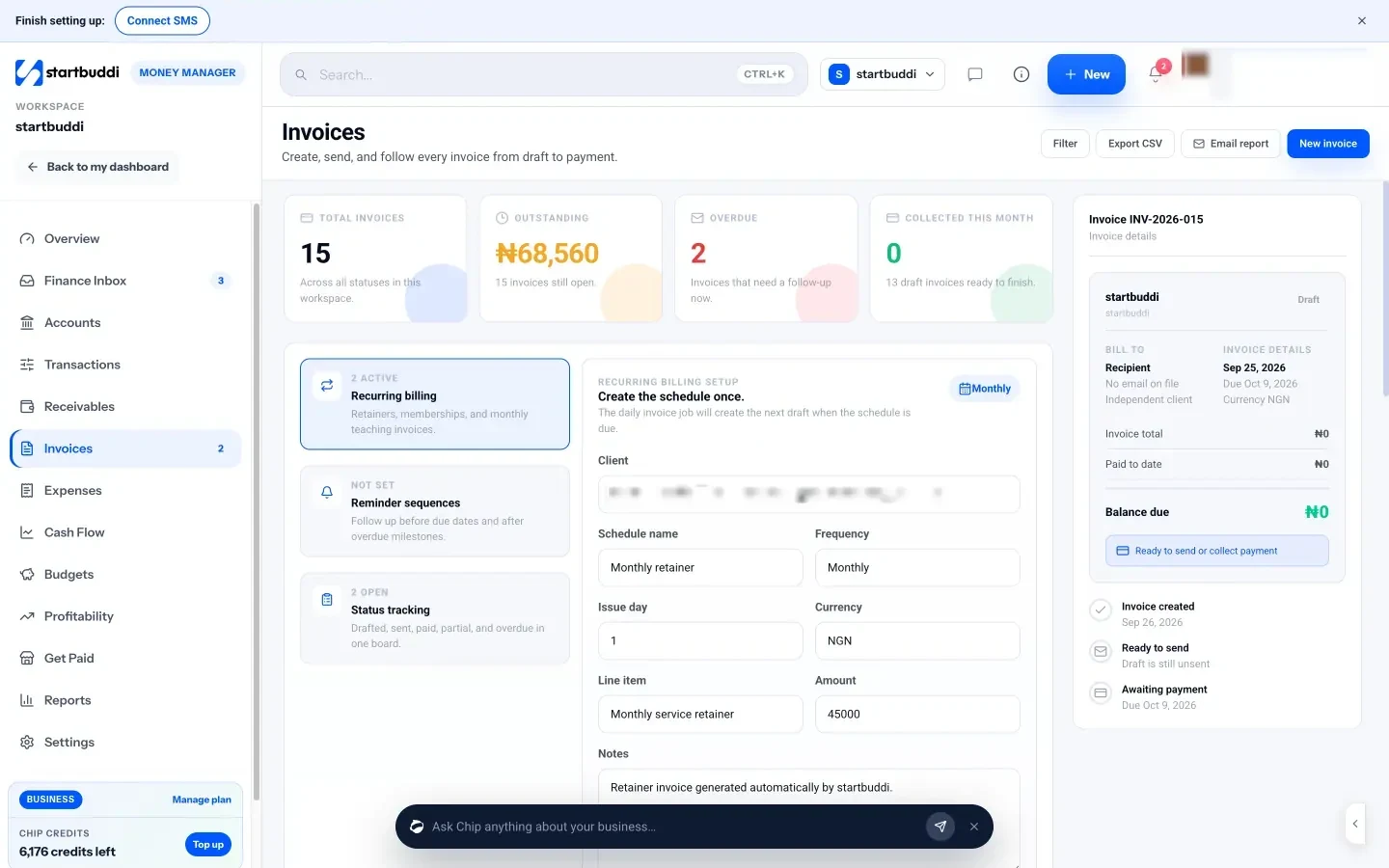
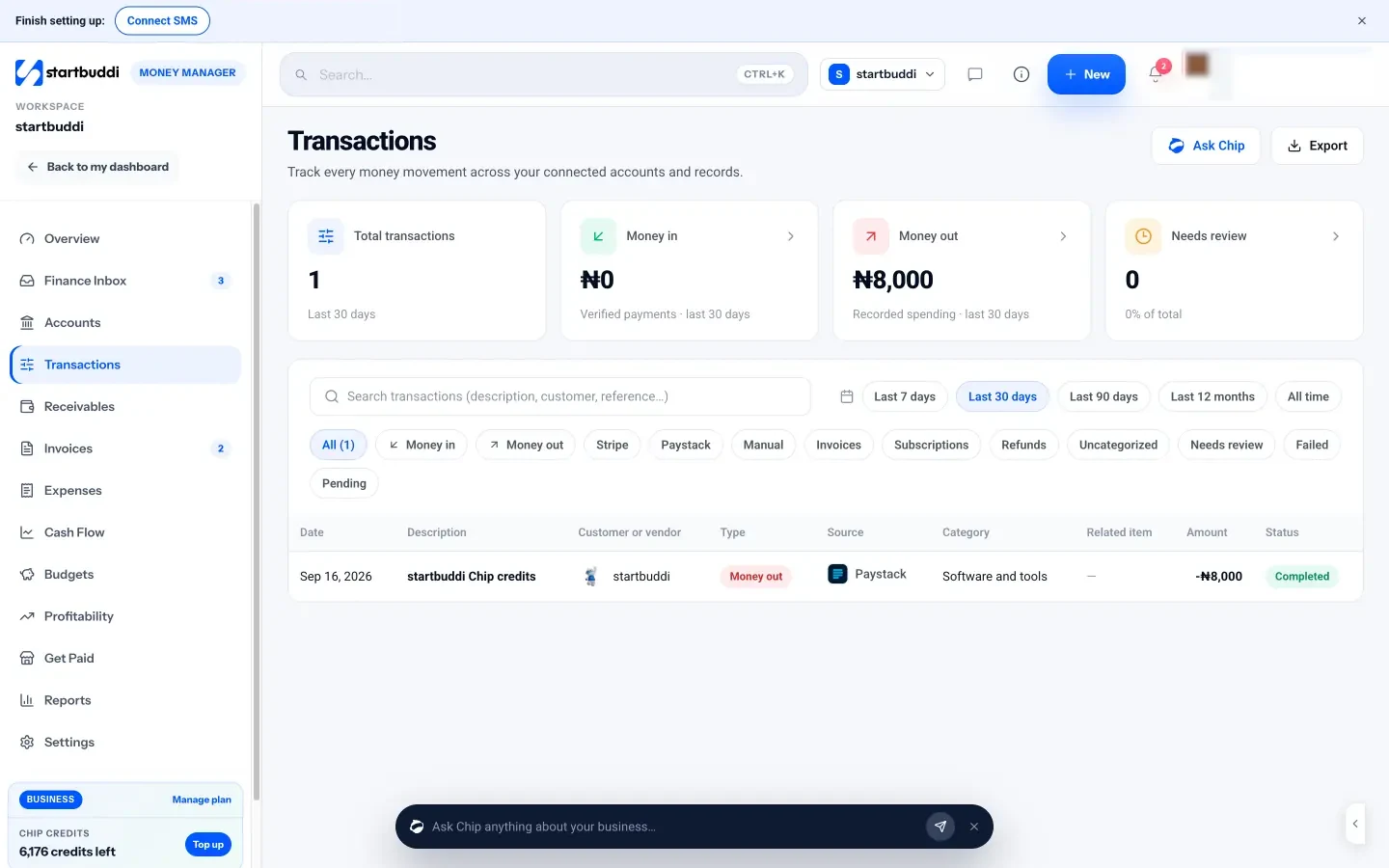
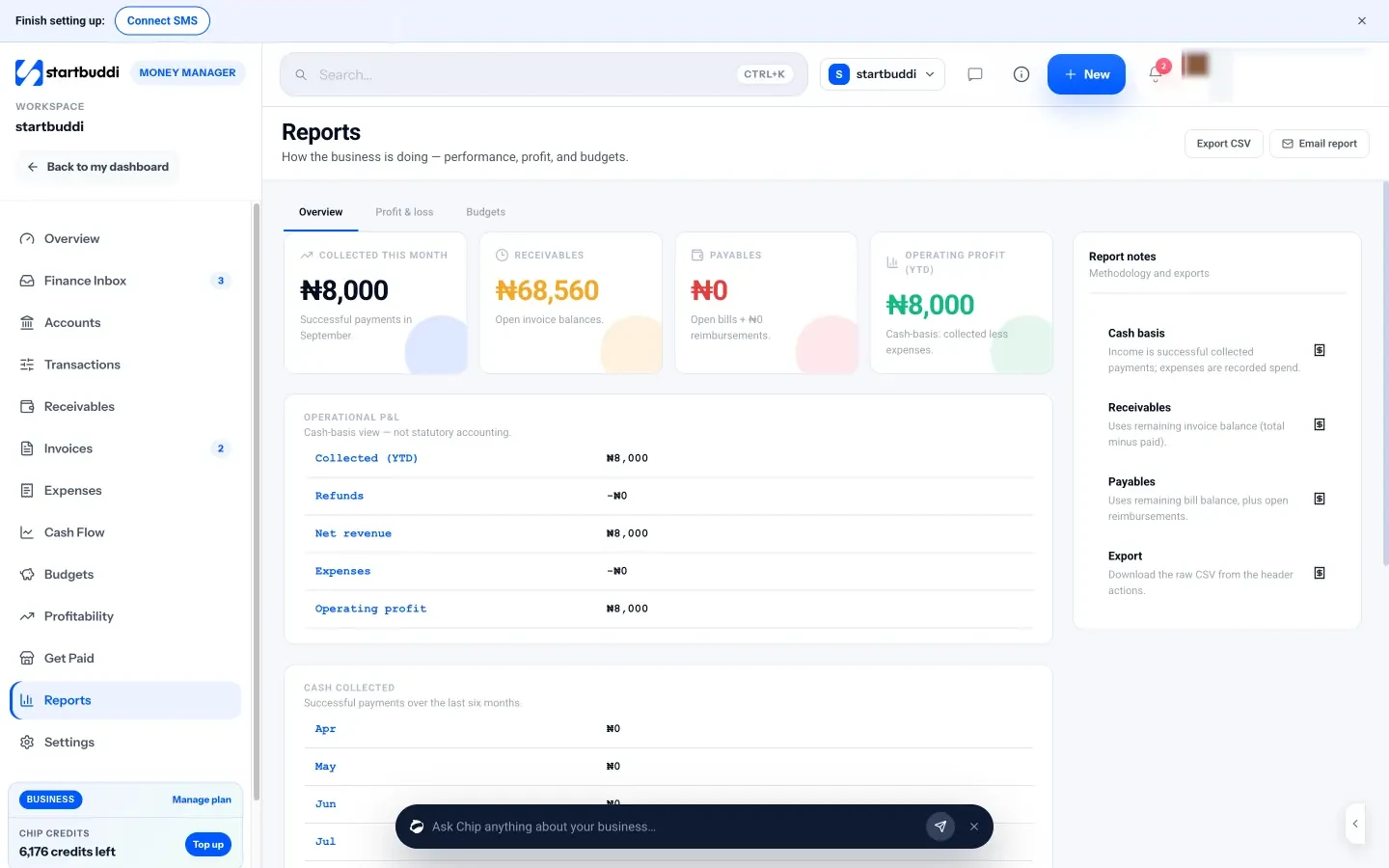
Pricing side by side
List prices as each company publishes them. We never convert currencies.
startbuddi
- FreeFree
- Starter$29 a month
- Growth$79 a month
- Scale$199 a month
FreshBooks
- Lite$23 USD per month, regular price (offer shown: $1 a month for the first year); extra team members $11 per user per monthSource (opens in a new tab)
- Plus$43 USD per month, regular price (offer shown: 80% off for 3 months); extra team members $11 per user per monthSource (opens in a new tab)
- Premium$70 USD per month, regular price (offer shown: 80% off for 3 months); extra team members $11 per user per monthSource (opens in a new tab)
- SelectPricing on requestSource (opens in a new tab)
Switching from FreshBooks
What moving across involves.
- Export your clients from FreshBooksFreshBooks' help centre explains how to download active and archived clients as a CSV file.
- Import them into startbuddi ContactsGo to Contacts, click Import, upload the CSV, map each column and review before importing. Up to 10,000 contacts go in at a time.
- Connect how you get paidIn Money Manager → Settings, connect Paystack or Stripe and add your bank-transfer details, then set your invoice prefix, due days and tax rate under Invoice defaults.
- Rebuild open invoices and keep your accountingRe-enter unpaid invoices, retainers and contract templates by hand. startbuddi is not accounting software, so keep your FreshBooks export or your accountant for past books and tax.
Sources
- FreshBooks pricing (opens in a new tab)
- FreshBooks home (opens in a new tab)
- FreshBooks help: export your data (opens in a new tab)
- startbuddi Money Manager (opens in a new tab)
- startbuddi invoicing (opens in a new tab)
- startbuddi estimates, proposals and contracts (opens in a new tab)
- startbuddi expenses (opens in a new tab)
- startbuddi cash flow and budgets (opens in a new tab)
- startbuddi reports (opens in a new tab)
- startbuddi get paid (opens in a new tab)
- startbuddi contacts (CSV import) (opens in a new tab)
- startbuddi pricing (opens in a new tab)
Questions people ask
Can I move my clients from FreshBooks to startbuddi?
Yes. FreshBooks lets you download your clients as a CSV file, and startbuddi's Contacts import takes a CSV with column mapping. Invoices and accounting history are not imported, so re-enter open invoices by hand.
Does startbuddi do accounting like FreshBooks?
No. startbuddi has invoices, expenses, cash flow and a cash-basis profit and loss, but no double-entry ledger, bank reconciliation, bank feeds or tax filing.
Does startbuddi have a free plan?
Yes. The Free plan includes Money Manager with 5 invoices a month, and paid plans have unlimited invoices. Every paid plan has a 30-day trial.
Does startbuddi connect to FreshBooks?
No. There is no sync between the two, and startbuddi has no QuickBooks or Xero sync either.
Other comparisons
All comparisons


Try startbuddi alongside FreshBooks.
Start on the free plan with a copy of your contacts and see how it fits before you decide.
Start with the one thing you need. The rest is there when you're ready.
Free plan available. Every paid plan starts with a 30-day trial.