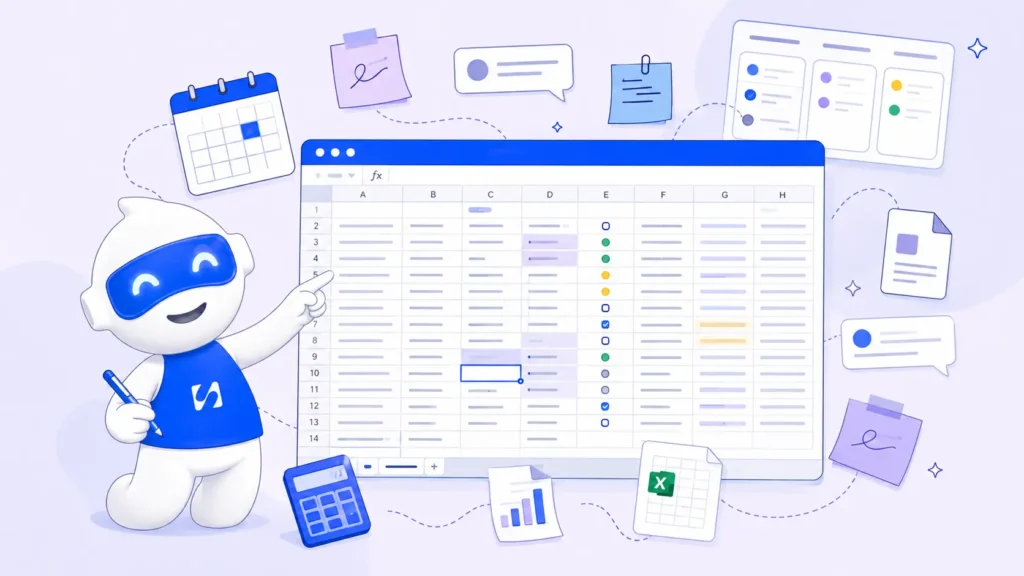
Most freelancers and small service teams don’t use dedicated project management software. They use a spreadsheet, a Trello board nobody updates past week two, or a Notion page…
- Why the spreadsheet wins by default
- Where spreadsheet project management actually breaks
- What "project management software" should actually mean for a freelancer
- The part most project management tools ignore completely
- When to actually make the switch
Most freelancers and small service teams don’t use dedicated project management software. They use a spreadsheet, a Trello board nobody updates past week two, or a Notion page that started organized and slowly became a graveyard of half-finished columns. This isn’t a discipline problem. It’s a rational response to what “project management software” has usually meant: tools built for engineering teams running sprints, not a solo consultant juggling six clients at once.
If you’ve ever searched for project management software for freelancers and come away thinking every option was either too simple to be useful or too complex to bother learning, you’re not wrong. Most of the category genuinely wasn’t built with you in mind.
Why the spreadsheet wins by default
A spreadsheet has three things going for it that most project management tools don’t: it’s free, it’s instantly familiar, and it can be reshaped into whatever a project needs that week without asking anyone’s permission. For a single client, or two, that’s genuinely enough. You can see everything in one screen, and updating it takes ten seconds.
The tools built to replace that spreadsheet often ask for more setup than the problem justifies — boards, sprints, custom fields, workflows — for someone who just needs to know what’s due Thursday and who owes them money for the last invoice. So the spreadsheet stays, and it keeps working, right up until it doesn’t.
Where spreadsheet project management actually breaks
The failure point isn’t a specific number of clients — it’s usually one of these moments:
- A client asks for a status update and the honest answer requires opening three tabs and cross-referencing dates, because the spreadsheet tracks tasks but not client-facing progress.
- A second person joins and now two people are editing the same sheet, and “which version is current” becomes a real, recurring question.
- A project finishes and the invoice doesn’t automatically follow — the spreadsheet has no idea a milestone was hit, so billing depends entirely on someone remembering to go check.
- You can’t tell, at a glance, which clients are actually on track versus which ones are quietly falling behind, because a spreadsheet shows you rows, not a real state of where things stand.
We covered a version of this same breakdown point in client project management — the core issue is that clients aren’t just paying for the finished work, they’re paying for the experience of knowing what’s happening along the way. A spreadsheet was never built to communicate that; it was built to hold data.
What “project management software” should actually mean for a freelancer
The honest answer to “why use project management software” isn’t “because spreadsheets are bad.” Spreadsheets are fine for what they’re good at. The real answer is narrower: use dedicated software once you need any of three specific things a spreadsheet structurally can’t do —
- A client-facing view that doesn’t require you to translate your internal tracking into an update email every time someone asks
- A connection to billing, so a completed milestone or project actually triggers the next invoice instead of relying on memory
- A shared, single source of truth the moment more than one person touches client delivery
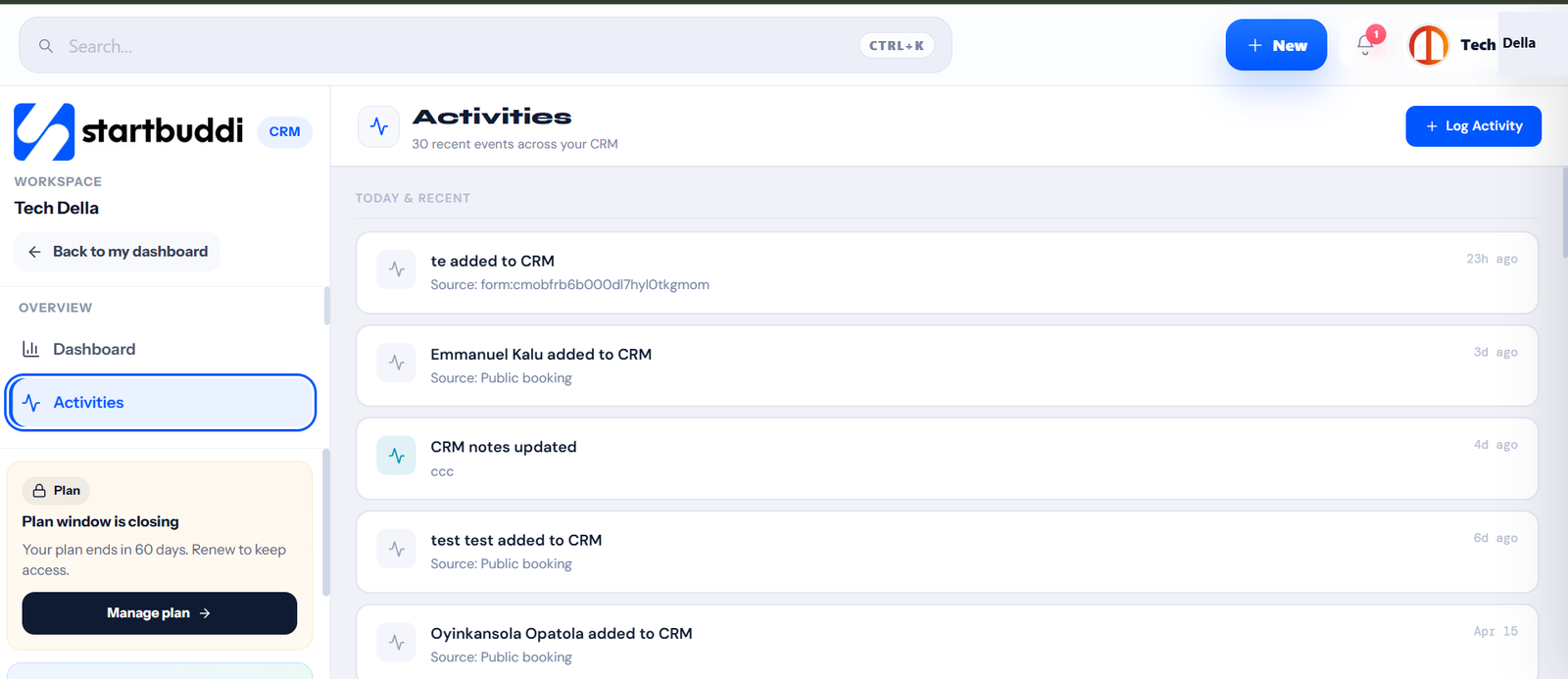 Task and activity tracking tied to the actual client record — not a separate board that has no idea who the client even is.
Notice what’s missing from that list: sprints, story points, Gantt charts, and the dozen other features aimed at engineering teams. Most freelancers and small agencies never needed those. They needed visibility and a connection to getting paid — which is a much smaller, much more solvable problem than “replace Jira.”
The part most project management tools ignore completely
Here’s the disconnect that keeps freelancers on spreadsheets longer than they should stay: almost every dedicated project management tool on the market treats billing as someone else’s problem. It’ll track your tasks beautifully and have absolutely no idea that finishing them is supposed to trigger an invoice.
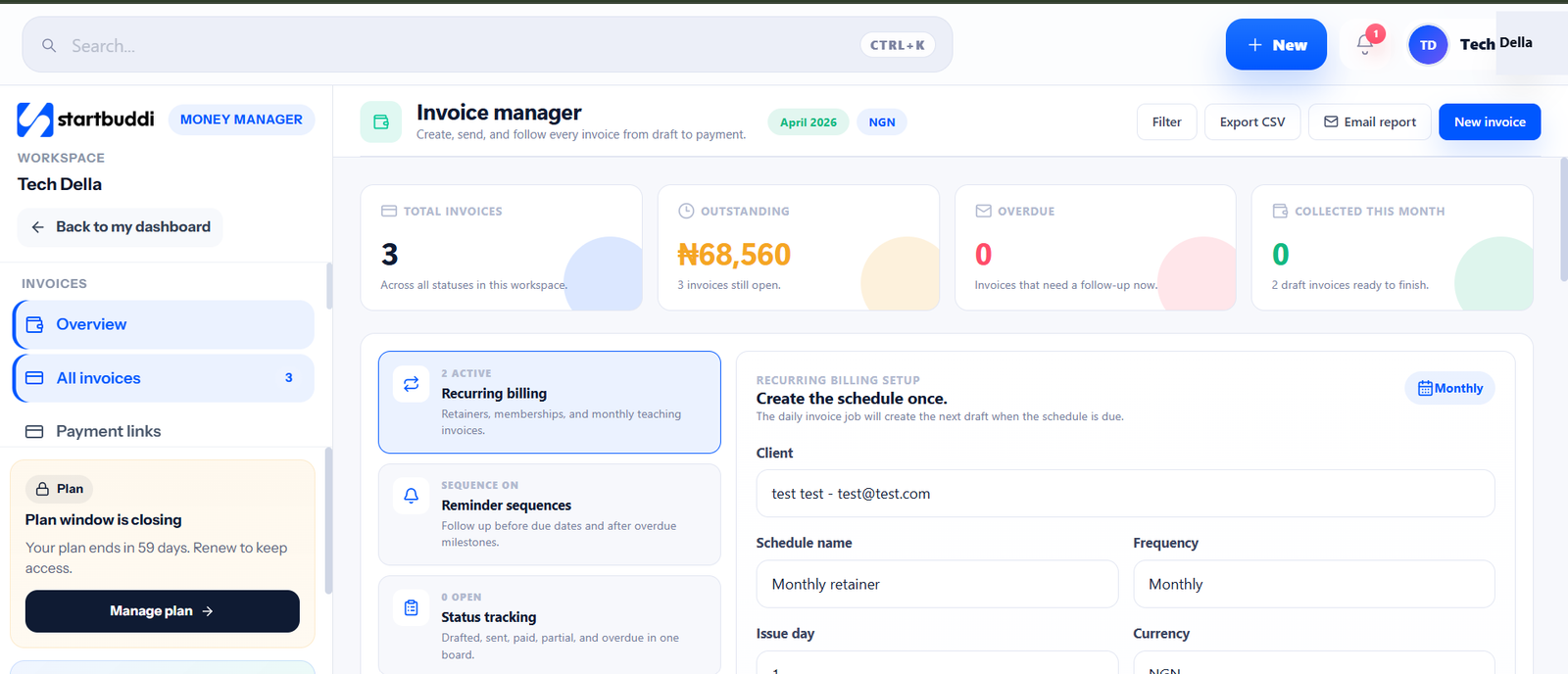 Work and billing in the same system, so finishing a project and getting paid for it aren’t two separate manual steps.
That gap is exactly why so many freelancers conclude “project management software isn’t really for me” — not because tracking tasks properly wouldn’t help them, but because every tool they tried solved half the problem and left the other half (chasing the invoice) exactly as manual as it was before.
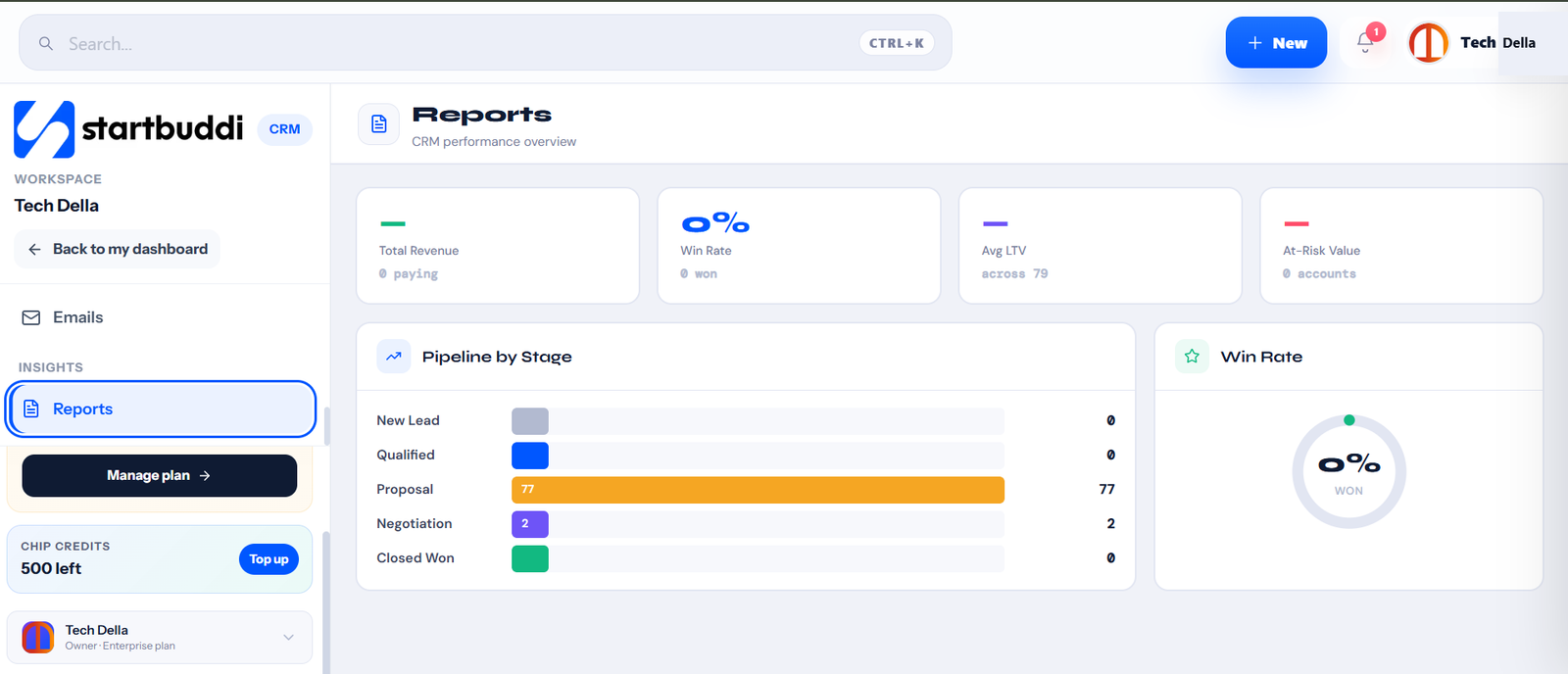 A real view of where every client project actually stands, not a spreadsheet that’s already a few days out of date by the time anyone checks it.
When to actually make the switch
You don’t need to abandon your spreadsheet the day you take on a second client. But if any of these are true, the spreadsheet is quietly costing you more than the switch would:
- You’ve been asked “what’s the status?” by more than one client in the same week and had to go dig for the answer
- You’ve caught a billing delay because nobody realized a project had actually wrapped
- You’re the only person who understands your own tracking system, and that’s starting to feel risky rather than efficient
The fix was never “adopt more complicated software.” It’s connecting the parts that were always supposed to be connected — the work, the client, and the invoice — so finishing a project and getting paid for it stop being two separate acts of memory.
Related reading
- Client Project Management: How to Keep Every Job on Track
- CRM vs Spreadsheet: Why Agencies Are Switching in 2026
- Best Client Tracking System for Service Businesses
- How to Pre-Qualify Leads Before They Drain Your Business Dry
Frequently Asked Questions
Why do so many freelancers manage projects in Excel instead of dedicated software?
Because a spreadsheet is free, instantly familiar, and flexible enough to reshape for whatever a project needs that week. Most dedicated project management tools were built for engineering teams running sprints, which is more setup and complexity than a solo freelancer or small team actually needs.
Run this from one workspace
Clients, projects, money and marketing — connected, not scattered across five apps.
See how it worksWhen does spreadsheet-based project management start to break down?
Usually at one of a few specific moments: a client asks for a status update and the answer requires digging through tabs, a second person joins and version confusion starts, a project finishes but the invoice doesn’t automatically follow, or you can no longer tell at a glance which clients are on track.
Why use project management software instead of just a better spreadsheet?
Dedicated software matters once you need a client-facing view you don’t have to manually translate into update emails, a connection to billing so finishing work actually triggers an invoice, or a single shared source of truth once more than one person touches client delivery.
What’s missing from most project management software built for freelancers?
Most tools treat billing as someone else’s problem — they track tasks well but have no idea that finishing a project is supposed to trigger an invoice, leaving that step exactly as manual as a spreadsheet would.
Do I need project management software the moment I take on a second client?
Not necessarily. It’s worth switching once you’ve been asked for a status update you had to dig for, caught a billing delay because a completed project went unnoticed, or realized you’re the only person who understands your own tracking system.
Put this into practice
Everything in this guide is built into startbuddi — free to start.
Start freeWritten by
Joanna Okedara-Kalu
Joanna Okedara-Kalu is the Founder and CEO of startbuddi, an Africa-first, globally-ready operating system for service businesses — bringing CRM, bookings, invoicing, projects, marketing, and an AI assistant into one connected workspace. Her focus is building software for how service businesses actually work day to day, not the enterprise workflows most business tools are built around. She writes regularly about client management, getting paid on time, and the real reasons small businesses outgrow the tools they start with.
Keep reading
Related playbooks


Stop reading. Start doing.
Free to start. No card needed. Your full workspace is ready in five minutes.