Deliver client work on time, every time.
Plan projects, assign tasks and track time in the same workspace as the client, the invoice and Chip AI — so the work and the relationship never drift apart.
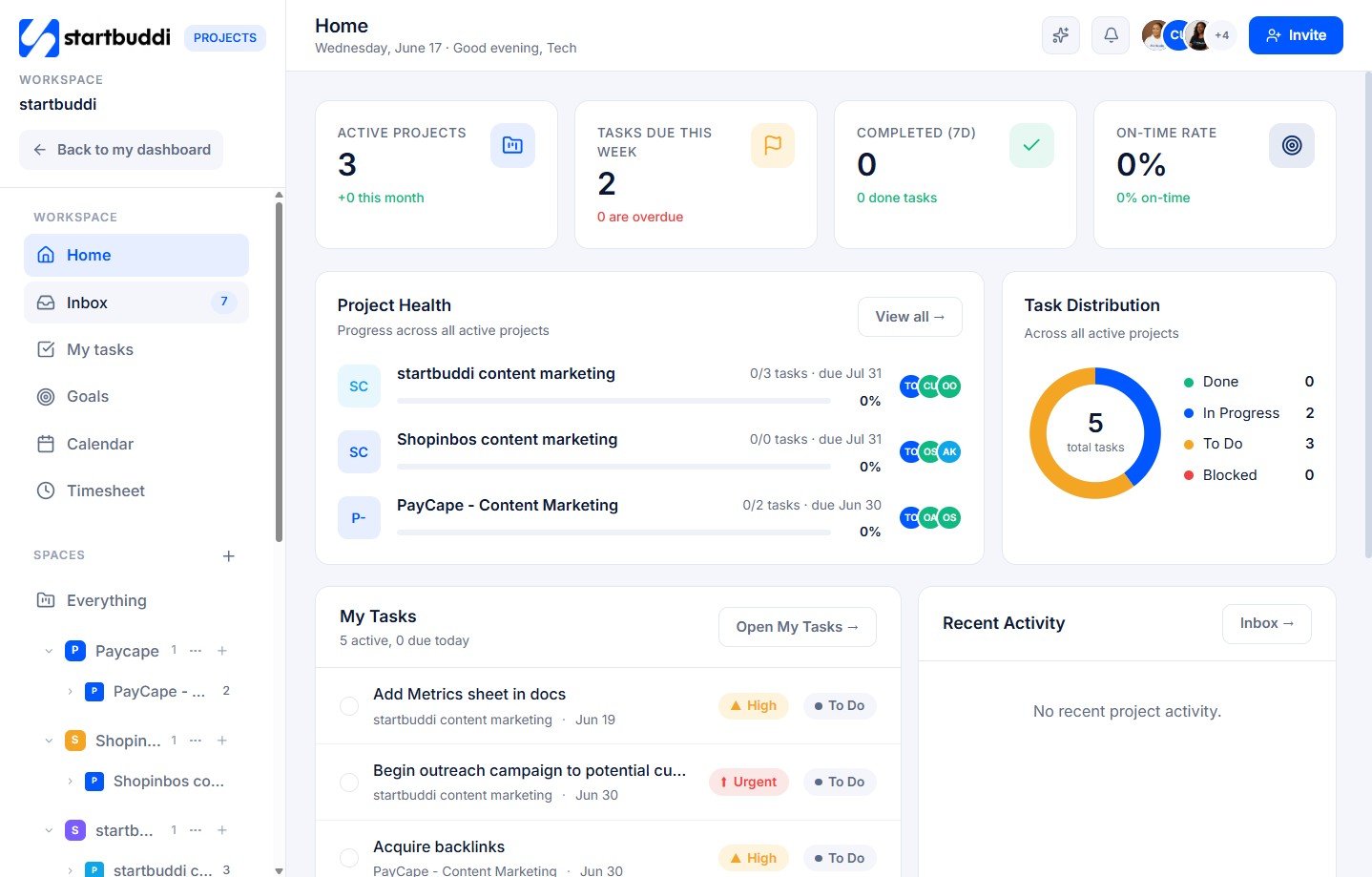
Every task, in the view that fits the work.
Switch a project between board, list and timeline in a click. Assign owners, set due dates and dependencies, and watch progress roll up automatically — no separate PM tool, no copy-paste from your CRM.
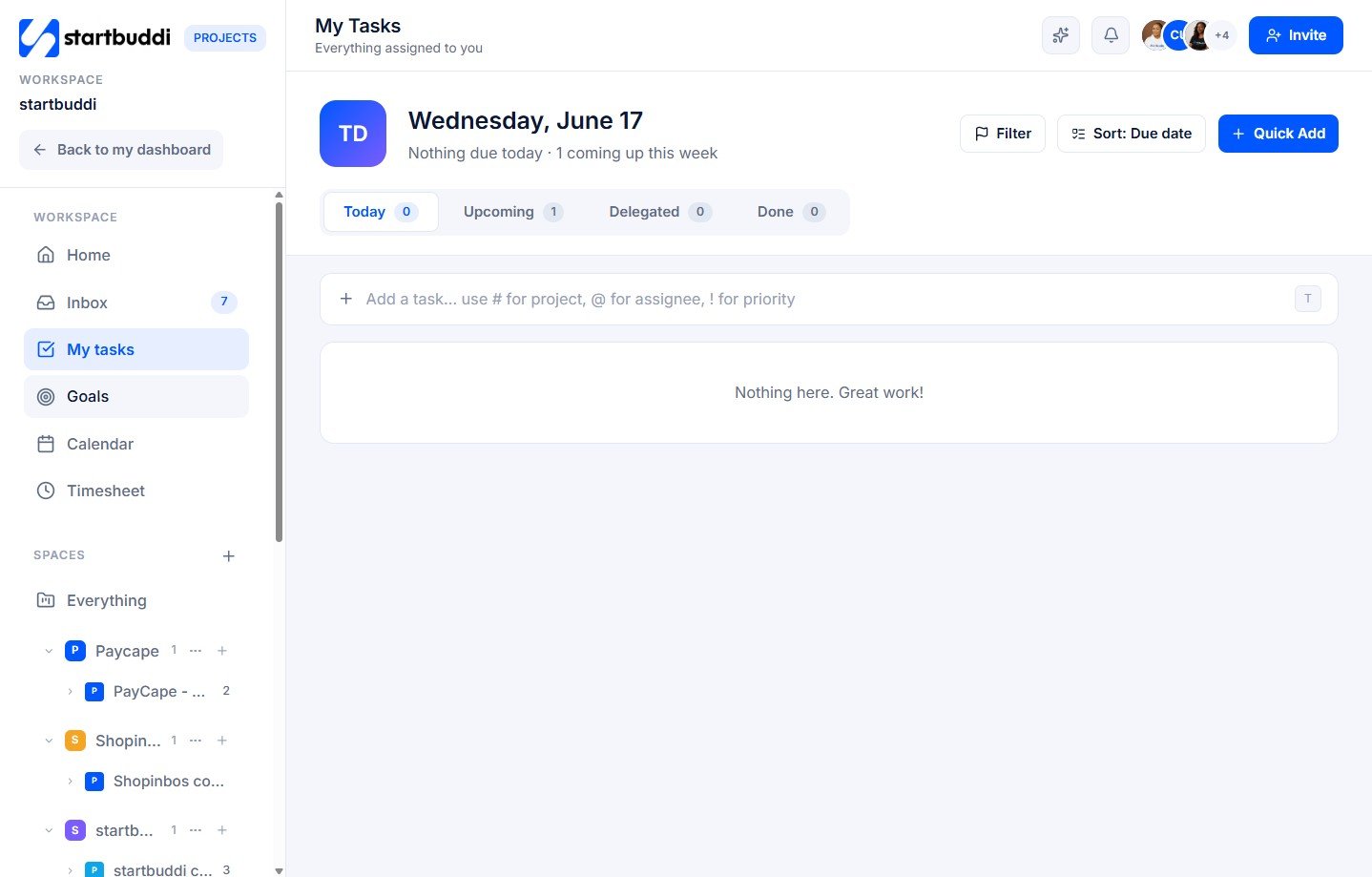
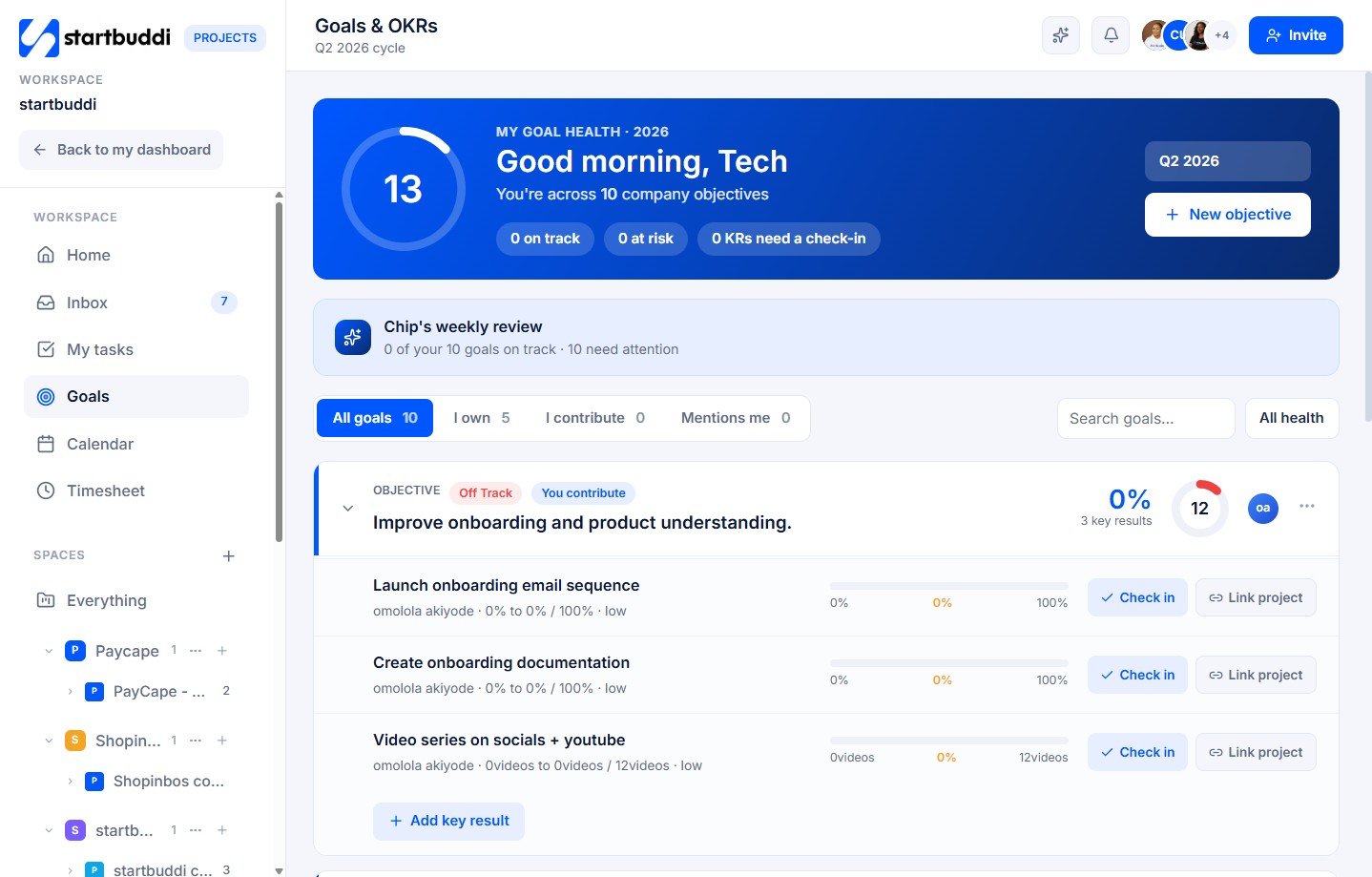
Tie daily tasks to the outcomes that matter.
Connect projects to goals so the team always knows why the work matters. Chip flags projects slipping behind and drafts the client update before you have to chase it.
Everything inside Project Management Software
Included in every plan — and it talks to the rest of your workspace.
Three views, one project
Board, list and timeline — switch instantly without losing context.
Time tracking
Track time against tasks and bill it straight to an invoice.
Workload view
See who is over capacity before deadlines slip.
Linked to the client & invoice
Open a project straight from a deal; bill the hours without re-entering anything.
Chip keeps it on track
At-risk projects flagged early, with a drafted update ready to send.
Templates & import
Reuse project templates or import from a spreadsheet in seconds.
Built for teams that deliver
Different businesses, one workspace. Find the version of startbuddi made for you.
startbuddi for Creative Agencies
Digital & Creative Agencies
Cleaning Service Companies
What is project management software — and why run it beside your CRM?
Project management software helps a team plan work, assign tasks, track time and hit deadlines without losing the thread across email and spreadsheets. For a service business, the projects are the client work — so keeping them apart from the client record is what causes missed updates and unbilled hours.
startbuddi puts projects in the same workspace as the CRM, invoicing and Chip AI. A won deal opens a project; tracked time becomes an invoice line; and Chip watches for slippage and drafts the client update — so delivery and the relationship stay in sync.
Teams run on it every day
"Having it in the same place as everything else changed how we work. Nothing falls through the cracks anymore — it is all right there."
"We replaced three tools with startbuddi and our team actually uses it, because it is one login and one client record. Chip does the rest."
Project Management Software — questions, answered
Can I see projects as a board, list and timeline?
Yes — every project switches between board, list and timeline views instantly, so each person works the way that suits the task.
Does time tracking link to invoices?
Yes. Track time against any task and push it straight onto a client invoice — no double entry.
Is project management included in the free plan?
Projects, tasks and time tracking are part of every plan, including Free. Paid plans raise limits and add automations.
Can I link a project to a client and deal?
Yes — projects attach to the client record, so the deal, conversations, invoices and work all live together.
Ship client work without the chaos.
Plan, assign and track — all linked to the client and the invoice. Live in minutes.
Run your whole business in one place
Free to start. No card needed. Your full workspace is ready in five minutes.