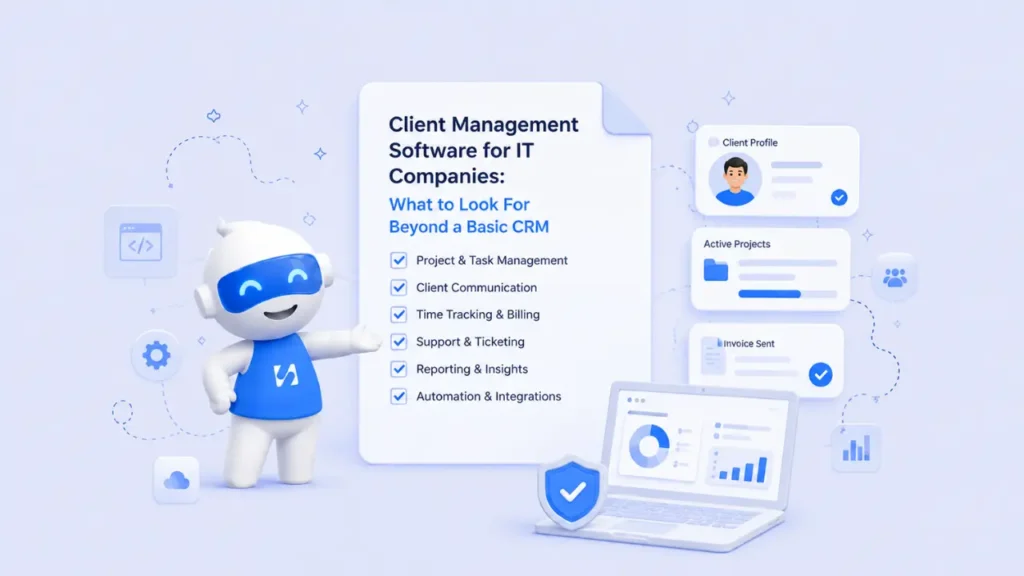
Learn how the right client management software helps IT companies connect sales, projects, communication, automation, and long-term client relationships.
- The Problem With a Basic CRM
- Key Features to Look for in Client Management Software for IT Companies
- A Real Example of Why an All-in-One System Matters
- Why startbuddi Is a Strong Choice for IT Companies
- What Should IT Companies Look For?
IT companies do much more than sell a service. They manage client requests, technical projects, support conversations, deadlines, proposals, invoices, renewals, and ongoing relationships. That is why choosing the right client management software for IT companies requires looking beyond a basic CRM.
A traditional CRM can store names, email addresses, and sales opportunities. But for an IT company, the client relationship does not end when a deal is won. In many cases, that is when the real work begins. The best IT client management system should connect sales, delivery, communication, and follow-up in one workflow.
So, what should you look for? Here are the features that matter most when choosing client management software for IT companies.
The Problem With a Basic CRM
Before looking at the features, it helps to understand why a basic CRM can become limiting for a growing IT business.
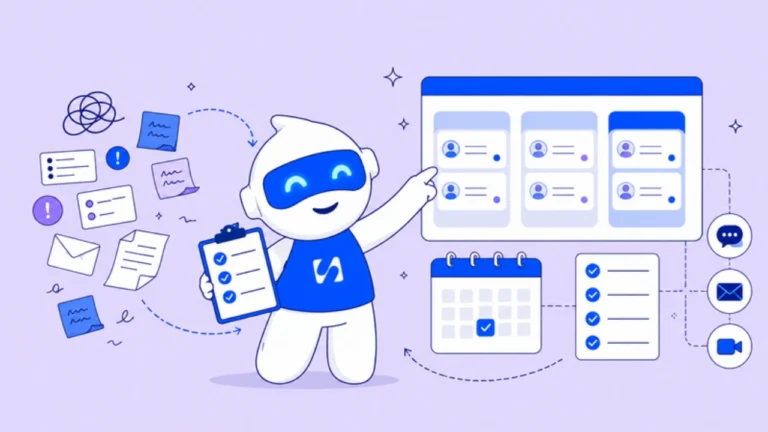
Imagine an IT company called BrightStack Solutions. The sales team uses one tool to manage leads. Once a client signs a contract, the project manager manually copies the information into another platform. Developers use a separate tool for tasks, while client meetings are booked through another application.
Then comes the familiar problem.
A client asks about the progress of a project, but the account manager has to message the project manager. The project manager checks with the developers. Someone searches through emails for the original requirements. Meanwhile, an invoice is sitting in another system.
Nothing is technically broken, but everything is disconnected.
This is where a proper professional services CRM becomes more valuable than a basic contact database. IT companies need a connected view of the entire client journey.
Key Features to Look for in Client Management Software for IT Companies
To manage client relationships effectively, IT companies need more than basic contact storage, they need features that support the entire client journey.
1. A Complete View of Every Client Relationship
The first thing to look for is a system that gives your team one clear view of every client.
A strong client management software for IT companies should show more than contact details. Your team should be able to see the client’s previous conversations, active projects, proposals, invoices, meetings, and current relationship status without switching between multiple tools.
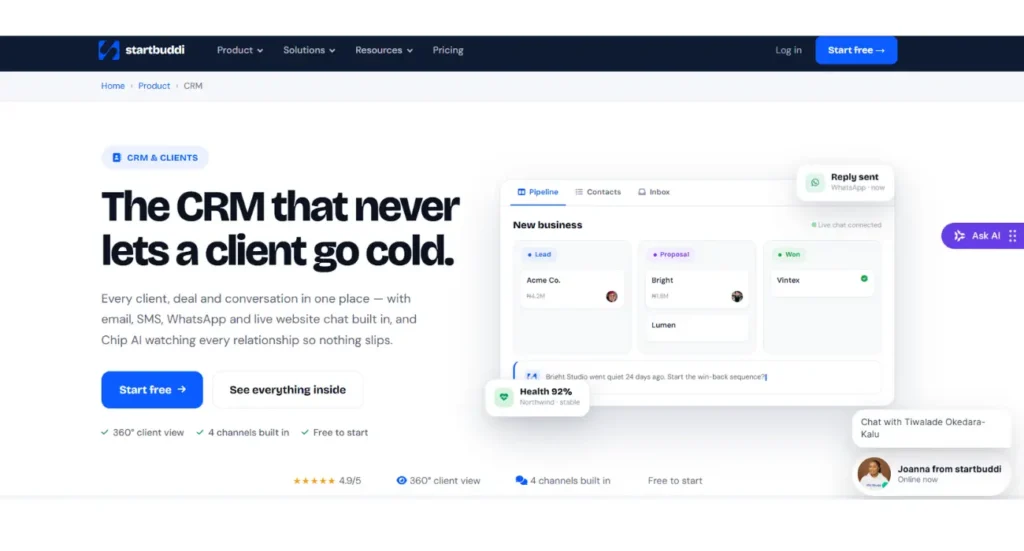
This matters because IT services often involve multiple people. A salesperson may win the client, a project manager may oversee delivery, and developers or consultants may handle the work. If everyone sees different information, mistakes and communication gaps become more likely.
startbuddi brings client information into one connected workspace through its CRM software. Its broader workspace is designed to connect CRM, projects, bookings, invoicing, communication, and automation around the same client data, reducing the need to constantly move information between separate applications.
2. Project Management Connected to the CRM
For IT companies, winning a client is only the beginning. The next step is delivering the project successfully.
That is why client management software for IT companies should connect directly with project management. When a deal is won, your team should not have to manually recreate the client’s information in another system.
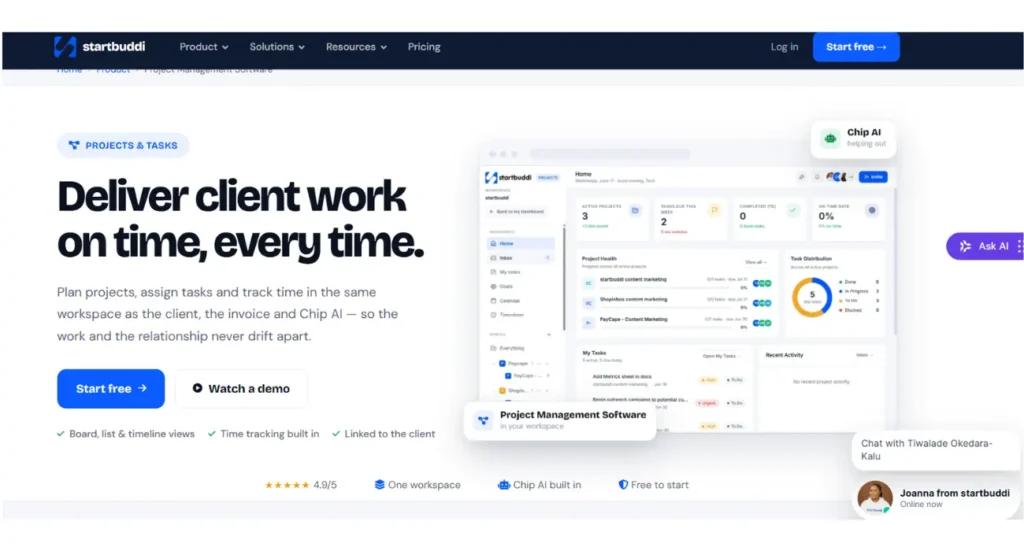
With startbuddi’s Project Management Software, client work can move from the sales stage into project delivery within the same workspace. startbuddi describes a connected workflow where a won deal can open a project, and project activity remains linked to the client record.
For an IT company, this creates a smoother handover between sales and delivery. The project team starts with the right client information, while account managers can still see how the work is progressing.
3. Better Client Communication in One Place
Good IT client management depends heavily on communication.
Clients should not have to repeat the same information because one department cannot see what another department discussed. Your team also should not need to search through multiple inboxes to understand the history of a relationship.
A useful professional services CRM should make it easier to keep conversations connected to the right client record. startbuddi’s CRM positioning focuses on keeping client records, conversations, pipelines, and communication connected in one workspace.
This is especially important for IT companies with long-term clients. A client may start with a website project, later request software maintenance, and eventually need another service. Having one relationship history helps your team provide better and more consistent support.
4. Client Onboarding Should Not Be Manual
The onboarding stage often determines how confident a new client feels about working with your company.
Once a client signs up, they may need to complete an intake form, submit documents, schedule a kickoff meeting, receive a welcome message, and provide access to relevant systems. Doing all of this manually can slow down your team.
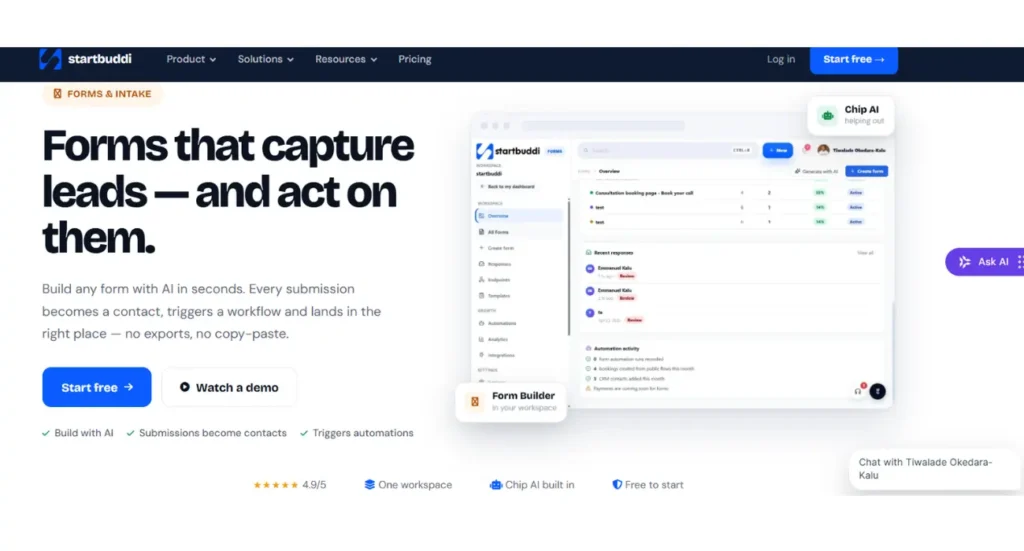
A better client management software for IT companies should support automated onboarding.
For example, startbuddi’s Form Builder allows submissions to become CRM contacts and can trigger follow-up actions. This means an IT company can collect project requirements and route the information into the wider client workflow instead of copying data from forms into separate tools.
This is a simple change, but it can save significant administrative time as your client base grows.
5. Booking and Scheduling Should Be Connected
IT companies spend a surprising amount of time arranging meetings.
Discovery calls, technical consultations, project reviews, onboarding sessions, and support meetings can create a long chain of messages just to find a suitable time.
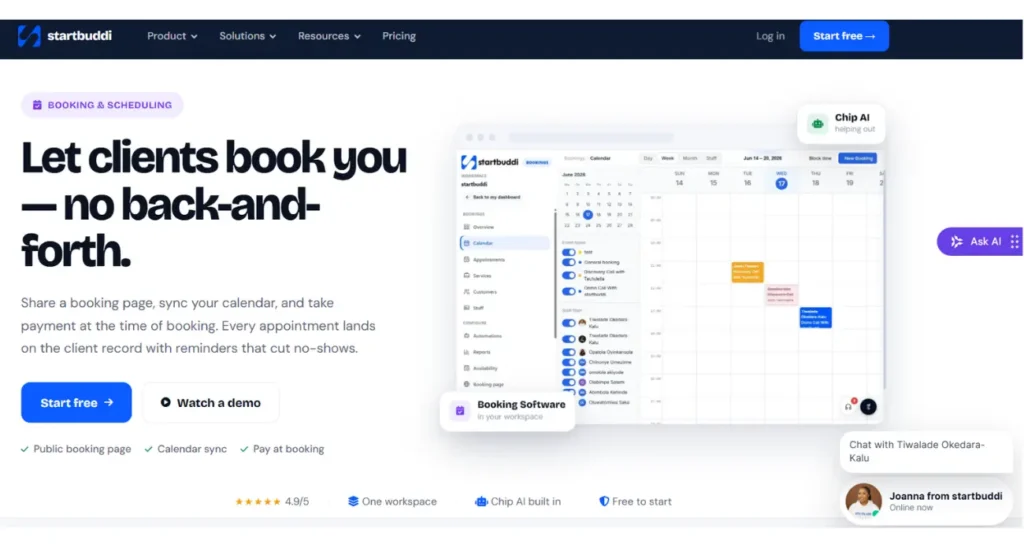
A connected booking system can simplify this process. With startbuddi’s Booking Software, booking information can be connected to the client record and wider workspace. startbuddi also positions its booking tools around calendar scheduling, reminders, and CRM-connected client information.
This means your team can spend less time arranging meetings and more time preparing for them.
6. Automation Is No Longer Optional
As an IT company grows, manual follow-ups become harder to manage.
Someone forgets to follow up after a discovery call. Another client does not receive an onboarding email. A project review is overdue, but nobody notices until the client asks for an update.
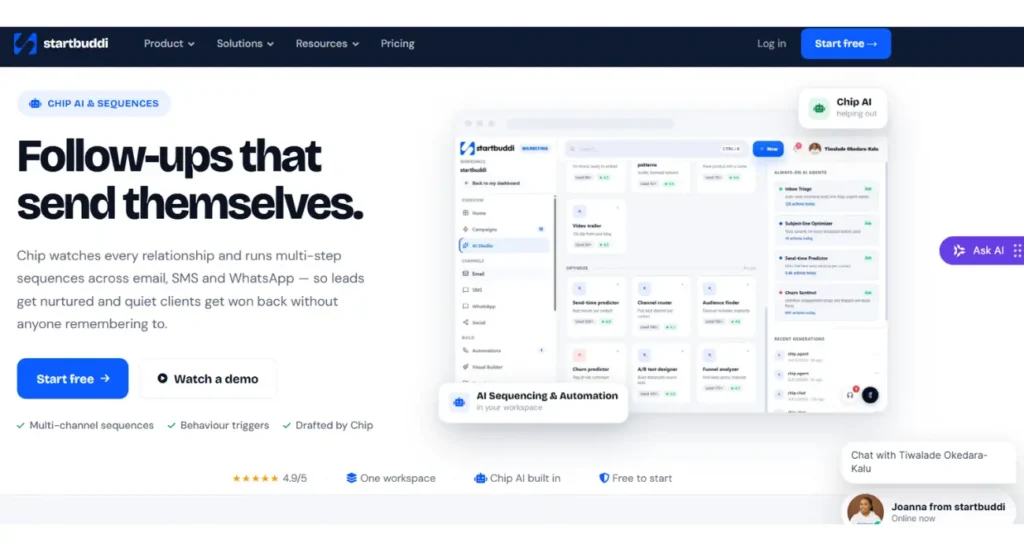
This is where workflow automation becomes essential.
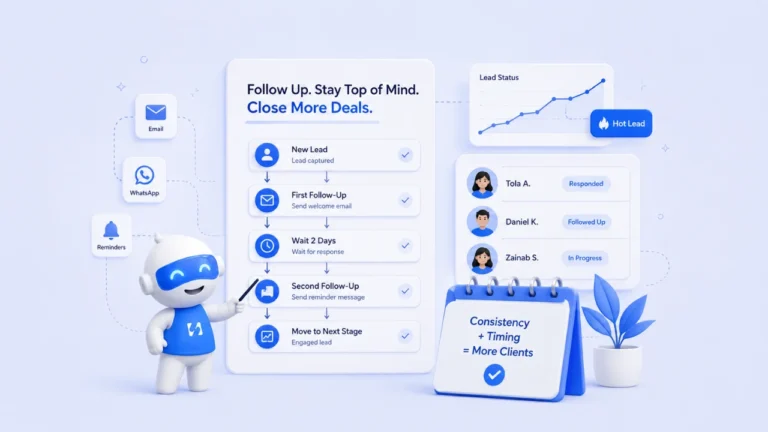
With AI Sequencing Automation, startbuddi can support workflows based on events such as new contacts, form submissions, and bookings. Its automation resources show how these triggers can launch actions such as follow-ups and reminders.
For an IT company, automation should support the team, not replace human relationships. The goal is to ensure routine tasks happen consistently while your people focus on solving real client problems.
7. Your System Should Support Business Goals Too
Client management is not only about responding to customers. IT companies also need to understand whether client work is helping the business achieve its goals.
For example, you may want to improve client retention, reduce project delays, increase recurring revenue, or shorten onboarding time.
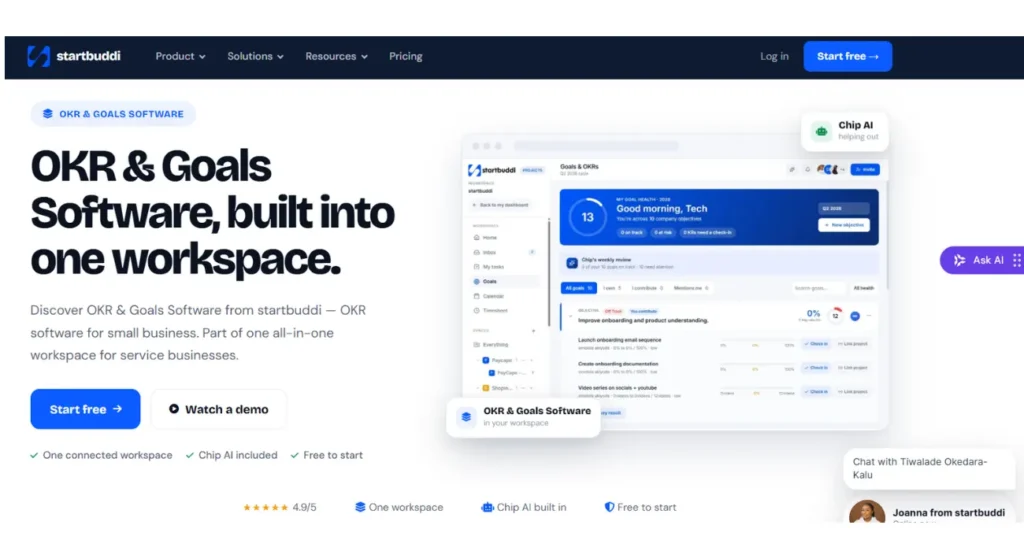
Using a separate goal-tracking tool creates another information silo. A connected system makes it easier to link company objectives with the work your team is doing.
startbuddi’s OKR Software is designed to help teams track objectives, key results, KPIs, and progress. Within its wider workspace, startbuddi positions goals alongside projects and other business activities instead of treating strategy as a separate process.
A Real Example of Why an All-in-One System Matters
Consider a small IT consultancy with ten employees and fifty active clients.
Before using a connected system, the company uses a CRM for leads, a project tool for delivery, spreadsheets for reporting, an email platform for follow-ups, and another tool for booking meetings.
Every month, employees spend hours copying information between platforms.
Now imagine the same workflow inside one connected workspace.
A prospect completes a form. Their information enters the CRM. The sales team follows up. Once the deal is won, a project can be created. The client books a kickoff meeting and receives reminders, and the team manages delivery from the same client record.
That is the real advantage of choosing client management software for IT companies that goes beyond basic contact management.
Why startbuddi Is a Strong Choice for IT Companies
startbuddi stands out because it is not simply another CRM that stores customer information. It is an all-in-one workspace designed for service businesses, bringing together CRM, project delivery, bookings, invoicing, forms, goals, communication, and automation.
For IT companies, this connected approach can reduce tool switching and create one source of truth for client relationships. Instead of asking, “Which tool has the latest information?” your team can work from the same connected client and project data.
The platform’s approach is also supported by a published customer example. startbuddi reports that Johan Consults, a consultancy operating across Nigeria, the UK, and the UAE, consolidated CRM, invoicing, payment follow-up, and reporting into one workspace.
According to the case study, the company reduced financial administration time by 75 percent and recovered GBP 28,000 in outstanding invoices during its first six months using automated payment follow-up.
Run this from one workspace
Clients, projects, money and marketing — connected, not scattered across five apps.
See how it worksWhile every business will have different results, the case illustrates the broader benefit of reducing fragmented systems and connecting client information with operational workflows.
You can explore the full startbuddi platform and see how its CRM, project management, bookings, forms, OKRs, and automation work together.
What Should IT Companies Look For?
When comparing client management software for IT companies, ask these questions:
- Can we see the complete history of each client?
- Does the CRM connect directly to project delivery?
- Can we automate onboarding and follow-ups?
- Are bookings and meetings connected to client records?
- Can we collect client information through forms?
- Does the platform support long-term relationship management?
- Can our team track projects and business goals in the same workspace?
- Will we need multiple integrations just to make the system work?
If the answer to most of these questions is no, you may only be buying a basic CRM, not a complete professional services CRM solution.
What is client management software for IT companies?
Client management software for IT companies helps businesses organize client information, communication, projects, meetings, onboarding, and ongoing relationships in one system.
Why is a basic CRM not enough for many IT companies?
A basic CRM mainly manages contacts and sales opportunities. IT companies often also need project delivery, onboarding, communication, booking, automation, and long-term client management.
What makes startbuddi useful for IT client management?
startbuddi connects CRM, projects, forms, bookings, invoicing, goals, and automation in one workspace, helping IT companies reduce disconnected tools and manage the full client journey.
Final Thoughts
The best client management software for IT companies should help your business manage the entire client journey, not just the first sale.
IT companies need a system that connects leads, conversations, onboarding, projects, meetings, follow-ups, goals, and ongoing relationships. The more disconnected your tools are, the harder it becomes to maintain a clear picture of each client.
startbuddi is a strong choice because it brings those essential workflows into one connected workspace. From its CRM and project management tools to forms, booking, OKRs, and automation, the platform is built to help service businesses reduce tool sprawl and manage client relationships from one place.
If you want to build a more connected approach to IT client management, book a personalized demo with startbuddi and see how the platform can support your clients, projects, and business growth.
Put this into practice
Everything in this guide is built into startbuddi — free to start.
Start freeWritten by
Omolola Akiyode
As Project Lead and Content Strategist at startbuddi, I lead cross functional projects and develop content strategies that drive brand growth, customer engagement, and business results. I specialize in translating complex ideas into clear, impactful content while ensuring projects are delivered efficiently and aligned with business objectives. My passion lies in building systems, creating meaningful content, and helping businesses connect with their audiences through strategic storytelling.
Keep reading
Related playbooks
Stop reading. Start doing.
Free to start. No card needed. Your full workspace is ready in five minutes.