
If you’re running an agency and still tracking clients in Google Sheets, you already know the pain: missed follow-ups, duplicate rows, and a “who updated this?” message in…
- What Is the Difference Between CRM and Spreadsheet Tools?
- Why Are Agencies Switching From Spreadsheets to CRM Software in 2026?
- What Are the Real Limitations of Spreadsheets for Client Management?
- What Are the Benefits of CRM Over Spreadsheets for Agencies?
- Frequently Asked Questions
If you’re running an agency and still tracking clients in Google Sheets, you already know the pain: missed follow-ups, duplicate rows, and a “who updated this?” message in your team chat every week.
The CRM vs spreadsheet debate isn’t really a debate anymore. It’s a timing question. This article breaks down exactly why agencies are making the switch this year, and how to know when it’s your turn.
What Is the Difference Between CRM and Spreadsheet Tools?
A spreadsheet is a flat grid of rows and columns you fill in manually. A CRM (customer relationship management) tool is built specifically to track client relationships, communication history, and project status over time, automatically.
In the CRM vs spreadsheet comparison, the core difference comes down to structure. Spreadsheets store data. CRMs understand relationships between that data: which client belongs to which project, which email was sent last, which invoice is overdue.
For agencies juggling dozens of clients across email marketing, design, or consulting work, that difference matters more than it seems on the surface. A spreadsheet can tell you a client exists. A CRM tells you where they are in your pipeline, when you last spoke, and what happens next.
Why Are Agencies Switching From Spreadsheets to CRM Software in 2026?
Agencies are switching because spreadsheets stop scaling the moment client count and team size grow past a handful of people.
Common breaking points agencies report:
- A client follow-up gets missed because nobody remembers whose turn it was
- Two team members update the same row with conflicting information
- Reporting on revenue or client status takes hours of manual pivot-table work
- New hires can’t quickly find a client’s history or current project stage
This is the heart of why CRM vs spreadsheet keeps coming up in agency strategy conversations this year. Client-service businesses run on relationships, not static data, and spreadsheets simply were not designed for that job.
What Are the Real Limitations of Spreadsheets for Client Management?
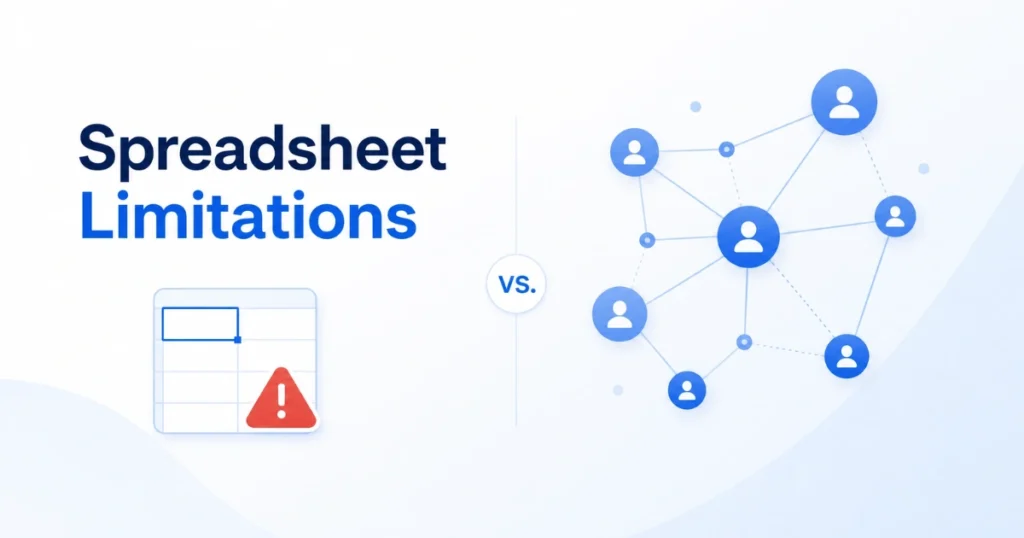
Spreadsheets are genuinely useful early on. They’re free, flexible, and familiar. But once an agency has more than a handful of active clients, the cracks show fast.
Typical limitations include:
- No automated reminders. Follow-ups depend entirely on someone remembering.
- Version conflicts. Multiple team members editing the same file creates duplicate or contradictory entries.
- No communication history. Emails, calls, and meeting notes live outside the sheet, disconnected from the client record. startbuddi’s guide on organizing client information covers what a proper client record should actually include.
- Manual reporting. Pulling a simple “which clients are at risk of churning” report means building formulas from scratch.
- Weak permissions. Anyone with the link can usually edit anything.
These are not hypothetical problems. They are the exact reasons most growing service businesses eventually look for client management software built specifically for the job.
What Are the Benefits of CRM Over Spreadsheets for Agencies?
A CRM solves the structural problems spreadsheets cannot, because it is purpose-built around relationships rather than cells.
Key benefits agencies see after switching:
- Automated follow-ups. Tasks and reminders fire on their own, so nothing slips through.
- Centralized communication. Every email, call, and note attaches directly to the client record.
- Real-time collaboration. No more “which version is current” confusion across your team.
- Built-in reporting. Pipeline, revenue, and client status update automatically instead of requiring manual charts.
- Scalable structure. Adding a 50th client does not make the system slower or messier.
When agencies weigh CRM vs spreadsheet side by side on these points, the spreadsheet rarely wins past a certain client volume, usually somewhere between 30 and 100 active accounts, depending on team size.
How Do You Know When It’s Time to Move From Spreadsheet to CRM?
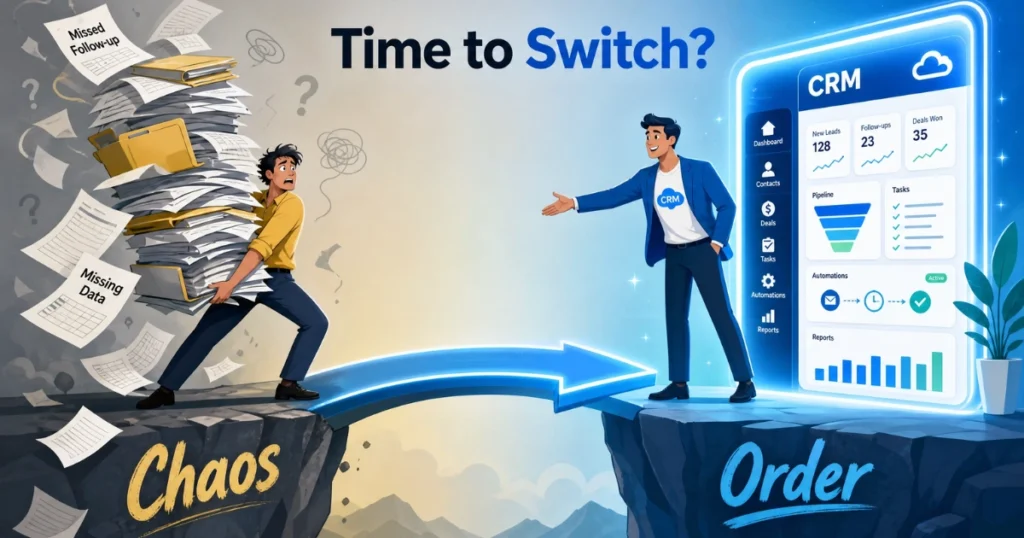
There’s no single magic number, but a few signals consistently show up across agencies before they switch:
- You’re managing more than 30 to 50 active client relationships
- Two or more people need regular access to the same client data
- You’ve missed a renewal, invoice, or follow-up because of disorganized tracking
- You spend more time updating the sheet than actually working with clients
- Your new hire had to ask three people where to find a client’s contract
If two or more of these sound familiar, you have likely already outgrown spreadsheet-based client management, even if the spreadsheet still technically works.
Industry Insight: What Agencies Get Wrong About Switching
Most agencies delay the CRM vs spreadsheet decision far longer than they should, often out of fear that migration will be disruptive. In practice, the bigger risk is staying too long with a system that cannot track relationships properly.
From working with service-based businesses across content, marketing, and consulting, a consistent pattern shows up: the agencies that switch early treat the CRM as the single source of truth from day one. The ones that delay often run both systems in parallel for months, which creates more confusion, not less.
If you’re weighing the two side by side, startbuddi’s breakdown of CRM vs Excel walks through the comparison in detail and is worth reading before you decide.
This is also where the budget conversation matters. Many agency owners assume CRM software requires a large upfront investment, but startbuddi makes that assumption irrelevant.
startbuddi is an all-in-one service business management platform that helps agencies and service businesses set up proper client management systems for less than $10. It is built for businesses that want the right tools from the start without wasting money on software they will outgrow or never fully use.
Comparison Table: CRM vs Spreadsheet for Agencies
Here is how the two tools stack up across the features that matter most to agencies.
| Feature | Spreadsheet | CRM |
| Follow-up reminders | Manual | Automated |
| Communication history | None | Full log |
| Team collaboration | Version conflicts | Real-time sync |
| Reporting | Manual charts | Built-in dashboards |
| Scales past 50 clients | Difficult | Designed for it |
| Mobile access | Limited | Full access |
Frequently Asked Questions
Run this from one workspace
Clients, projects, money and marketing — connected, not scattered across five apps.
See how it worksIs a spreadsheet good enough for a small agency?
For a very small client list, yes. Spreadsheets can work fine early on. Once you pass roughly 30 active clients or add a second team member managing accounts, the limitations of manual client management software start outweighing the convenience.
What’s the biggest risk of staying on spreadsheets too long?
Missed follow-ups and lost revenue. Without automated reminders, client touchpoints depend entirely on memory, and agencies typically lose deals or renewals this way long before they realize it is a system problem.
Do agencies need a full CRM platform, or can a simple tool work?
Not every agency needs an enterprise CRM. Many start with lightweight client management software that covers contacts, follow-ups, and basic reporting, then scale up as the client list grows.
How long does switching from spreadsheet to CRM usually take?
Most agencies can migrate their active client data within a few hours to a couple of days, especially if the spreadsheet is reasonably clean before the move.
Conclusion
The CRM vs spreadsheet decision is not about which tool is better in general. It is about what your agency can actually manage at its current size. Spreadsheets work until client relationships get too complex to track manually, and for most growing agencies, that point arrives sooner than expected.
If you are seeing missed follow-ups, version conflicts, or reporting headaches, that is your signal to move. You do not need a large budget to get started. startbuddi can help you set up a proper client tracking system for less than $10, so switching from spreadsheet to CRM does not have to be a painful or expensive process.
Put this into practice
Everything in this guide is built into startbuddi — free to start.
Start freeWritten by
Chinonye Umezinne
SEO Copywriter| Email growth Specialist| I help businesses increase revenue with strategic SEO content & high-converting email funnels.
Keep reading
Related playbooks



Stop reading. Start doing.
Free to start. No card needed. Your full workspace is ready in five minutes.