Client information getting lost? How to collect, store and use it properly
What client information to collect at each stage, where to store it so it stops getting lost, how to keep it safe, and how to use it to write proposals clients actually sign.


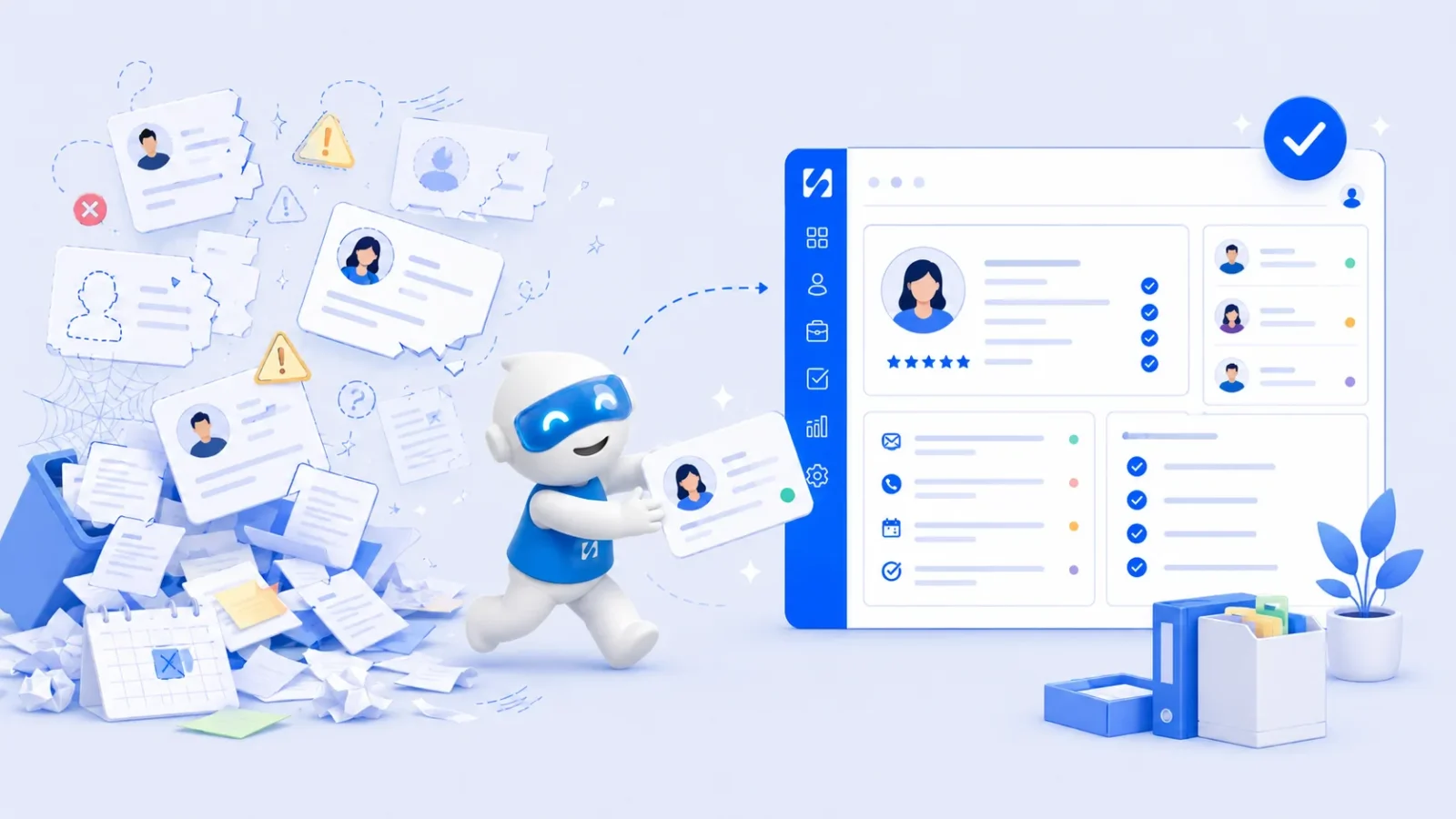
- Client information gets lost because it arrives through five channels and lands in five places. Decide what you need at each stage, collect it through one intake route, store it on one record per client, protect it, and use it to personalise proposals and follow-ups.
Client information gets lost for one simple reason: it arrives through five channels and ends up in five places. The enquiry comes in on Instagram, the brief by email, the budget in a voice note, the booking through a calendar link and the payment by bank transfer. To stop losing it, decide what you need to know at each stage, collect it through one intake route, keep one record per client that everyone updates, and protect it properly. Then put it to work in your proposals and follow-ups.
This guide covers exactly that. It is for freelancers, consultants, coaches, agencies and service businesses who have ever sent a proposal with the wrong name or package, or spent twenty minutes scrolling a chat before a call.
What counts as client information?
Client information is everything you know about a customer or potential customer that helps you serve them. It usually falls into four groups:
- Contact details: name, business name, phone, email, address, preferred channel.
- Context: what they need, why now, budget range, deadline, who decides, how they found you.
- History: messages, calls, meetings, quotes, bookings, what they bought and what they paid.
- Working details: brand files, logins you’ve been given, preferences, feedback and approvals.
The first group is easy to keep. The other three are where things get lost, and they are exactly what makes your service feel personal.
Why client information goes missing
It is rarely laziness. Most small businesses grow into a patchwork of tools that were never meant to work together. A typical week looks like this: an enquiry on WhatsApp, a form response in one inbox, an email thread in another, notes from a call in a notebook, and a spreadsheet updated “when there’s time”.
Each tool holds a piece of the story, and nobody holds all of it. The cost shows up in small, painful ways:
- You ask a client something they already told you.
- A proposal goes out with last month’s pricing or the wrong package.
- A teammate promises a date you didn’t agree to.
- A returning client has to explain their business from scratch.
None of these lose a client on their own. Together, they make you look disorganised and chip away at trust.
What client information to collect at each stage
Asking for everything up front scares people off. Asking for nothing means scrambling later. Spread it across the relationship:
| Stage | Collect | How |
|---|---|---|
| Enquiry | Name, contact, what they need, rough timing, how they found you | A short enquiry form or booking questions |
| Discovery call | Goals, budget range, decision maker, deadline, concerns | Notes on the client record straight after the call |
| Onboarding | Legal name and billing details, brand files, access, key contacts | An onboarding form and a shared folder |
| During the work | Feedback, approvals, change requests | Written approvals and notes on the record |
| After the work | Results, satisfaction, testimonial permission, next need | A short check-in or feedback form |
Our client intake form template gives you a ready set of questions for the enquiry and onboarding stages.
Ask better questions, not more questions
“What’s your budget?” often gets a nervous non-answer. “Most projects like this land between $3,000 and $6,000. Where does that sit for you?” gets a real one. “What would make this project a success in six months?” tells you more than ten checkbox questions. Good questions give you information you can actually use in a proposal.
Where to store client information so it stays found
The rule is simple: one record per client, one place, always updated. Whether that place is a CRM or a well-kept spreadsheet, every piece of the story should point back to that record.
Make the record the default, not an extra step
People skip steps that feel like admin. So remove the step. Let enquiry forms and booking pages create or update the client record directly. Bring WhatsApp and email into a shared inbox that sits next to the record. When information arrives in the right place by itself, the record stays current without anyone thinking about it.
Write notes as if someone else will read them
“Call went well” helps nobody. “Wants to launch before 1 December for their Christmas range. Budget about £4,000. Worried about ongoing costs. Decision by Friday with her business partner, Tom.” That note turns into a proposal almost by itself.
Keep files with the client
Brand guidelines, signed agreements, briefs and invoices should be linked to the client, not buried in a personal drive. If you can’t find the logo file in thirty seconds, neither can the teammate covering for you.
Use a few tags, consistently
Tags such as “retainer”, “past client”, “VIP” or “Lagos” make it easy to pull up the right people for a message or a review. Agree a short list as a team and stick to it. Ten tags used consistently beat a hundred that mean slightly different things to different people, and they make every later search and follow-up faster.
For a broader system for your whole list, see our guide on how to organise customer information, and for choosing a tool, how to choose a client tracking system.
Keeping client information safe and legal
Client information is personal data, and in many countries the law says how you must handle it. The details vary, but the principles are similar almost everywhere.
- Collect only what you need. The UK’s regulator puts it as data that is “limited to what is necessary” in its guidance on data minimisation. If you’ll never use someone’s date of birth, don’t ask for it.
- Control who can see it. Give team members access to what their role needs. Be especially careful with personal phone numbers and anything sensitive.
- Protect access. Use strong, unique passwords and two-step sign-in on every tool that holds client data, and never share logins in chats.
- Know where it lives. List every place client data is stored, including old spreadsheets and phones. You can’t protect what you’ve forgotten about.
- Delete what you no longer need. Set a simple rule, such as reviewing inactive records once a year.
In Nigeria, the Nigeria Data Protection Commission oversees the Nigeria Data Protection Act 2023, and other countries have their own regulators. This is general information, not legal advice, so check the rules where you and your clients are based.
How to personalise proposals with client information
This is where well-kept client information pays you back. A generic proposal reads like a price list. A personalised one reads like you were listening. Use what you’ve stored:
- Open with their goal, in their words. “You told us you want to double repeat bookings before next summer” beats “We offer comprehensive marketing solutions.”
- Use their numbers. If they said they get 40 enquiries a month and convert eight, show how your work changes that.
- Answer the worry they raised. If ongoing costs came up on the call, explain exactly what happens after launch and what it costs.
- Match their language. A restaurant owner and a law firm describe the same problem very differently. Mirror the words they used.
- Offer options that fit their budget. Two or three packages inside the range they gave you, rather than one number that may be far off.
- End with one clear next step. “Reply to confirm and we’ll send the agreement” or “Book a 15-minute call to choose a package.”
An example: from call notes to proposal
Here are example notes a small marketing agency in Lagos might take after a discovery call with a bakery owner (the names are made up):
Chioma, owner, two shops in Yaba and Lekki. Wants more cake pre-orders for weddings and birthdays. Most orders come by Instagram DM and she loses track of them. Budget about ₦400,000 to start. Worried about “paying for ads that don’t work”. Wants something live before December. Decides alone.
Every line becomes part of the proposal. The goal (more pre-orders) is the headline. The lost Instagram orders become the first problem you solve, perhaps with an order form and a follow-up routine. The worry about ads shapes the plan: start with organic content and a simple order page, then test a small ad budget with a clear stop rule. The December deadline sets the timeline, and the ₦400,000 budget sets the packages. Because she decides alone, you can ask for a decision by a set date.
Compare that with a proposal written from memory a week later. The difference is not writing skill. It is whether the information was captured and kept where you could find it.
Our guide on how to write a business proposal covers structure and pricing, and the free business proposal template gives you a layout to fill in.
Common client information mistakes
- Relying on memory for “small” details. A client’s child’s name, their busy season, the fact they hate phone calls. These details make service feel personal, and they vanish first.
- Storing the same client twice. “Ade Bello” from a form and “Adebayo B” from WhatsApp become two records with half the story each. Merge duplicates as soon as you spot them.
- Keeping approvals in voice notes. If a client approves a design or a price in a voice note, write a one-line note on the record with the date. Voice notes are almost impossible to search later.
- Asking for sensitive details you don’t need. Every extra piece of personal data is something you must protect. If it doesn’t change how you serve the client, don’t collect it.
- Letting one person own the knowledge. If only the founder knows the history of your biggest client, the business is fragile. Write it down where the team can see it.
Keeping client information up to date
Information goes stale quietly. A client changes email, a new manager takes over, the budget grows. Three small habits keep things current:
- Update at the moment of change. If a client mentions a new contact person on a call, add them before you close the call notes.
- Check key details at renewal. Before a new project or a contract renewal, confirm billing details and decision makers.
- Clean up monthly. Merge duplicates, fill obvious gaps and archive people you won’t contact again. Fifteen minutes a month is enough for most small businesses, and it saves hours of confusion later.
How startbuddi keeps client information in one place
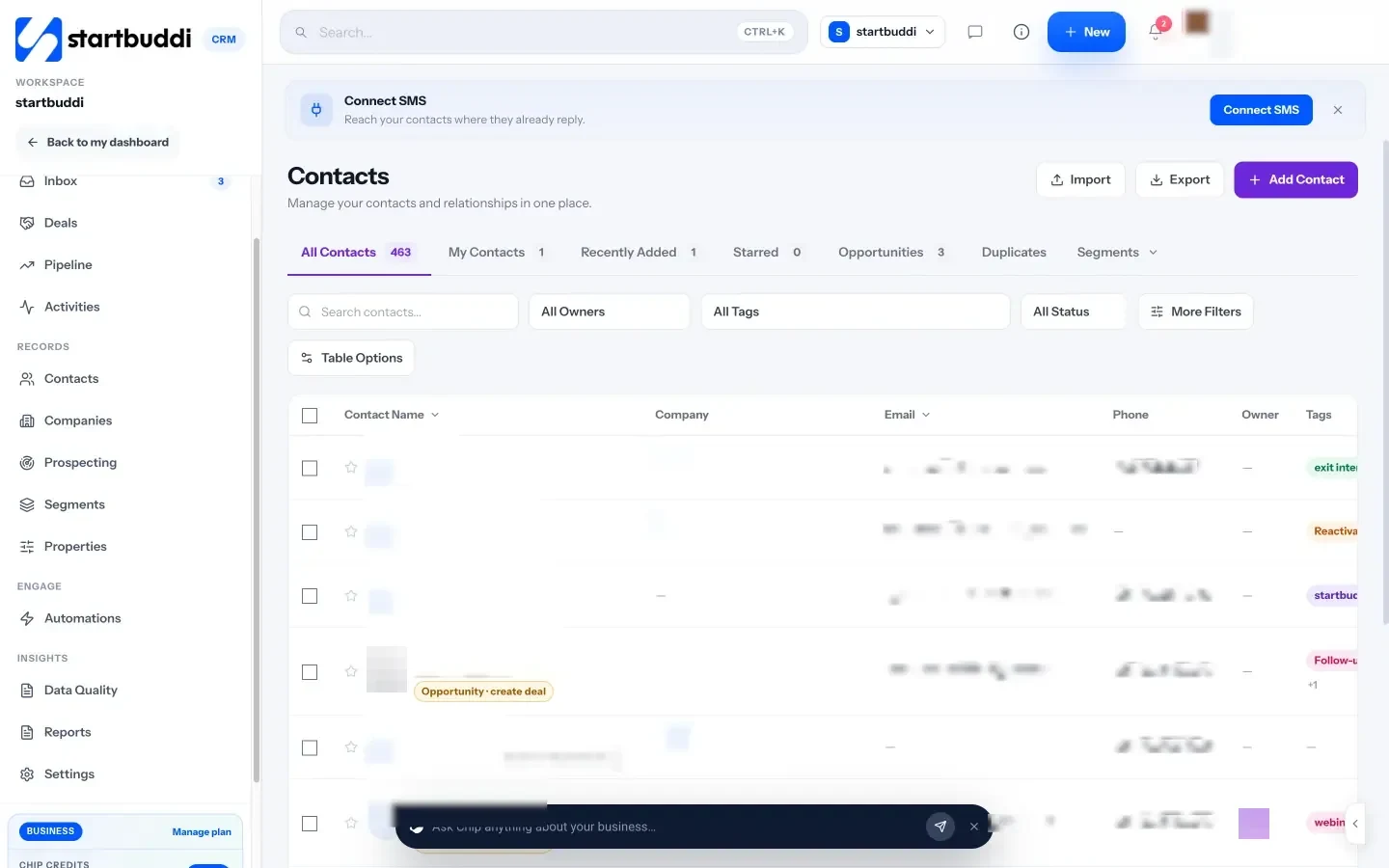
In startbuddi, each client has one contact record in Customers, and the tools that collect information feed into it.
- One page per client. The contact page has tabs for activity, notes, tasks, deals, files and communications, and a money tile showing what has been invoiced, paid and is outstanding. See contacts and companies.
- Your own fields. Properties let you add fields such as budget, service or renewal date. Define a property once and it can be used in forms, booking questions, automations, email and segments.
- Forms that fill the record. In Forms, each question can save its answer to a contact property, so intake answers land on the client record. See Forms.
- Notes shared with the inbox. Notes added on a contact or in the inbox appear in both, visible to your team and never to the client.
- Documents linked to clients. Proposals, contracts and other documents can be linked to a contact, project or booking, and variables fill details in for you.
- Privacy controls. Admins can mask customer phone numbers for team members below manager level.
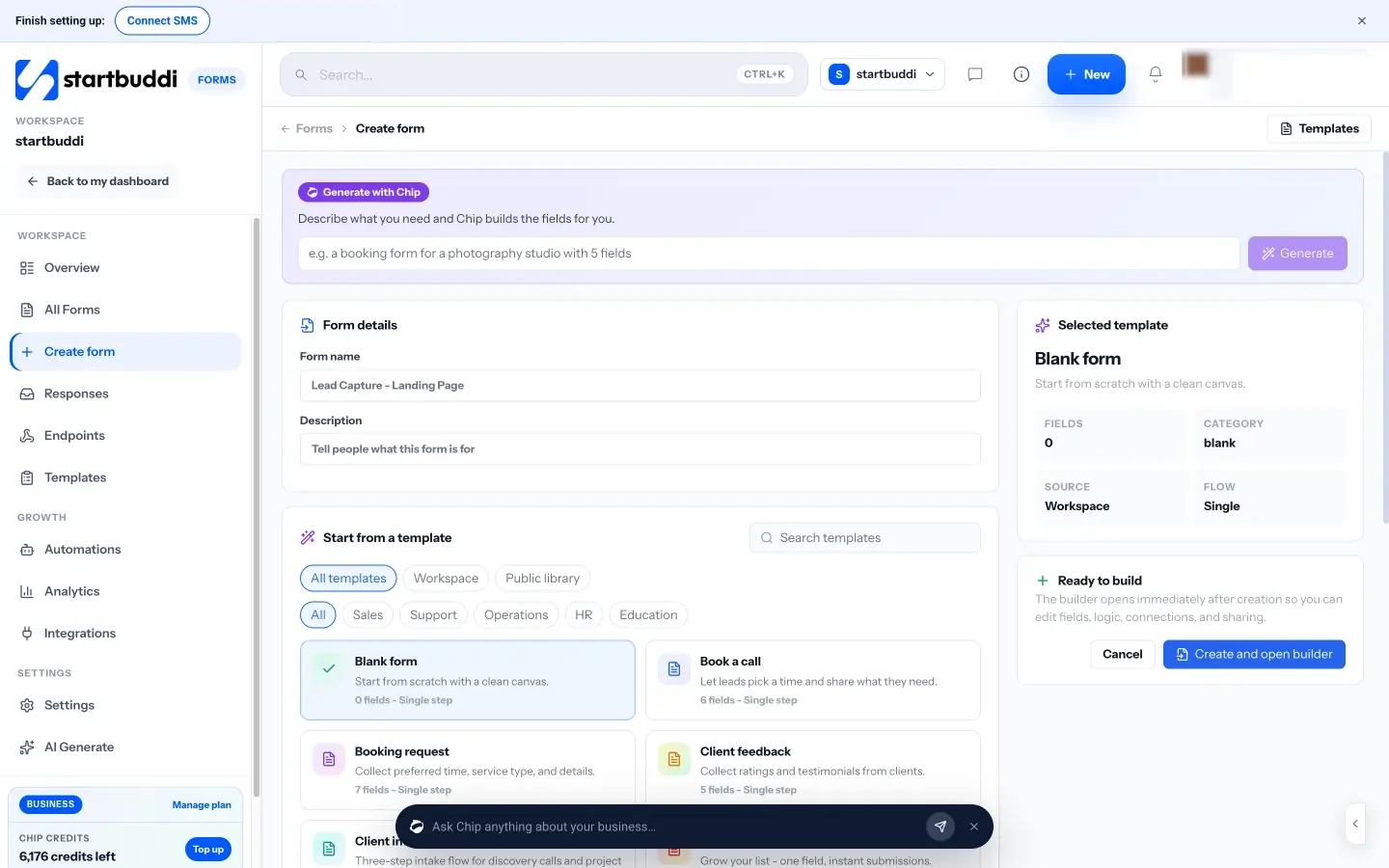
Chip, the AI assistant, can use what is on the record too. Ask it to summarise a client before a call, or to draft a proposal introduction, and edit the result before you send it.
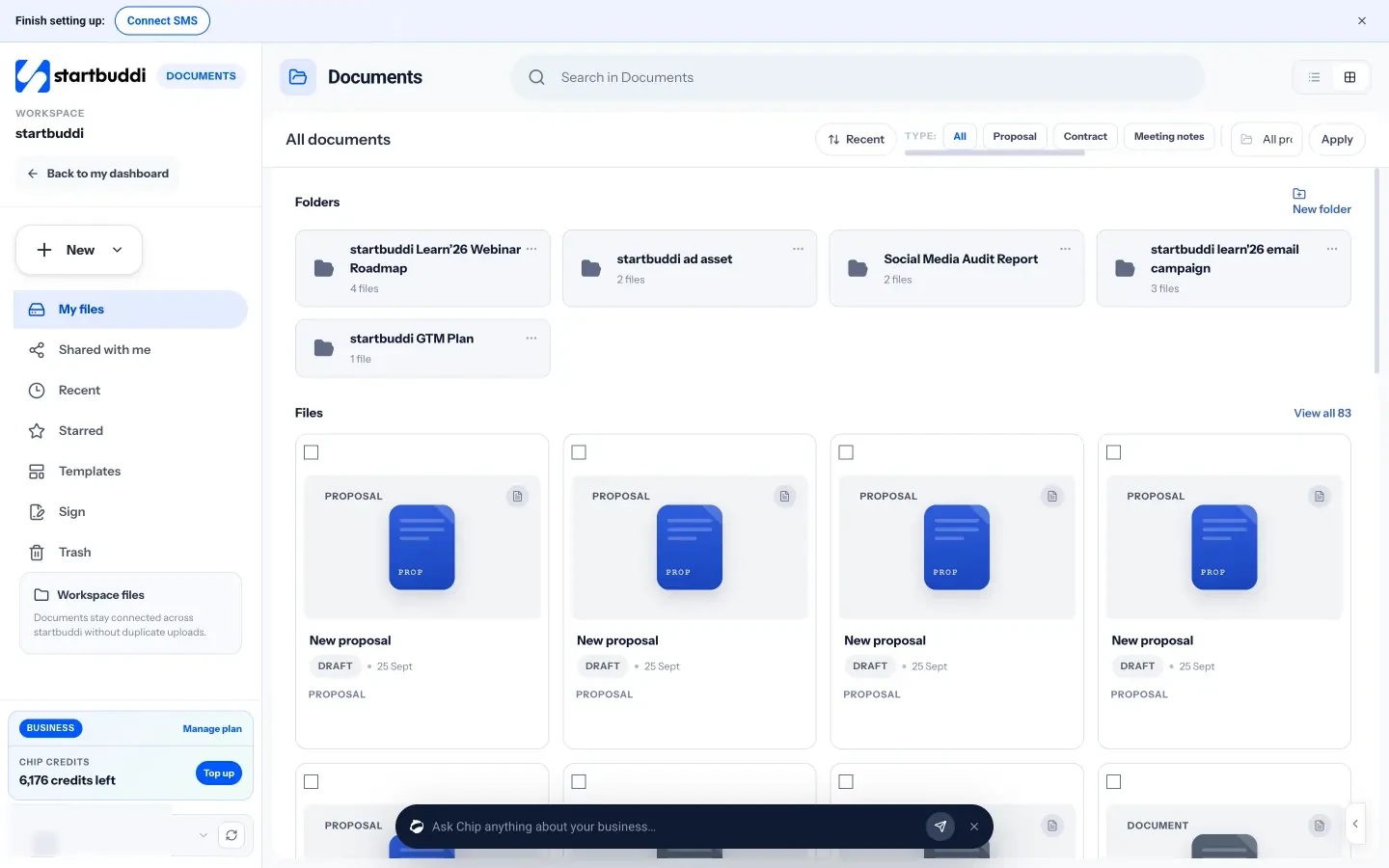
The Free plan includes up to 250 contacts and three documents. Starter raises contacts to 2,500 and adds more automations (see pricing), and every paid plan comes with a 30-day trial.
Your next step
Pick your three most recent clients and try to answer, from one place, their goal, budget, decision maker and last conversation. Wherever you had to search, that’s the gap to close first. When you’re ready to bring it all together, see the plans on our pricing page.
Sources
Frequently asked questions
What is client information?
Everything you know about a customer that helps you serve them: contact details, what they need, their history with you, and working details such as files, preferences and approvals.
What is the best way to store client information?
One record per client in one system, ideally a CRM that your forms, bookings and inbox feed into automatically, so nothing depends on copying details by hand.
How long should I keep client information?
Only as long as you have a real reason to, such as an active relationship, a legal duty to keep invoices, or a likely return. Rules differ by country, so check local data protection and tax requirements.
Is it safe to keep client details in WhatsApp?
It is risky as your only record. Chats live on one phone, are hard to search and disappear when a team member leaves. Log key details on the client record as well.
Tiwalade Joanna Okedara-Kalu is the founder, CEO and CTO of startbuddi, the business system that brings clients, bookings, invoices, projects, marketing and the Chip AI assistant into one place. Tiwalade builds software around how service businesses really work day to day, and writes about client management, getting paid on time and why small businesses outgrow the tools they start with.
Founded startbuddi and leads its product and engineering