You posted on Instagram; someone filled your contact form. A referral called you. Someone replied to your email campaign. Now you have leads sitting in four different places…
- Why Is Lead Source Tracking So Hard When You Use Multiple Channels?
- What Is a Lead in CRM
- How CRMs Handle Multi-Channel Lead Tracking Step by Step
- The Tools Businesses Normally Use and Why It Gets Messy
- How to Stop Losing Leads From Multiple Channels
You posted on Instagram; someone filled your contact form. A referral called you. Someone replied to your email campaign. Now you have leads sitting in four different places and you cannot remember who said what or where they came from.
This is one of the most common struggles for small business owners today. And it is not about working harder. It is about having the right system. Understanding how CRMs handle multi-channel lead tracking is the first step to fixing this problem.
This guide will walk you through what lead tracking actually means, why businesses lose leads without realising it, and how to connect all your lead sources in one place so nothing falls through the cracks.
Why Is Lead Source Tracking So Hard When You Use Multiple Channels?
Today a potential customer might find you through Google, Instagram, a referral, a WhatsApp message or a Facebook ad. Each of those is a different channel. Each one deserves a proper follow-up.
Most businesses are not set up for this. Leads sit in email inboxes. DMs go unread for days. Contact form submissions get buried. There is no single view of the customer journey and no way to know which channel is actually bringing in the best clients.
This is where lead source tracking becomes critical. When you know where your leads are coming from, you can focus on what is actually working.
What Is a Lead in CRM
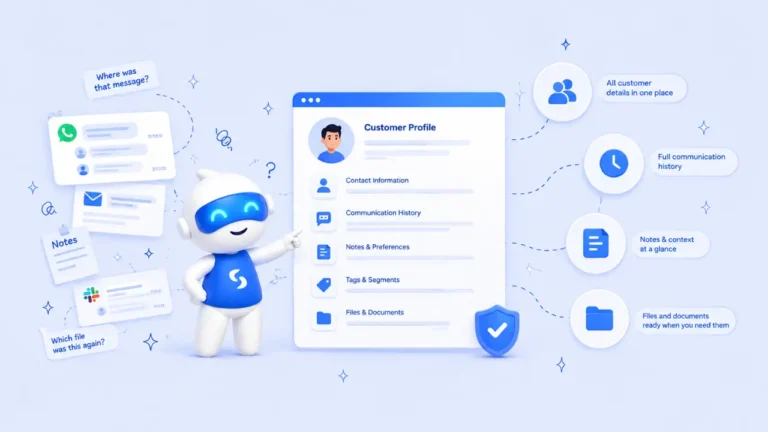
A CRM lead is any person who has shown interest in your business but has not yet become a paying customer. They might have filled a form, booked a call, sent a message or clicked your ad. In a CRM system, each lead gets its own record. You can see their name, contact details, where they came from and what stage of your sales pipeline they are in.
Without this, you are guessing. With it, you have real sales pipeline visibility across every channel you use.
How CRMs Handle Multi-Channel Lead Tracking Step by Step
Here is how CRMs handle multi-channel lead tracking in a practical way that works for small businesses.
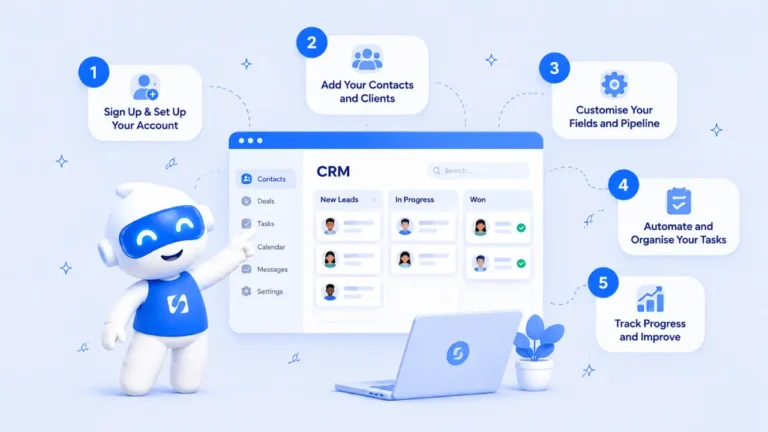
Step 1: Capture Leads From Every Channel Automatically
A good CRM connects to your website forms, landing pages, social media ads and email campaigns. When someone submits a form or clicks an ad, their information goes directly into the CRM. You can read more about how lead capture automation removes manual entry entirely.
Step 2: Tag Each Lead With Its Source for Accurate Lead Attribution
Every lead that enters your CRM gets tagged with where they came from. Instagram ad. Google search. Referral. Email campaign. This is what makes lead attribution models useful. You can see exactly which channels are driving real results and which ones are wasting your time.
Step 3: Map the Full Customer Journey and Track Touchpoints
A lead rarely converts on first contact. They might click your ad, visit your website, then come back three days later and fill a form. CRMs track these touchpoints across the full customer journey so you see the complete picture, not just the last interaction.
Step 4: Move Leads Through a Clear Pipeline
Once a lead is captured, they move through stages. New lead. Contacted. Proposal sent. Closed. This is your pipeline. With strong pipeline visibility you always know where each lead stands and what the next action should be.
Step 5: Automate Follow-Ups for Better Conversion Tracking
Most leads do not convert because no one follows up. CRMs solve this with automation. A lead fills your form, they receive a confirmation email automatically. A follow-up goes out shortly after. You get a reminder to call. This kind of conversion tracking runs without you doing anything manually. See how to properly follow up with leads using automated systems.
The Tools Businesses Normally Use and Why It Gets Messy
To do all of this without a CRM, most businesses end up using a long list of separate tools. A form builder to collect leads. A spreadsheet to track them. An email platform for follow-ups. A booking tool to schedule calls. A payment tool on top of that.
Popular platforms like Salesforce CRM, HubSpot CRM and Zoho CRM are powerful options for larger teams. But they also come with steep learning curves, complex setup and monthly costs that add up quickly when you are running a lean operation.
This is why more small business owners are moving toward all-in-one platforms. Instead of paying for five different tools and spending weeks connecting them, everything lives in one place from day one. Your forms, CRM, bookings, payments and automations all work together automatically.
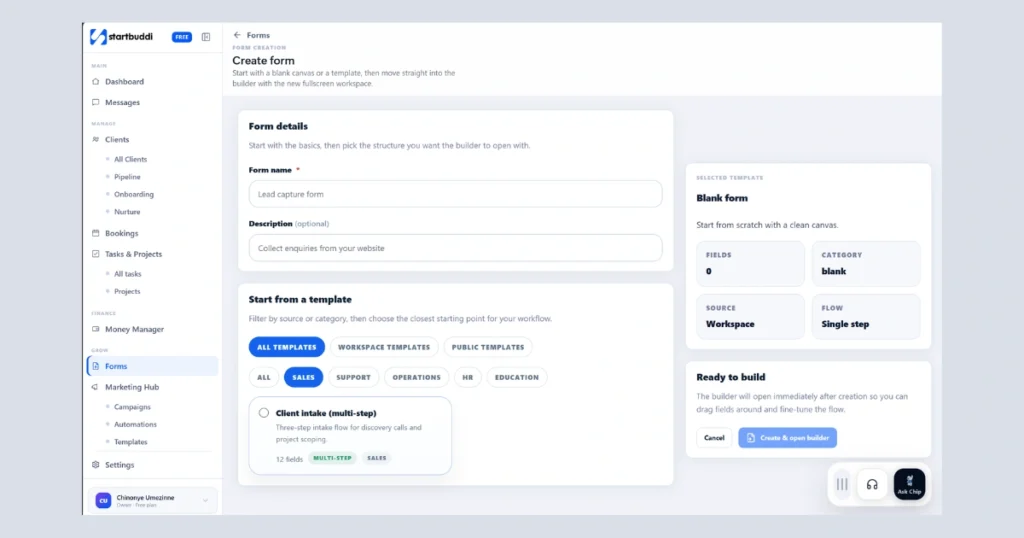
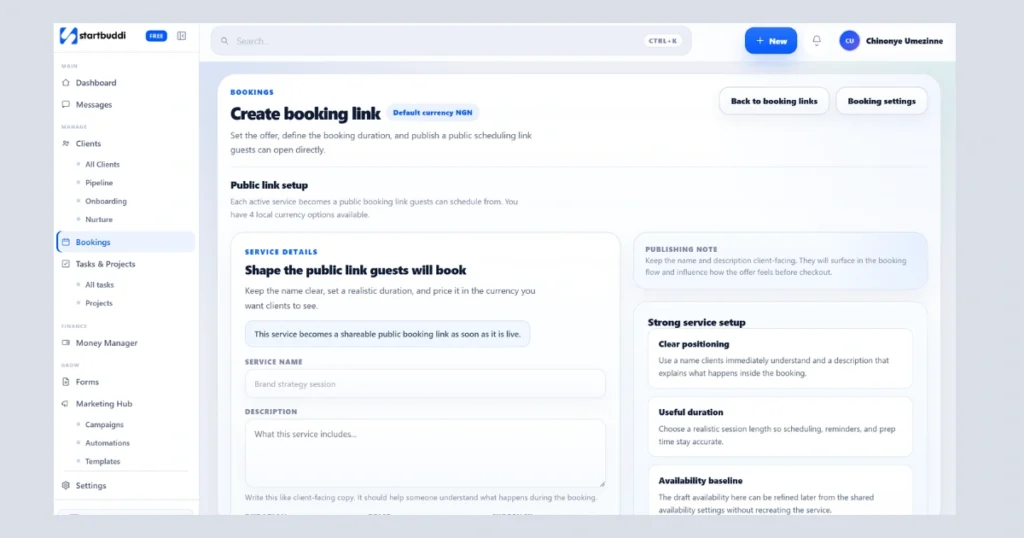
Rather than paying separately for a form builder, a CRM, a booking tool and an email platform, startbuddi combines all of these into one system built for small businesses. So instead of managing Typeform, Calendly, Mailchimp and a CRM separately, startbuddi gives you lead capture, customer tracking, bookings and automated follow-ups under one roof. You only pay for what you actually need.
How to Stop Losing Leads From Multiple Channels
Knowing how CRMs handle multi-channel lead tracking is one thing. Putting it into practice is another.
If you want to stop losing leads from multiple channels, the answer is to simplify your system, not add more tools. Here is what a clean workflow looks like.
A potential client sees your Instagram post and clicks the link. They fill a short form on your page. Their contact enters your CRM automatically with the source tagged as Instagram. They receive a confirmation message. You get a notification. An automated follow-up goes out two days later. You can track leads and see their full history in one place. That is how to connect all your lead sources in one CRM without dropping any opportunity.
Service businesses, online stores and even fashion brands like those covered in this online business guide are discovering that proper lead management is what separates businesses that grow consistently from those that stay stuck.
Frequently Asked Questions
Run this from one workspace
Clients, projects, money and marketing — connected, not scattered across five apps.
See how it worksWhat is a lead in CRM?
A CRM lead is a contact who has shown interest in your business but has not yet become a paying customer. In a CRM, each lead has a profile showing their details, where they came from and where they sit in your sales pipeline.
How do I track lead source performance in a pipeline?
You track lead source performance by tagging each lead with the channel they came from when they enter your CRM. Over time you can filter your pipeline by source and see which channels bring in the most leads and which ones actually convert to paying clients.
How do I prioritize leads and deals with CRM dashboards?
CRM dashboards let you view all your leads in one place, sorted by stage, source or activity level. You can score leads based on engagement and recent interactions. This helps you focus your time on the contacts most likely to close.
How do I connect all lead sources in one CRM?
You connect your lead sources by integrating your forms, landing pages, social media tools and email platforms directly with your CRM. When everything feeds into one system, every lead is captured automatically with its source tagged, follow-ups happen on time and nothing gets missed.
Conclusion
Understanding how CRMs handle multi-channel lead tracking is not just a technical topic. It is the difference between a business that grows predictably and one that relies on memory and manual follow-up.
When your bookings, CRM, forms and automations all work together, you stop losing leads. You see which channels bring in the best clients. You follow up faster and close more deals.
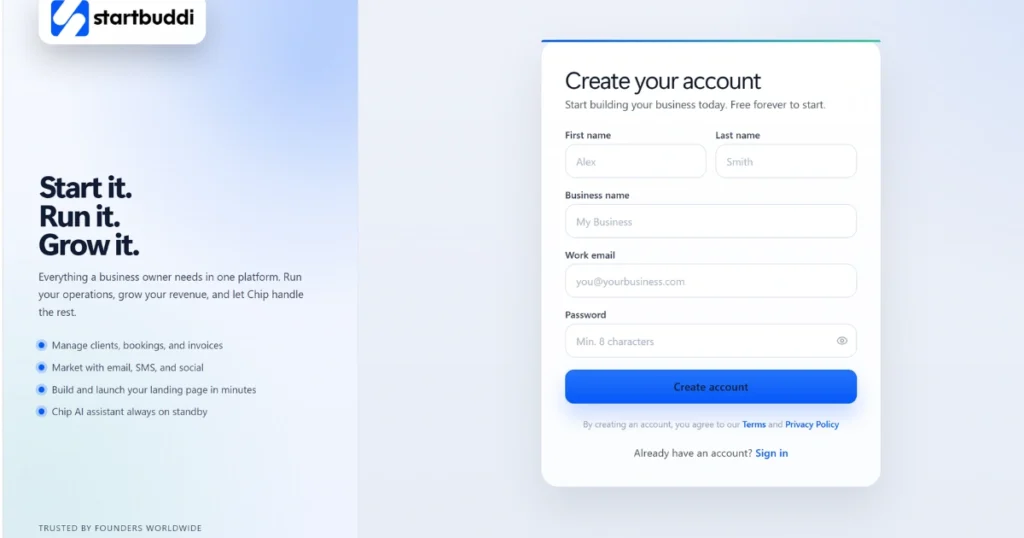
If you are ready to build a proper system, book a free consultation with the startbuddi team to get started the right way. You can also create a free account, choose only the modules you need and be up and running quickly. Paid plans start at less than $10 per month
Put this into practice
Everything in this guide is built into startbuddi — free to start.
Start freeWritten by
Chinonye Umezinne
SEO Copywriter| Email growth Specialist| I help businesses increase revenue with strategic SEO content & high-converting email funnels.
Keep reading
Related playbooks
Stop reading. Start doing.
Free to start. No card needed. Your full workspace is ready in five minutes.