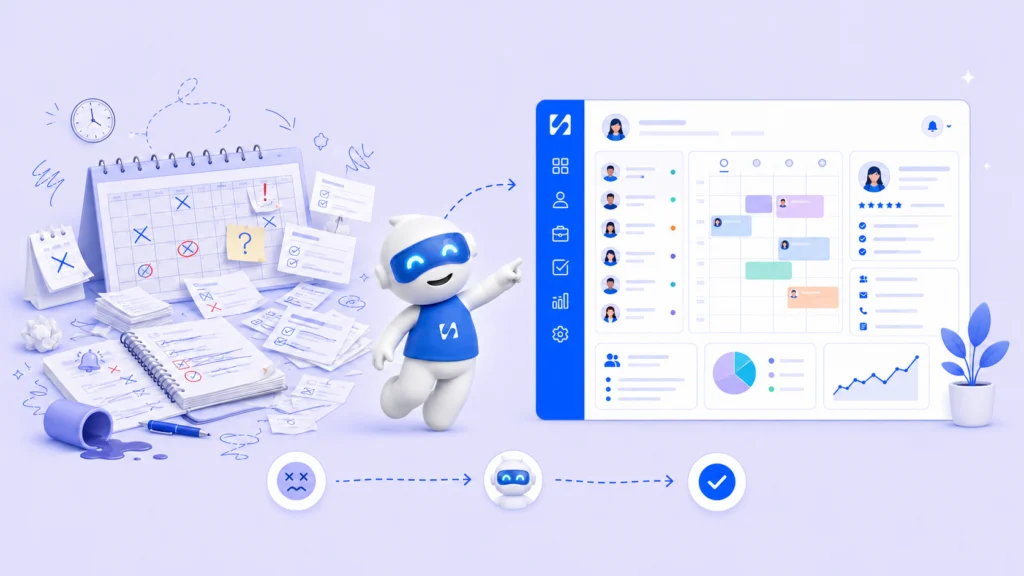
A seamstress confirmed two clients for Saturday at 10am. One came through WhatsApp. One was in her notebook. She did not catch it until both showed up at her…
- Why Is Keeping Track of Clients Information So Hard Without a System?
- What Are the Most Common Ways Manual Tracking Breaks Down?
- What Should a Simple System for Keeping Track of Clients Information Include?
- Is Manual Tracking Ever Good Enough?
- How Do You Move From Manual Chaos to a Working Client System?
A seamstress confirmed two clients for Saturday at 10am. One came through WhatsApp. One was in her notebook. She did not catch it until both showed up at her door at the same time. That is what happens when client information is scattered across too many places at once.
If you run a service business and you are trying to figure out how to keep track of clients information, the real problem is almost never effort. It is structure. This article breaks down where manual tracking breaks down, what a working system needs, and how to fix it today.
Why Is Keeping Track of Clients Information So Hard Without a System?
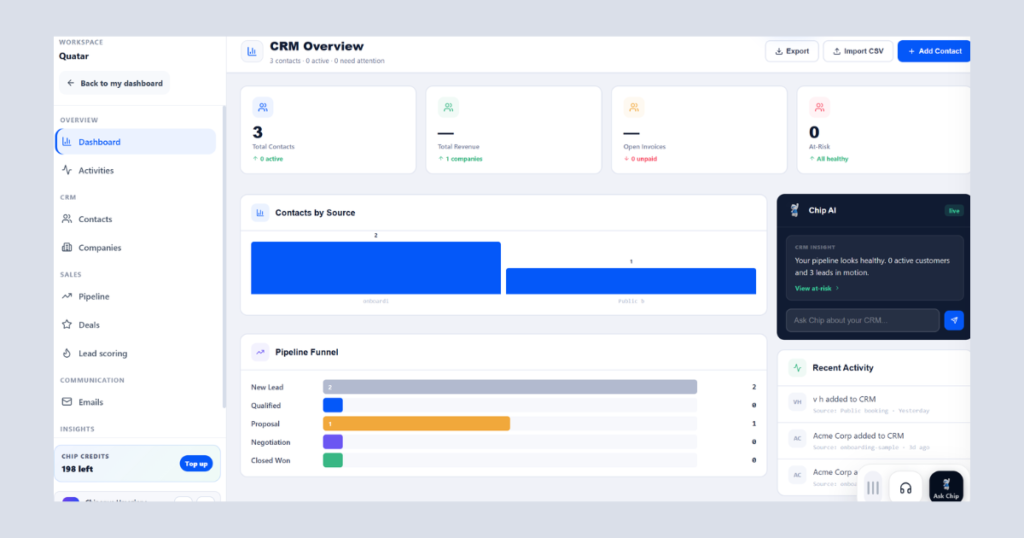
Manual tracking feels manageable with two or three clients. A notebook here, a voice note there. It works until it does not.
The real issue is that every piece of information lives in a completely separate place. Your notebook has no connection to your WhatsApp and your phone calendar has no link to the deposit someone sent last Tuesday. Your memory is the only thing holding everything together, and that is an unreliable way to run a business.
What Are the Most Common Ways Manual Tracking Breaks Down?
Manual tracking does not collapse all at once. It fails quietly, one missed note at a time, until a busy day reveals exactly how broken the system has become.
By double booking
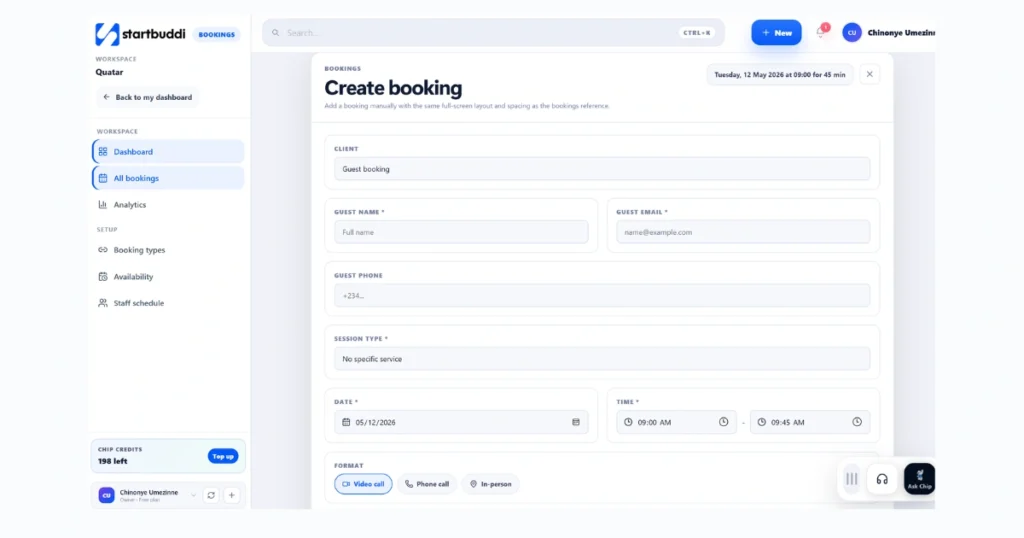
Double-booking happens when your appointments exist in more than one place. You check the notebook for Friday at 2pm, it looks free, and you confirm the new booking. But the client you confirmed via WhatsApp three days ago is already in that slot.
If you want to know how to avoid double booking for good, every appointment must live in one place. A single calendar showing all confirmed bookings in real time, before you accept anything new, is the only way to guarantee this stops.
Managing Bookings and Payments in One Place
Most providers track bookings in one place and payments in another. A deposit comes in, you note it somewhere, and by appointment day you cannot find the record. Now you are either chasing a client for money they already paid or absorbing a loss you cannot prove.
When you manage bookings and payments in one place, this problem disappears. You open the appointment, the deposit is right there, and you know exactly what is still outstanding before the client walks in.
Losing a client’s booking history
Repeat clients are your most valuable clients. They already trust you. But if you cannot pull up their measurements or how many fittings they needed last time, you are starting from scratch every visit. Learning how to follow up with leads and existing clients properly is what turns a one-time booking into a long-term relationship.
According to Formstack, 72% of workers say inefficient processes negatively impact their job. For service businesses still running on notebooks and message threads, that frustration shows up every single day in missed bookings, lost payments, and clients who do not come back.
What Should a Simple System for Keeping Track of Clients Information Include?
You do not need something complicated. You need the right things connected to each other in the right way.
For example; seamstresses and tailors, the question is not just about having a calendar. It is about how your calendar, clients, and bookings are structured and linked together. A proper seamstress appointment scheduling database schema for calendar, clients, and bookings means every appointment automatically carries the client’s name, service details, measurements, and payment status inside one single record.
Every client information record should hold at minimum:
- Full name and contact number
- Service requested, with measurements, fabric, and style details
- Appointment date, time, and estimated duration
- Deposit paid and balance remaining
- Notes and history from previous appointments
How Do You Organize a Booking Calendar for Clients?
A booking calendar that actually works does more than display dates. It shows real-time availability, flags conflicts before you confirm them, and stays directly linked to each client record. A calendar with no connection to your client data or payment status is just a date grid, and on its own, it is simply not enough.
Is Manual Tracking Ever Good Enough?
Yes, briefly. Three or fewer active clients with simple services, a notebook holds things together. But the moment you are taking deposits or juggling more than five clients, manual tracking becomes a liability. Decisions made from memory are exactly where money and client relationships get lost.
| Situation | Manual Tracking | With a System |
| 1 to 3 clients | Workable | Not needed yet |
| 5+ clients with deposits | Risky | Strongly recommended |
| Repeat bookings (seamstress) | Loses history | Full history saved |
| Bookings and payments together | Two separate systems | One connected view |
| Avoiding double-booking | Hard to guarantee | Automatic conflict alerts |
| Appointment reminders | Manual effort | Sent automatically |
How Do You Move From Manual Chaos to a Working Client System?
The transition does not have to be complicated. Three steps cover most of it.
Start with your client list. One place, every client. Once they all live in a single database, keeping track of clients information becomes something your system does for you, not something you carry in your head.
Connect your calendar to your client records. When you create a booking, it should pull from your client list automatically and show you available slots before you confirm anything new.
Attach payment records to every booking. When a deposit is logged, it updates the appointment. You never have to scroll through a message thread to verify a payment again.
Frequently Asked Questions
How to avoid double booking with multiple clients?
Keep every booking in one shared system. When all confirmed appointments are visible before you accept a new one, conflicts become impossible. Splitting your calendar across a diary, a phone, and message threads is exactly where double-booking starts.
Run this from one workspace
Clients, projects, money and marketing — connected, not scattered across five apps.
See how it worksHow do I manage bookings and payments in one place?
Use a client management interface that attaches payment records directly to each booking. Deposit received, balance outstanding, fully paid, all visible on the appointment itself, removing confusion from tracking them separately.
What is a seamstress appointment scheduling database schema for calendar, clients, and bookings?
It is the structure that links your calendar, client records, and bookings together. When connected, every appointment automatically carries client details, service notes, and payment status without entering it in multiple places.
What is the best way to keep track of clients information for a small service business?
The best system keeps your client data, booking calendar, and payments connected in one place. A spreadsheet works for three or fewer clients. Beyond that, a dedicated client management interface pays for itself quickly in time saved and mistakes avoided.
Conclusion
startbuddi is built for small service businesses that are done managing clients through notebooks and scattered message threads.
You get a full client management interface that saves every client detail, connects to your booking calendar, and tracks payments inside every appointment. Reminders go out automatically so clients show up without you chasing anyone.
If a client has booked before, their full history is right there when they rebook. No digging, no guessing. It is exactly what you need to keep track of clients information without the chaos of doing it manually.
Put this into practice
Everything in this guide is built into startbuddi — free to start.
Start freeWritten by
Chinonye Umezinne
SEO Copywriter| Email growth Specialist| I help businesses increase revenue with strategic SEO content & high-converting email funnels.
Keep reading
Related playbooks
Stop reading. Start doing.
Free to start. No card needed. Your full workspace is ready in five minutes.