Still in the CRM vs Excel debate? The longer you stay on spreadsheets, the more deals, clients, and time you lose. Here is what you need to know.
- What Is the Real Difference Between CRM vs Excel?
- Why Do Small Businesses Start with Excel for Customer Management?
- What Are the Biggest Problems with Using Excel as a CRM?
- How Does a CRM Outperform Excel for Business Growth?
- When Should You Stop Using Excel and Switch to a CRM?
If you are still debating CRM vs Excel for managing your customers, you are not alone. Most small businesses start with Microsoft Excel because it is familiar and costs nothing extra. But that comfort has a hidden price.
Spreadsheets were built for numbers, not for managing relationships or scaling a sales process. This article breaks down exactly where Excel falls short, what a CRM does differently, and how to know when the switch is long overdue.
What Is the Real Difference Between CRM vs Excel?
Both tools store data. That is where the similarity ends.
Excel organizes information in rows and columns. It handles formulas, pivot tables, and basic charts. For budgets and simple lists, it does a solid job.
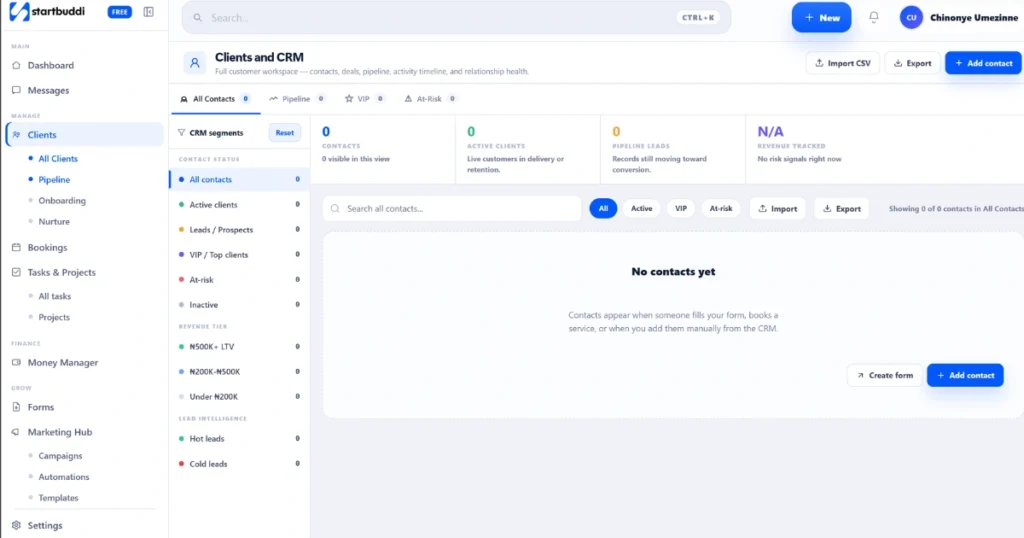
A CRM is built specifically for managing business relationships. It centralizes contact history, tracks deals through a visual pipeline, automates follow-ups, and gives every team member a live, shared view of every client.
The clearest way to understand the CRM vs Excel gap:
- Excel stores your data
- A CRM acts on your data
One is a filing cabinet. The other is an active system that helps you close more deals and keep more clients.
Why Do Small Businesses Start with Excel for Customer Management?
There are real reasons. Excel is free or included in most Microsoft 365 subscriptions. Almost everyone already knows how to use it. Setup takes minutes. It handles simple client lists and basic status tracking well.
For a founder managing ten clients, Excel is fine. The problems begin when the business grows and the spreadsheet does not.
What Are the Biggest Problems with Using Excel as a CRM?
This is where the real cost becomes visible. Most businesses that rely on Excel hit the same walls.
1. No Automation
Every update in Excel is manual. You enter data, update statuses, and chase your own reminders. Nothing happens automatically. No follow-up emails go out. No alerts fire when a lead goes cold.
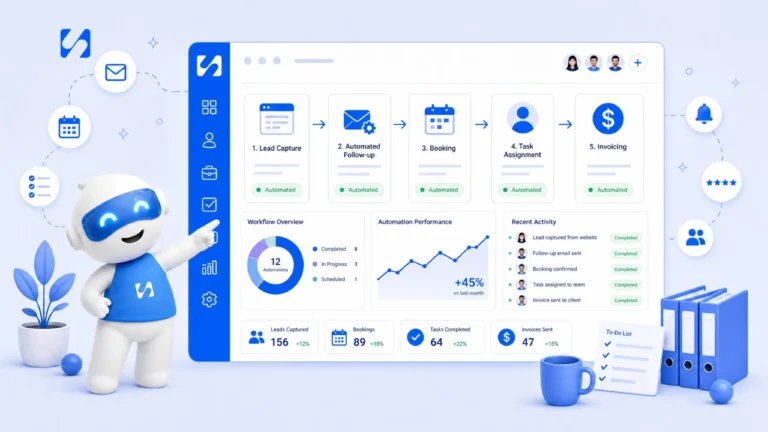
Platforms like startbuddi handle workflow automation natively, so your team spends less time on manual updates and more time on actual client work.
2. Version Chaos
When several people work from different copies of the same spreadsheet, things fall apart fast. One person overwrites a contact. Another deletes a row. You end up with multiple files and no clear answer about which is current.
A CRM gives everyone one live system, updated in real time, with no attachments and no confusion.
3. No Team Collaboration
Excel was not designed for teams. There is no way to tag a colleague, assign a task, or see who last spoke to a client and what was said. Sales teams need visibility and accountability. A spreadsheet provides neither.
4. No Pipeline Visibility
A CRM shows your full sales pipeline visually. Every deal sits in a clear stage, from first contact to closed. Excel gives you rows. There is no stage management, no deal probability, and no easy way to spot which opportunities are slipping.
5. Errors and Security Risks
A 2024 study found that 44% of businesses report spreadsheet errors every month. A wrong formula corrupts your forecast. A mistyped number leads to bad decisions. On top of that, sharing a file over email means you have no control over where sensitive client data ends up. A CRM provides role-based access, audit logs, and cloud-level encryption that Excel simply cannot match.
How Does a CRM Outperform Excel for Business Growth?
When you look at CRM vs Excel from a growth perspective, the CRM advantages compound quickly.
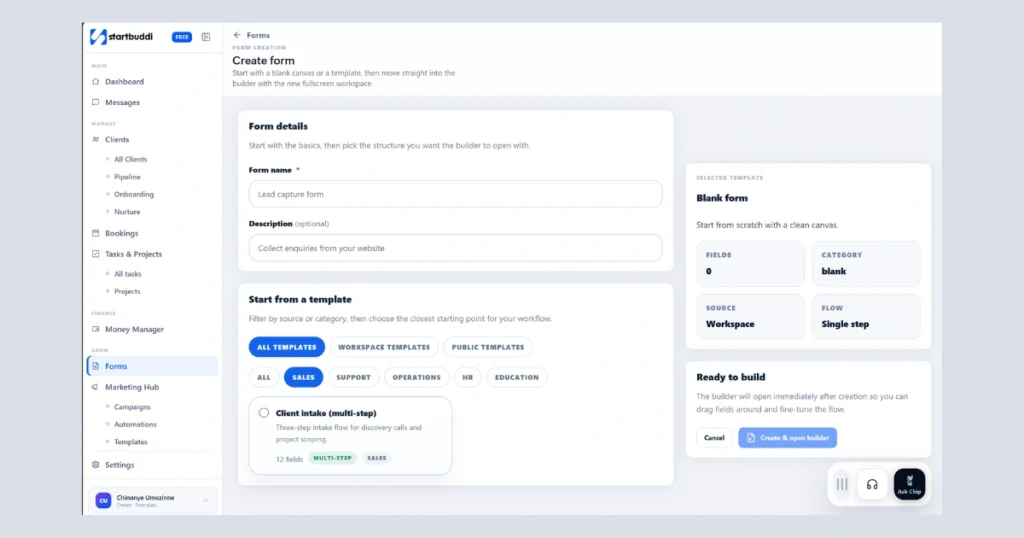
Centralized data: All contact history, notes, and deal stages live in one place. Every team member sees the same information instantly.
Workflow automation: Follow-up reminders, lead assignments, and task creation run on their own. No lead falls through the cracks.
Better reporting: A CRM generates conversion rates, deal lengths, and revenue forecasts in seconds. Excel needs hours of manual formula work to come close.
Scalability: Adding a new team member means giving access, not reformatting a shared file.
Tool integrations: A modern CRM connects to your email, calendar, invoicing, and project tools without manual data exports.
For businesses that need CRM features, project tracking, and team collaboration without enterprise-level complexity, tools like StartBuddi pull all of this into one place.
When Should You Stop Using Excel and Switch to a CRM?
The CRM vs Excel tipping point is different for every business, but these signals are consistent:
- You have more than 50 active clients or leads
- More than one person needs access to your customer data
- You are missing follow-ups or losing deals due to disorganization
- Building a basic report takes more than 30 minutes
- You cannot tell which team member last contacted a client
- You are managing multiple versions of the same spreadsheet
If two or more of these apply right now, you have already outgrown Excel for customer management.
Is Excel Ever Better Than a CRM?
Yes, in specific situations. Excel still works well for:
- One-time financial analysis or budget modeling
- Businesses with fewer than 10 clients and no structured sales process
- Complex formula-heavy calculations that need no collaboration
- Temporary data projects that require no automation or follow-up
The key is matching the tool to the job. Excel is a spreadsheet. A CRM is a relationship management system. They solve different problems.
What Should You Look for in a CRM to Replace Excel?
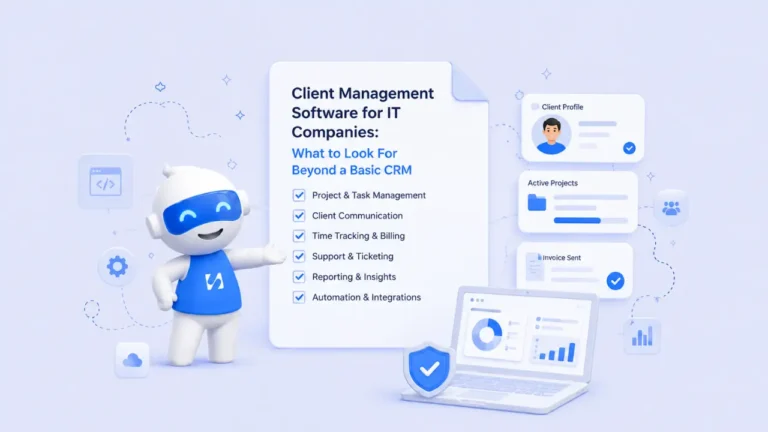
Choosing the right CRM matters as much as making the switch. Look for:
Run this from one workspace
Clients, projects, money and marketing — connected, not scattered across five apps.
See how it works- Contact and lead management with full activity history
- Visual sales pipeline with drag-and-drop stages
- Workflow automation for follow-ups and task creation
- Team collaboration with comments, tags, and task assignments
- Real-time reporting dashboard
- Email and calendar integrations
- Mobile access for your team
- Simple onboarding that requires no IT support
On pricing: solid entry-level CRMs start well under $10 per user per month like startbuddi.
Frequently Asked Questions
Can I use Excel as a CRM?
Yes, but only at the earliest stage. Excel can store contact details and basic notes. However, it lacks automation, real-time collaboration, pipeline visibility, and the security a growing business needs.
What is the main advantage of a CRM over Excel?
A CRM automates routine tasks like follow-ups, centralizes all client data in one live system, and gives your team real-time visibility into every deal. Excel does none of this automatically.
Is switching from Excel to a CRM expensive?
Not necessarily. Many solid CRMs start under $15 per user per month. The time saved on manual data entry alone usually pays for the tool within the first few weeks.
How long does it take to migrate from Excel to a CRM?
Most small teams complete their migration in one to two days. Most CRMs include built-in import tools that accept CSV exports directly from Excel.
Conclusion
The CRM vs Excel question comes down to one thing: has your business grown beyond what a spreadsheet can manage?
Excel is a good starting point. But it was not built for client management, team collaboration, or sales automation. As your business grows, spreadsheets create more problems than they solve.
If you are losing deals or drowning in manual updates, the switch is overdue startbuddi gives small businesses a practical way to manage clients, automate workflows, and track projects, and you can get started for less than $10 per month.
Put this into practice
Everything in this guide is built into startbuddi — free to start.
Start freeWritten by
Chinonye Umezinne
SEO Copywriter| Email growth Specialist| I help businesses increase revenue with strategic SEO content & high-converting email funnels.
Keep reading
Related playbooks
Stop reading. Start doing.
Free to start. No card needed. Your full workspace is ready in five minutes.