You are running a business. Leads are coming in. Customers are sending messages. Bookings need to be confirmed. And somewhere in the middle of all of this, a…
- What a CRM Actually Does for Your Business
- How to Choose a CRM: The Key Things to Look For
- Tools Businesses Normally Use and Why It Gets Complicated
- How to Pick a CRM System That Actually Works for You
- Frequently Asked Questions
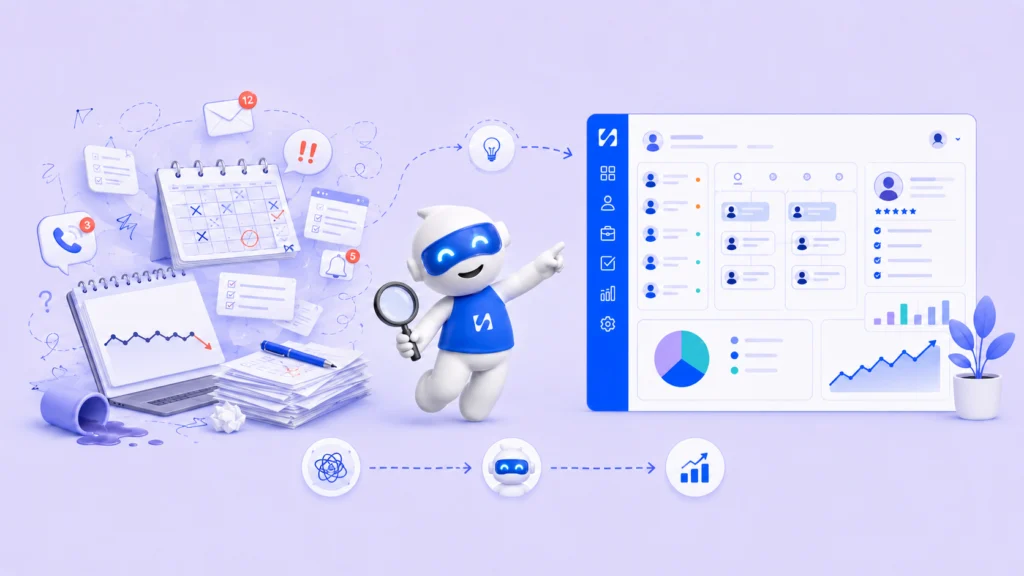
You are running a business. Leads are coming in. Customers are sending messages. Bookings need to be confirmed. And somewhere in the middle of all of this, a follow-up falls through the cracks and you lose a sale.
This is the exact moment most founders start thinking about how to choose a CRM. A customer relationship management system can change how you track leads, manage contacts, and follow up with people who are interested in your offer.
But with so many options available, picking the right one can feel just as overwhelming as not having one at all.
This guide will walk you through what a CRM does, what to look for, how popular tools compare, and a smarter way to run your entire customer system without juggling multiple platforms.
What a CRM Actually Does for Your Business
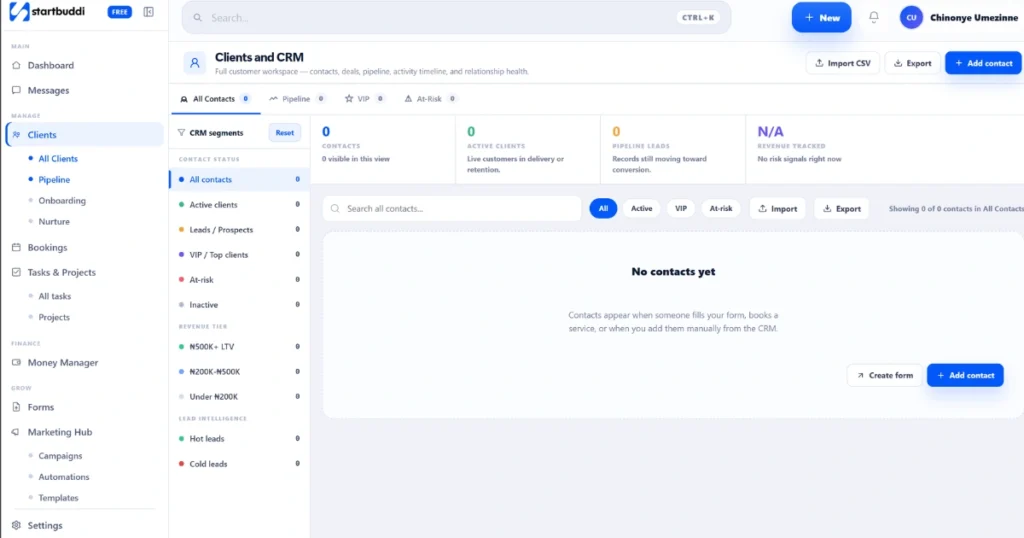
A CRM is software that stores and manages information about your leads and customers in one place. It tracks every interaction from the first enquiry to the final payment.
Without one, most small businesses rely on spreadsheets, email threads, and memory. This leads to missed follow-ups, lost deals, and a customer experience that feels disorganized.
A good CRM gives you a clear view of your sales pipeline, reminds you to follow up at the right time, and automates repetitive tasks like sending confirmation emails.
According to Salesforce’s State of CRM report, businesses that connect their data and automate processes see significant improvements in sales performance and customer retention. Understanding the customer decision journey also matters here. Most customers do not buy on the first visit. A CRM helps you stay present throughout that process without chasing people manually.
How to Choose a CRM: The Key Things to Look For
Knowing how to choose a CRM starts with understanding what your business needs right now, not what a large enterprise needs.
Ease of use comes first: If the tool takes weeks to figure out, you will stop using it. The best CRM for a startup is one you can get running in a day.
Look for features that match your workflow: Do you need lead tracking? Appointment booking? Automated messages? Your contact management software should solve the specific problems your business has today.
Check the automation capabilities: A CRM with automation workflows can send a welcome email when someone fills in a form, assign a lead, or send a reminder before an appointment. This saves hours every week.
Look at how it connects with other tools: Good CRM integration tools that connect cleanly with your booking system, email, or payment platform save a lot of frustration down the line.
Compare the total cost: Affordable CRM software exists: Many founders overpay simply because they went with a well-known brand without comparing what is actually available.
Tools Businesses Normally Use and Why It Gets Complicated
When most founders start managing customers, they end up with something like this: HubSpot CRM for contacts, Calendly for bookings, Typeform for intake forms, Mailchimp for emails, and Zapier to connect it all.
Each tool works fine on its own. But
when an automation breaks or data does not sync, customer information gets scattered and follow-ups are missed. You spend more time managing software than running your business.
Tools like Salesforce and Zoho CRM are powerful but built for larger teams. Pipedrive is great for sales pipeline tracking but does not cover bookings or forms. You end up patching together a system that costs more and breaks often.
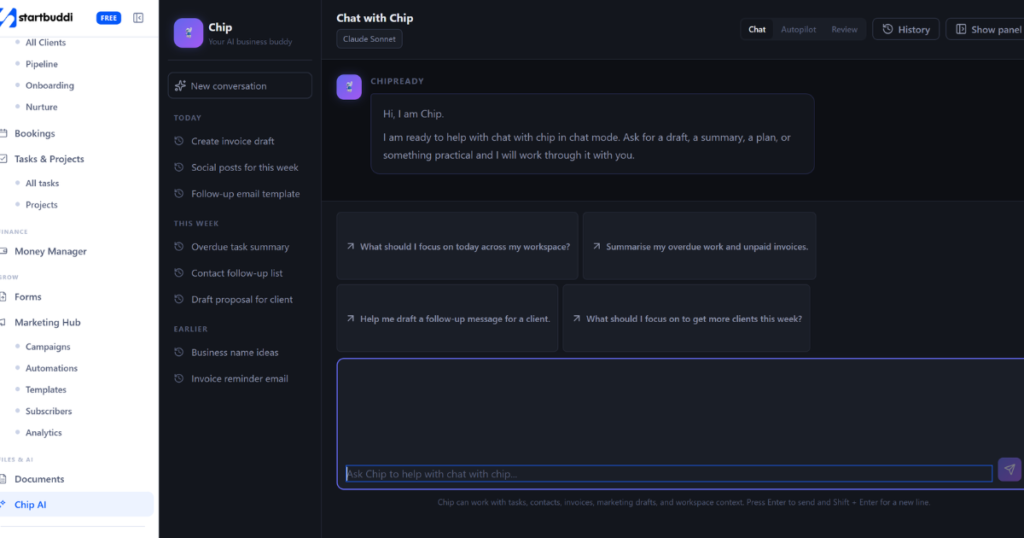
This is where a single unified platform makes far more sense. Instead of paying separately for a booking tool, form builder, CRM, and email system, platforms like startbuddi bring all of this into one place.
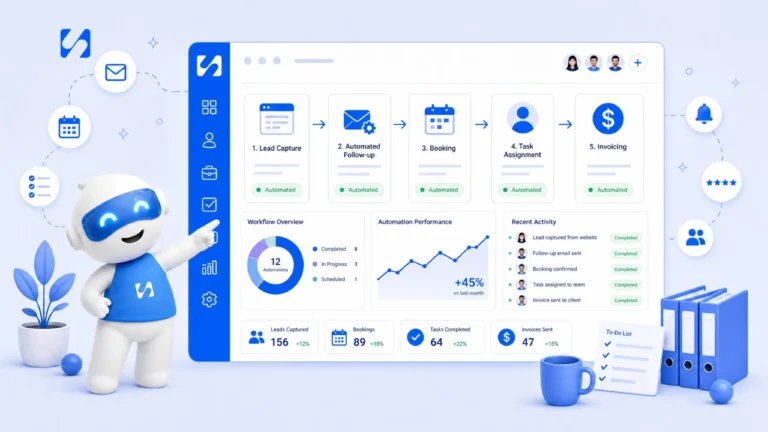
With Startbuddi, you get contact management, booking scheduling, client forms, payment collection, automated reminders, and a full CRM under one dashboard.
So instead of paying thirty dollars here and fifty dollars there across different tools, everything works together in one system at a fraction of the cost.
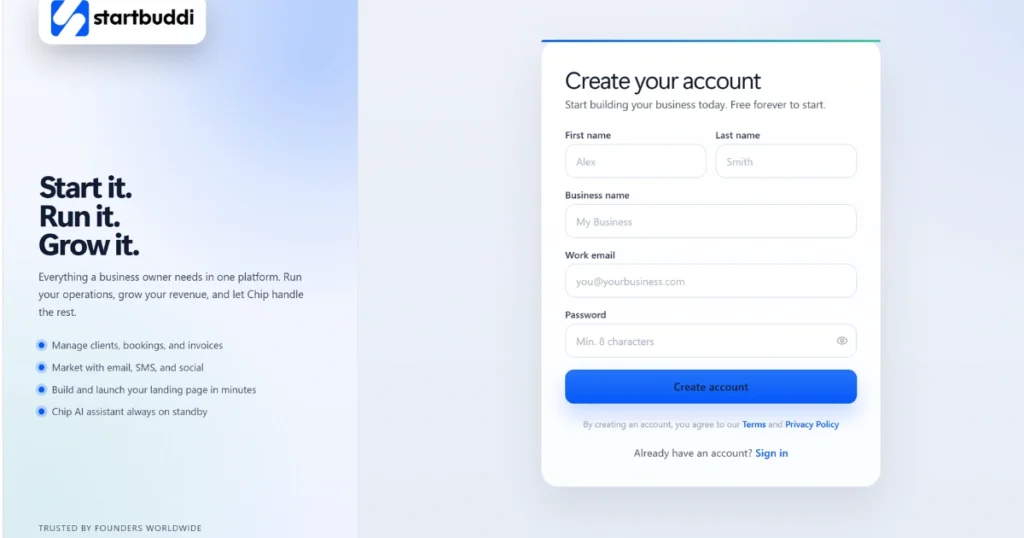
If you are looking for a simple CRM and lead management system that does not require a technical setup, this all-in-one approach is worth considering from day one.
How to Pick a CRM System That Actually Works for You
Here is a straightforward process to help you decide.
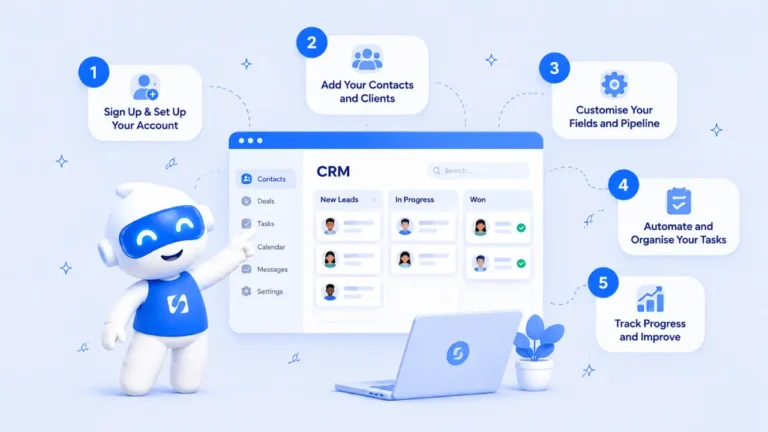
Start by listing every task you do to manage a customer from first contact to final delivery. Then identify your biggest pain point. Is it missed follow-ups? Disorganized contacts? No automation? Start with solving that.
Always test before you commit. Run a real workflow through the trial and see if it fits. Then add up what you currently spend across all your tools and compare it to what a unified system would cost. The math often surprises people.
One area founders consistently overlook is how to follow up with leads after the first contact. Most businesses lose deals not because the product was wrong but because the follow-up never happened. A CRM with built-in automation triggers those messages at the right time without you having to remember.
When your CRM and automation workflows are properly connected, you stop losing customers to silence and start closing more deals with less manual effort.
Finally, check the onboarding support. A CRM is only useful if it is set up correctly. Look for platforms that make setup simple and offer clear guidance.
Frequently Asked Questions
Run this from one workspace
Clients, projects, money and marketing — connected, not scattered across five apps.
See how it worksWhat is the best CRM for beginners?
The best CRM for beginners is one that is simple to set up without technical knowledge. HubSpot CRM works well for basic contact management. But if you also need bookings, forms, and automation together, startbuddi is easier to start with because everything is already connected and you do not need to integrate anything separately.
What is the fastest growing CRM?
HubSpot has been one of the fastest growing CRM platforms in recent years due to its free plan and ease of use. Unified platforms combining CRM with booking, payments, and automation are also growing fast among small businesses and startups who want simplicity over complexity.
What CRM is easiest to implement?
Pipedrive is known for quick setup in sales-focused teams. For service businesses that also need bookings, forms, and automations, startbuddi is one of the simplest to implement because everything works together from day one with no separate integrations to manage.
How do I choose a CRM for a small business?
Focus on three things: ease of use, features that match your daily workflow, and total monthly cost across all your tools. Start with what solves your biggest problem, whether that is lead tracking, customer data organization, or automated follow-ups, and build from there.
Conclusion
Understanding how to choose a CRM is one of the most important decisions you will make as a founder. The right system does not just store contacts. It runs your follow-ups, organizes your customer data, tracks your leads, and stops you from losing business to disorganized workflows.
When your contact management software, booking system, sales pipeline tracking, and automation workflows all live in one place, your business runs smoother and you get your time back.
That is what solid lead nurturing looks like in practice.
Put this into practice
Everything in this guide is built into startbuddi — free to start.
Start freeWritten by
Chinonye Umezinne
SEO Copywriter| Email growth Specialist| I help businesses increase revenue with strategic SEO content & high-converting email funnels.
Keep reading
Related playbooks
Stop reading. Start doing.
Free to start. No card needed. Your full workspace is ready in five minutes.