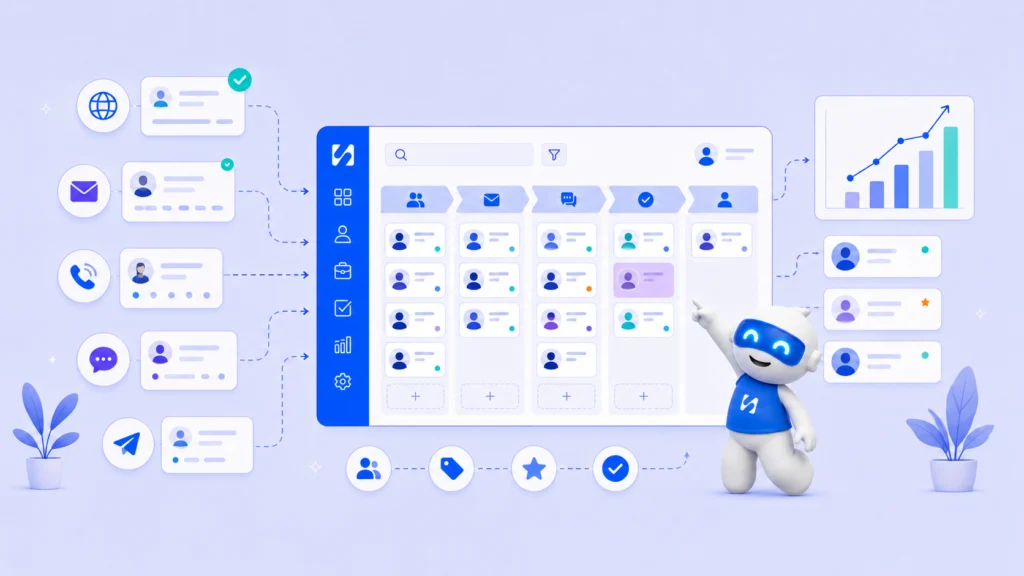
If you are still copying contact details from your website into a spreadsheet, this guide will show you a better way to manage leads from the moment they land.
- Why CRM Data Integration Should Be a Priority Right Now
- How to Integrate CRM With Website: Step by Step
- Tools Businesses Normally Use for CRM Integration With Website
- Frequently Asked Questions
- Conclusion
If you are running a service business, coaching practice or startup and still copying customer details from your website into a spreadsheet manually, this article is for you. Every time someone fills a form on your site, that contact should land automatically in your CRM, trigger a confirmation email and enter a follow-up sequence without you touching anything.
That is exactly what happens when you understand how to integrate CRM with website properly. This guide will walk you through why it matters, how to do it step by step, what tools businesses normally use and how to simplify all of it without juggling five different subscriptions.
Why CRM Data Integration Should Be a Priority Right Now
When your website and CRM are disconnected, you end up doing a lot of manual work. A lead fills a contact form. You get a notification email. You log into your CRM and create the contact by hand. Then a day passes. You forget to follow up. The lead goes cold.
CRM data integration removes that gap. When your website and CRM communicate in real time through API integration or webhooks, every new contact, form submission or booking gets recorded automatically. Your customer data pipeline stays clean, accurate and current.
How to Integrate CRM With Website: Step by Step
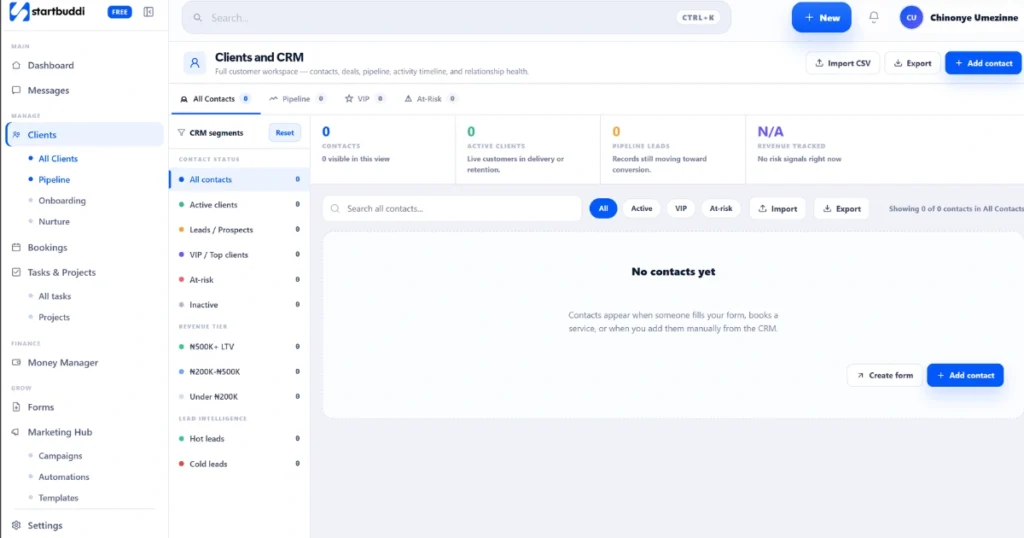
Before you connect anything, this would help you understand the four steps you need to get right for this to work smoothly.
Step 1: Choose a CRM That Supports Website Integration
Your first step is picking a CRM that makes website connection straightforward. The most widely used options are HubSpot CRM, Salesforce and Zoho CRM. All three support API integration, webhooks and native form embeds that allow data to flow between your site and your CRM automatically.
HubSpot CRM is known for being beginner friendly. You embed a HubSpot form directly on your website and every submission syncs to your CRM immediately. Salesforce is more powerful but typically needs more setup. Zoho CRM sits in the middle with solid built-in tools for smaller teams. If you are just starting out, pick a CRM that lets you connect your website without needing a developer.
Step 2: Set Up Lead Capture Forms With CRM Data Sync
Your website needs a form that connects directly to your CRM. This is the foundation of how to integrate CRM with website correctly. There are three common methods: embed a native form from your CRM onto your website, use a third-party form builder connected to your CRM through API integration, or use webhooks to push form submissions into your CRM in real time.
The goal is CRM data sync. When someone fills a contact form or books a service on your site, their details should appear inside your simple CRM lead management system within seconds, not hours.
Step 3: Use Marketing Automation Inside Your CRM to Handle Follow-Ups
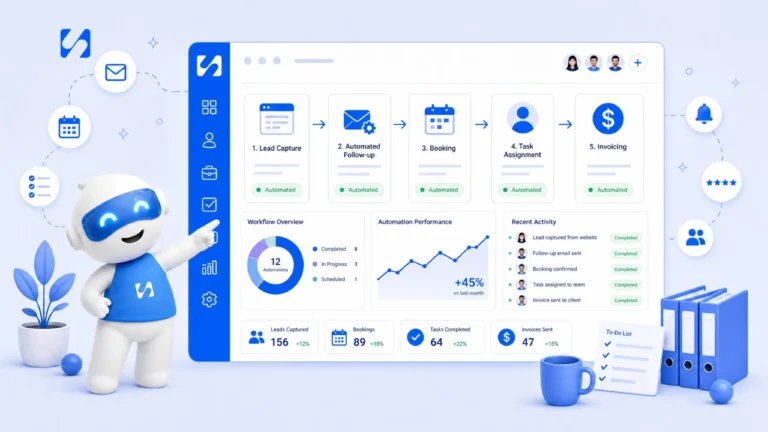
Once a contact enters your CRM from your website, you want an automation to take over immediately. This is what is marketing automation in CRM actually means in practice. A welcome email fires automatically. A task gets created for your team. A reminder is scheduled before the next call or appointment.
This is the difference between manually chasing every lead and having a system that follows up for you. Lead capture automation works when your forms, CRM and communication tools are all connected and your workflows are ready to run the moment a new contact comes in. If you want to go deeper on this, here is a practical guide on how to organize client communication so nothing falls through the cracks.
Step 4: Test the Full Flow Before Going Live
Submit a test form on your website. Confirm the contact appears in your CRM. Check that the automation fires. Make sure the confirmation email sends correctly. This step protects you from losing real leads the moment you launch.
Tools Businesses Normally Use for CRM Integration With Website
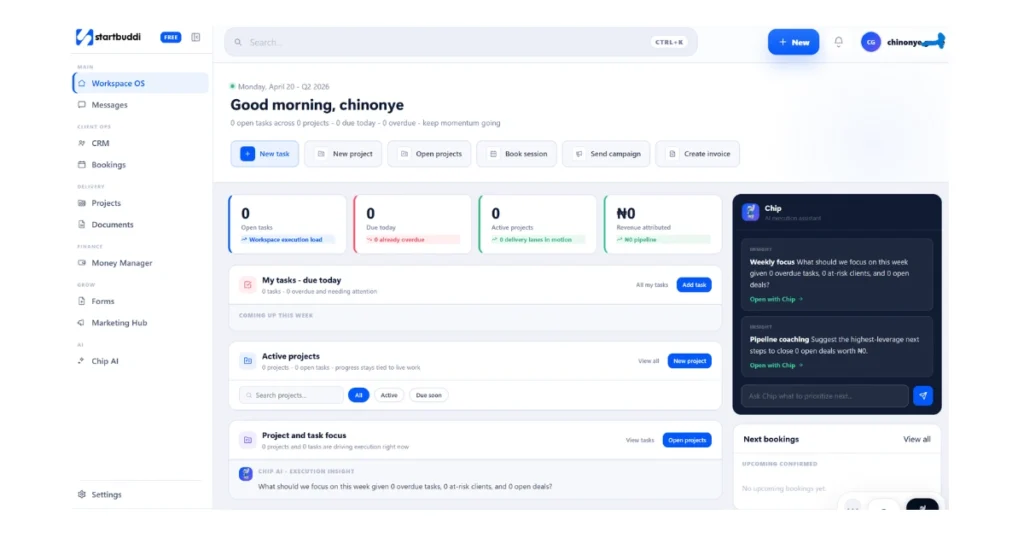
To handle all of this, most businesses end up managing several tools at the same time. A website or landing page builder. A CRM like HubSpot CRM, Salesforce or Zoho CRM. A form builder like Typeform or Gravity Forms. An email marketing tool like Mailchimp. An automation platform like Zapier to connect everything together.
That is five tools, five monthly costs and five places where customer data can fall out of sync. This is where the CRM vs marketing automation discussion often comes up for founders. Some businesses use a marketing automation tool without a proper CRM. Others have a CRM but no automation at all. In both situations, manual work creeps back in and leads get lost.
The smarter approach is having everything in one place. Instead of paying separately for a form builder, a CRM, an email platform and an automation tool, startbuddi brings all of this together in one system. You get forms, CRM, automated emails, booking management and a full customer data pipeline without needing to build API integration between tools or pay for a Zapier account to hold it all together. Where you would normally need five tools with five logins and five monthly bills, startbuddi has all of that available from one dashboard.
According to Salesforce’s State of the Connected Customer Report, 79% of customers expect consistent interactions across departments, yet 54% say it generally feels like sales, service and marketing do not share information. That disconnect is nearly impossible to fix when your tools are all operating separately.
Frequently Asked Questions
What is CRM integration?
CRM integration is the process of connecting your CRM system to other tools or platforms, like your website, so that customer data moves between them automatically without manual entry.
What is marketing automation in CRM?
Marketing automation in CRM means using automated workflows inside your CRM to send emails, assign tasks, schedule reminders or trigger follow-ups when a contact takes an action like filling a form or booking an appointment.
Run this from one workspace
Clients, projects, money and marketing — connected, not scattered across five apps.
See how it worksHow to integrate multiple CRM systems into one platform?
Most businesses use API integration or tools like Zapier to connect multiple CRMs. The more sustainable long-term approach is to consolidate into one platform that combines CRM, forms, bookings and communication so you are not managing multiple disconnected systems.
Can you integrate cash collection software with a CRM tool?
Yes. Many CRM platforms support connections with payment tools through APIs or built-in integrations. Some platforms include payment collection natively as part of the same system, which means you do not need a separate tool at all.
Conclusion
Learning how to integrate CRM with website is one of the most practical things you can do for your business right now. It stops leads from going cold, keeps your customer data accurate and removes the manual work that slows most small businesses down.
If you want expert help setting this up for your specific business, book a free consultation and we will walk through the right setup together.
Platforms like startbuddi make the whole process straightforward without needing a developer or a complicated tool stack. You can create a free account, choose the modules that match your needs and get started quickly. Paid plans start at less than $10 per month.
Put this into practice
Everything in this guide is built into startbuddi — free to start.
Start freeWritten by
Chinonye Umezinne
SEO Copywriter| Email growth Specialist| I help businesses increase revenue with strategic SEO content & high-converting email funnels.
Keep reading
Related playbooks
Stop reading. Start doing.
Free to start. No card needed. Your full workspace is ready in five minutes.